Best Mockup Software for Product Designers for 2026: Our 6 Vetted Picks
Compare 6 best mockup software for product designers, with prices, free plans and who each fits. Read the caveats before you buy. Skim the table first.
- Editor's choice
 Balsamiq
Quick, low-fidelity wireframing
Starts at$16 per editor per monthVisit balsamiq.comFull review - Great alternative
 ProtoPie
AI-driven advanced prototyping
Starts atSee websiteVisit protopie.ioFull review - Also consider
 Figma
Collaborative end-to-end design and prototyping
Starts at$3 a monthVisit figma.comFull review
Direct answer
This list puts Balsamiq first for quick, low-fidelity wireframing. Listed starting prices: Balsamiq from $16 per editor per month, Figma from $3 a month and Sketch from $12 per editor a month. If your case is different, ProtoPie suits AI-driven advanced prototyping and Figma suits collaborative end-to-end design and prototyping. The remaining 3 options are covered below with prices and limits.
TL;DR:
- Balsamiq sits first on this list: quick, low-fidelity wireframing.
- Neither Balsamiq nor Axure RP, nor any of the other 4 tools, has a permanent free plan; trials and quotes are the norm.
- Figma is the lowest-priced starter here at $3 per month.
- Axure RP is the one to check for complex interactive prototypes and specifications.
- Figma comes with a trade-off: needs internet connection for full functionality.
Last checked November 2026. Prices and plan details were read from the vendors' own pages in November 2026; vendors change plans often, so confirm the current price on the vendor site before you buy.
Quick comparison
| Tool | Best for | Starts at | Free plan? | |
|---|---|---|---|---|
| Balsamiq | Quick, low-fidelity wireframing | $16 per editor per month | Free trial | Visit |
| ProtoPie | AI-driven advanced prototyping | See website | Not stated | Visit |
| Figma | Collaborative end-to-end design and prototyping | $3 a month | Not stated | Visit |
 Sketch | Designer-focused native design and handoff | $12 per editor a month | Free trial | Visit |
 Adobe XD | Designers within the Adobe ecosystem | See website | Not stated | Visit |
 Axure RP | Complicated interactive prototypes and specifications | $29 per user a month | Not stated | Visit |
Mockup Software for Product Designers profiles
Choosing mockup software for product designers usually comes down to price, fit and limits. This LinkVetted guide sets 6 tools side by side on those three points, with the facts kept short and checkable.
Balsamiq is built with quick, low-fidelity wireframing in mind. Balsamiq excels in the early ideation phase. From a buyer's view, Balsamiq lacks the high-fidelity design and advanced prototyping capabilities of tools like Figma or Axure RP.
More specifically, if you need refined mockups or complicated interactions, consider those alternatives. Also, Balsamiq is a wireframing and prototyping tool built for speed and focus, helping product, tech, and business teams sketch, test, and refine UI rapidly. It is a strong match for product designers who require to iterate on layout and structure without getting bogged down in visual details. What you pay to start with Balsamiq: $16 per editor per month. As for free access: Free trial.
Where it falls short: Restricted high-fidelity design features.
- Encourages rapid iteration
- Low ramp-up time
- Not a strong match for in-depth visual design
ProtoPie is designed for AI-driven advanced prototyping. ProtoPie is an AI-driven prototyping system that uses AI to produce interactions, permits perfecting them, and supports clean spec handoff.
It is aimed at product designers who want to build sophisticated, interactive prototypes that feel like the final product, using AI to accelerate the process. No starting price is listed for ProtoPie here; confirm pricing on the vendor site. As for free access: Not stated.
Honest limits: May need learning for advanced features.
- AI-assisted interaction generation
- Realistic prototypes
- Concentrated on prototyping, not full design
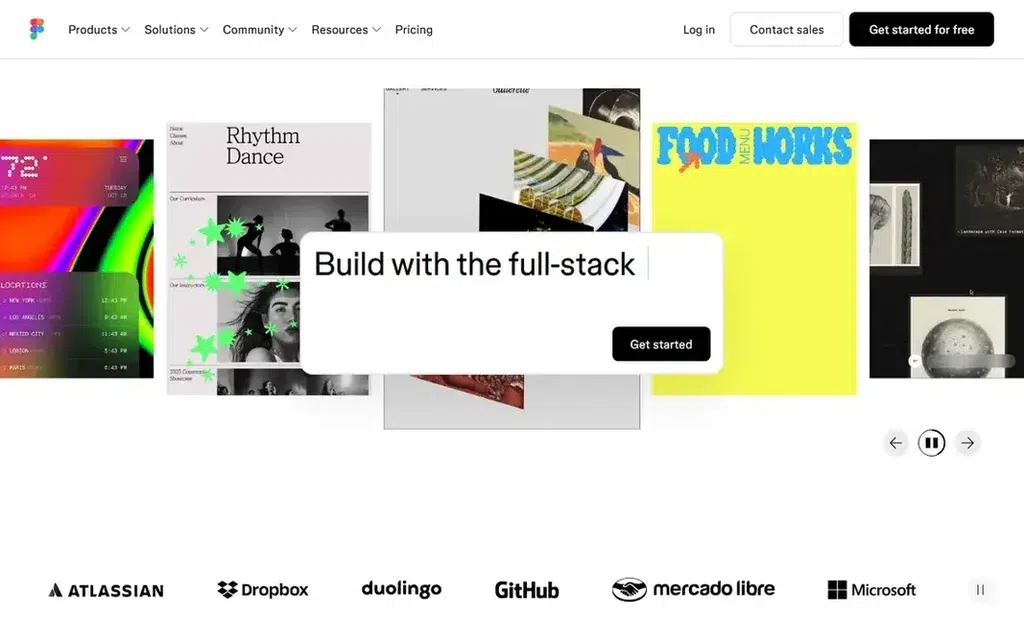
Figma was built for collaborative end-to-end design and prototyping. If you primarily need low-fidelity wireframes, a more straightforward tool like Balsamiq might be a better fit. In daily use, Figma is a collaborative canvas where design, code, and AI come together.
It supports the whole product design process, from initial ideas to shipped products, allowing teams to work in one place. Even so, Figma's deep feature set may be more than needed for fast wireframing, and it depends on a stable internet connection. Figma pricing: $3 per month. Trial and free access: Not stated.
Honest limits: Needs internet connection for full functionality.
- Integrates design, code, AI
- Supports concept to production workflow
- Can be overwhelming for straightforward wireframes
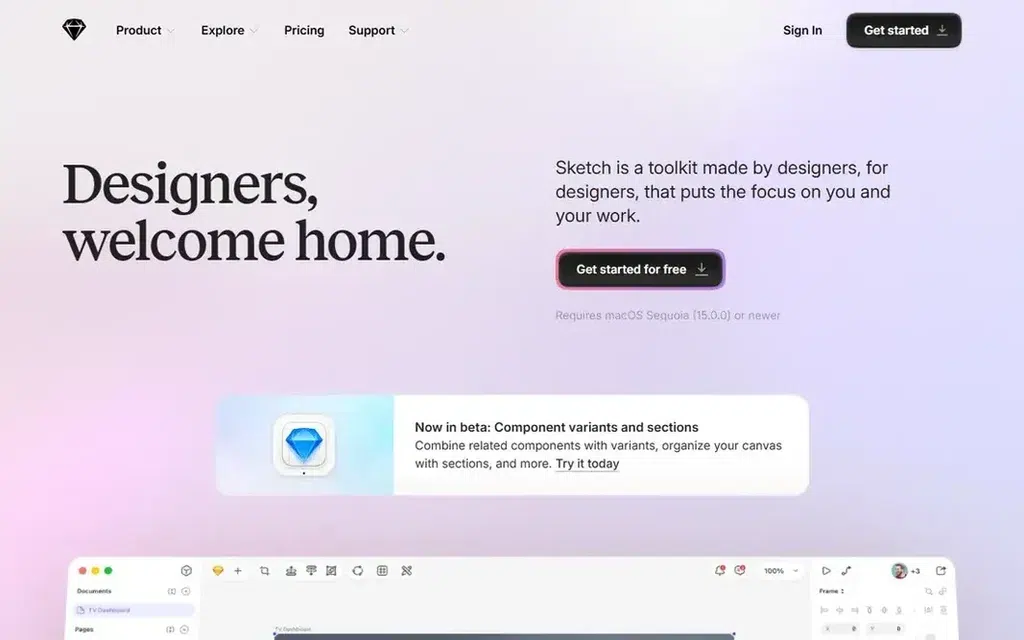
Think of Sketch for designer-focused native design and handoff. Sketch is available only on macOS, which can be a limitation for cross-platform teams.
Watch-outs: Restricted live collaboration compared with some web-based tools.
Also, its collaboration features may not be as smooth as completely web-based tools. What you pay to start with Sketch: $12 per editor per month. As for free access: Free trial.
- Made by designers for designers
- Bundles prototyping and collaboration
- Mac-only system
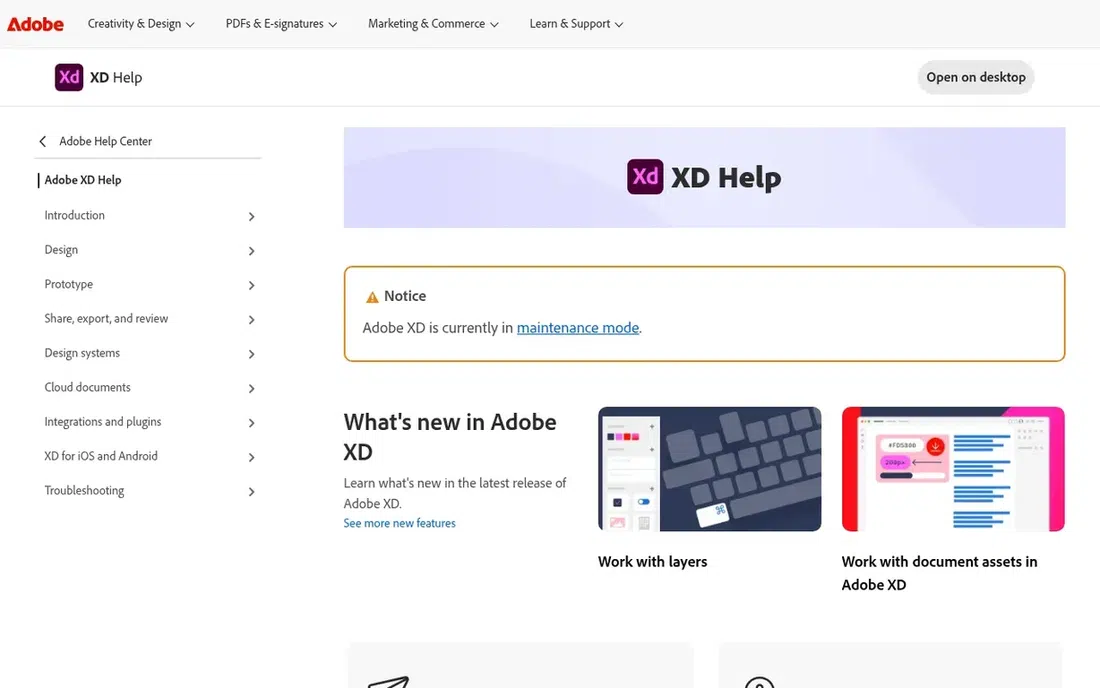
Where Adobe XD fits: designers within the Adobe ecosystem. Adobe XD is a design and prototyping tool from Adobe, widely known for its integration with Creative Cloud applications.
In daily use, if you need modern real-time collaboration, other tools may be more suitable. No starting price is listed for Adobe XD here; confirm pricing on the vendor site. Free options: Not stated.
Points against: Not as feature-rich for collaboration as some rivals.
- Supports vector design and prototyping
- Links up with other Adobe products
- Restricted updates in recent years
Axure RP works best for complicated interactive prototypes and specifications. Axure RP has a steeper ramp-up time and may be excessive for entry-level wireframing or fast mockups. Worth adding: choose Axure when high-fidelity, interactive prototypes are essential.
Axure RP is an all-in-one software design tool for creating prototypes, specifications, and diagrams. It is noted for supporting complicated interactions and conditional logic, making it right for product designers who require to prototype intricate user flows and document requirements in detail. The starting price for Axure RP: $29 per user per month. Trial and free access: Not stated.
Honest limits: Steeper ramp-up time.
- Produces in-depth specifications
- Contains diagramming capabilities
- Overkill for straightforward mockups
How we chose
A buyer's checklist
- Confirm the entry price on the vendor page. For ProtoPie and Adobe XD that means a quote rather than a fixed price.
- Run a trial of Balsamiq and Sketch with real work before paying for a year; your own workflow is the best test.
- Before choosing Balsamiq, weigh its main limit: limited high-fidelity design features.
- See whether ProtoPie offers onboarding or training, and whether it is included in the price.
- Confirm minimum seats and billing terms with Adobe XD before you commit to an annual plan.
FAQ
Can I try these tools before paying?
Often, yes. Balsamiq and Sketch offer a free trial. Use your own data and a real task during the test, and check what the free tier or trial limits before you rely on it.
Is Balsamiq the right pick for everyone comparing mockup software for product designers?
No single tool suits every team. Balsamiq comes first because it fits fast, low-fidelity wireframing, while ProtoPie suits AI-driven advanced prototyping and Figma suits collaborative end-to-end design and prototyping. Match the tool to your own size, budget and workflow before deciding.
What is the cheapest option for mockup software for product designers in this list?
On published monthly entry prices, Figma is the lowest here at $3 per month. Entry price is only part of the cost, because seats, add-ons and billing terms can change the total. Each of the 6 options in this Mockup software for product designers guide has its own card above with the price, free plan and limits.
Can I use these tools at no cost?
Numerous of these tools offer free versions or trials, but details vary. Check each vendor's website for current offerings.
How are the tools for mockup software for product designers ordered?
The order follows typical fit for mockup software for product designers, with Balsamiq first and Axure RP last, then price clarity and free access. It is editorial judgement, not a score, so another team could rank the tools differently.
Sources
- https://balsamiq.com
- https://www.protopie.io
- https://www.figma.com
- https://www.sketch.com
- https://www.adobe.com/products/xd.html
- https://www.axure.com