Choosing Web Animation Software in 2026: 6 Options Compared
Comparing the best web animation software? 6 contenders, each with entry cost, free tier and best-fit buyer. Pros and cons for every tool. Easy to scan.
- Editor's choice
 Figma
Collaborative design and prototyping
Starts at$3 per monthVisit figma.comFull review - Great alternative
 Canva
Fast and simple animated graphics
Starts atSee websiteVisit canva.comFull review - Also consider
 Vyond
Business video creation with AI
Starts at$58 a monthVisit vyond.comFull review
Direct answer
Figma is the first pick on this list for collaborative design and prototyping. Listed starting prices: Figma from $3 per month, Vyond from $58 a month and Rive from $9 per seat a month. For a different need, Canva covers fast and simple animated graphics and Vyond covers business video creation with AI. The remaining 3 options are covered below with prices and limits.
TL;DR:
- Number one here is Figma, a fit for collaborative design and prototyping.
- What to know about Vyond first: centred on business communication.
- For the cheapest start, look at Figma: $3 per month.
- Only Rive offers a free plan among these 6 tools.
Last checked November 2026. Prices and plan details were read from the vendors' own pages in November 2026; vendors change plans often, so confirm the current price on the vendor site before you buy.
Quick comparison
| Tool | Best for | Starts at | Free plan? | |
|---|---|---|---|---|
| Figma | Collaborative design and prototyping | $3 per month | Not stated | Visit |
| Canva | Fast and simple animated graphics | See website | Not stated | Visit |
| Vyond | Business video creation with AI | $58 a month | Free trial | Visit |
 Rive | Interactive UI and game animations | $9 per seat a month | Yes | Visit |
 Adobe After Effects | Professional motion graphics and visual effects | See website | Not stated | Visit |
 Adobe Animate | 2D animation and interactive content | See website | Not stated | Visit |
Tool-by-tool breakdown
Short on time? The summary and table above give the quick view of 6 tools for web animation software, and the profiles that follow give the detail behind each entry.
Pick Figma if this describes you: collaborative design and prototyping. Figma is a collaborative canvas where design, code, and AI come together. It supports the whole product design process, from concept to production, with your entire team in one place.
What to check first: Animation capabilities are entry-level.
In practice, Figma's animation features are restricted compared with dedicated tools, and advanced motion frequently needs plugins or export to other software. It is not a replacement for full animation suites. Starting cost for Figma: $3 per month. As for free access: Not stated.
- Live collaboration
- AI-powered features
- Needs plugins for advanced motion
Pick Canva if this describes you: fast and simple animated graphics. Canva is a free-to-use online graphic design tool for social media posts, presentations, posters, videos, logos, and more. It provides straightforward animation features that make it simple for non-designers to build engaging visuals.
Canva's animation tools are entry-level and lack the precision of professional software. It is not a strong match for custom motion graphics or interactive animations. More specifically, for more control, tools like After Effects or Animate are better choices. Canva does not show a starting price in this comparison, so check the vendor site for current pricing. Trial and free access: Not stated.
Limits to weigh: Restricted advanced animation controls.
- Approachable interface
- Templates for social media and presentations
- Less right for custom motion graphics
Pick Vyond if this describes you: business video creation with AI. Vyond is an AI video creation product for business, enabling users to build videos in any style immediately and easily. It is aimed at corporate training, marketing, and internal communications, making it right for teams without animation expertise.
Worth adding: Vyond is tailored for business use, so it supplies less creative freedom for custom animation projects. It may not satisfy professional animators seeking granular control. Entry price for Vyond: $58 per month. Free access: Free trial.
Limits to weigh: Concentrated on business communication.
- Simple to use for non-animators
- AI-powered video creation
- Less creative adaptability
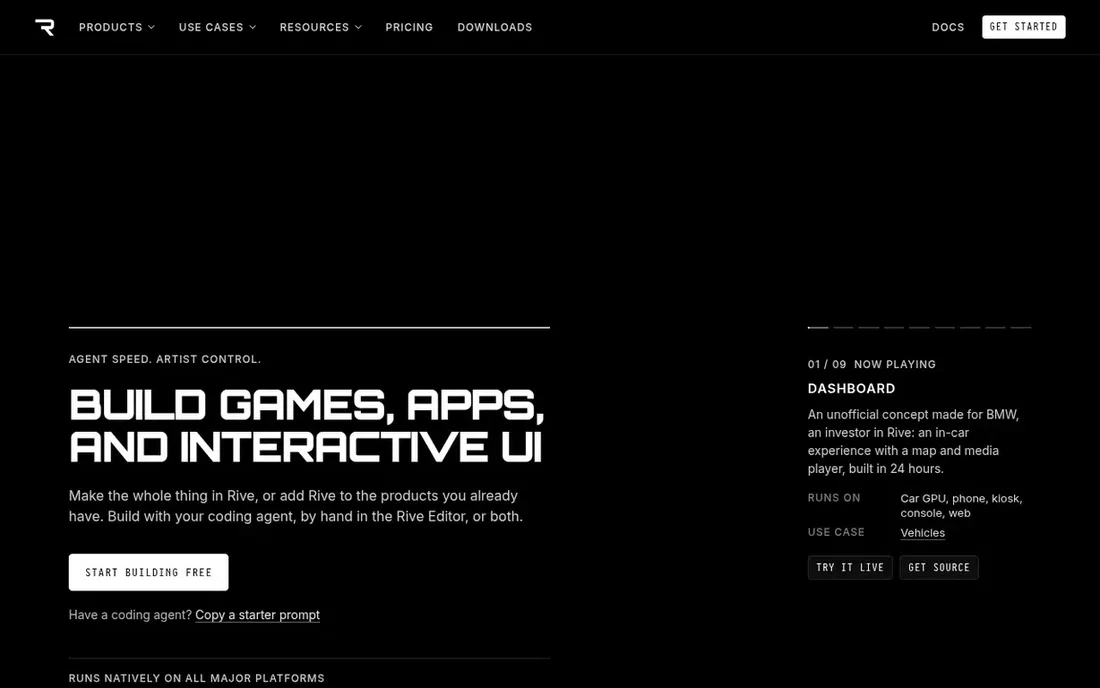
In short, Rive is for interactive UI and game animations. Rive is specialized for interactive content, so it may not be the best fit for linear video or motion graphics. It can also need some coding familiarity.
On top of that, Rive is a 2D and 3D engine for games, apps, and UI, with pro design and animation tools. It makes it possible for interactive animations that respond to user input, making it well suited to product interfaces and game development. What you pay to start with Rive: $9 per seat per month. You can start on Rive without paying.
Honest limits: May need coding knowledge.
- Live interactive animations
- Supports 2D and 3D
- Centred on interactive use cases
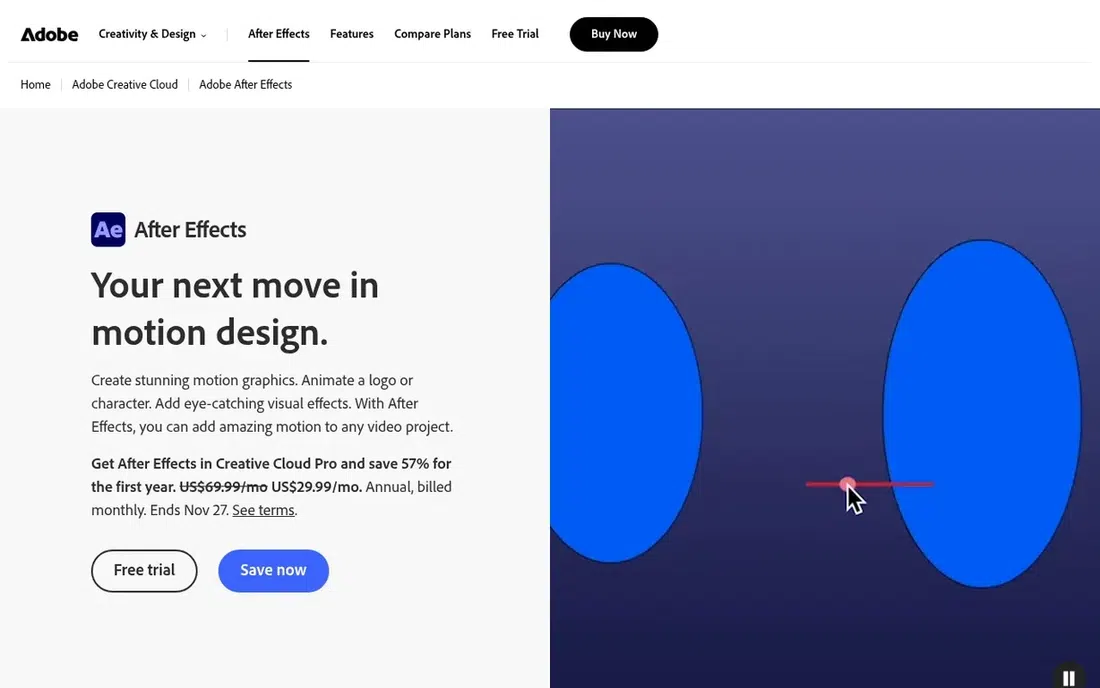
Adobe After Effects is a good fit for professional motion graphics and visual effects. Adobe After Effects is a motion graphics software for film, TV, video, and web. It lets you design and animate with precise control, making it right for professionals creating broadcast-quality animations, title sequences, and visual effects.
The main drawbacks: Resource-intensive.
That said, After Effects has a steep ramp-up time and demands significant system resources. It may be overkill for straightforward web animations or fast social media graphics. Adobe After Effects does not show a starting price in this comparison, so check the vendor site for current pricing. Trial and free access: Not stated.
- Industry-standard motion graphics
- Broad effects and compositing
- Steep ramp-up time
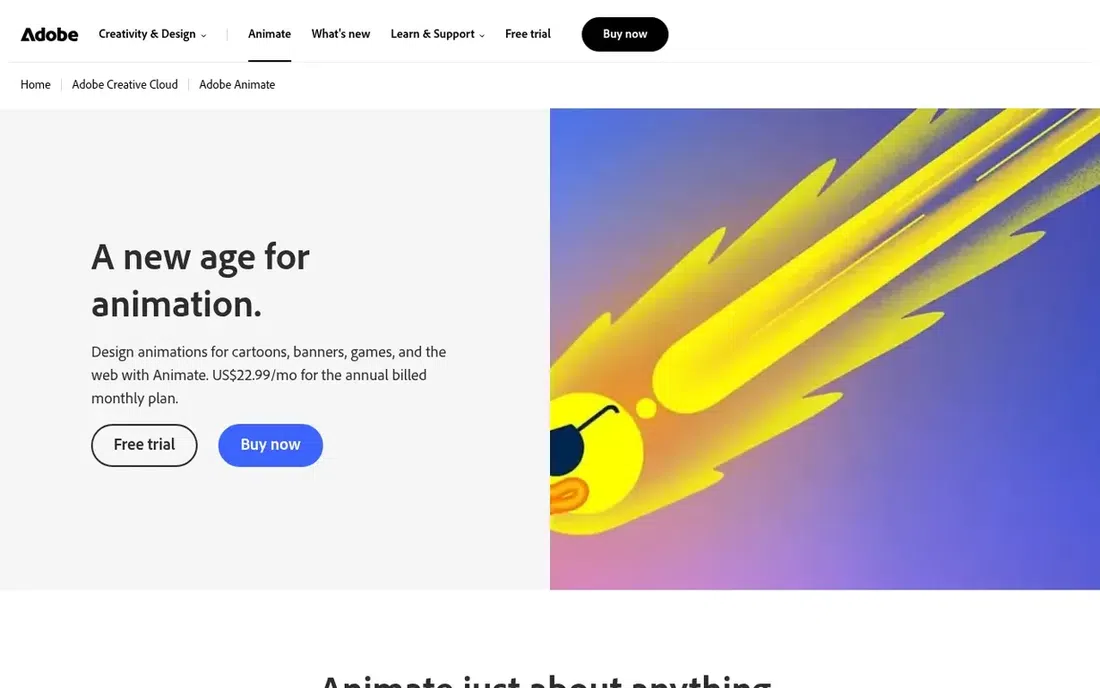
Adobe Animate was built for 2D animation and interactive content. Adobe Animate is 2D animation software for creating Flash animation films, GIFs, and cartoons. It comes with tools for puppet design and tweening, making it a good match for animators producing character-driven content and interactive web elements.
Points against: Interface can feel complicated.
The interface can be complicated for beginners. Whereas Animate is capable, its Flash heritage means some outputs are less relevant today. Adobe Animate does not show a starting price in this comparison, so check the vendor site for current pricing. On free options: Not stated.
- Supports Flash and GIF output
- Tools for puppet design and tweening
- Flash output is outdated
Selection criteria
Selection started from tools commonly considered for web animation software, then narrowed to 6 that have clear pricing information or a clear quote process. Where a vendor does not publish a price, the entry says quote. Where a price depends on seats or billing term, the entry says so. The sequence is a judgement call: typical use case first, then pricing transparency, then free access. Use the profiles to check fit.
A buyer's checklist
- Ask Canva, Adobe After Effects and Adobe Animate for a written quote, since no starting price is shown.
- Look at the free plan from Rive closely: its caps decide whether it is usable for real work.
- Take the trial from Vyond and push a live task through it before you pay.
- Read the limits listed for Figma first: animation capabilities are entry-level.
- Pick one real project and run it in Rive first; a small pilot shows fit faster than a checklist.
- Check how data leaves Adobe After Effects: formats, limits and whether exports are available on every plan.
FAQ
What is the cheapest option for web animation software in this list?
On published monthly entry prices, Figma is the lowest here at $3 per month. Entry price is only part of the cost, because seats, add-ons and billing terms can change the total. Each of the 6 options in this web Animation software guide has its own card above with the price, free plan and limits.
Can I try these options before paying?
Often, yes. Rive has a free plan and Vyond offers a free trial. Use your own data and a real task during the test, and check what the free tier or trial limits before you rely on it.
Which tool is a good match for exporting animations to web and apps?
Figma comes first here and is built for collaborative design and prototyping. Buyers with other needs may prefer Canva (for quick and simple animated graphics) or Vyond (for business video creation with AI). Compare costs and limits first.
What is the best web animation software for beginners?
Figma comes first here and is built for collaborative design and prototyping. Buyers with other needs may prefer Canva (for fast and simple animated graphics) or Vyond (for business video creation with AI). Compare costs and limits first.
Which options for web animation software have a free plan?
Rive is the only tool in this list with a free plan. Free plans usually cap users, projects or features, so check the limits on the vendor page. One other tool offers a trial instead.
Do these tools publish their prices?
Not all of them. Canva, Adobe After Effects and Adobe Animate publish no starting price, so expect a quote request for those. The rest, Figma included, show a starting price, though seats and billing terms still change the final cost.
Sources
- https://www.figma.com
- https://www.canva.com
- https://www.vyond.com
- https://rive.app
- https://www.adobe.com/products/aftereffects.html
- https://www.adobe.com/products/animate.html