5 Best SVG Animation Software for Web Designers for 2026, Vetted and Compared
Best SVG animation software for web designers, compared. 5 tools with published prices, free plans and limits. Verdicts stay brief and factual. Pick by budget.
- Editor's choice
 Adobe Animate
2D animation, cartoons, and GIFs
Starts atSee websiteVisit adobe.comFull review - Great alternative
 LottieFiles
Creating and shipping Lottie animations
Starts at$19.99 per user per monthVisit lottiefiles.comFull review - Also consider
 Adobe After Effects
Refined motion graphics and compositing
Starts atSee websiteVisit adobe.comFull review
Direct answer
Our first pick is Adobe Animate, best for 2D animation, cartoons, and GIFs. Listed starting prices: LottieFiles from $19.99 per user per month, SVGator from $20 a month and Rive from $9 per seat a month. If your case is different, LottieFiles suits creating and shipping Lottie animations and Adobe After Effects suits refined motion graphics and compositing. Details, prices and limits for the rest of the 5 tools are below.
TL;DR:
- The list opens with Adobe Animate, aimed at 2D animation, cartoons, and GIFs.
- Rive is the lowest-priced starter here at $9 per seat per month.
- 2 of 5 tools offer a free plan: SVGator, Rive.
- For interactive 2D and 3D UI animation, Rive is worth a look.
Last checked November 2026. Prices and plan details were read from the vendors' own pages in November 2026; vendors change plans often, so confirm the current price on the vendor site before you buy.
Quick comparison
| Tool | Best for | Starts at | Free plan? | |
|---|---|---|---|---|
| Adobe Animate | 2D animation, cartoons, and GIFs | See website | Not stated | Visit |
| LottieFiles | Creating and shipping Lottie animations | $19.99 per user per month | Not stated | Visit |
| Adobe After Effects | Refined motion graphics and compositing | See website | Not stated | Visit |
| SVGator | Direct SVG animation for websites | $20 a month | Yes | Visit |
 Rive | Interactive 2D and 3D UI animation | $9 per seat a month | Yes | Visit |
SVG Animation Software for Web Designers profiles
Short on time? The summary and table above give the quick view of 5 SVG animation software for web designers, and the profiles that follow give the detail behind each entry.
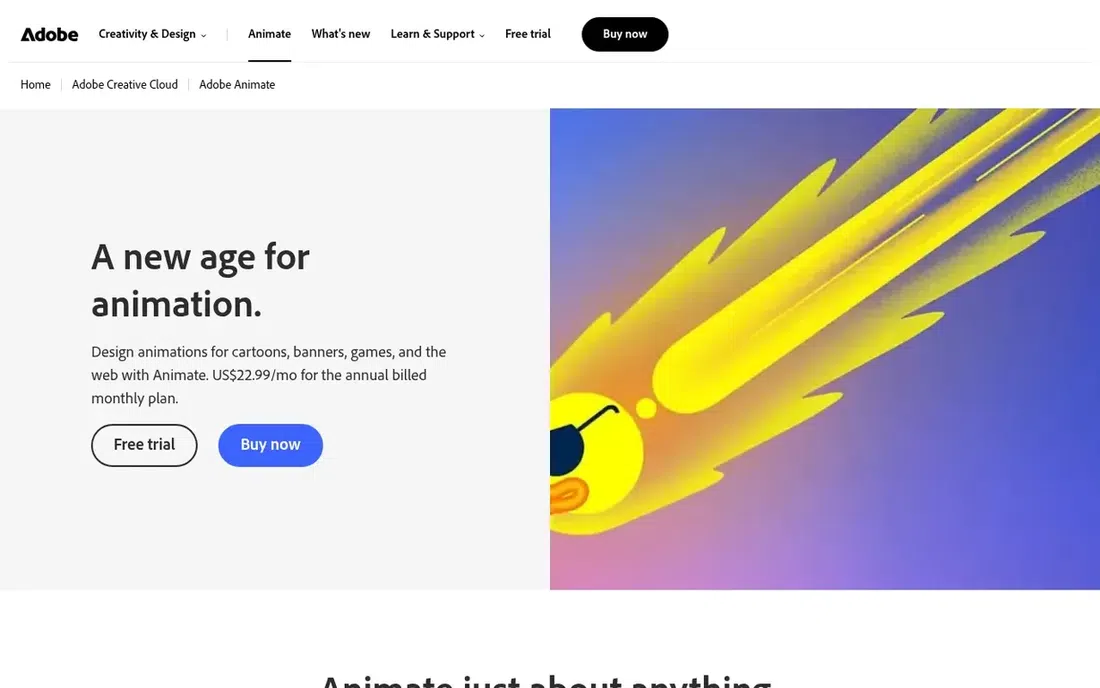
Adobe Animate works best for 2D animation, cartoons, and GIFs. Adobe Animate is 2D animation software built for Flash animation films, GIFs, and cartoons, with tools for puppet design and tweening. Those coming from traditional animation or interactive cartoon work will recognize the approach.
As for the details, Animate is not a dedicated SVG animation editor, so designers wanting clean, compact SVG output may need additional work. Choose a different tool when the goal is small, scalable web graphics instead of rich 2D scenes and cartoons. Adobe Animate does not show a starting price in this comparison, so check the vendor site for current pricing. Free plan details: Not stated.
Limits to weigh: Overhead for straightforward web motion.
- Outputs Flash animation, GIFs, cartoons
- Tools for puppet design and tweening
- Not centered on SVG-first workflows
LottieFiles is a good fit for creating and shipping Lottie animations. LottieFiles centers on light motion graphics for the web, app, social, and design work, with tools to create, edit, test, collaborate, and ship Lottie animations. More specifically, the system is oriented around the Lottie format, so projects needing heavy interactivity or 3D may need another tool.
Downsides: Lottie format focus.
Main advantages: collaborate in one place; Produce, edit, test.
More specifically, designers handing motion to developers will appreciate the emphasis on testing and collaboration. From a buyer's view, pick an interactive engine instead when animation relies on runtime state instead of playback. LottieFiles pricing: $19.99 per user per month. Trial and free access: Not stated.
- Ready-to-use motion graphics available
- Light motion for web and apps
- Less suited to full interactive engines
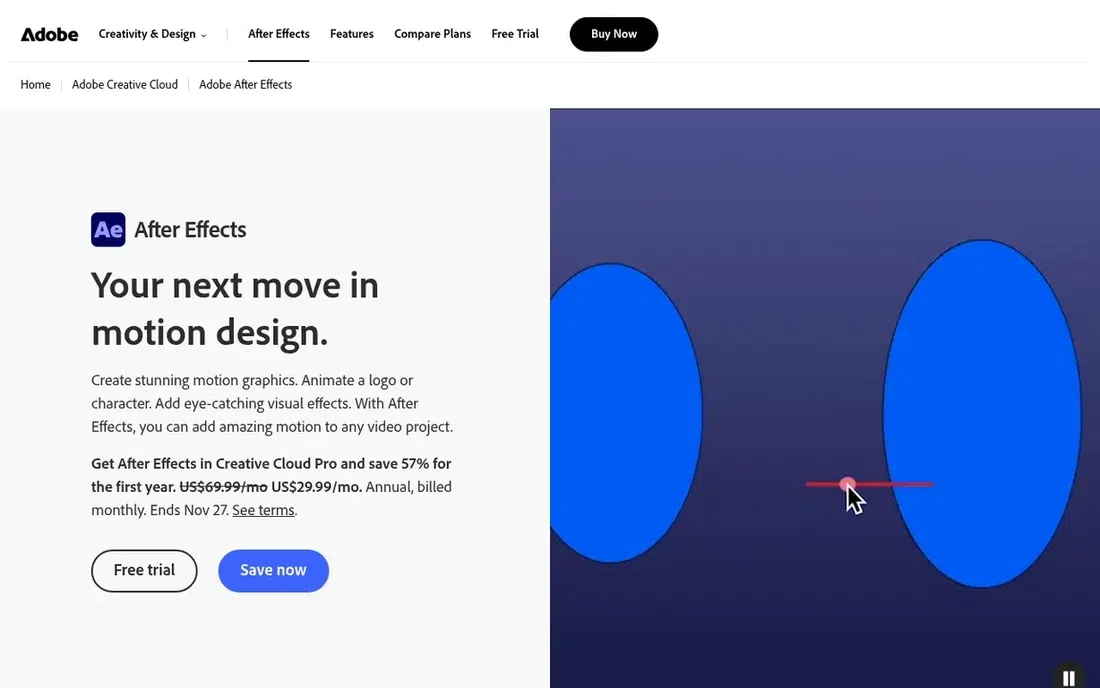
Pick Adobe After Effects if this describes you: refined motion graphics and compositing. After Effects is Adobe's motion graphics software, positioned for taking an idea and making it move across film, TV, video, and web.
Where it is weaker: Needs export steps for web use.
Pick something else when you want to animate SVG paths straight in the browser or need a light handoff to developers. Check the vendor site for Adobe After Effects pricing; none is listed in this comparison. Free plan details: Not stated.
- Widely used across motion workflows
- Deals with design for film, TV, video, web
- Heavy for straightforward SVG output
SVGator
Best for: Direct SVG animation for websites
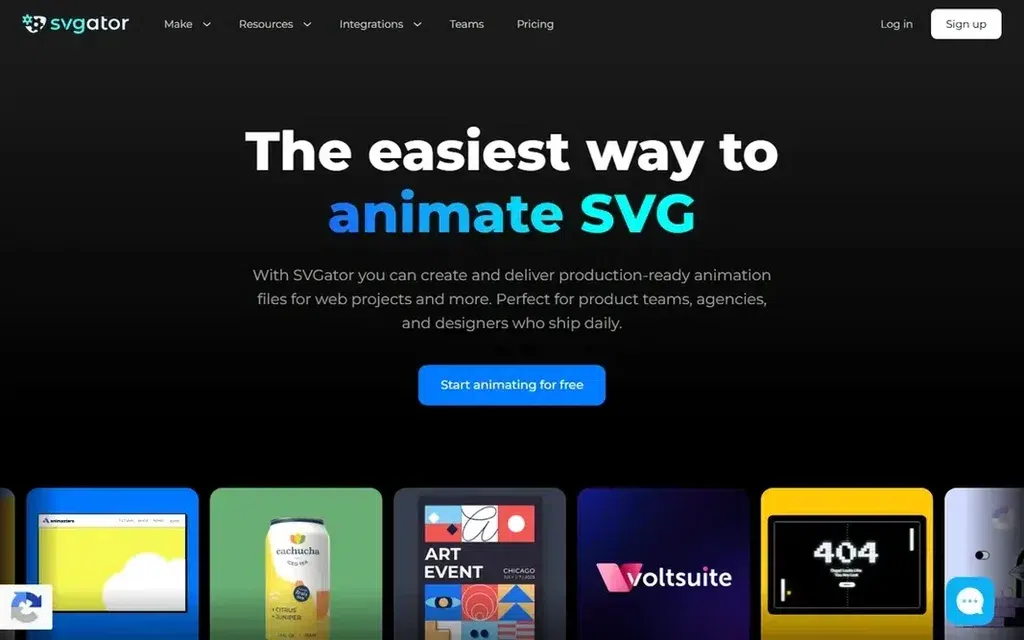
SVGator targets direct SVG animation for websites. The focus on SVG makes it a natural starting point when the deliverable is a single animated graphic instead of a full interactive scene.
Starting cost for SVGator: $20 per month. Free access exists with SVGator.
Limits to weigh: Focused scope beyond SVG.
- Browser-based maker
- Designed for SVG animation
- Complicated interactive logic needs other tools
Rive is aimed squarely at interactive 2D and 3D UI animation. Rive goes well beyond straightforward SVG animation, which can mean a steeper ramp-up time for entry-level needs.
Reasons to shortlist it: Supports state-driven interactivity.
Drawbacks to consider: Steeper ramp-up time. In daily use, teams working on app UI or game-like experiences will find the interactive focus handy. Rive describes itself as an agent-native 2D and 3D engine for games, apps, and UI, pairing pro design and animation tools with coding agents. The starting price for Rive: $9 per seat per month. Rive offers a free plan.
- Targets games, apps
- Interactive UI
- More than straightforward SVG playback needs
Selection criteria
Pre-purchase checklist
- Get a written quote from Adobe Animate and Adobe After Effects; the list shows no starting price for them.
- Check what the free option really includes: SVGator and Rive offer a free plan, and usage caps differ.
- Before choosing Adobe Animate, weigh its main limit: not centered on SVG-first workflows.
- Verify that exporting from SVGator is possible on your plan and covers all your records.
- Map your must-have features to a specific Rive plan before you compare prices.
FAQ
Is Adobe Animate the right pick for everyone comparing SVG animation software for web designers?
No single tool suits every team. Adobe Animate comes first because it fits 2D animation, cartoons, and GIFs, while LottieFiles suits creating and shipping Lottie animations and Adobe After Effects suits polished motion graphics and compositing. Match the tool to your own size, budget and workflow before deciding.
What is the difference between SVG animation and Lottie animation?
SVG animation edits vector graphics straight and outputs scalable web graphics. Lottie uses a JSON-based format for light motion that plays across web and apps.
Which options for SVG animation software for web designers have a free plan?
On this list, SVGator and Rive include a free plan. Caps on seats, usage or features are common, so test the free plan against your real workload.
Can I try these tools before paying?
Often, yes. SVGator and Rive have a free plan. Use your own data and a real task during the test, and check what the free tier or trial limits before you rely on it.
Do these tools publish their prices?
Not all of them. Adobe Animate and Adobe After Effects publish no starting price, so expect a quote request for those. The rest, LottieFiles included, show a starting price, though seats and billing terms still change the final cost.
Sources
- https://www.adobe.com/products/animate.html
- https://lottiefiles.com
- https://www.adobe.com/products/aftereffects.html
- https://www.svgator.com
- https://rive.app