Choosing Video Editing Software for YouTubers in 2026: 5 Options Compared
Best video editing software for YouTubers in 2026: 5 tools with starting prices, free plans and limits. Details on cost, catches and fit. Updated for 2026.
- Editor's choice
 Final Cut Pro
Mac and iPad creators
Starts atPricing on requestVisit apple.comFull review - Great alternative
 CapCut
Quick social-first YouTube edits
Starts atPricing on requestVisit capcut.comFull review - Also consider
 VEGAS Pro
Windows editors wanting AI tools
Starts atPricing on requestVisit vegascreativesoftware.comFull review
Direct answer
If you need Mac and iPad creators, Final Cut Pro is the first tool to look at here. CapCut fits quick social-first YouTube edits; VEGAS Pro fits Windows editors wanting AI tools. Details and limits for the rest of the 5 tools are below. None of these vendors publish plan prices, so pricing is on request for every option.
TL;DR:
- The list opens with Final Cut Pro, aimed at Mac and iPad creators.
- CapCut is the only tool of the 5 with a free plan.
- Filmora suits approachable AI-assisted editing.
- Every tool from Final Cut Pro to Filmora works by quote, with no list price shown.
- Check the limits for CapCut before you commit: less suited to complicated long-form projects.
Last checked November 2026. Pricing on request: vendors did not publish plan prices when this guide was last checked (November 2026), so ask each vendor for a written quote.
Quick comparison
| Tool | Best for | Starts at | Free plan? | |
|---|---|---|---|---|
| Final Cut Pro | Mac and iPad creators | Pricing on request | Not stated | Visit |
| CapCut | Quick social-first YouTube edits | Pricing on request | Yes | Visit |
| VEGAS Pro | Windows editors wanting AI tools | Pricing on request | Not stated | Visit |
 Adobe Premiere Pro | Full professional editing and postproduction | Pricing on request | Not stated | Visit |
 Filmora | Approachable AI-assisted editing | Pricing on request | Not stated | Visit |
Video Editing Software for YouTubers, one by one
This LinkVetted guide covers 5 video editing software for YouTubers. Each profile lists a starting price, free plan details, strengths and drawbacks, so you can drop poor fits quickly.
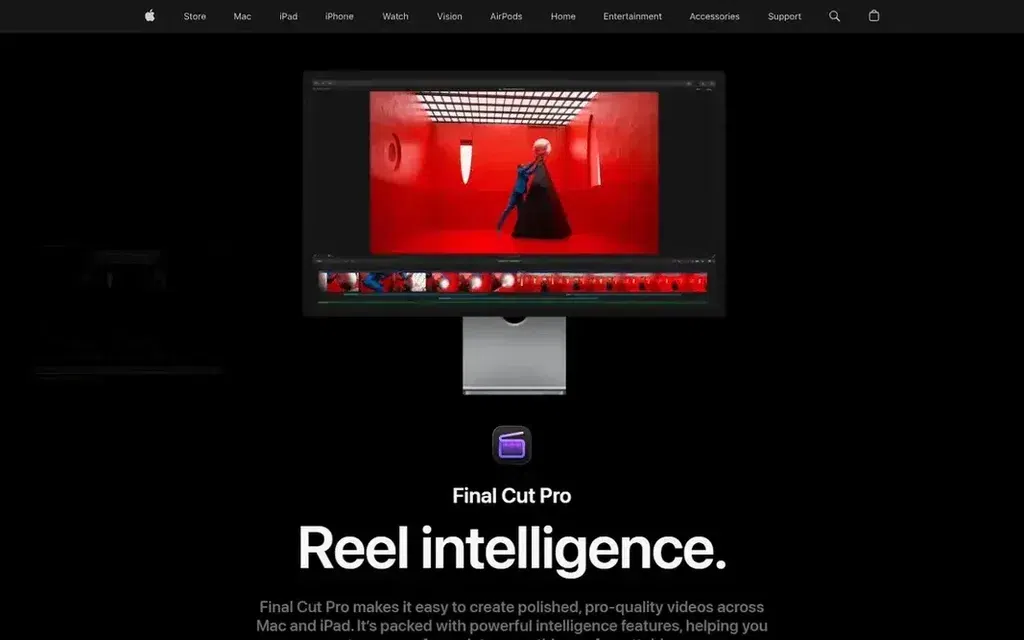
For Mac and iPad creators, Final Cut Pro is a natural candidate. It is tied to Apple hardware, so Windows and Linux users need another choice.
Drawbacks to consider: Apple hardware only.
The magnetic timeline also feels unfamiliar to editors raised on track-based tools. No starting price is listed for Final Cut Pro here; confirm pricing on the vendor site. Free access: Not stated.
- Pro editing on Mac and iPad
- Made for quick pro-quality creation
- Different workflow from track-based editors
In short, CapCut is for fast social-first YouTube edits. CapCut is an AI video editor pitched at YouTube and Instagram content, offering smart templates, creative effects and editing across desktop, mobile and the browser.
Shorts, vlogs and trend-driven videos are its natural territory. Check the vendor site for CapCut pricing; none is listed in this comparison. You can start on CapCut without paying.
Where it falls short: Template-driven look can feel generic.
- AI-powered editing tools
- Smart templates and creative effects
- Less suited to complicated long-form projects
In short, VEGAS Pro is for Windows editors wanting AI tools. VEGAS Pro from Boris FX is professional video editing software for Windows, with AI tools, color grading, visual effects and audio editing. It runs only on Windows, so Mac and Linux creators need alternatives.
What to check first: Interface differs from typical editors.
What works well: Audio editing strengths. Its interface and workflow differ from the most typical editors, which means a learning period. On top of that, choose VEGAS Pro when you are committed to Windows and want capable audio and AI-assisted editing in one professional package. VEGAS Pro does not show a starting price in this comparison, so check the vendor site for current pricing. Free access: Not stated.
- Professional editing on Windows
- Color grading and VFX
- Windows only
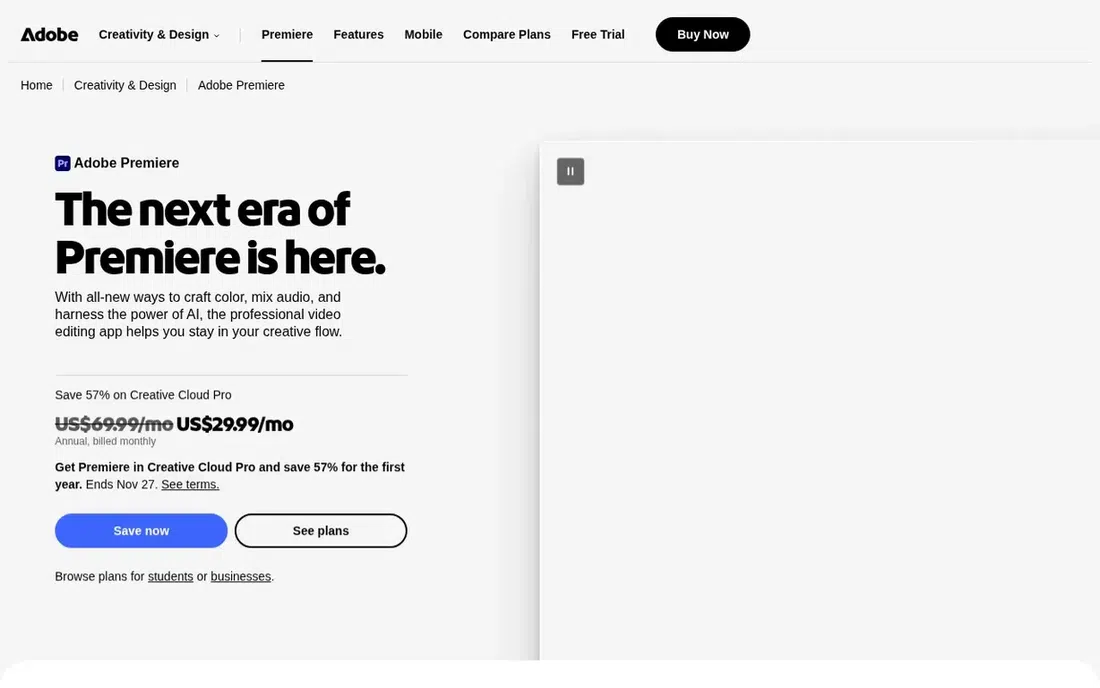
Adobe Premiere Pro is designed for full professional editing and postproduction. Premiere Pro is Adobe's professional video editing and postproduction software. It handles editing and trimming, effects, audio mixing and timeline work in one application, which makes it a fit for YouTubers who want a single tool from rough cut to finished upload.
Creators who largely trim footage and add captions may prefer a lighter editor. From a buyer's view, choose Premiere Pro when you need a broad professional toolkit and plan to invest time learning it. As for the details, creators producing regular long-form content with graphics and layered audio will find the workflow familiar and deep enough to grow into. In daily use, the depth includes a ramp-up time, and the interface can feel heavy for straightforward vlogs or short clips. No starting price is listed for Adobe Premiere Pro here; confirm pricing on the vendor site. Free access: Not stated.
Honest limits: More complicated for beginners.
- Editing, trimming
- Widely used in video production
- Subscription-based access
Filmora is built with approachable AI-assisted editing in mind. Choose Filmora when simplicity and AI assistance matter more than granular control.
Drawbacks to consider: Fewer deep pro controls than studio tools.
In practice, Filmora from Wondershare is AI-powered editing software for desktop and mobile, with easy-to-learn timeline tools plus AI features, effects, captions and audio tools. It provides fewer of the deep color and audio controls that finishing-focused editors offer, and the effects catalog can distract from clean storytelling. Check the vendor site for Filmora pricing; none is listed in this comparison. Free plan details: Not stated.
- Easy-to-learn timeline tools
- AI features for captions and audio
- Effects library can feel busy
How the list was put together
Pre-purchase checklist
- Request quotes from Final Cut Pro, Filmora and the others; the list shows no fixed prices.
- Look at the free plan from CapCut closely: its caps decide whether it is usable for real work.
- Read the limits listed for Final Cut Pro first: Apple hardware only.
- Confirm you can export your data from Adobe Premiere Pro, so leaving later does not mean losing records.
- Add up seats, add-ons and usage charges for Final Cut Pro before comparing it with cheaper entries.
FAQ
Is Final Cut Pro the right pick for everyone comparing video editing software for YouTubers?
No single tool suits every team. Final Cut Pro comes first because it fits Mac and iPad creators, while CapCut suits fast social-first YouTube edits and VEGAS Pro suits Windows editors wanting AI tools. Match the tool to your own size, budget and workflow before deciding.
How are the video editing software for YouTubers ordered?
The order follows typical fit for video editing software for YouTubers, with Final Cut Pro first and Filmora last, then price clarity and free access. It is editorial judgement, not a score, so another team could rank the tools differently.
Can I try these tools before paying?
Often, yes. CapCut has a free plan. Use your own data and a real task during the test, and check what the free tier or trial limits before you rely on it. Each of the 5 options in this video editing software for YouTubers guide has its own card above with the price, free plan and limits.
Which editor is best for beginners starting a YouTube channel?
This list starts with Final Cut Pro, which fits Mac and iPad creators. For other needs, CapCut is aimed at quick social-first YouTube edits, and VEGAS Pro at Windows editors wanting AI tools. Check each tool's price and main limit first.
Do these tools publish their prices?
No. None of the tools, from Final Cut Pro to Filmora, shows a fixed starting price here, so budget time for quotes. All 5 picks in this video editing software for YouTubers comparison list a starting price, free plan details and the main limits on their cards above.
Sources
- https://www.apple.com/final-cut-pro
- https://www.capcut.com
- https://www.vegascreativesoftware.com/us/vegas-pro
- https://www.adobe.com/products/premiere.html
- https://filmora.wondershare.com