Choosing Software for Vlog Editing in 2026: 5 Options Compared
5 products for the best software for vlog editing, ranked by fit, with starting costs and free tiers. Strengths and weak spots are spelled out. Choose faster.
- Editor's choice
 Filmora
Approachable AI-assisted editing
Starts atPricing on requestVisit filmora.wondershare.comFull review - Great alternative
 CapCut
Quick social-first vlog edits
Starts atPricing on requestVisit capcut.comFull review - Also consider
 Adobe Premiere Pro
Professional timeline editing for vlogs
Starts atPricing on requestVisit adobe.comFull review
Direct answer
Filmora comes first here, mainly for approachable AI-assisted editing. If your case is different, CapCut suits quick social-first vlog edits and Adobe Premiere Pro suits professional timeline editing for vlogs. The remaining 2 options are covered below with pricing notes and limits. None of these vendors publish plan prices, so pricing is on request for every option.
TL;DR:
- Number one here is Filmora, a fit for approachable AI-assisted editing.
- CapCut stands alone as the one tool in this list with a free plan.
- Every tool from Filmora to Final Cut Pro works by quote, with no list price shown.
- What to know about Filmora first: advanced workflows may feel constrained.
Last checked November 2026. Pricing on request: vendors did not publish plan prices when this guide was last checked (November 2026), so ask each vendor for a written quote.
Quick comparison
| Tool | Best for | Starts at | Free plan? | |
|---|---|---|---|---|
| Filmora | Approachable AI-assisted editing | Pricing on request | Not stated | Visit |
| CapCut | Quick social-first vlog edits | Pricing on request | Yes | Visit |
| Adobe Premiere Pro | Professional timeline editing for vlogs | Pricing on request | Not stated | Visit |
 DaVinci Resolve | All-in-one editing, color and audio | Pricing on request | Not stated | Visit |
 Final Cut Pro | Mac and iPad vlog editing | Pricing on request | Not stated | Visit |
The full software for vlog editing list
If you are comparing software for vlog editing, this page covers 5 tools in one place: what each is best for, what it costs to start, whether it has a free plan, and the main limit to know about.
Filmora is designed for approachable AI-assisted editing. Filmora from Wondershare is AI-powered video editing software for desktop and mobile, with easy-to-learn timeline tools plus AI features, effects, captions and audio.
Watch-outs: Advanced workflows may feel constrained.
For everyday use, editors pushing complicated multi-layer projects may find the workflow less adaptable than Premiere Pro or Resolve. More specifically, mobile and desktop experiences also differ. Filmora shows no starting price here, so confirm the cost on the vendor site. Free access: Not stated.
- Easy-to-learn timeline tools
- AI features
- Feature set varies between desktop and mobile
Think of CapCut for quick social-first vlog edits. Pick CapCut when speed and platform-native output matter more than deep timeline control.
What to check first: Less depth for complicated postproduction.
It shines on quick turnarounds and vertical or social cuts. CapCut does not show a starting price in this comparison, so check the vendor site for current pricing. A free plan is available with CapCut.
- AI-powered editing tools
- Smart templates and creative effects
- Most useful for short social formats
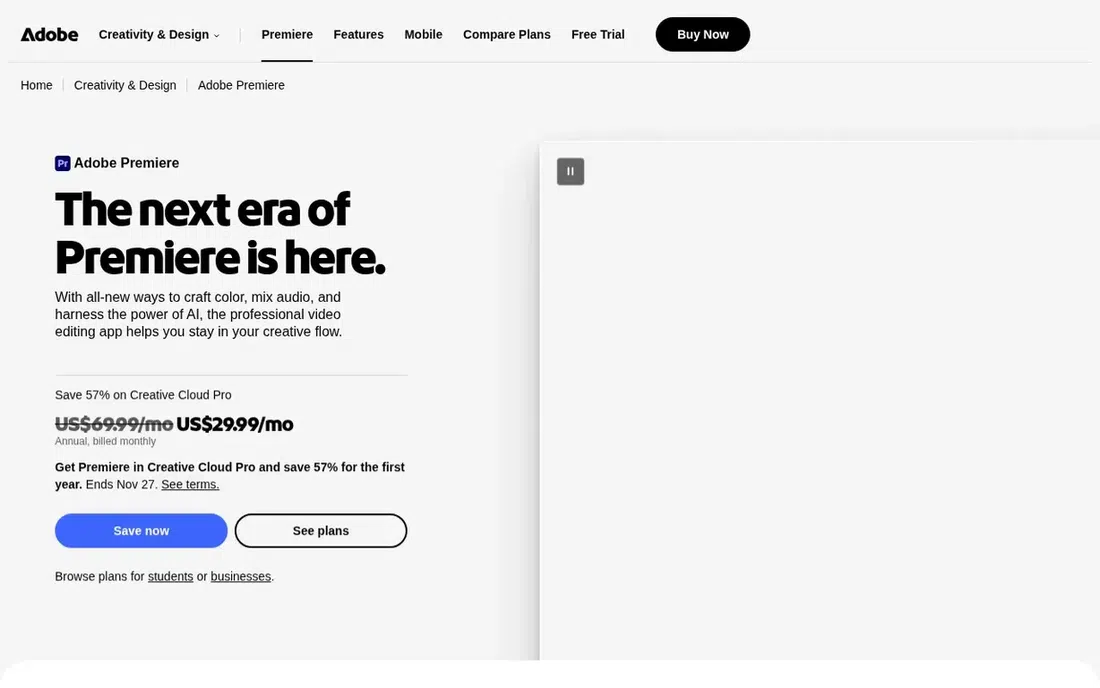
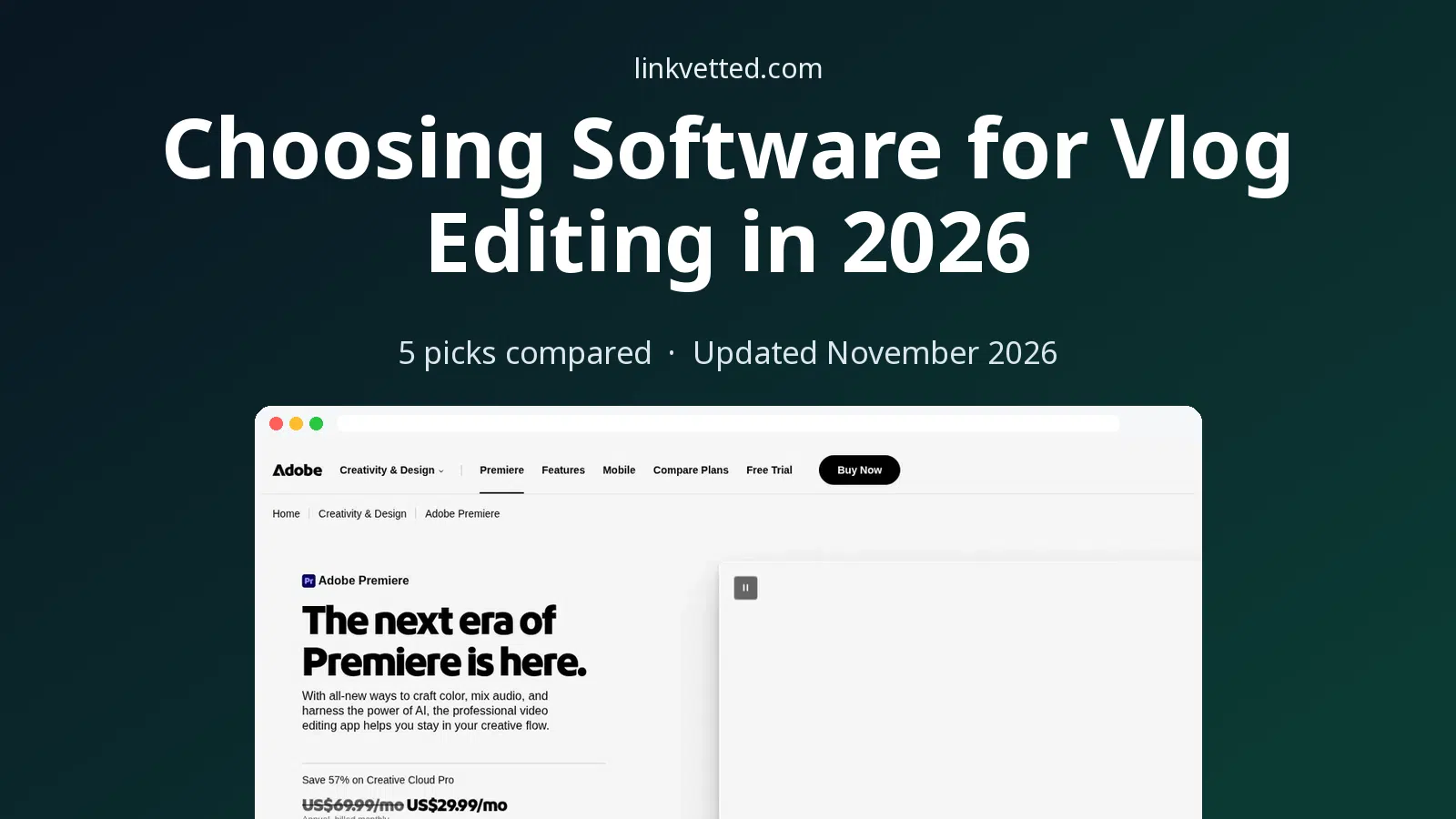
Think of Adobe Premiere Pro for professional timeline editing for vlogs. Adobe Premiere Pro is professional video editing software aimed at editing and postproduction. It includes trimming, effects, audio mixing and extending video, which fits vloggers who want a full timeline and room to grow.
Creators producing regular long-form vlogs or multi-camera edits will find the structure familiar and adaptable. Beyond that, the depth includes a ramp-up time, so complete beginners may feel overwhelmed at first. On top of that, if you want guided, automatic editing instead, consider Premiere Elements or CapCut. No starting price is listed for Adobe Premiere Pro here; confirm pricing on the vendor site. On free options: Not stated.
Strengths: Professional editing and postproduction toolset.
What to check first: Desktop-focused workflow.
- Broad format and workflow support
- Trim, effects
- Deeper ramp-up time for beginners
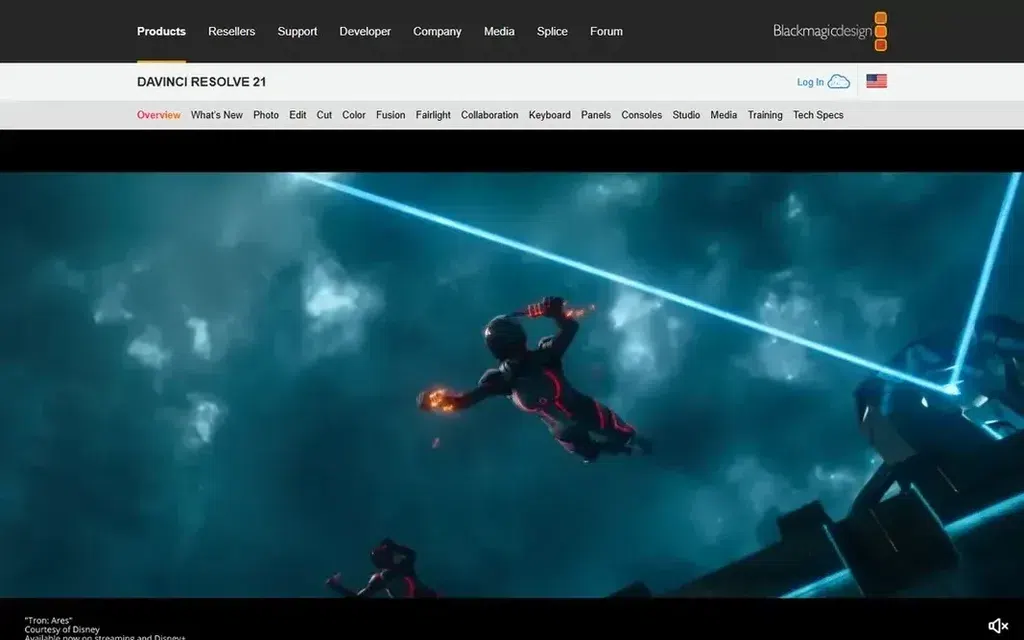
DaVinci Resolve works best for all-in-one editing, color and audio. DaVinci Resolve is professional editing, color correction, visual effects and audio postproduction combined in a single application. It is available for Mac, Windows and Linux, with free and premium versions.
The breadth of features can feel heavy for straightforward cuts, and the application rewards a capable machine. Beyond that, if you only need fast social edits, a lighter tool may be quicker. More specifically, Vloggers who want strong color and audio control without switching apps will appreciate the integrated approach. This comparison lists no price for DaVinci Resolve; ask the vendor. As for free access: Not stated.
Trade-offs to know: Feature density can overwhelm new users.
- Windows and Linux
- Editing, color
- Demands a capable computer
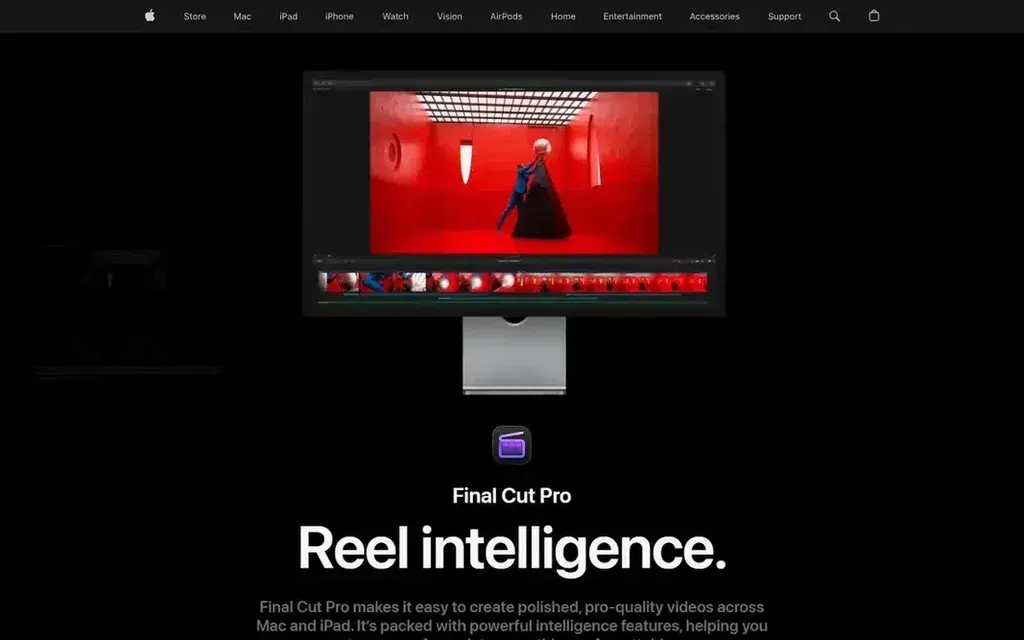
Pick Final Cut Pro if this describes you: Mac and iPad vlog editing. Final Cut Pro is Apple's professional editing application, packed with intelligence features that make pro-quality video creation and editing simpler on Mac and iPad.
Drawbacks to consider: Different workflow logic from track-based editors.
For everyday use, the primary limit is product: it is made for Apple hardware, so Windows and Linux users need another choice. Pricing for Final Cut Pro is not stated here, so ask the vendor for current figures. Free plan details: Not stated.
- Built for Mac and iPad
- Pro-quality creation made approachable
- Apple-only product
What went into this list
For each of the 5 tools we noted price, free plan or trial, fit for software for vlog editing and the main limit, using vendor pages and documentation. Figures are shown as the vendors publish them. Billing terms, seat minimums and add-ons can change the real cost. The order reflects how well each tool fits the most common buying scenario for software for vlog editing, then price clarity, then free plan access. It is a starting point, not a verdict.
Things to verify first
- Confirm the entry price with every vendor: no tool from Filmora to Final Cut Pro shows a fixed starting price.
- Look at the free plan from CapCut closely: its caps decide whether it is usable for real work.
- Before choosing Filmora, weigh its main limit: advanced workflows may feel constrained.
- Look at which plan of Adobe Premiere Pro unlocks the features you need; entry tiers are often cut down.
- Find out what support Final Cut Pro includes on your plan, and whether onboarding help costs extra.
FAQ
Which options for software for vlog editing have a free plan?
CapCut is the only tool in this list with a free plan. Free plans usually cap users, projects or features, so check the limits on the vendor page. All 5 picks in this software for Vlog editing comparison list a starting price, free plan details and the main limits on their cards above.
Do these tools publish their prices?
No. None of the tools, from Filmora to Final Cut Pro, shows a fixed starting price here, so budget time for quotes.
How are the tools for software for vlog editing ordered?
The order follows typical fit for software for vlog editing, with Filmora first and Final Cut Pro last, then price clarity and free access. It is editorial judgement, not a score, so another team could rank the tools differently.
Can I try these tools before paying?
Often, yes. CapCut has a free plan. Use your own data and a real task during the test, and check what the free tier or trial limits before you rely on it. For the full picture, the cards above cover all 5 entries of this software for Vlog editing list, including price, free plan and limits.
Which vlog editing software is a good match for beginners?
Start with Filmora if you need approachable AI-assisted editing. CapCut is the better match for quick social-first vlog edits, and Adobe Premiere Pro for professional timeline editing for vlogs. The best choice depends on budget, team size and workflow.
Sources
- https://filmora.wondershare.com
- https://www.capcut.com
- https://www.adobe.com/products/premiere.html
- https://www.blackmagicdesign.com/products/davinciresolve
- https://www.apple.com/final-cut-pro