Best App to Make Flyers Free in 2026: 8 Apps Compared
Find the best app to make flyers free, from Canva and Adobe Express to PosterMyWall and VistaCreate, with honest notes on free exports and watermarks.
- Editor's choice
 Canva
Most free flyer needs
Starts atFreeVisit canva.comFull review - Great alternative
 Adobe Express
Polished free flyers
Starts atFreeVisit adobe.comFull review - Also consider
 PosterMyWall
Local event flyers
Starts atFreeVisit postermywall.comFull review
TL;DR:
- Canva is the best free flyer app for most people, with a huge template library and a familiar editor on web and mobile.
- Adobe Express suits users who want a cleaner, more polished look without paying, though some assets require Premium.
- PosterMyWall is strongest for local events and promotions, with many ready-made flyer templates for small businesses.
- Free does not always mean free to download at print quality, so check export size, format and watermark rules before you design.
Quick comparison
| Tool | Best for | Starts at | Free plan? | |
|---|---|---|---|---|
| Canva | Most free flyer needs | Free | Yes | Visit |
| Adobe Express | Polished free flyers | Free | Yes | Visit |
| PosterMyWall | Local event flyers | Free | Yes | Visit |
 VistaCreate | Template-heavy flyers | Free | Yes | Visit |
 Desygner | Print-ready flyers | Free | Yes | Visit |
 Fotor | Photo-based flyers | Free | Yes | Visit |
 Visme | Flyers plus infographics | Free | Yes | Visit |
 Microsoft Designer | Fast AI flyer drafts | Free | Yes | Visit |
The best app to make flyers free
A good free flyer app should offer templates for your event or business, an editor that works on a phone, and a download you can actually print or post. The trap is a free editor that charges for a high-resolution download or adds a watermark at export. We compared official feature pages, pricing pages and app listings, focusing on tools with a real free plan and usable flyer exports.
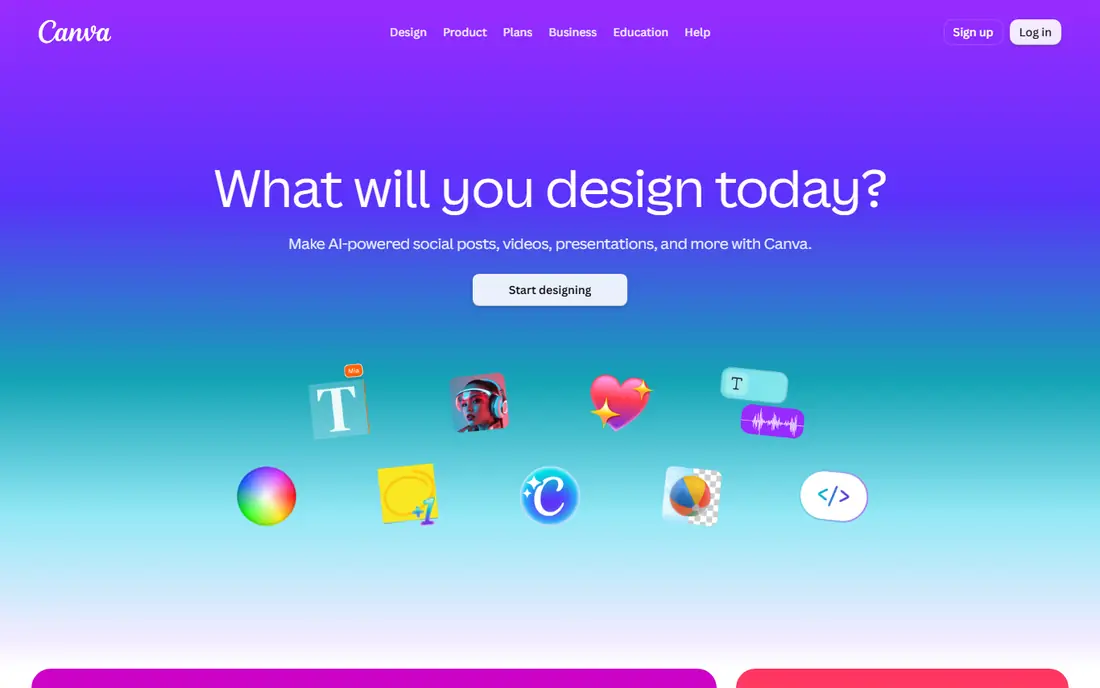
Canva is our pick for most free flyer makers. Search for flyer, choose a template for an event, sale, class or party, swap the text and image, and export for social media or print. The editor is easy for beginners, and the same account covers social posts, presentations and other designs, so a flyer is rarely a one-off project.
The main caution is premium elements. Stick to free templates, photos and graphics on the free plan, or premium items will show as watermarked in your export. Pro starts at $12.99 per month in published summaries and adds more assets and brand tools. For a clean free flyer, Canva is still the easiest place to start.
- Huge flyer template library
- Easy web and mobile editor
- Print ordering and social sizing in one place
- Premium elements appear watermarked on the free plan
- Some print and brand features require Pro
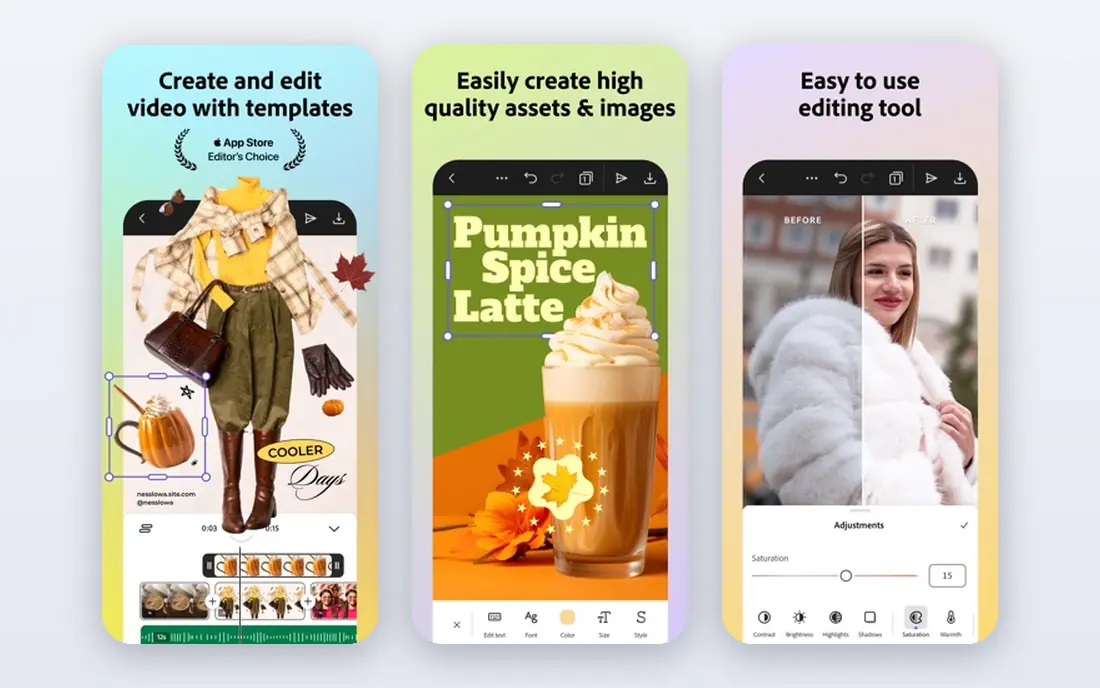
Adobe Express is the pick if you want a flyer that looks premium without paying. Its templates are contemporary, its fonts and stock assets are strong, and the mobile app makes it easy to edit on the go. Flyers for promotions, classes, gigs and community events look clean with minimal effort, especially if you keep copy short and use one strong image.
The free plan covers basic creation, while Premium starts at $9.99 per month in published summaries and adds more templates, assets and brand features. Beginners may need a few minutes to learn the editor compared with Canva. If you already use Adobe tools, Express fits naturally into that workflow.
- Clean modern templates
- Adobe stock assets
- Strong mobile app for quick edits
- Some assets and features require Premium
- Print service availability varies by region
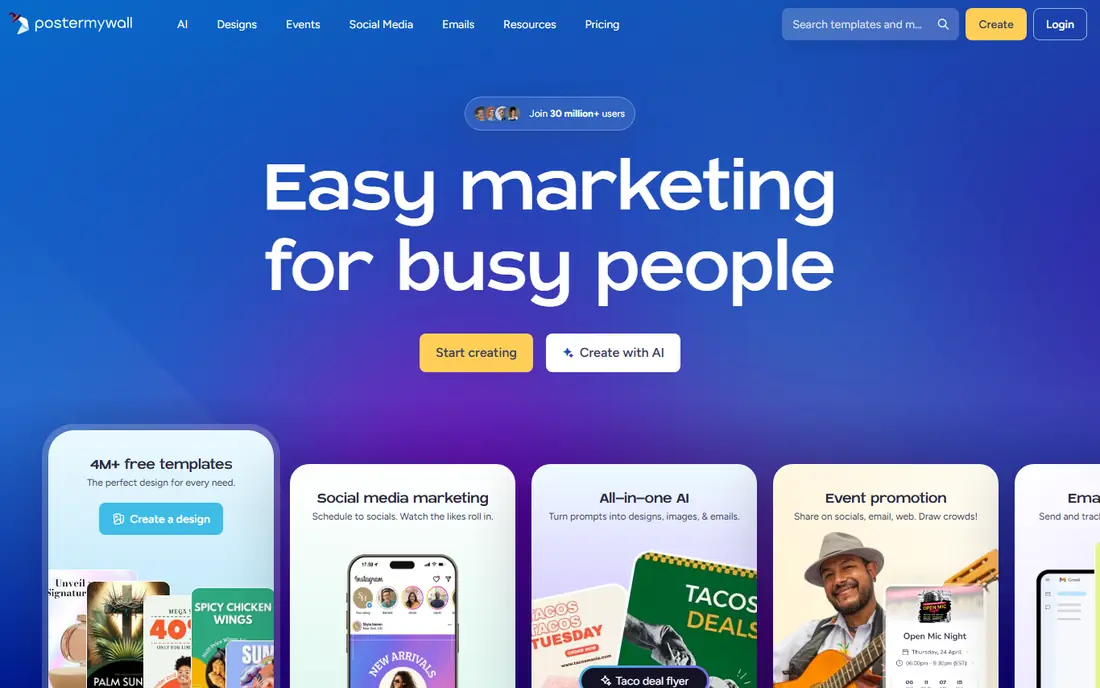
PosterMyWall is built for local businesses, restaurants, schools, churches, bands and event organizers who need a flyer fast. Its template library covers sales, concerts, classes, menus and community events, and the editor lets you change text, colors and images without design experience. The same design can become a social post, an email or a ticketed event page.
The free plan is best for sharing online, while high-resolution downloads sit behind Premium at $13 per month in published summaries. That distinction matters if you plan to print. For a quick social flyer or event announcement, PosterMyWall is one of the fastest options here.
- Huge library of event and business flyers
- Easy customization
- Social, email and event promotion tools
- High-resolution downloads require Premium
- Free sharing works best for social rather than print
VistaCreate, formerly Crello, is a template-heavy alternative to Canva that suits users who want many starting points. Flyer templates cover business, events, sales and social posts, and the editor is straightforward for swapping text, images and colors. Export options cover common social and print sizes, which helps when one flyer needs to work in several places.
The free plan covers basic creation, while Pro starts at $10 per month in published summaries and adds premium templates and brand tools. Check individual assets before export, since premium items can affect a free download. For users who want a different template library from Canva, VistaCreate is a strong second option.
- Large template library
- Simple editor with many export formats
- Mobile app for on-the-go edits
- Some templates and assets require Pro
- Brand kit features sit on paid plans
Desygner is worth a look when print is the main goal. Its flyer tools focus on layouts that work on paper, and its flyer page advertises free high-resolution PDF export, which is exactly what many free tools withhold. That makes it a practical choice for shop flyers, menus, notices and handouts that need to look sharp when printed.
The template library is smaller than Canva, and some assets still require a paid plan, so check each element before you export. Paid plans start at $19 per user per month in published summaries for fuller features. If your flyer will be printed rather than posted, Desygner deserves a trial alongside Canva.
- Print-focused flyer tools
- Free high-resolution PDF export on its flyer page
- Templates for business use
- Smaller template library than Canva
- Some premium assets require a paid plan
Fotor suits flyers built around a photo, such as a food special, a property listing, a portrait event or a product sale. Its photo editing tools let you adjust brightness, crop and filters without leaving the design app, and flyer templates give you a structure to work from. That photo-first workflow is useful when the image does the selling.
Free use covers basic design, while Pro adds more features and assets, with pricing that varies by plan. Check export size and quality on the free plan before you print a large flyer, since a low-resolution file will look soft on paper. For photo-led flyers, Fotor is a handy alternative to the general design tools.
- Strong photo editing inside the design tool
- Flyer templates for events and sales
- Web and mobile editors
- Some features and assets require Pro
- Free exports may have limits on size or quality
Visme is a good pick when a flyer needs more than a headline and a photo, such as pricing tiers, schedules, statistics or a comparison. Its infographic and chart tools let you present that information clearly, while flyer templates keep the layout from looking like a spreadsheet. That makes it useful for workshops, courses, conferences and community programs.
The editor is broader than a pure flyer app, so beginners may need a short learning period. The free plan covers basic creation, while Starter starts at $12.25 per month in published summaries. If your flyer is mostly text and one image, Canva is faster. If it needs data presented well, Visme is stronger.
- Flyer templates plus charts and infographic tools
- Brand kit on paid plans
- Good for data-led flyers
- Editor has more to learn than Canva
- Some downloads and features sit on paid plans
Microsoft Designer suits users who want a first draft fast. Type a short description of your event or offer, and Designer generates several flyer options you can edit. That AI-first workflow helps when you know what to say but not how to lay it out, and it works well for simple announcements, sales and community notices.
AI drafts still need checking. Text can contain errors, images may not match your brand, and template options are thinner than in Canva or PosterMyWall. Treat Designer as a fast starting point, then refine the copy, image and layout before you publish or print. For a quick flyer when time is short, it is a useful free option.
- AI-generated flyer drafts from a short description
- Clean simple layouts
- Fits Microsoft account users
- AI output needs editing for accuracy
- Template depth is thinner than Canva
How we picked these
We compared official feature pages, pricing pages and app listings for tools with a real free plan and a usable flyer workflow. We favored apps that offer flyer templates, an editor that works on web or mobile, and an export you can share or print. We did not include tools that only offer a trial with no free plan, or design tools without flyer templates, since they do not meet the free flyer need in this guide.
How to make a free flyer that actually prints well
Start with the export, not the template. Decide whether the flyer will be posted online, printed at home or printed by a shop, then check the free plan for file format, size and watermark rules. A social-sized image will look blurry on an A4 handout, and a watermarked premium element will ruin an otherwise clean design. Use free elements only on a free plan, and export a test copy before you print a batch.
Keep the design simple. Use one headline, one main image, the key details of date, time, place and price, and one call to action such as a website or phone number. Limit yourself to two fonts and two or three colors, and leave white space around the edges so nothing gets cut off in printing. Finally, proofread names, dates and prices twice, since a free tool will not catch a wrong date for you.
FAQ
What is the best app to make flyers free?
Canva is the best free flyer app for most people, thanks to its large template library and easy editor. Adobe Express is a close second for a more polished look, while PosterMyWall suits local events and VistaCreate offers a different template library. The best pick depends on whether you will post online or print.
Can I make a flyer for free on my phone?
Yes. Canva, Adobe Express, PosterMyWall, VistaCreate and Fotor all offer mobile apps or mobile-friendly web editors for flyer creation. Design on a larger screen if you plan to print, since small text and image quality are easier to judge on a desktop. Export a test copy and view it at full size before you print.
Can I print a flyer made with a free app?
Yes, but check the free export rules first. Some free plans limit download resolution or add watermarks to premium elements, while Desygner advertises free high-resolution PDF export on its flyer page. Use free elements only, export at the size your printer needs, and print one test copy before a full batch.
What is the best free flyer maker for events?
PosterMyWall is strongest for local events, with templates for concerts, classes, sales and community gatherings, plus social and email promotion tools. Canva is also excellent for events, with a wider range of templates and print ordering. Choose PosterMyWall for event-specific speed, and Canva for broader design needs.
Do free flyer apps add watermarks?
Some do, especially when a design uses premium templates, photos or graphics on a free plan. Canva, Adobe Express and similar tools mark premium elements in the editor, so you can swap them for free alternatives before export. Always preview the final file at full size and check for watermarks before you publish or print.