Best App to Design a Room Free in 2026: 8 Apps Compared
Find the best app to design a room free in 2026, with free floor plans, 3D views, and furniture catalogs for renters, owners, and first-time decorators today.
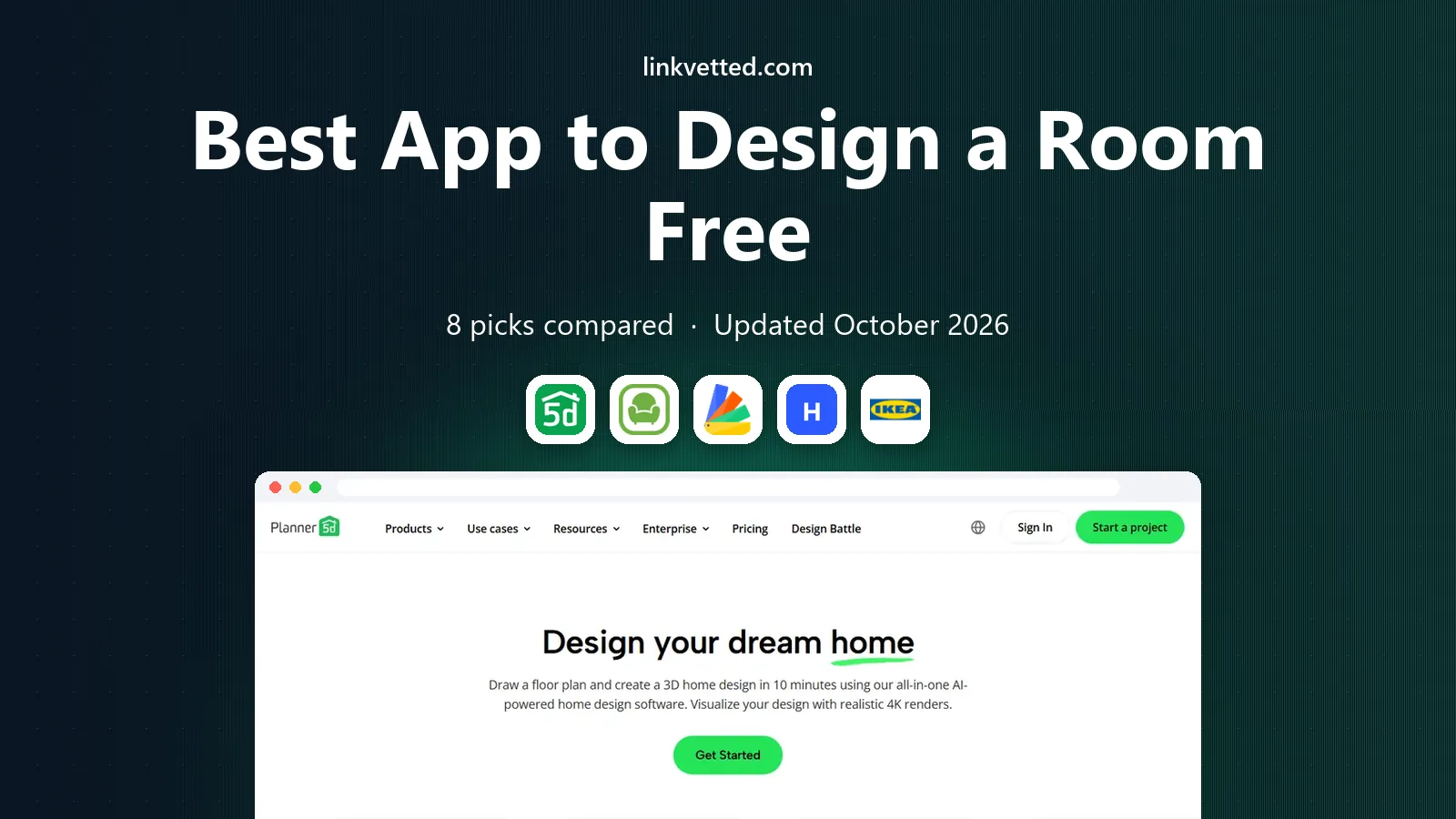
- Editor's choice
 Planner 5D
Easy room decorating on web and mobile
Starts atFreeVisit planner5d.comFull review - Great alternative
 Roomstyler
Browser based 3D room planning
Starts atFreeVisit roomstyler.comFull review - Also consider
 Homestyler
Quick 2D to 3D room designs
Starts atFreeVisit homestyler.comFull review
TL;DR:
- Planner 5D is the easiest free starting point for most rooms.
- Sweet Home 3D is the only fully free offline option with no subscription.
- IKEA Kreativ suits seeing IKEA furniture in your actual room.
- RoomSketcher and Floorplanner suit measured floor plans for listings and renovations.
Quick comparison
| Tool | Best for | Starts at | Free plan? | |
|---|---|---|---|---|
| Planner 5D | Easy room decorating on web and mobile | Free | Yes | Visit |
| Roomstyler | Browser based 3D room planning | Free | Yes | Visit |
| Homestyler | Quick 2D to 3D room designs | Free | Yes | Visit |
 HomeByMe | Photorealistic rooms with brand furniture | Free | Yes | Visit |
 IKEA Kreativ | Seeing IKEA furniture in your own room | Free | Yes | Visit |
 Sweet Home 3D | Free offline home design with no subscription | Free | Yes | Visit |
 Floorplanner | Quick floor plans without installing anything | Free | Yes | Visit |
 RoomSketcher | Measured floor plans plus 3D walkthroughs | Free | Yes | Visit |
The best free apps to design a room
A free room design app lets you test a layout before you move furniture or buy anything. The apps below cover floor plans, 3D views, and real furniture, with different free limits. We compared what you can do without paying, how easy each app is for a first room, and where the free plan stops.
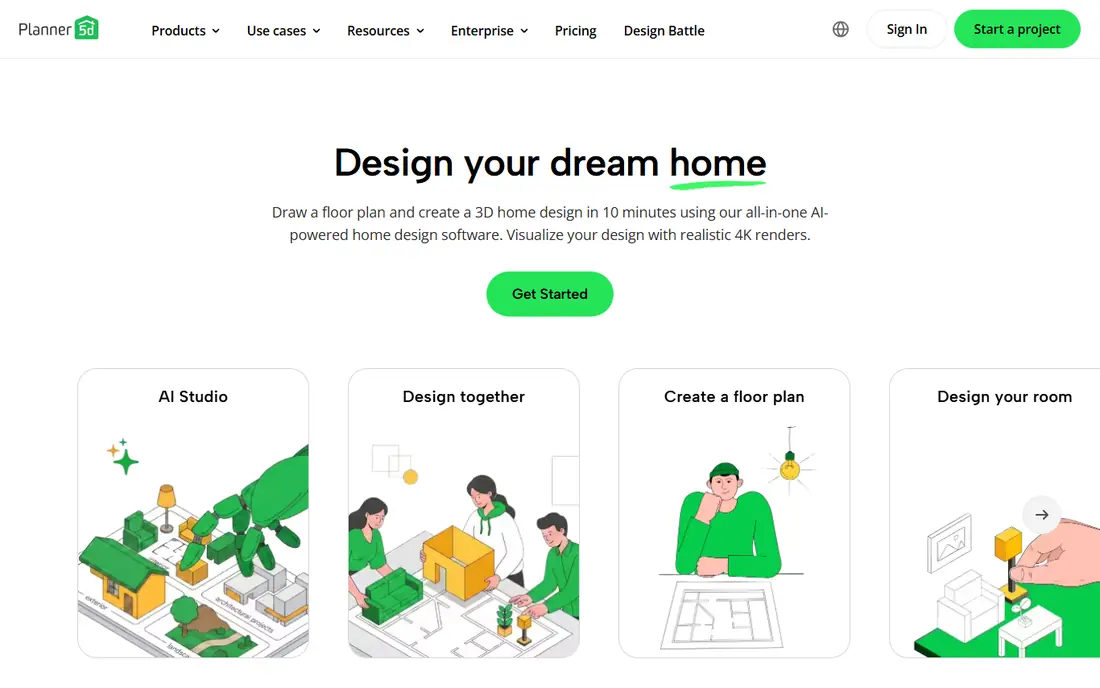
Planner 5D is the easiest free starting point for most people. You can draw a room, add walls and windows, drop in furniture, and switch between a floor plan and a 3D view without learning design software. The mobile app means you can test ideas in the store or at home. The free plan covers the core layout work, but many catalog items and high quality renders sit behind Premium, so check whether your must-have items are free before you plan around them.
The catch is worth naming plainly, and it sits in the limits below. Test the tool on one real workflow before you move a whole team or budget across, and check the current limits on the vendor page first. A short trial with your own leads, contracts, or files tells you more than any feature list.
- Drag and drop 2D and 3D design
- Large furniture catalog
- Community designs for ideas
- Many catalog items and renders need Premium
- Free renders are limited
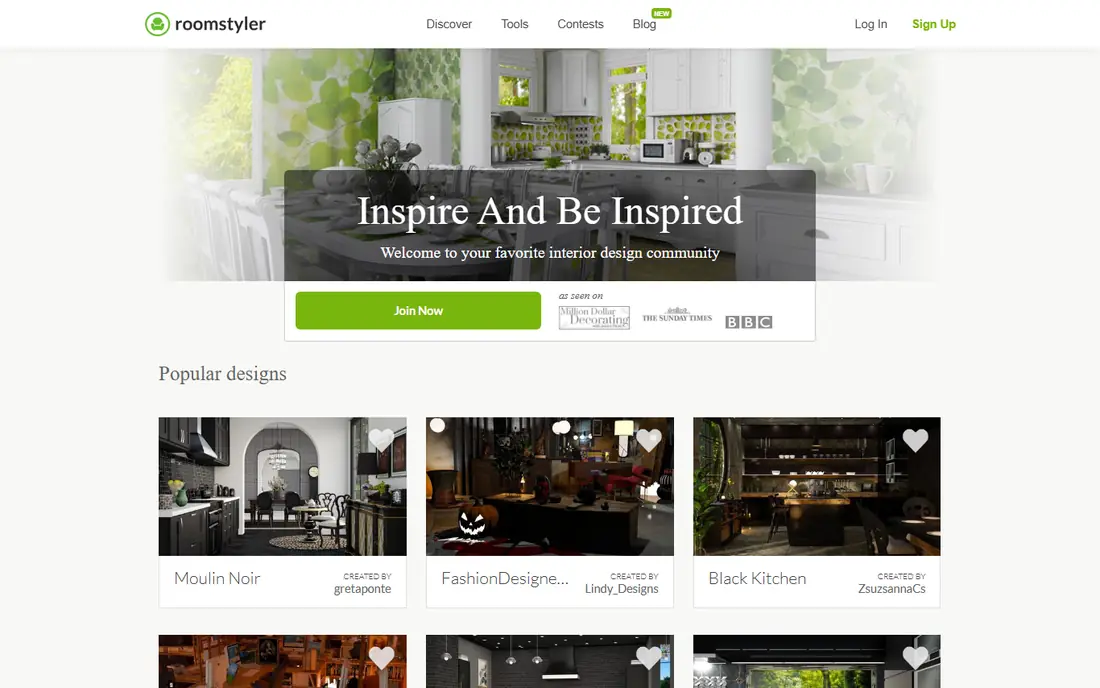
Roomstyler suits anyone who wants a 3D room planner in a browser without installing software. You can furnish a room from a catalog, adjust colours and textures, and view the result in 3D. That makes it a good fit for a quick redesign or a rental layout test. The catalog is narrower than Planner 5D, and you need an account to save designs, so start with a room you can finish in one session or save early.
Before you commit, weigh that weakness against the strength above. If the weakness touches the task you do most often, keep looking down this list. If it touches a task you do rarely, the strength may still win. Either way, start with the free plan or trial and confirm the price for your team size.
- Browser 3D room design
- Drag and drop furniture
- Photo realistic views of finished rooms
- Catalog and render options are narrower than larger rivals
- Account needed to save work
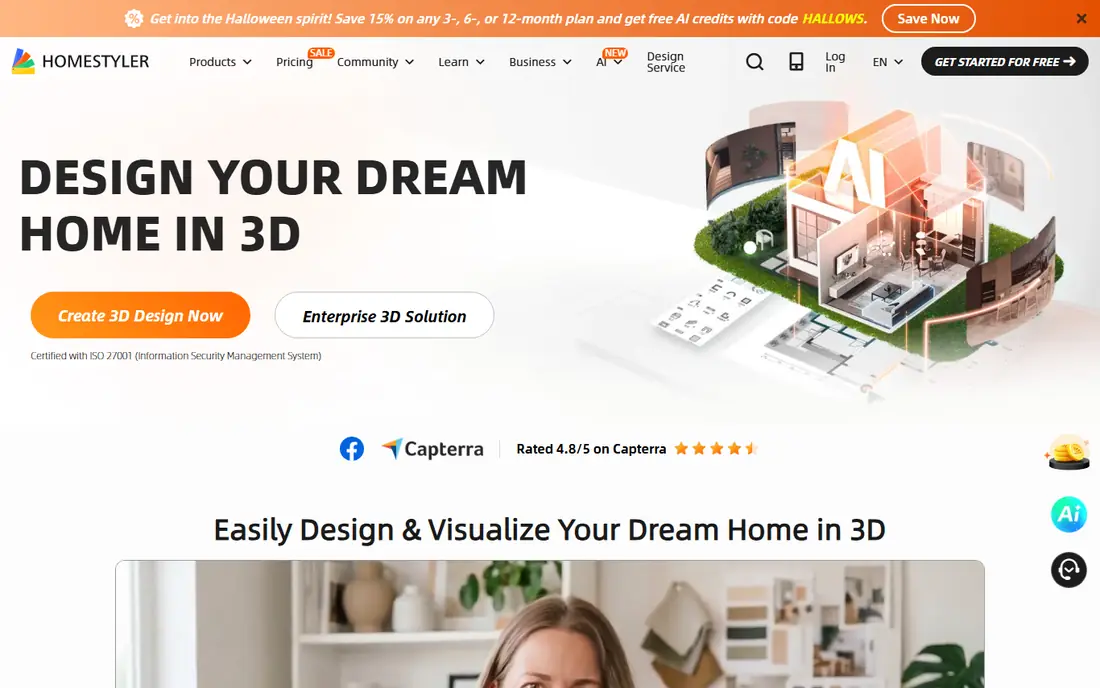
Homestyler is a good free choice for beginners who want a fast route from a floor plan to a 3D room. The interface is simple, the furniture library is broad, and templates help when you do not know where to start. It works well for a single room refresh or a full apartment layout test. Paid plans add higher quality renders and more items, so use the free plan for layout decisions and pay only if you need presentation quality images.
That weakness matters most at scale, so plan for it early. Ask the vendor what happens when volume grows, seats are added, or a second team joins. The answer to that question often decides the choice better than the headline feature set, and it is worth getting in writing.
- Easy 2D floor plans with 3D views
- Large furniture and decor library
- Design ideas and templates
- High quality renders and some items need paid plans
- Free plan limits apply
HomeByMe suits people who want to see real brand furniture in a photorealistic room before buying. The catalog includes recognisable products, which helps when you are choosing between a sofa, table, or storage unit. Renders look closer to a real photo than a simple 3D sketch. The free plan limits projects and renders, so plan your design in stages and save the best render for the final version.
The catch is worth naming plainly, and it sits in the limits below. Test the tool on one real workflow before you move a whole team or budget across, and check the current limits on the vendor page first. A short trial with your own leads, contracts, or files tells you more than any feature list.
- Brand name furniture catalog
- Photorealistic renders
- Community projects for ideas
- Free plan limits on projects and renders
- Some brands and items are region limited
IKEA Kreativ is the best free tool if your plan is mainly IKEA furniture. You can scan a room, remove existing items in the view, and place IKEA pieces to see scale, colour, and fit. That answers the question that matters most before a large IKEA order: will it fit and will it look right. It is not a general design app, since only IKEA products are included, so use it beside a floor plan tool for a full renovation.
Before you commit, weigh that weakness against the strength above. If the weakness touches the task you do most often, keep looking down this list. If it touches a task you do rarely, the strength may still win. Either way, start with the free plan or trial and confirm the price for your team size.
- Scan your room and place IKEA furniture in it
- Mix and match IKEA ranges
- Free with an IKEA account
- Only IKEA products are included
- Not a general floor plan tool
Sweet Home 3D is the only fully free, offline, open source option in this list. You can draw walls in 2D, furnish rooms from a built-in catalog, and view the result in 3D, with no subscription and no account needed for the desktop version. That makes it ideal if you refuse subscriptions or work offline. The interface looks older than modern apps, and the learning curve is steeper, but the price and control are hard to beat.
That weakness matters most at scale, so plan for it early. Ask the vendor what happens when volume grows, seats are added, or a second team joins. The answer to that question often decides the choice better than the headline feature set, and it is worth getting in writing.
- Fully free open source design
- Offline use on desktop
- Import your own 3D models
- Interface looks older than modern apps
- Learning curve is steeper for new users
Floorplanner suits anyone who needs a clean floor plan fast, whether for a listing, a renovation brief, or a furniture layout. The browser tool is quick to learn, and sharing links make it easy to send a plan to a partner, agent, or contractor. Free projects and exports are limited, so it works best for one or two rooms at a time. For a full house plan with many exports, check the paid plan before you start.
The catch is worth naming plainly, and it sits in the limits below. Test the tool on one real workflow before you move a whole team or budget across, and check the current limits on the vendor page first. A short trial with your own leads, contracts, or files tells you more than any feature list.
- Browser floor plans in 2D and 3D
- Simple sharing links
- Good for listings and plans
- Free plan limits on projects and high resolution exports
- Advanced features need paid plans
RoomSketcher suits homeowners and agents who need measured, presentable floor plans rather than just a sketch. You can draw accurate 2D plans, furnish them, and create 3D photos and walkthroughs that help buyers or contractors understand a space. The free plan covers basic plans well. Pro adds the fuller feature set, so use the free plan to test whether the measured workflow fits your project before paying.
Before you commit, weigh that weakness against the strength above. If the weakness touches the task you do most often, keep looking down this list. If it touches a task you do rarely, the strength may still win. Either way, start with the free plan or trial and confirm the price for your team size.
- Measured 2D plans with 3D photos and walkthroughs
- Floor plan service for listings
- Tablet apps
- Most advanced features need Pro
- Free plan is best for basic plans
How we picked these
We compared official free plans, design features, and export limits for each app, and we checked whether a free plan covers a real room or only a demo. We favoured apps that let you finish at least one room without paying, and we noted where renders, catalog items, or exports need a paid plan. We also weighed ease of use, since a powerful tool that a beginner abandons is not a good free pick.
How to choose a free room design app
Start with the output you need: a layout test, a shopping decision, or a presentable plan. Each goal points to a different free app.
Measure first, design second
Measure wall lengths, door swings, and large furniture before you open an app. A beautiful design built on guessed sizes will fail when furniture arrives. Enter real measurements, then test two layouts: the current layout and one bolder option.
Use the free plan for layout, pay for presentation
Free plans are usually enough to decide a layout, traffic flow, and furniture size. Pay only when you need high resolution renders, many projects, or a full catalog for a client presentation. That split keeps most home projects free.
Check the catalog for your actual furniture
A large catalog is useless if it lacks the sofa size or table shape you own. Check whether the app lets you set custom sizes or import models. Sweet Home 3D and Planner 5D handle custom work better than brand-only tools.
Save and share before you buy
Save each version, share the plan with anyone who lives in the room, and walk the layout in 3D if the app offers it. A second pair of eyes often spots a blocked door, a tight walkway, or a TV glare problem that a flat plan hides.
FAQ
What is the best free room design app?
Planner 5D is the best free starting point for most rooms, while Sweet Home 3D is best for a fully free offline tool. IKEA Kreativ is best for IKEA furniture in your own room, and RoomSketcher is best for measured plans for listings.
What is the best free room planner app for a rental?
Planner 5D and Homestyler suit rentals well, since you can test furniture layouts without installing software or paying. Measure the room, try the layout in 3D, and check that large pieces fit through doors and around radiators before you buy.
Can I design a room free without a subscription?
Yes. Sweet Home 3D is free and open source with no subscription, and Planner 5D, Homestyler, Floorplanner, and RoomSketcher all offer free plans. Paid plans mainly add renders, catalog items, and extra projects.
Are free room design apps accurate enough for renovations?
Free apps are accurate enough for layout and furniture decisions when you enter real measurements. For building work, permits, or contractor pricing, use a measured plan from RoomSketcher or a professional drawing, since free apps are not construction documents.
Which free app shows real furniture brands?
HomeByMe and IKEA Kreativ show real brand furniture, with IKEA Kreativ limited to IKEA ranges. Planner 5D and Homestyler offer broad catalogs with many recognisable styles, though exact brand models vary by region.