Best T-Shirt Design Software in 2026: 9 Tools Compared
Find the best t shirt design software for print on demand, merch and custom tees, with free and pro tools, printing tips and honest trade-offs for sellers.
- Editor's choice
 Canva
Beginners who want fast t-shirt designs
Starts atSee websiteVisit canva.comFull review - Great alternative
 Adobe Illustrator
Professional vector t-shirt design
Starts atSee websiteVisit adobe.comFull review - Also consider
 CorelDRAW
Print designers who want vector power
Starts atSee websiteVisit coreldraw.comFull review
TL;DR:
- The best t-shirt tool depends on whether you design for print on demand, a local printer, or your own shop.
- Canva and Kittl suit beginners, while Illustrator, CorelDRAW and Affinity Designer suit pro print work.
- For print, use high resolution files, correct colour mode and a transparent background, and always order a sample.
- Free tools can work well, but check export limits, font licences and print file quality before selling a design.
Quick comparison
| Tool | Best for | Starts at | Free plan? | |
|---|---|---|---|---|
| Canva | Beginners who want fast t-shirt designs | See website | Free trial | Visit |
| Adobe Illustrator | Professional vector t-shirt design | See website | Free trial | Visit |
| CorelDRAW | Print designers who want vector power | See website | Free trial | Visit |
 Inkscape | Free vector design for t-shirts | See website | Free trial | Visit |
 Affinity Designer 2 | Designers who want pro tools without subscription | See website | Free trial | Visit |
 Kittl | Print on demand sellers who want templates | See website | Free trial | Visit |
 Placeit | Sellers who want mockups and simple designs | See website | Free trial | Visit |
 Printful Design Tool | Print on demand sellers using Printful | See website | Free trial | Visit |
 Custom Ink Design Lab | Groups ordering custom printed tees | See website | Free trial | Visit |
The best t-shirt design software
We compared t-shirt design tools on templates, typography, illustration, mockups, print file exports and price. The right tool depends on skill level, print method and whether you sell online or print locally.
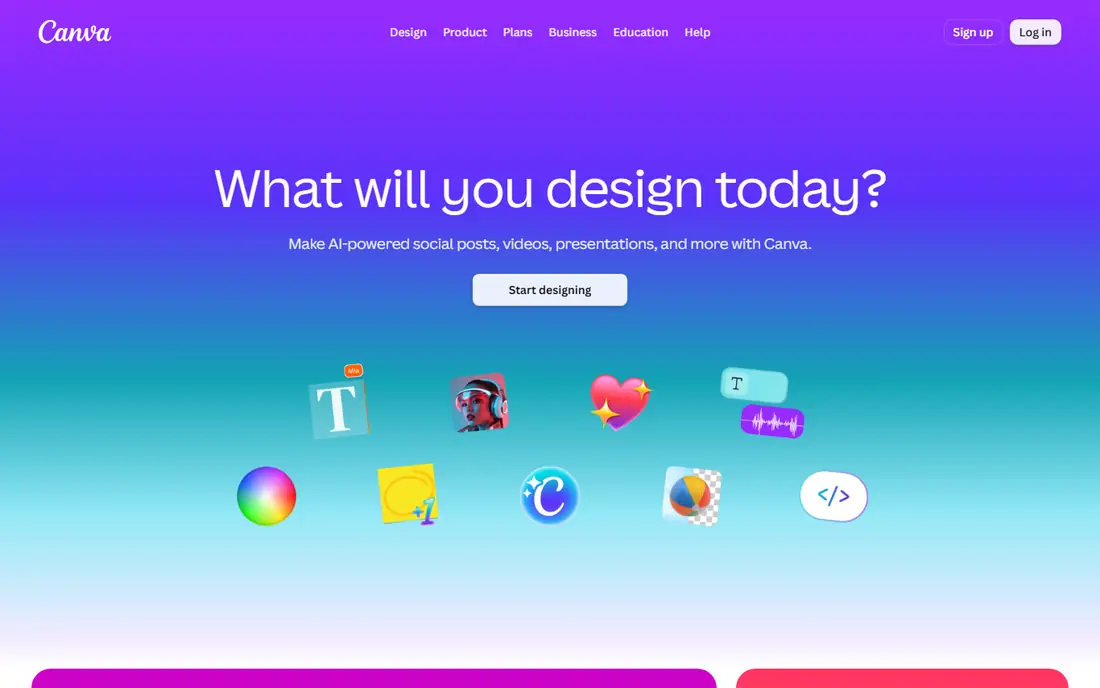
Canva is the easiest starting point for t-shirt design, especially for beginners and small sellers. Its templates, fonts, elements and mockup tools help users create a wearable design in minutes, and print exports support common print on demand workflows. For social merch and simple text designs, that speed is a real advantage.
Free plan exports and brand tools have limits, and fine control over vector paths, colour separation and print files is thinner than pro tools. Serious designers may outgrow Canva for complex artwork. For fast, good looking tees, Canva is hard to beat.
- Easy templates and mockups
- Huge font and element library
- Good print exports
- Free exports have limits
- Pro design control is thinner than Illustrator
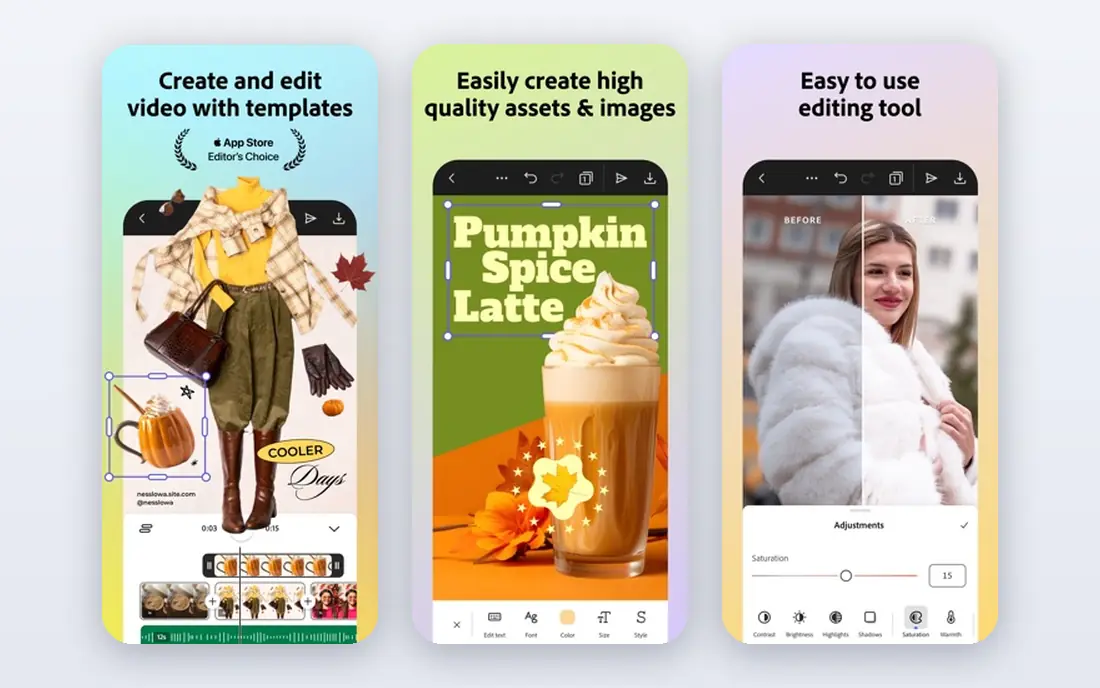
Adobe Illustrator is the professional standard for vector t-shirt design. Its pen, shape, type and colour tools give full control over artwork, and exports support print shops, screen printers and print on demand platforms. For designers who sell at volume or work with printers, that precision matters.
Cost and learning curve are the barriers. Illustrator is a subscription product and takes time to master, so casual sellers may find it heavy. It is best for designers who need print ready vector work and who will use the tool regularly.
- Industry standard vector tools
- Precise typography and colour
- Print ready exports
- Subscription cost is high
- Learning curve is steep
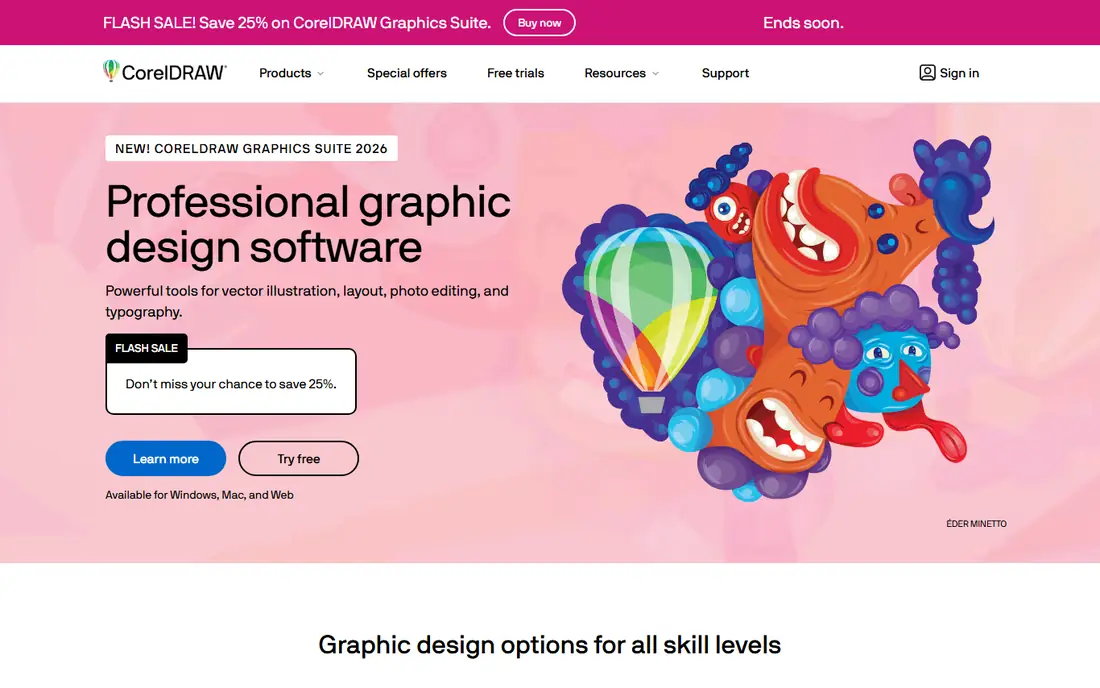
CorelDRAW suits print designers who want strong vector, typography and layout tools without Adobe pricing in every region. Its print features, colour management and file exports work well for screen printing and direct to garment workflows, and its tools suit both text and illustration heavy tees.
The community and tutorial library are smaller than Adobe, and the interface takes time to learn. Some print shops also prefer Adobe files, so check file needs with your printer. For print focused designers, CorelDRAW is a powerful alternative.
- Strong vector and typography tools
- Good print and colour features
- One time purchase options in some regions
- Smaller community than Adobe
- Interface takes learning
Inkscape is the best free vector tool for t-shirt design. It offers pen, shape, text and path tools that handle most tee artwork, exports SVG and PDF, and costs nothing. For sellers on a budget, students and hobbyists, that value is hard to match.
The interface is less polished than paid tools, and print workflows need care with colour, resolution and file checks. Support is community led, so learning takes self direction. For free, capable vector design, Inkscape is a strong pick.
- Free open source vector tools
- Good SVG support
- Strong for text and shapes
- Interface is less polished
- Print workflow needs care
Affinity Designer 2
Best for: Designers who want pro tools without subscription
Affinity Designer 2 suits designers who want professional vector and raster tools without a monthly subscription. Its one time purchase covers a full design tool with strong typography, brushes and export options for print. For independent sellers and small studios, that pricing model is attractive.
The ecosystem, plugins and tutorial library are smaller than Adobe, and some print workflows need learning. Print shops may ask for specific file formats, so check export needs early. For pro design without subscription, Affinity Designer 2 is a compelling choice.
- Pro vector and raster tools
- One time purchase
- Good print exports
- Smaller ecosystem than Adobe
- Some print features need learning
Kittl, formerly Heritage Type, is built for apparel and print on demand design. Its templates, vintage fonts, textures and mockups suit merch sellers who want a ready look without starting from a blank canvas. Exports support common print on demand platforms, which shortens the path from design to listing.
Free plan exports have limits, and advanced vector editing is thinner than Illustrator or Affinity. Designers who need full path control may feel constrained. For print on demand sellers who want fast, stylish tees, Kittl is a strong fit.
- T-shirt focused templates and fonts
- Easy mockups
- Good print on demand exports
- Free plan limits exports
- Advanced vector editing is thinner
Placeit suits sellers who need mockups and simple designs fast. Its library covers t-shirt mockups on models and flat lays, plus easy logo and text designs that look good in a store listing. For print on demand sellers, strong mockups often matter as much as the design itself.
Design depth is limited beside Illustrator or Kittl, and full use needs a subscription. It is best as a mockup and simple design tool, not a full vector studio. Pair it with a design tool for complex artwork, and use Placeit for polished listings.
- Huge mockup library
- Easy text and logo designs
- Fast listing images
- Design depth is limited
- Subscription needed for full use
Printful Design Tool is a free, built in tool for sellers who fulfil through Printful. Users can upload artwork, add text and clipart, preview designs on many products and push listings to stores. That direct link from design to fulfilment removes file transfer steps and reduces errors.
It only makes sense inside Printful, and design tools are basic beside Canva or Kittl. Serious artwork should be made elsewhere and uploaded. For Printful sellers who want a quick, integrated workflow, it is a useful free starting point.
- Free design tool inside Printful
- Mockups and product previews
- Direct fulfilment link
- Only useful inside Printful
- Design tools are basic
Custom Ink Design Lab suits groups, teams and events that want custom tees without design skill. Its lab offers templates, fonts and clip art, plus group ordering tools that collect sizes and payments. That ordering workflow is a strength for schools, clubs and company events.
Design tools are basic beside pro software, and the lab is built for Custom Ink orders. Independent sellers who need print files for other printers should design elsewhere. For group orders, Custom Ink offers a simple, reliable path from design to delivery.
- Easy group ordering
- Templates and clip art
- Good for bulk team tees
- Design tools are basic
- Best for Custom Ink orders
How we picked these
We compared official feature pages, pricing, export options and print guidance for each tool. We weighted template quality, typography, vector control, mockups, print file exports and cost, and we favoured tools that are actively maintained and widely used for apparel today. We did not print sample shirts for this guide.
How to design a t-shirt that prints well
A design that looks good on screen can still print poorly if resolution, colour or file type is wrong. A few checks before ordering will save money and disappointment.
Use print ready files
Work at high resolution, use vector files where possible, and export PNG or PDF at the size your printer requests. Check colour mode, because screen RGB and print CMYK can shift colours, and ask your printer for a file guide. Always order one sample before a bulk run.
Keep type readable and legal
Choose fonts that stay readable at print size, avoid tiny detail that screen printing cannot hold, and check font licences for commercial use. Do not use trademarked logos, characters or slogans without permission, because marketplaces can remove listings and printers can refuse jobs.
Test mockups on real people
Mockups help listings, but a design can look different on a body than on a flat preview. Check placement, size and colour on a sample shirt in daylight, and ask a friend for honest feedback. Adjust placement and scale before you sell at volume.
FAQ
What is the best software for t shirt design for beginners?
Canva, Kittl and Placeit are the easiest starting points, with templates, mockups and simple text tools. Inkscape offers free vector design for users willing to learn. Start with a simple design, order a sample, and upgrade tools as your skills grow.
What is the best t shirt design app?
Canva and Kittl work well as apps and web tools for quick designs, while Adobe Illustrator and Affinity Designer suit pro work on desktop. The best app depends on whether you need templates, vector control or print on demand exports.
What is the best t-shirt design software free?
Inkscape is the best free vector tool, while Canva and Kittl offer useful free tiers with templates. Check export limits, watermark rules and font licences on free plans before selling designs commercially.
What file format should I use for t-shirt printing?
Most printers accept high resolution PNG for direct to garment and vector PDF, AI or SVG for screen printing. Check your printer file guide for size, resolution and colour mode, and always test with a sample print.
Can I sell t-shirts designed in Canva?
Yes, for many designs, but check Canva licence terms for the elements and fonts you use, and avoid trademarked material. For commercial sales, use licensed fonts and original artwork, and keep records of licences for any paid elements.