Best Software for Travel Photography (2026): 5 Picks Checked on Vendor Pages
Shortlisting the best software for travel photography? 5 products compared on cost, free access and ideal buyer. Each tool gets a one-line verdict. No filler.
- Editor's choiceACDSee Photo Studio
All-in-one editing and asset management
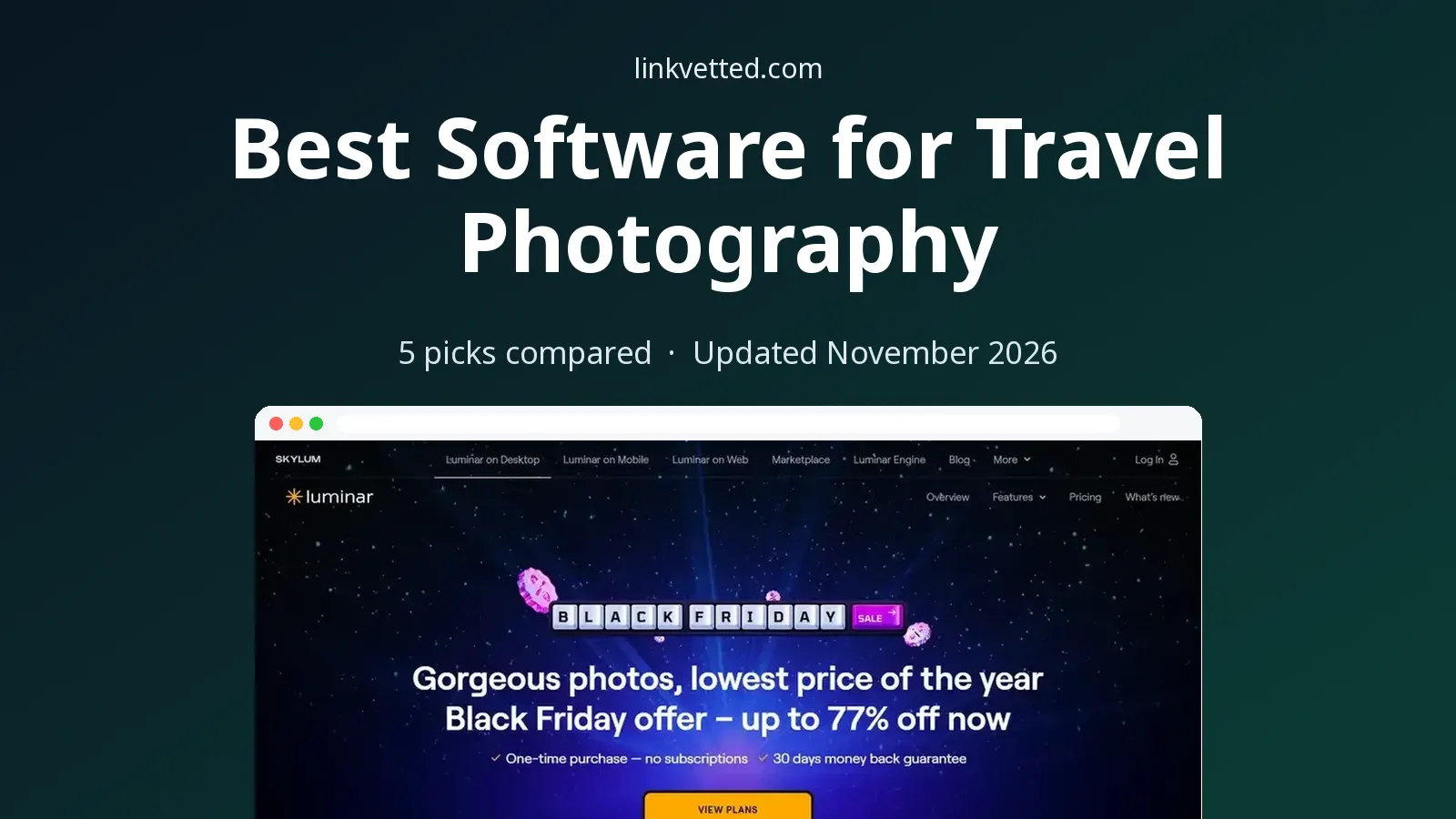
Starts atSee websiteVisit acdsee.comFull review - Great alternativeSkylum Luminar Neo
AI-powered straightforward editing
Starts atSee websiteVisit skylum.comFull review - Also consider
 Adobe Lightroom
All-in-one editing and organizing
Starts atSee websiteVisit adobe.comFull review
Direct answer
If you need all-in-one editing and asset management, ACDSee Photo Studio is the first tool to look at here. Listed starting prices: ON1 Photo RAW from $49.99. Skylum Luminar Neo is better for AI-powered straightforward editing, and Adobe Lightroom is better for all-in-one editing and organizing. All 5 tools are compared below on price, free plan and limits.
TL;DR:
- Number one here is ACDSee Photo Studio, a fit for all-in-one editing and asset management.
- For ACDSee Photo Studio, Skylum Luminar Neo, Adobe Lightroom and Adobe Photoshop, you have to request a quote because no starting price is shown.
- Neither ACDSee Photo Studio nor Adobe Photoshop, nor any of the other 3 tools, has a permanent free plan; trials and quotes are the norm.
- For advanced compositing and retouching, Adobe Photoshop is worth a look.
- What to know about Skylum Luminar Neo first: restricted advanced manual controls.
Last checked November 2026. Prices and plan details were read from the vendors' own pages in November 2026; vendors change plans often, so confirm the current price on the vendor site before you buy.
Quick comparison
| Tool | Best for | Starts at | Free plan? | |
|---|---|---|---|---|
| ACDSee Photo Studio | All-in-one editing and asset management | See website | Not stated | Visit |
| Skylum Luminar Neo | AI-powered straightforward editing | See website | No | Visit |
| Adobe Lightroom | All-in-one editing and organizing | See website | Not stated | Visit |
 ON1 Photo RAW | All-in-one raw editing without subscription | $49.99 | Free trial | Visit |
 Adobe Photoshop | Advanced compositing and retouching | See website | Not stated | Visit |
Software for Travel Photography compared in detail
LinkVetted compared 5 tools for software for travel photography. The goal is a practical shortlist: published prices, free plan facts, best-fit use cases and honest limits for every entry.
ACDSee Photo Studio
Best for: All-in-one editing and asset management
Think of ACDSee Photo Studio for all-in-one editing and asset management. This makes it right for travel photographers who require both editing power and solid organization in a single application.
Downsides: Windows-only for Ultimate version.
Its interface may feel complicated for newcomers. This comparison lists no price for ACDSee Photo Studio; ask the vendor. Free plan details: Not stated.
- Digital asset management
- Layered editing and RAW support
- Interface can be complicated
Skylum Luminar Neo
Best for: AI-powered straightforward editing

Skylum Luminar Neo makes the most sense for AI-powered straightforward editing. Luminar Neo may lack the advanced manual controls and raw precision that some professionals need. It is less suited for high-volume cataloging or tethered shooting.
Skylum Luminar Neo is photo editing software for PC and Mac that uses AI to help edit photos as you imagine them. This makes it a good choice for travel photographers who want quick, easy-to-learn enhancements without deep technical knowledge. Check the vendor site for Skylum Luminar Neo pricing; none is listed in this comparison. Skylum Luminar Neo does not include a free plan.
Points against: May not suit complicated raw workflows.
- AI-driven editing tools
- Approachable interface
- Restricted advanced manual controls

In short, Adobe Lightroom is for all-in-one editing and organizing. Lightroom is a photo editing and organizing option for desktop, web, and mobile, built for professional photographers and enthusiasts. It lets you make amazing photos from anywhere, with tools for editing and managing large libraries.
This makes it a solid fit for travel photographers who require to edit and organize images across devices whereas on the move. It also needs a ramp-up time for advanced features. Adobe Lightroom does not show a starting price in this comparison, so check the vendor site for current pricing. On free options: Not stated.
The main drawbacks: Subscription-based model.
- Smooth sync across desktop, web, mobile
- Professional-grade editing tools
- Can be resource-intensive on older devices
ON1 Photo RAW is designed for all-in-one raw editing without subscription. ON1 Photo RAW is an AI-powered raw photo editing software that lets you edit, organize, and process photos with pro-level quality.
It is available as a one-time purchase with no subscription required. Price to start with ON1 Photo RAW: $49.99. Free options: Free trial.
Drawbacks to consider: May have a ramp-up time for beginners.
- Integrated organizing and processing
- AI-powered raw editing
- Less established than some competitors
Where Adobe Photoshop fits: advanced compositing and retouching. Adobe Photoshop is a professional image editor with fast new ways to produce custom scenes, make complicated edits, and combine images online or with the mobile app. It is a strong match for travel photographers who require advanced retouching, compositing, or creative manipulation beyond entry-level adjustments.
More specifically, Photoshop requires a subscription and has a steep ramp-up time. It is not primarily built for photo organization, so pairing it with Lightroom is typical. Adobe Photoshop does not show a starting price in this comparison, so check the vendor site for current pricing. As for free access: Not stated.
Trade-offs to know: Steeper ramp-up time.
- Feature-rich layer-based editing
- Broad retouching tools
- Subscription required
How these tools were picked
Pricing pages, product documentation and feature lists were the main sources, and every entry carries at least one honest drawback. Prices and plan limits come from vendor pages and can change, so confirm them on the vendor site before you buy. The order reflects how well each tool fits the most common buying scenario for software for travel photography, then price clarity, then free plan access. It is a starting point, not a verdict.
What to check before you buy
- Get a written quote from ACDSee Photo Studio, Skylum Luminar Neo, Adobe Lightroom and Adobe Photoshop; the list shows no starting price for them.
- Use real work to test the free trial from ON1 Photo RAW, rather than a demo project.
- Read the limits listed for ACDSee Photo Studio first: Windows-only for Ultimate version.
- Test the integrations you rely on with ACDSee Photo Studio before committing; some connectors sit on upper tiers.
- Run a one or two week pilot of Adobe Lightroom with the people who will use it every day.
FAQ
Which tool is a good match for raw editing in travel photography?
For most readers this guide would start with ACDSee Photo Studio, built for all-in-one editing and asset management. Skylum Luminar Neo is the alternative for AI-powered straightforward editing, and Adobe Lightroom for all-in-one editing and organizing. The right answer depends on budget and workflow.
Does any tool for software for travel photography here have a free plan?
No tool in this list, ACDSee Photo Studio and Adobe Photoshop included, has a permanent free plan. ON1 Photo RAW offer a trial. Trials and quotes are the usual route, so plan a short evaluation period.
Is ACDSee Photo Studio the right pick for everyone comparing software for travel photography?
No single tool suits every team. ACDSee Photo Studio comes first because it fits all-in-one editing and asset management, while Skylum Luminar Neo suits AI-powered simple editing and Adobe Lightroom suits all-in-one editing and organizing. Match the tool to your own size, budget and workflow before deciding.
Do these tools publish their prices?
Not all of them. ACDSee Photo Studio, Skylum Luminar Neo, Adobe Lightroom and Adobe Photoshop publish no starting price, so expect a quote request for those. The rest, ON1 Photo RAW included, show a starting price, though seats and billing terms still change the final cost.
How are the tools for software for travel photography ordered?
The order follows typical fit for software for travel photography, with ACDSee Photo Studio first and Adobe Photoshop last, then price clarity and free access. It is editorial judgement, not a score, so another team could rank the tools differently.
Sources
- https://www.acdsee.com/en/products/photo-studio-ultimate
- https://skylum.com/luminar
- https://www.adobe.com/products/photoshop-lightroom.html
- https://www.on1.com/products/photo-raw
- https://www.adobe.com/products/photoshop.html