Best Software for Presentation Slides for 2026: Our 6 Vetted Picks
Weighing the best software for presentation Slides? We lined up 6 products by cost, free access and fit. Plus the drawbacks of each tool. Read the profiles.
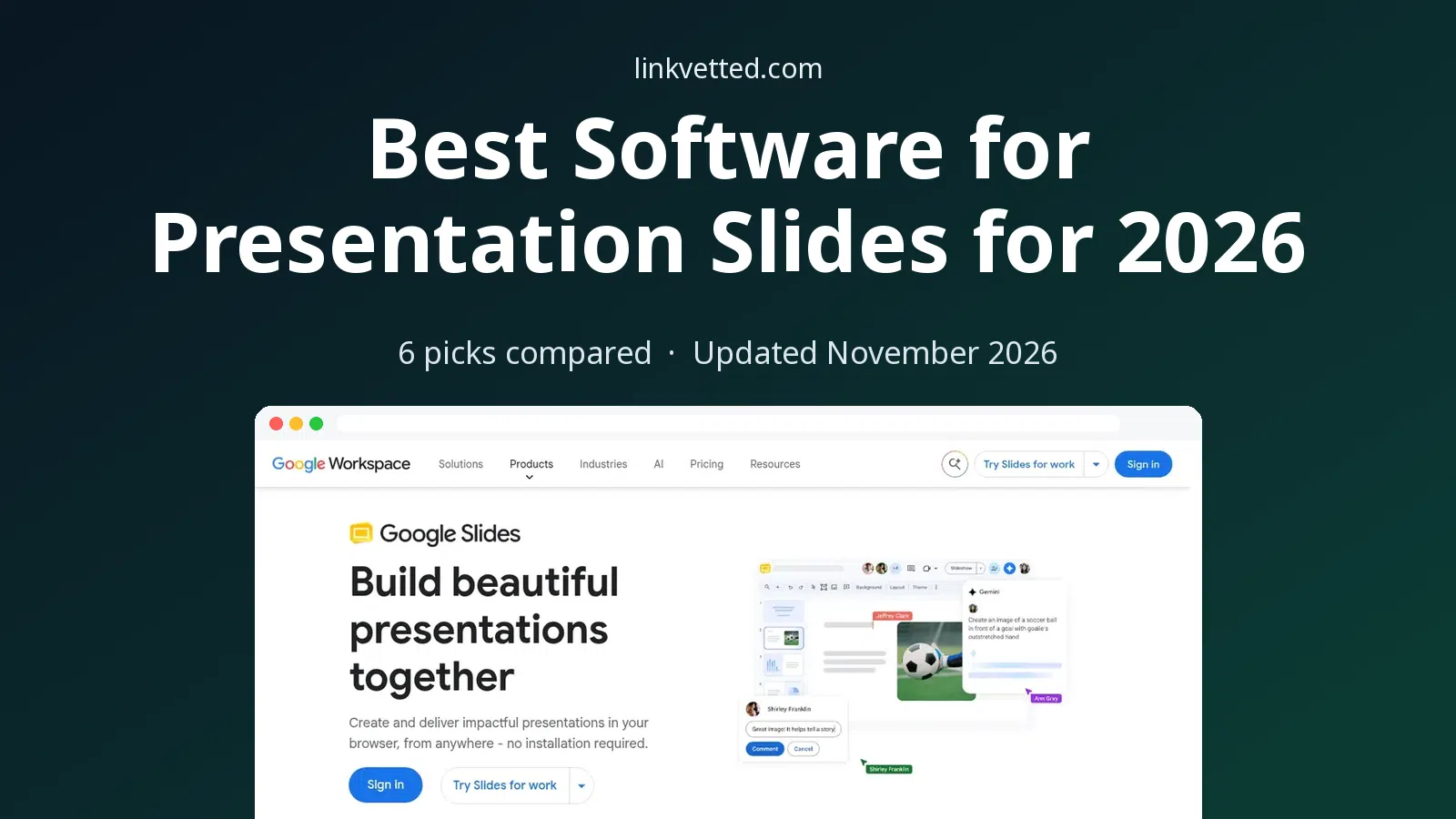
- Editor's choice
 Pitch
Collaborative team presentation workspaces
Starts at€10 a monthVisit pitch.comFull review - Great alternative
 Beautiful.ai
On-brand decks for enterprise teams
Starts at$14.50 a monthVisit beautiful.aiFull review - Also consider
 Google Slides
Browser-based collaborative slide creation
Starts atSee websiteVisit workspace.google.comFull review
Direct answer
Pitch is the first pick on this list for collaborative team presentation workspaces. Listed starting prices: Pitch from €10 a month and Beautiful.ai from $14.50 a month. Beautiful.ai is better for on-brand decks for enterprise teams, and Google Slides is better for browser-based collaborative slide creation. The remaining 3 options are covered below with prices and limits.
TL;DR:
- Pitch is the opening pick, best for collaborative team presentation workspaces.
- One limit worth knowing about Google Slides: needs a Google account workflow.
- Only Pitch offers a free plan among these 6 tools.
- Microsoft PowerPoint fits general business decks and pitch presentations.
- Starting prices begin at $14.50 per month with Beautiful.ai.
Last checked November 2026. Prices and plan details were read from the vendors' own pages in November 2026; vendors change plans often, so confirm the current price on the vendor site before you buy.
Quick comparison
| Tool | Best for | Starts at | Free plan? | |
|---|---|---|---|---|
| Pitch | Collaborative team presentation workspaces | €10 a month | Yes | Visit |
| Beautiful.ai | On-brand decks for enterprise teams | $14.50 a month | Free trial | Visit |
| Google Slides | Browser-based collaborative slide creation | See website | Not stated | Visit |
 Apple Keynote | Apple device users creating refined slides | See website | Not stated | Visit |
 Prezi | Interactive presentations with live audience input | See website | Not stated | Visit |
 Microsoft PowerPoint | General business decks and pitch presentations | See website | Not stated | Visit |
The best software for presentation Slides
LinkVetted compared 6 software for presentation Slides. The goal is a practical shortlist: published prices, free plan facts, best-fit use cases and honest limits for every entry.
Pitch is built with collaborative team presentation workspaces in mind. Pitch is a collaborative presentation system for teams that want to build, share and deliver better work. Its homepage frames it as an AI presentation workspace, making it a fit for groups that treat decks as shared projects and need a typical place to build and present them together.
Downsides: Smaller ecosystem than major suites.
Teams already standardized on Microsoft or Google tools may prefer to stay within those ecosystems. Pitch is oriented toward team workflows, so individuals making occasional straightforward slides may find it more than they need. Entry price for Pitch: €10 per month. A free plan is available with Pitch.
- Share and deliver in one place
- Build
- Less suited to solo casual use
Beautiful.ai serves on-brand decks for enterprise teams. It fits organizations that want consistent, presentable slides without each person hand-designing layouts from scratch.
Its strength in automated, on-brand layouts can mean less fine-grained control for highly custom designs. Beautiful.ai cost at the entry level: $14.50 per month. Trial and free access: Free trial.
Trade-offs to know: Less control for highly custom layouts.
- Aimed at company-wide sharing
- AI-assisted slide building
- Centred on enterprise team use
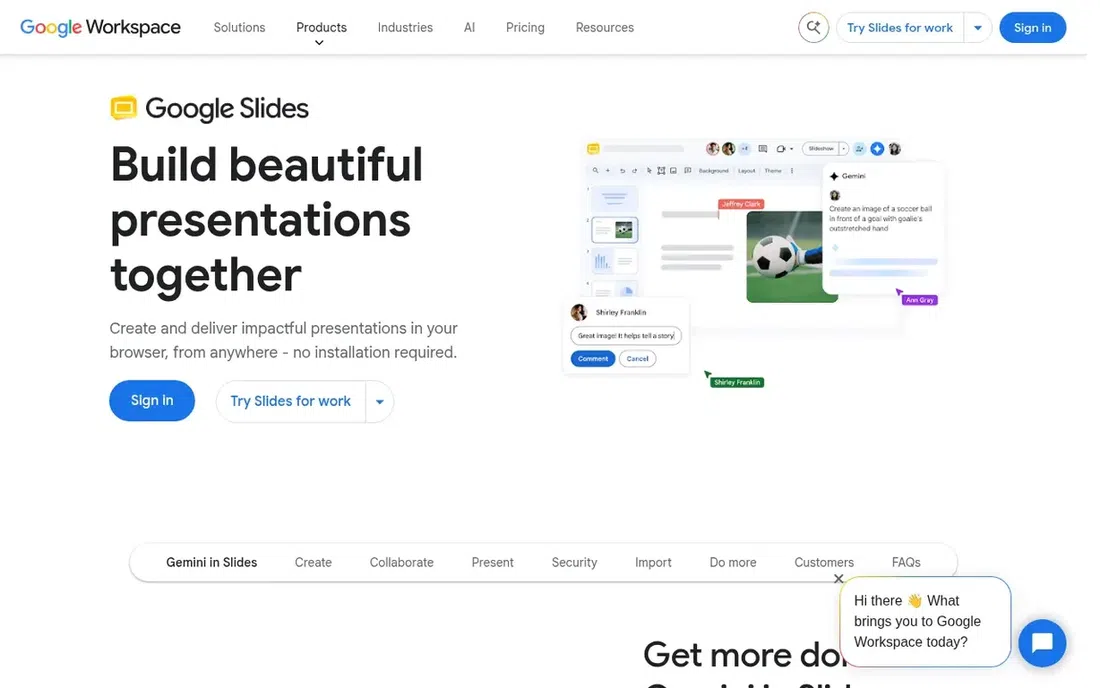
Think of Google Slides for browser-based collaborative slide creation. Google Slides is a presentation slideshow maker made for creating decks online.
Honest limits: Design depth is more restricted.
Its homepage flags slide templates for every use case and AI features for generating visualizations. No starting price is listed for Google Slides here; confirm pricing on the vendor site. Trial and free access: Not stated.
- Runs in the browser
- AI-assisted visual generation
- Needs a Google account workflow
Pick Apple Keynote if this describes you: Apple device users creating refined slides. Apple Keynote is Apple's presentation app for creating, editing, saving and sharing presentations on Mac, iPad, iPhone and the web.
Honest limits: Cross-platform sharing needs care.
Keynote is at its best on Apple hardware, so mixed-device teams may run into friction when sharing or co-editing. In practice, if your group works across Windows and the web, Google Slides or PowerPoint will typically be the smoother shared choice. No starting price is listed for Apple Keynote here; confirm pricing on the vendor site. On free options: Not stated.
- Works across Mac
- Editing and sharing on the web
- Best experience stays on Apple devices
Prezi makes the most sense for interactive presentations with live audience input. Prezi is an interactive presentation product geared toward educators, trainers and teams.
Pricing for Prezi is not stated here, so ask the vendor for current figures. As for free access: Not stated.
Trade-offs to know: May not suit formal corporate formats.
- Shareable interactive links
- Live polls and quizzes
- Different from classic slide decks
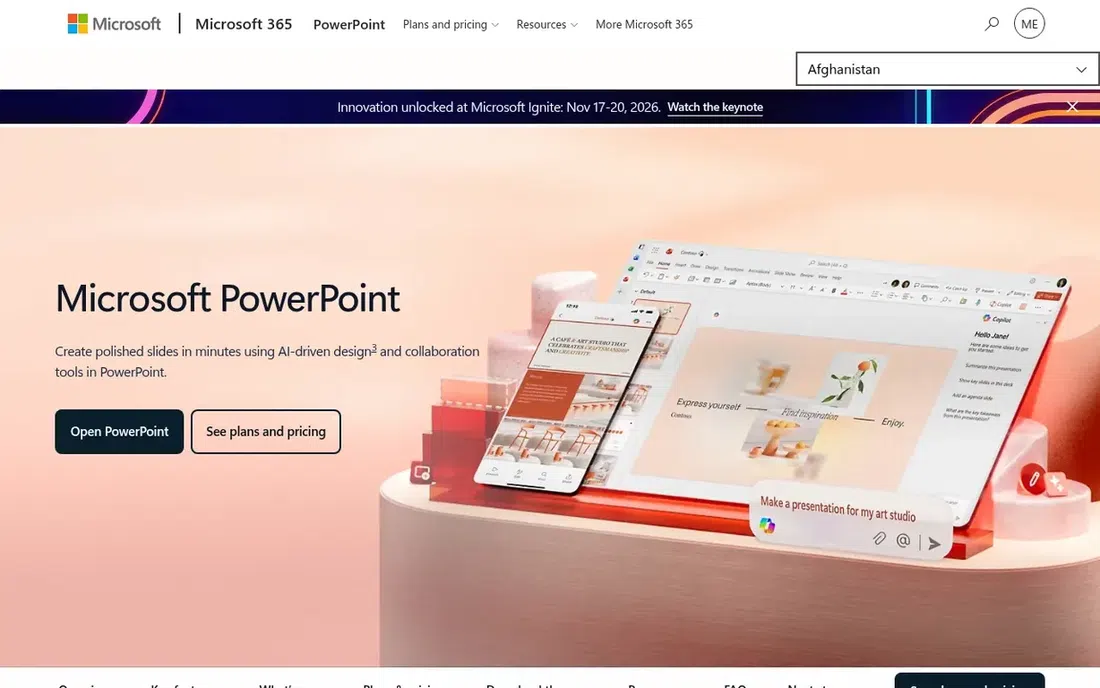
Microsoft PowerPoint is a good fit for general business decks and pitch presentations. Microsoft PowerPoint is a long-standing presentation maker for building clean slideshows and more intricate pitch decks.
Honest limits: Design work may need additional effort.
Worth adding: people who already work in Microsoft environments will find the workflow familiar. Check the vendor site for Microsoft PowerPoint pricing; none is listed in this comparison. Free access: Not stated.
- Fits both straightforward and in-depth decks
- Familiar to most office users
- Can feel heavy for fast edits
Our selection method
The comparison looks at four things: starting price, free access, how well the feature set matches software for presentation Slides, and the main limit of each tool. Where a price is missing, the vendor does not list one publicly or ties it to a quote. Always confirm before budgeting. We ordered the tools by general fit, then by how clearly pricing is shown, then by free access. A buyer with unusual needs may reorder them.
What to check before you buy
- Confirm the entry price on the vendor page. For Google Slides, Apple Keynote, Prezi and Microsoft PowerPoint that means a quote rather than a fixed price.
- Look at the free plan from Pitch closely: its caps decide whether it is usable for real work.
- Run a trial of Beautiful.ai with real work before paying for a year; your own workflow is the best test.
- Read the limits listed for Pitch first: smaller ecosystem than major suites.
- Check whether Pitch bills monthly or annually, and what cancelling early costs.
- A short pilot of Prezi with your real workflow tells you more than a feature table.
FAQ
Do these tools publish their prices?
Not all of them. Google Slides, Apple Keynote, Prezi and Microsoft PowerPoint publish no starting price, so expect a quote request for those. The rest, Pitch included, show a starting price, though seats and billing terms still change the final cost.
Which software for presentation Slides have a free plan?
Pitch is the only tool in this list with a free plan. Free plans usually cap users, projects or features, so check the limits on the vendor page. One other tool offers a trial instead. All 6 picks in this software for presentation Slides comparison list a starting price, free plan details and the main limits on their cards above.
Which presentation tool is a good match for team collaboration?
The first pick on this list is Pitch, because it suits collaborative team presentation workspaces. Beautiful.ai is better for on-brand decks for enterprise teams, and Google Slides for browser-based collaborative slide creation. Check price and limits against your own needs before choosing.
What if I want audience interaction during a talk?
Prezi is designed around live polls and quizzes that audiences join from their phones, plus shareable links after the session. For conventional linear decks, PowerPoint or Google Slides are more standard.
How are the software for presentation Slides ordered?
Pitch sits first and Microsoft PowerPoint last because the order follows typical fit for software for presentation Slides, then price clarity and free access. It is a judgement call, so read each profile for fit and limits.
What is the cheapest option for software for presentation Slides in this list?
On published monthly entry prices, Beautiful.ai is the lowest here at $14.50 per month. Entry price is only part of the cost, because seats, add-ons and billing terms can change the total. For the full picture, the cards above cover all 6 entries of this software for presentation Slides list, including price, free plan and limits.
Sources
- https://pitch.com
- https://www.beautiful.ai
- https://workspace.google.com/products/slides
- https://www.apple.com/keynote
- https://prezi.com
- https://www.microsoft.com/microsoft-365/powerpoint