Best Software for Vector Art for 2026: Our 5 Vetted Picks
5 options for the best software for vector art, with entry costs, free tiers and the buyer each one serves. Each tool gets a one-line verdict. Prices included.
- Editor's choice
 Linearity Curve
Vector design on Apple devices
Starts atSee websiteVisit linearity.ioFull review - Great alternative
 Sketch
Design, prototype and handoff workflows
Starts at$12 per editor a monthVisit sketch.comFull review - Also consider
 Adobe Illustrator
General vector illustration and design
Starts atSee websiteVisit adobe.comFull review
Direct answer
Our first pick is Linearity Curve, best for vector design on Apple devices. Listed starting prices: Sketch from $12 per editor a month and Vectornator from $8 a month. Sketch fits design, prototype and handoff workflows; Adobe Illustrator fits general vector illustration and design. The other 2 tools in the list cover narrower or pricier cases.
TL;DR:
- Linearity Curve is the opening pick, best for vector design on Apple devices.
- Vectornator stands alone as the one tool in this list with a free plan.
- Vectornator fits AI-assisted campaign asset generation.
- One limit worth knowing about Sketch: concentrated on product and UI design.
- Starting prices begin at $8 per month with Vectornator.
Last checked November 2026. Prices and plan details were read from the vendors' own pages in November 2026; vendors change plans often, so confirm the current price on the vendor site before you buy.
Quick comparison
| Tool | Best for | Starts at | Free plan? | |
|---|---|---|---|---|
| Linearity Curve | Vector design on Apple devices | See website | Not stated | Visit |
| Sketch | Design, prototype and handoff workflows | $12 per editor a month | Free trial | Visit |
| Adobe Illustrator | General vector illustration and design | See website | Not stated | Visit |
 Affinity Designer | Precise, quick vector design work | See website | Not stated | Visit |
| Vectornator | AI-assisted campaign asset generation | $8 a month | Yes | Visit |
Software for Vector Art profiles
Choosing software for vector art usually comes down to price, fit and limits. This LinkVetted guide sets 5 tools side by side on those three points, with the facts kept short and checkable.
Linearity Curve targets vector design on Apple devices. Its product range centers on Apple hardware, so Windows-based studios may need a different choice.
Where it is weaker: Apple-focused system range.
Linearity Curve shows no starting price here, so confirm the cost on the vendor site. As for free access: Not stated.
- Imports from several formats
- Advanced vector design for Mac
- Ramp-up time for advanced tools
Sketch targets design, prototype and handoff workflows. Sketch is a design, prototyping, collaboration and handoff tool built by designers for designers. For everyday use, vector drawing is part of that flow, so it fits teams producing UI assets, icons and interface graphics instead of traditional print illustration.
Watch-outs: Less suited to print illustration.
It is oriented toward product and screen design, so illustrators working on print or complicated artwork may find it limiting compared to dedicated vector programs. More specifically, confirm product availability and export formats on the vendor site. Starting cost for Sketch: $12 per editor per month. Trial and free access: Free trial.
- Design and prototyping in one place
- Made with designers in mind
- Centred on product and UI design
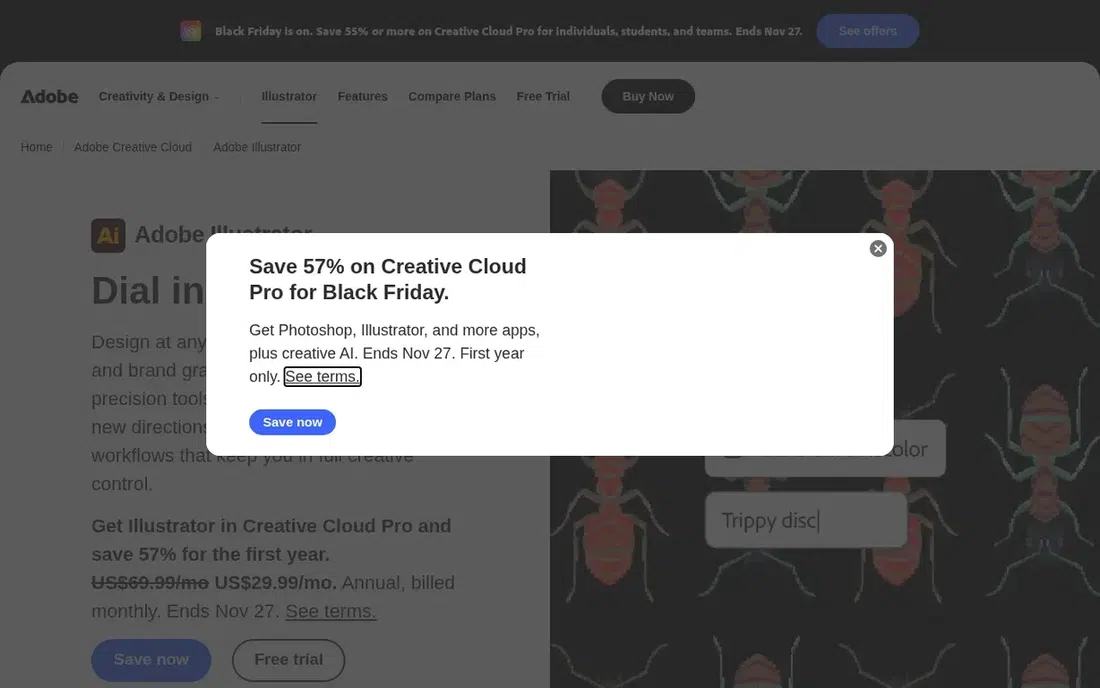
Choose Adobe Illustrator for general vector illustration and design. Confirm current system and export details on the vendor site.
Drawbacks to consider: Can feel complicated for beginners.
Its homepage flags generative AI that transforms a text prompt into a completely editable vector graphic, which accelerates concept work. The depth of features can overwhelm newcomers, and the subscription model means continuing cost instead of a one-time purchase. No starting price is listed for Adobe Illustrator here; confirm pricing on the vendor site. Free access: Not stated.
- Generative AI turns prompts into editable vectors
- Industry-standard vector toolset
- Subscription-based access
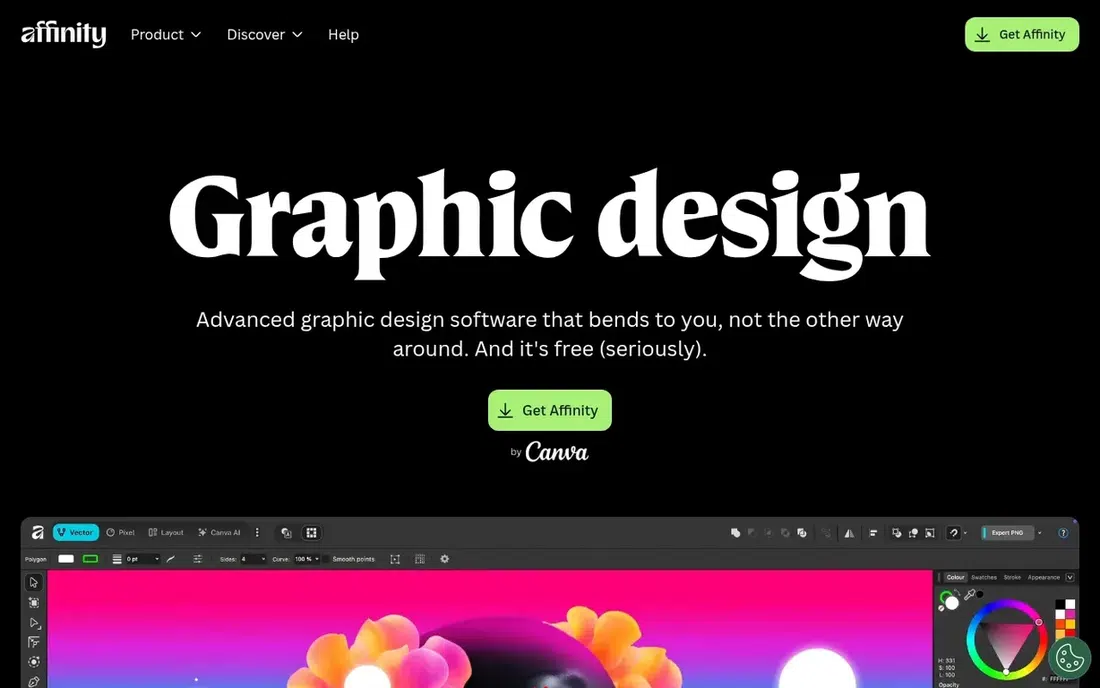
Affinity Designer was built for precise, quick vector design work. Affinity Designer is professional design software aimed at precision, speed and freedom, pitched at creating crisp vector art and bold graphics.
If you rely on a specific industry-standard workflow or shared file conventions, verify compatibility first. On top of that, otherwise it is a solid choice for straightforward vector production. No starting price is listed for Affinity Designer here; confirm pricing on the vendor site. As for free access: Not stated.
Downsides: Fewer external integrations.
- Aimed at precision and speed
- Deals with crisp vector art and bold graphics
- Smaller ecosystem than Adobe
Vectornator
Best for: AI-assisted campaign asset generation
Vectornator works best for AI-assisted campaign asset generation. The vector editing sits inside a broader asset-generation workflow instead of standing alone.
Honest limits: Positioned around marketing assets.
On top of that, check which editing capabilities and export choices are included on the vendor site. Price to start with Vectornator: $8 per month. Free access exists with Vectornator.
- Geared toward on-brand campaign output
- Covers several formats and channels
- Less centred on freehand illustration
What went into this list
LinkVetted looked at what each vendor publishes: pricing, plan limits, feature coverage for software for vector art and stated drawbacks. No hands-on testing is claimed. Plan names, prices and limits change often. Treat the figures here as a starting point and verify them with the vendor. The sequence is a judgement call: typical use case first, then pricing transparency, then free access. Use the profiles to check fit.
A buyer's checklist
- Ask Linearity Curve, Adobe Illustrator and Affinity Designer for a written quote, since no starting price is shown.
- Look at the free plan from Vectornator closely: its caps decide whether it is usable for real work.
- Take the trial from Sketch and push a live task through it before you pay.
- Read the limits listed for Linearity Curve first: Apple-focused system range.
- A short pilot of Vectornator with your real workflow tells you more than a feature table.
- Work out what Sketch costs with your real seat count, add-ons and usage, not just the entry price.
FAQ
Which vector art software is best for beginners?
For most readers this guide would start with Linearity Curve, built for vector design on Apple devices. Sketch is the alternative for design, prototype and handoff workflows, and Adobe Illustrator for general vector illustration and design. The right answer depends on budget and workflow.
How are the tools for software for vector art ordered?
The order follows typical fit for software for vector art, with Linearity Curve first and Vectornator last, then price clarity and free access. It is editorial judgement, not a score, so another team could rank the tools differently.
Do these tools publish their prices?
Not all of them. Linearity Curve, Adobe Illustrator and Affinity Designer publish no starting price, so expect a quote request for those. The rest, Sketch included, show a starting price, though seats and billing terms still change the final cost.
Is Linearity Curve the right pick for everyone comparing software for vector art?
No single tool suits every team. Linearity Curve comes first because it fits vector design on Apple devices, while Sketch suits design, prototype and handoff workflows and Adobe Illustrator suits general vector illustration and design. Match the tool to your own size, budget and workflow before deciding.
Can I try these tools before paying?
Often, yes. Vectornator has a free plan and Sketch offers a free trial. Use your own data and a real task during the test, and check what the free tier or trial limits before you rely on it. All 5 picks in this software for vector Art comparison list a starting price, free plan details and the main limits on their cards above.
Sources
- https://www.linearity.io/curve
- https://www.sketch.com
- https://www.adobe.com/products/illustrator.html
- https://affinity.serif.com/en-us/designer
- https://www.vectornator.io