Best Vector Illustration Software for Studios in 2026: Prices, Free Plans and 6 Picks
Best vector illustration software for studios in 2026: 6 contenders with entry costs and free tiers. Each tool gets a one-line verdict. Pick with confidence.
- Editor's choice
 Figma
Collaborative design and vector work
Starts at$3 a monthVisit figma.comFull review - Great alternative
 Sketch
Design, prototype, and handoff workflows
Starts at$12 per editor per monthVisit sketch.comFull review - Also considerVectornator
AI-generated editable campaign assets
Starts at$8 per monthVisit vectornator.ioFull review
Direct answer
Figma comes first here, mainly for collaborative design and vector work. Listed starting prices: Figma from $3 a month, Sketch from $12 per editor per month and Vectornator from $8 per month. Sketch fits design, prototype, and handoff workflows; Vectornator fits AI-generated editable campaign assets. All 6 tools are compared below on price, free plan and limits.
TL;DR:
- Figma sits first on this list: collaborative design and vector work.
- Affinity Designer fits precision vector and graphic design.
- Vectornator comes with a trade-off: less emphasis on traditional illustration tools.
- For the cheapest start, look at Figma: $3 per month.
Last checked November 2026. Prices and plan details were read from the vendors' own pages in November 2026; vendors change plans often, so confirm the current price on the vendor site before you buy.
Quick comparison
| Tool | Best for | Starts at | Free plan? | |
|---|---|---|---|---|
| Figma | Collaborative design and vector work | $3 a month | Not stated | Visit |
| Sketch | Design, prototype, and handoff workflows | $12 per editor per month | Free trial | Visit |
| Vectornator | AI-generated editable campaign assets | $8 per month | Yes | Visit |
 Adobe Illustrator | Full-featured studio vector production | See website | Not stated | Visit |
 Linearity Curve | Advanced vector design on Apple devices | See website | Not stated | Visit |
 Affinity Designer | Precision vector and graphic design | See website | Not stated | Visit |
The 6 tools in detail
This LinkVetted guide covers 6 vector illustration software for studios. Each profile lists a starting price, free plan details, strengths and drawbacks, so you can drop poor fits quickly.
Figma works best for collaborative design and vector work. Figma is a collaborative canvas where design, code, and AI come together.
Its homepage describes moving from concept to production with the entire team in one place, which fits studios that require shared vector work, feedback, and handoff in a single environment. For intricate vector illustration, Figma may not match the depth of Adobe Illustrator or Affinity Designer, and collaborative features rely on stable connectivity. Figma pricing: $3 per month. Free plan details: Not stated.
Points against: Needs steady connectivity for collaboration.
Where it shines: Brings design, code.
- AI together
- Capable for team workflows
- Illustration depth is less than dedicated tools
For design, prototype, and handoff workflows, Sketch is a natural candidate. Studios needing advanced drawing features or AI-generated vectors should look elsewhere, whereas product design teams that value prototyping and handoff will find Sketch a practical fit.
The main drawbacks: Not a dedicated illustration-first tool.
More specifically, Sketch is a design system for prototyping, collaboration, and handoff, made by designers for designers. Worth adding: Sketch is not positioned as a full illustration studio tool, so complicated vector artwork may feel constrained compared to Illustrator or Affinity Designer. Starting cost for Sketch: $12 per editor per month. As for free access: Free trial.
- Supports prototyping and collaboration
- Focused interface
- Vector drawing is one part of a broader workflow
Vectornator
Best for: AI-generated editable campaign assets
Vectornator works best for AI-generated editable campaign assets. It fits teams that want AI-assisted asset generation with editable vector output.
Trade-offs to know: Less emphasis on traditional illustration tools.
As for the details, the tool is less oriented toward traditional, hand-drawn vector illustration, so studios needing precise drawing controls may find it restricted. What you pay to start with Vectornator: $8 per month. Vectornator offers a free plan.
- Editable output across formats
- Campaign-focused asset creation
- Branding has shifted toward Linearity
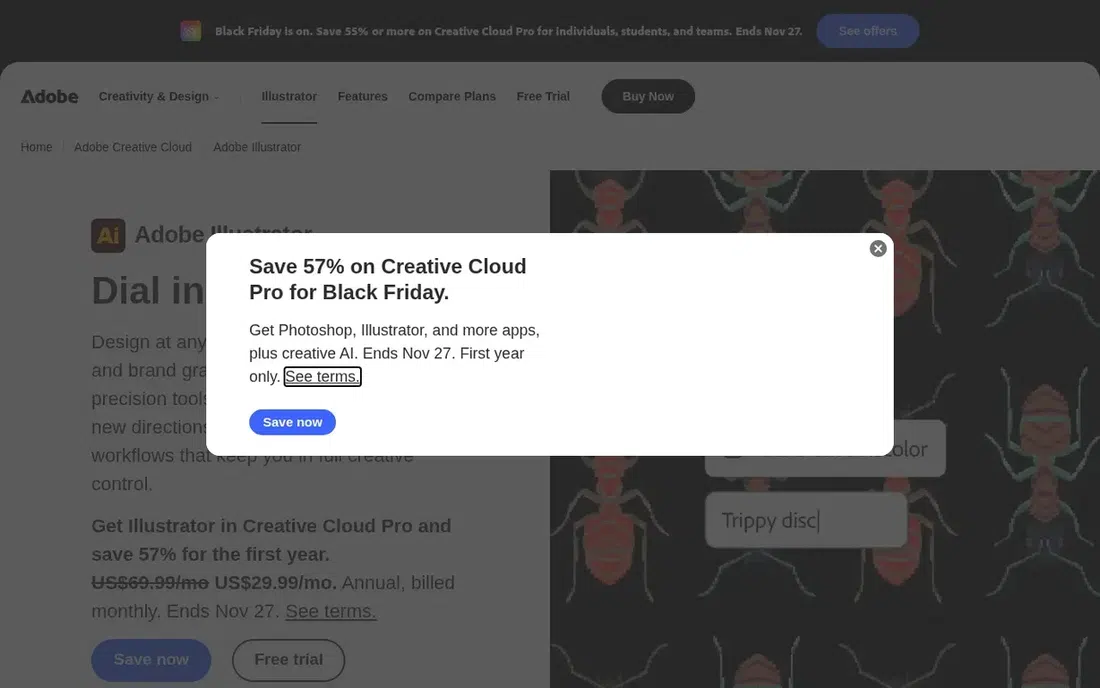
In short, Adobe Illustrator is for full-featured studio vector production. Its homepage flags generative AI that transforms a text prompt into a completely editable vector graphic, alongside the deep drawing and editing tools studios expect.
This comparison lists no price for Adobe Illustrator; ask the vendor. As for free access: Not stated.
Limits to weigh: Can feel complex for straightforward tasks.
- Wide format and workflow support
- Industry-standard vector toolset
- Needs a learning curve for advanced features
Think of Linearity Curve for advanced vector design on Apple devices. Linearity Curve is advanced vector design software for Mac, iPad, and iPhone.
Where it falls short: Apple-platform focused.
Beyond that, the Apple-platform focus means Windows-based studios may need a different option, and cross-platform teams should confirm workflow compatibility. This comparison lists no price for Linearity Curve; ask the vendor. Free access: Not stated.
- Vector design for Mac, iPad, iPhone
- Collaboration features included
- Less suited to non-Apple studio environments
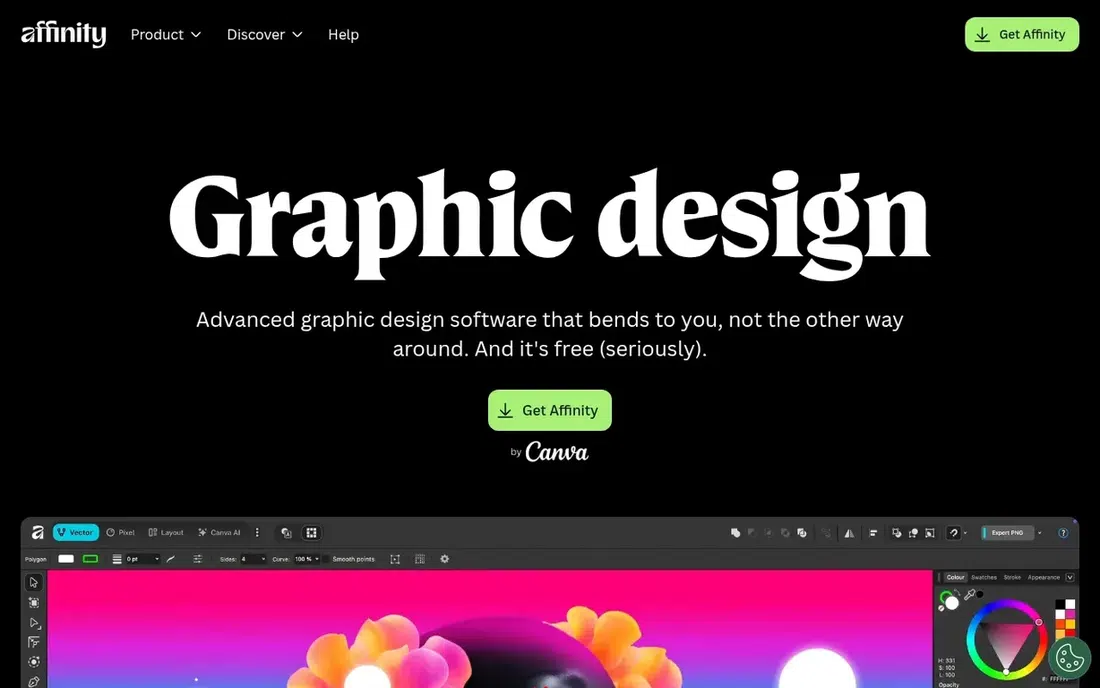
Affinity Designer is a good fit for precision vector and graphic design. Affinity Designer is professional design software centered on crisp vector art and bold graphics. Its homepage emphasizes precision, speed, and creative freedom, making it a solid fit for studios that want a focused vector tool without unnecessary complexity.
On top of that, the tool is less established than some competitors, so studios relying on broad external plugins or a large template ecosystem may have to verify compatibility. Beyond that, teams that require live collaborative canvases or AI-driven generation may prefer Figma or Illustrator, whereas Affinity Designer remains a solid choice for dedicated vector precision. No starting price is listed for Affinity Designer here; confirm pricing on the vendor site. Trial and free access: Not stated.
Limits to weigh: Fewer AI-assisted features advertised.
- Crisp vector art with precision tools
- Merges vector and graphic design
- Smaller ecosystem than established leaders
How we compared the tools
LinkVetted looked at what each vendor publishes: pricing, plan limits, feature coverage for vector illustration software for studios and stated drawbacks. No hands-on testing is claimed. Prices and plan limits come from vendor pages and can change, so confirm them on the vendor site before you buy. The ranking is editorial: typical fit first, then clear pricing, then free access. If your needs are unusual, read the profiles rather than relying on position.
Questions to settle before buying
- Confirm the entry price on the vendor page. For Adobe Illustrator, Linearity Curve and Affinity Designer that means a quote rather than a fixed price.
- Look at the free plan from Vectornator closely: its caps decide whether it is usable for real work.
- Use real work to test the free trial from Sketch, rather than a demo project.
- Before choosing Figma, weigh its main limit: illustration depth is less than dedicated tools.
- Test the integrations you rely on with Adobe Illustrator before committing; some connectors sit on upper tiers.
- Confirm minimum seats and billing terms with Sketch before you commit to an annual plan.
FAQ
Which vector illustration tool is a good match for a studio new to digital workflows?
Figma comes first here and is built for collaborative design and vector work. Buyers with other needs may prefer Sketch (for design, prototype, and handoff workflows) or Vectornator (for AI-generated editable campaign assets). Compare costs and limits first.
Do these tools publish their prices?
Not all of them. Adobe Illustrator, Linearity Curve and Affinity Designer publish no starting price, so expect a quote request for those. The rest, Figma included, show a starting price, though seats and billing terms still change the final cost.
How are the tools for vector illustration software for studios ordered?
Figma sits first and Affinity Designer last because the order follows typical fit for vector illustration software for studios, then price clarity and free access. It is a judgement call, so read each profile for fit and limits.
Is Figma the right pick for everyone comparing vector illustration software for studios?
No single tool suits every team. Figma comes first because it fits collaborative design and vector work, while Sketch suits design, prototype, and handoff workflows and Vectornator suits AI-generated editable campaign assets. Match the tool to your own size, budget and workflow before deciding.
Which options for vector illustration software for studios have a free plan?
Vectornator is the only tool in this list with a free plan. Free plans usually cap users, projects or features, so check the limits on the vendor page. One other tool offers a trial instead. Each of the 6 options in this vector Illustration software for studios guide has its own card above with the price, free plan and limits.
Sources
- https://www.figma.com
- https://www.sketch.com
- https://www.vectornator.io
- https://www.adobe.com/products/illustrator.html
- https://www.linearity.io/curve
- https://affinity.serif.com/en-us/designer