Choosing Typography Management Software for Design Studios in 2026: 6 Options Compared
Compare 6 best typography management software for design studios, with prices, free plans and who each fits. Notes on cost and gaps for each tool. Plain facts.
- Editor's choiceTypeface
Minimal Mac font browsing
Starts atSee websiteVisit typefaceapp.comFull review - Great alternativeFontbase
Quick, free font management on Mac and Windows
Starts at$3 per monthVisit fontba.seFull review - Also considerExtensis Connect
Font and license compliance oversight
Starts at$200 per user each yearVisit extensis.comFull review
Direct answer
Typeface leads the list, best for minimal Mac font browsing. Listed starting prices: Fontbase from $3 per month, Extensis Connect from $200 per user each year and RightFont from $59.00 one-time. Fontbase is better for quick, free font management on Mac and Windows, and Extensis Connect is better for font and license compliance oversight. All 6 tools are compared below on price, free plan and limits.
TL;DR:
- Typeface is the opening pick, best for minimal Mac font browsing.
- For straightforward Mac font organization, FontExplorer X is worth a look.
- Fontbase is the lowest-priced starter here at $3 per month.
- Check the limits for Fontbase before you commit: restricted advanced compliance features.
- Only Fontbase offers a free plan among these 6 tools.
Last checked November 2026. Prices and plan details were read from the vendors' own pages in November 2026; vendors change plans often, so confirm the current price on the vendor site before you buy.
Quick comparison
| Tool | Best for | Starts at | Free plan? | |
|---|---|---|---|---|
| Typeface | Minimal Mac font browsing | See website | Free trial | Visit |
| Fontbase | Quick, free font management on Mac and Windows | $3 per month | Yes | Visit |
| Extensis Connect | Font and license compliance oversight | $200 per user each year | No | Visit |
| RightFont | Mac font organization with cloud sync | $59.00 one-time | No | Visit |
| Adobe Fonts | Licensed fonts inside Creative Cloud | See website | Not stated | Visit |
| FontExplorer X | Straightforward Mac font organization | See website | Not stated | Visit |
6 typography management software for design studios in detail
This LinkVetted guide covers 6 typography management software for design studios. Each profile lists a starting price, free plan details, strengths and drawbacks, so you can drop poor fits quickly.
Typeface
Best for: Minimal Mac font browsing
Typeface is aimed squarely at minimal Mac font browsing. Typeface is a macOS font manager with a minimal interface and total focus on browsing your font collection. Worth adding: small studios on Mac that value simplicity over complicated controls may find it appealing.
Also, studios with mixed operating systems or strict font governance needs should look at broader systems. In daily use, Typeface is Mac-only and does not emphasize license compliance or large-team asset management. Typeface shows no starting price here, so confirm the cost on the vendor site. Trial and free access: Free trial.
Trade-offs to know: Restricted team governance features.
- Pleasant browsing experience
- Helps pick the right type for designs
- Mac only
Fontbase
Best for: Quick, free font management on Mac and Windows
Fontbase targets quick, free font management on Mac and Windows. The free approach makes it simple to try in a studio workflow.
Also, FontBase is a font manager made by designers for designers, emphasizing speed and a clean interface on both Mac and Windows. Studios that require documented font usage across numerous designers may want a system with more solid compliance features. Fontbase starts at: $3 per month. You can start on Fontbase without paying.
Points against: Restricted advanced compliance features.
- Works on Mac and Windows
- Quick performance and clean interface
- Fewer enterprise controls
Extensis Connect
Best for: Font and license compliance oversight
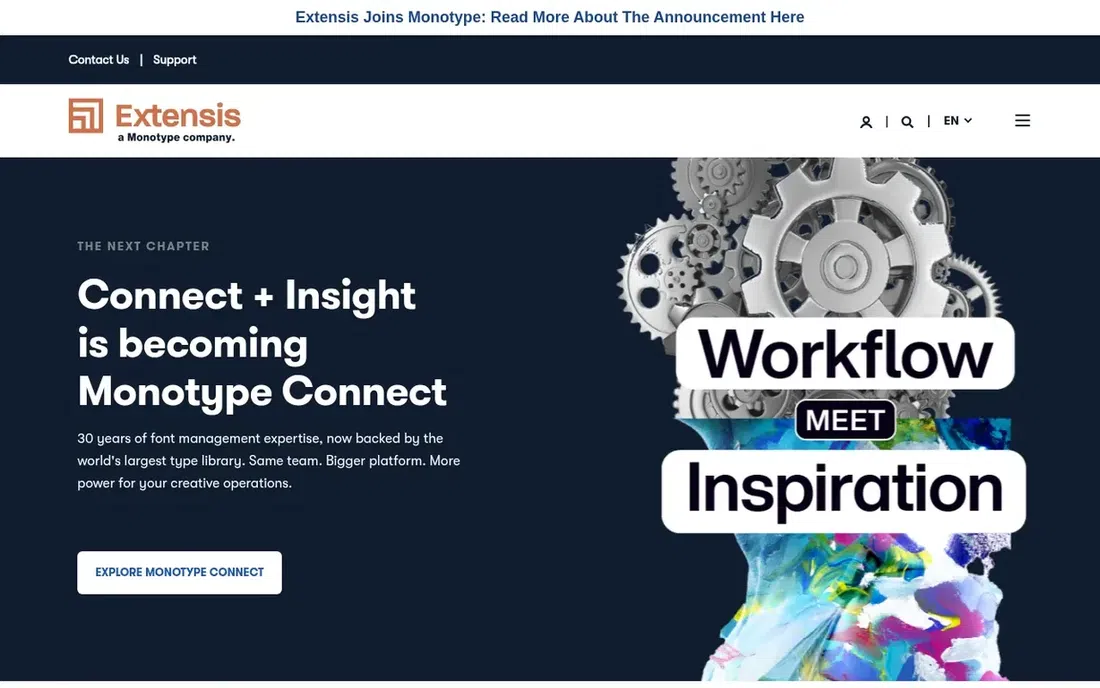
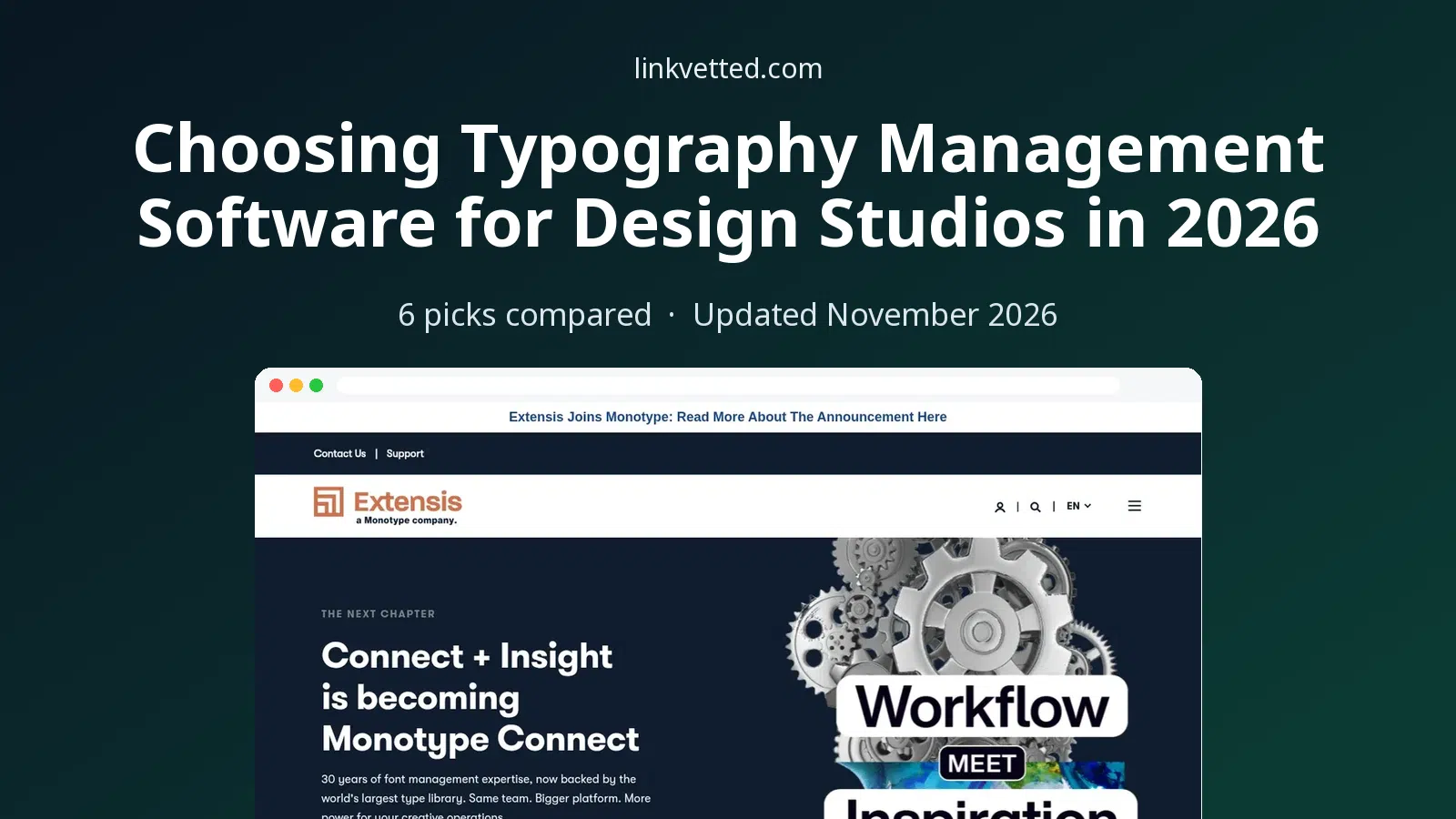
Extensis Connect serves font and license compliance oversight. Its compliance reporting helps studios avoid licensing missteps as teams grow.
More specifically, the system leans toward bigger creative operations, so a solo studio may find it heavier than needed. Studios wanting a more straightforward local font organizer may prefer a lighter Mac or Windows tool instead. What you pay to start with Extensis Connect: $200 per user annually. Extensis Connect does not include a free plan.
What to check first: May be more than small studios need.
- Runs fonts and creative assets together
- Cuts risk in creative operations
- Enterprise-oriented setup
RightFont
Best for: Mac font organization with cloud sync
RightFont is designed for Mac font organization with cloud sync. RightFont is a Mac font manager that helps studios preview, sync, install, and organize fonts across teams using iCloud or Dropbox. It positions itself as an all-in-one manager for business, which fits studios that want shared font access without a server.
The main drawbacks: Mac-focused.
From a buyer's view, RightFont is centered on Mac, so Windows-based studios would need a different option. Beyond that, teams needing deep license compliance reporting may find it lighter than enterprise font systems. Designers who work primarily on macOS will find it a natural fit. Entry price for RightFont: $59.00 one-time. There is no free plan with RightFont.
Best features of RightFont: All-in-one manager for business use.
- Preview, sync, install
- Organize fonts
- Cloud sync relies on external services
Adobe Fonts
Best for: Licensed fonts inside Creative Cloud
Choose Adobe Fonts for licensed fonts inside Creative Cloud. Adobe Fonts partners with foundries to offer thousands of typefaces to designers, with licensing simplified for Creative Cloud users.
Trade-offs to know: Tied to Adobe ecosystem.
In practice, Adobe Fonts is not a full standalone font manager for organizing local collections across all applications. Studios already working in Adobe apps can activate fonts and use them across projects without separate licensing steps. Pricing for Adobe Fonts is not stated here, so ask the vendor for current figures. Free access: Not stated.
- Simple activation for Creative Cloud users
- Thousands of fonts from leading foundries
- Not a standalone font organizer for all apps
FontExplorer X
Best for: Straightforward Mac font organization
FontExplorer X is a good fit for straightforward Mac font organization. FontExplorer X Pro is a Mac font manager described as a straightforward and speedy way to find and organize fonts on macOS.
Drawbacks to consider: Mac-only.
Studios requiring license compliance reporting or global deployment may find it less thorough than enterprise font systems. In practice, designers who run large local collections on Mac may appreciate its focused approach. FontExplorer X does not show a starting price in this comparison, so check the vendor site for current pricing. As for free access: Not stated.
- Helps find and organize fonts
- Straightforward and speedy font organization
- Restricted cross-platform support
How we chose
We compared the tools on published pricing, free plan or trial availability, feature coverage for typography management software for design studios, and the limits each vendor documents. Figures are shown as the vendors publish them. Billing terms, seat minimums and add-ons can change the real cost. The sequence is a judgement call: typical use case first, then pricing transparency, then free access. Use the profiles to check fit.
A buyer's checklist
- Ask Typeface, Adobe Fonts and FontExplorer X for a written quote, since no starting price is shown.
- Look at the free plan from Fontbase closely: its caps decide whether it is usable for real work.
- Take the trial from Typeface and push a live task through it before you pay.
- Read the limits listed for Typeface first: Mac only.
- A short pilot of Typeface with your real workflow tells you more than a feature table.
- Test how quickly Extensis Connect answers a pre-sales question; it hints at how support will feel later.
FAQ
Do these tools publish their prices?
Not all of them. Typeface, Adobe Fonts and FontExplorer X publish no starting price, so expect a quote request for those. The rest, Fontbase included, show a starting price, though seats and billing terms still change the final cost.
Is Typeface the right pick for everyone comparing typography management software for design studios?
No single tool suits every team. Typeface comes first because it fits minimal Mac font browsing, while Fontbase suits fast, free font management on Mac and Windows and Extensis Connect suits font and license compliance oversight. Match the tool to your own size, budget and workflow before deciding.
What is the cheapest option for typography management software for design studios in this list?
On published monthly entry prices, Fontbase is the lowest here at $3 per month. Entry price is only part of the cost, because seats, add-ons and billing terms can change the total. All 6 picks in this Typography management software for design studios comparison list a starting price, free plan details and the main limits on their cards above.
Which options for typography management software for design studios have a free plan?
Fontbase is the only tool in this list with a free plan. Free plans usually cap users, projects or features, so check the limits on the vendor page. One other tool offers a trial instead. For the full picture, the cards above cover all 6 entries of this Typography management software for design studios list, including price, free plan and limits.
What should a design studio look for in typography management software?
Prioritize system support, font organization, and licensing clarity. Match the tool to whether you need a straightforward local manager or a broader licensing system.
Sources
- https://typefaceapp.com
- https://fontba.se
- https://www.extensis.com
- https://rightfontapp.com
- https://fonts.adobe.com
- https://www.fontexplorerx.com