The 5 Best Vector Graphics Software for T-Shirt Designers in 2026, Ranked
Weighing the best vector Graphics software for T-Shirt designers? We lined up 5 products by cost, free access and fit. Each listing flags where it falls short.
- Editor's choiceVectornator
AI-driven campaign assets
Starts at$8 a monthVisit vectornator.ioFull review - Great alternative
 Affinity Designer
Precision and speed
Starts atSee websiteVisit affinity.serif.comFull review - Also consider
 Adobe Illustrator
AI-assisted vector creation
Starts atSee websiteVisit adobe.comFull review
Direct answer
Vectornator comes first here, mainly for AI-driven campaign assets. Listed starting prices: Vectornator from $8 a month and Sketch from $12 per editor per month. For a different need, Affinity Designer covers precision and speed and Adobe Illustrator covers AI-assisted vector creation. The remaining 2 options are covered below with prices and limits.
TL;DR:
- Top of the list is Vectornator, which targets AI-driven campaign assets.
- Vectornator has the lowest monthly starting price in this list: $8 per month.
- For UI and vector design, Sketch is worth a look.
- Only Vectornator offers a free plan among these 5 tools.
Last checked November 2026. Prices and plan details were read from the vendors' own pages in November 2026; vendors change plans often, so confirm the current price on the vendor site before you buy.
Quick comparison
| Tool | Best for | Starts at | Free plan? | |
|---|---|---|---|---|
| Vectornator | AI-driven campaign assets | $8 a month | Yes | Visit |
| Affinity Designer | Precision and speed | See website | Not stated | Visit |
| Adobe Illustrator | AI-assisted vector creation | See website | Not stated | Visit |
 Clip Studio Paint | Illustration and comics | See website | Not stated | Visit |
 Sketch | UI and vector design | $12 per editor per month | Free trial | Visit |
Our 5 vector Graphics software for T-Shirt designers
Short on time? The summary and table above give the quick view of 5 vector Graphics software for T-Shirt designers, and the profiles that follow give the detail behind each entry.
Vectornator
Best for: AI-driven campaign assets
Choose Vectornator for AI-driven campaign assets. For everyday use, the tool emphasizes speed and brand consistency.
Points against: May lack advanced vector tools.
As a newer tool, Vectornator may not have the depth of established vector software for intricate t-shirt designs. It is best for rapid asset generation instead of in-depth illustration. Vectornator starts at: $8 per month. Free access exists with Vectornator.
- Cross-platform availability
- AI design generator produces editable assets
- Newer to the market
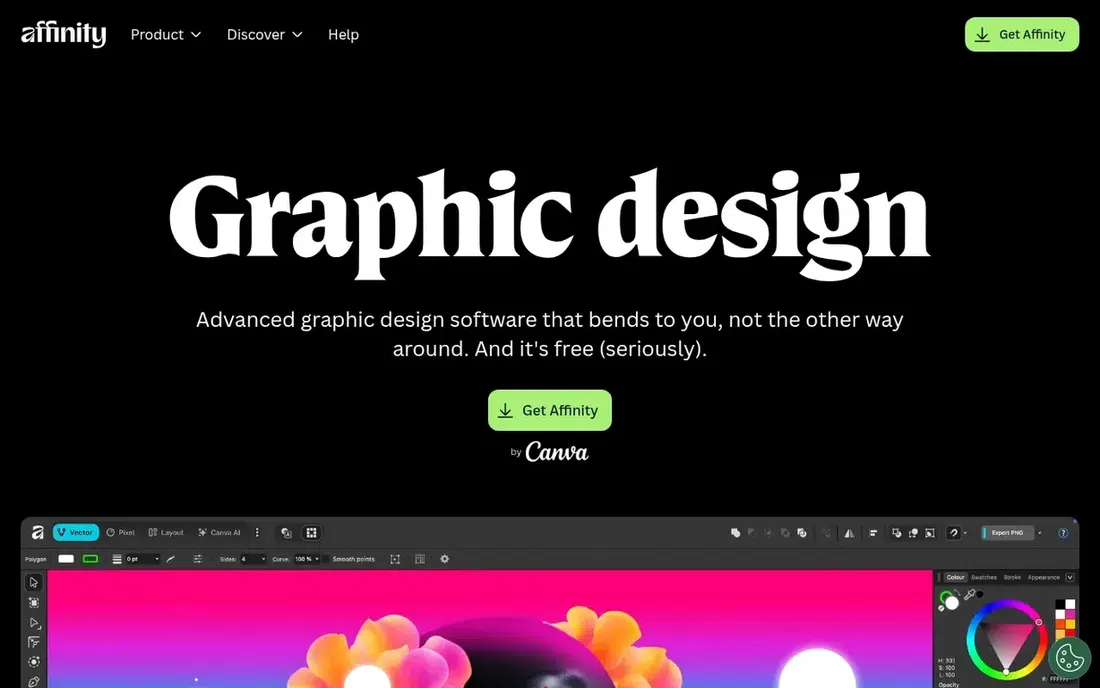
Choose Affinity Designer for precision and speed. Affinity Designer is a professional design software designed for precision, speed, and creative freedom. More specifically, the software supplies a balance of power and usability.
If you need integrated photo editing or AI assistance, consider Illustrator or CorelDRAW. Affinity Designer lacks the deep photo editing and layout features of CorelDRAW or the AI generation of Illustrator. Pricing for Affinity Designer is not stated here, so ask the vendor for current figures. Trial and free access: Not stated.
Where it is weaker: No built-in AI generation.
- Crisp vector art with precision tools
- One-time purchase model
- Restricted photo editing compared with suites
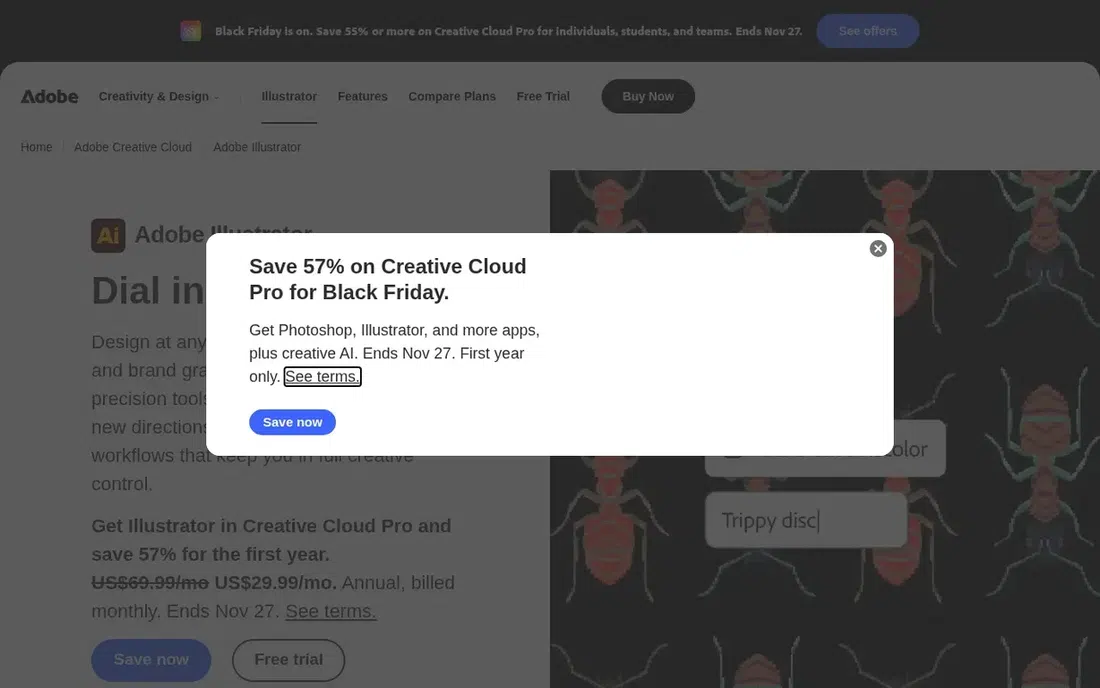
Choose Adobe Illustrator for AI-assisted vector creation. Adobe Illustrator is a professional vector graphics editor that uses generative AI to transform text prompts into completely editable vector graphics. Beyond that, Illustrator needs a subscription, which may not suit everyone.
Watch-outs: Subscription-based model.
Its deep feature set can be overwhelming for beginners. The software is widely used in the apparel industry for creating scalable designs. Adobe Illustrator shows no starting price here, so confirm the cost on the vendor site. Trial and free access: Not stated.
- Industry-standard vector tools
- Extensive integration with other Adobe apps
- Can be complicated for beginners
Clip Studio Paint is a good fit for illustration and comics. Clip Studio Paint is a digital art app for drawing and painting, used for comics, illustrations, and animations. For everyday use, if your t-shirt designs are highly in-depth illustrations, it can work well, but for precise vector output, consider a dedicated vector tool.
Beyond that, the software is noted for its natural drawing feel. It is optimized for illustration instead of print production. Clip Studio Paint does not show a starting price in this comparison, so check the vendor site for current pricing. Trial and free access: Not stated.
Where it is weaker: Vector tools less solid than dedicated vector software.
- Thousands of free brushes
- Capable drawing and painting tools
- Concentrated on illustration instead of apparel
Think of Sketch for UI and vector design. Sketch is a design, prototype, and collaboration tool made by designers for designers.
Beyond that, if your work is primarily print-based, Adobe Illustrator or CorelDRAW are more appropriate. Worth adding: Sketch is available only on Mac and is tailored more toward UI and digital design than print apparel. Price to start with Sketch: $12 per editor per month. As for free access: Free trial.
Limits to weigh: Less suited for print-heavy apparel work.
- Clean
- Capable collaboration features
- Mac only
What went into this list
Selection started from tools commonly considered for vector Graphics software for T-Shirt designers, then narrowed to 5 that have clear pricing information or a clear quote process. Prices and plan limits come from vendor pages and can change, so confirm them on the vendor site before you buy. The ranking is editorial: typical fit first, then clear pricing, then free access. If your needs are unusual, read the profiles rather than relying on position.
Before you commit
- Get a written quote from Affinity Designer, Adobe Illustrator and Clip Studio Paint; the list shows no starting price for them.
- Test the free plan from Vectornator against your real workload before relying on it.
- Use real work to test the free trial from Sketch, rather than a demo project.
- Before choosing Vectornator, weigh its main limit: newer to the market.
- Look at which plan of Affinity Designer unlocks the features you need; entry tiers are often cut down.
- Work out what Clip Studio Paint costs with your real seat count, add-ons and usage, not just the entry price.
FAQ
What is the cheapest option for vector Graphics software for T-Shirt designers in this list?
On published monthly entry prices, Vectornator is the lowest here at $8 per month. Entry price is only part of the cost, because seats, add-ons and billing terms can change the total. Each of the 5 options in this vector Graphics software for T-Shirt designers guide has its own card above with the price, free plan and limits.
What is the best vector graphics software for t-shirt design in 2026?
Start with Vectornator if you need AI-driven campaign assets. Affinity Designer is the better match for precision and speed, and Adobe Illustrator for AI-assisted vector creation. The best choice depends on budget, team size and workflow.
Is Affinity Designer good for print-ready t-shirt graphics?
Even so, it lacks integrated photo editing and layout features found in suites like CorelDRAW, so it is a good match for pure vector work.
Which software provides AI features for t-shirt design?
Vectornator (Linearity) also provides an AI design generator for creating campaign assets, though it may be less suited for intricate apparel designs.
Do these tools publish their prices?
Not all of them. Affinity Designer, Adobe Illustrator and Clip Studio Paint publish no starting price, so expect a quote request for those. The rest, Vectornator included, show a starting price, though seats and billing terms still change the final cost.
Is Vectornator the right pick for everyone comparing vector Graphics software for T-Shirt designers?
No single tool suits every team. Vectornator comes first because it fits AI-driven campaign assets, while Affinity Designer suits precision and speed and Adobe Illustrator suits AI-assisted vector creation. Match the tool to your own size, budget and workflow before deciding.
Sources
- https://www.vectornator.io
- https://affinity.serif.com/en-us/designer
- https://www.adobe.com/products/illustrator.html
- https://www.clipstudio.net/en
- https://www.sketch.com