5 Vector Graphics Software for Logo Design Worth Shortlisting in 2026
Best vector graphics software for logo design, compared. 5 tools with published prices, free plans and limits. Price notes and drawbacks come with each one.
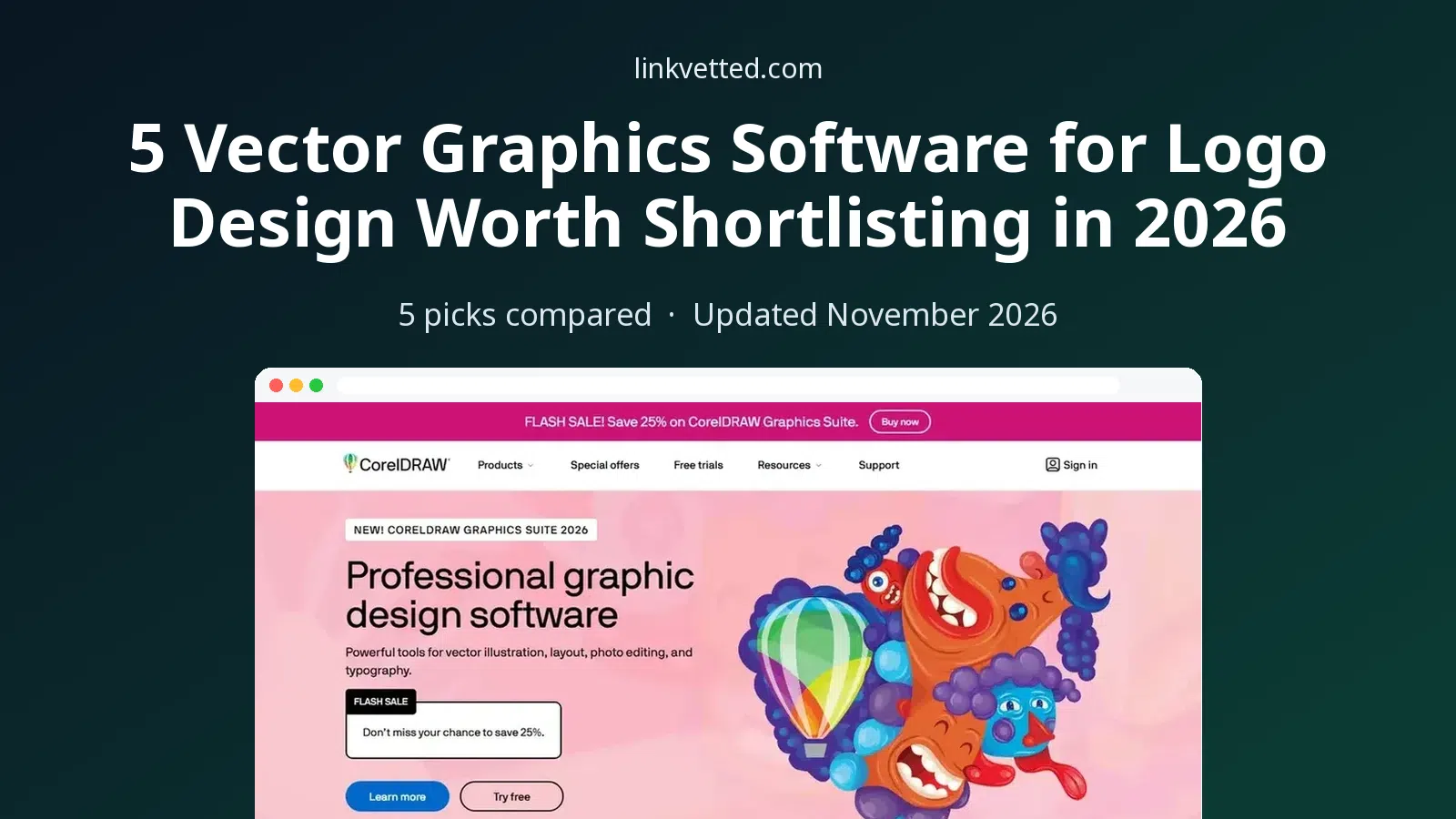
- Editor's choice
 Canva
Quick, template-based logo concepts
Starts atSee websiteVisit canva.comFull review - Great alternativeVectornator
Prompt-driven campaign asset generation
Starts at$8 a monthVisit vectornator.ioFull review - Also consider
 CorelDRAW
Vector design plus technical illustration
Starts atSee websiteVisit coreldraw.comFull review
Direct answer
Canva comes first here, mainly for quick, template-based logo concepts. Listed starting prices: Vectornator from $8 a month and Sketch from $12 per editor a month. Vectornator is the stronger choice for prompt-driven campaign asset generation, while CorelDRAW suits vector design plus technical illustration. All 5 tools are compared below on price, free plan and limits.
TL;DR:
- This list starts with Canva, which is built for fast, template-based logo concepts.
- Vectornator is the lowest-priced starter here at $8 per month.
- Only Vectornator offers a free plan among these 5 tools.
- What to know about CorelDRAW first: interface differs from Adobe conventions.
- For professional, editable vector logo work, Adobe Illustrator is worth a look.
Last checked November 2026. Prices and plan details were read from the vendors' own pages in November 2026; vendors change plans often, so confirm the current price on the vendor site before you buy.
Quick comparison
| Tool | Best for | Starts at | Free plan? | |
|---|---|---|---|---|
| Canva | Quick, template-based logo concepts | See website | Not stated | Visit |
| Vectornator | Prompt-driven campaign asset generation | $8 a month | Yes | Visit |
| CorelDRAW | Vector design plus technical illustration | See website | Not stated | Visit |
 Sketch | Designers working in digital product contexts | $12 per editor a month | Free trial | Visit |
 Adobe Illustrator | Professional, editable vector logo work | See website | Not stated | Visit |
5 options for vector graphics software for logo design in detail
If you are comparing vector graphics software for logo design, this page covers 5 tools in one place: what each is best for, what it costs to start, whether it has a free plan, and the main limit to know about.
Canva targets quick, template-based logo concepts. Canva is an online graphic design tool whose homepage describes a visual suite for everyone, handling social posts, presentations, posters, videos and logos.
Where it is weaker: Less precise vector control.
In daily use, having brand assets and marketing pieces in one place cuts friction for teams without a dedicated designer. Canva shows no starting price here, so confirm the cost on the vendor site. Free options: Not stated.
- Logos alongside social posts and posters
- Online visual suite including numerous formats
- Template-driven results can look familiar
Vectornator
Best for: Prompt-driven campaign asset generation
Vectornator targets prompt-driven campaign asset generation. Vectornator, presented under the Linearity brand, centers on an AI design generator that turns a single prompt into a set of editable, on-brand campaign assets across formats and channels. From a buyer's view, the emphasis on campaign generation means fine vector construction of a primary mark may be better handled in a dedicated illustration tool.
Designers with strict brand guidelines should review generated output carefully. In practice, choose Vectornator when speed of asset production matters more than hand-tuning every curve. What you pay to start with Vectornator: $8 per month. A free plan is available with Vectornator.
Downsides: Campaign focus over deep logo craft.
- Outputs aimed at several channels
- AI generator turns prompts into editable assets
- Less suited to intricate mark construction
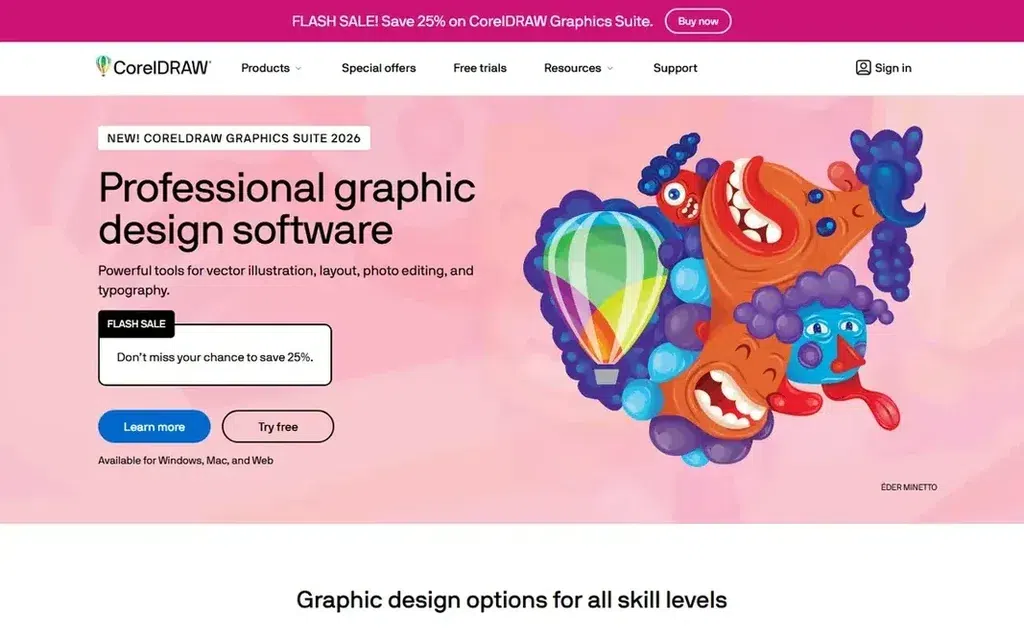
Where CorelDRAW fits: vector design plus technical illustration. CorelDRAW presents itself as professional graphic design software handling vector, technical illustration and CAD-style choices. Its homepage names logos, posters, drafting and prototypes among the outputs it supports.
Strengths: posters and drafting.
That range makes it a fit for designers who want one environment for both creative marks and more structured drawing, notably in shops that produce signage, apparel or technical artwork alongside brand identities. If you collaborate primarily with agencies standardized on other formats, check exchange compatibility first. The suite is deep, so new users may spend time learning its layout, and file workflows differ from Adobe-centric studios. CorelDRAW does not show a starting price in this comparison, so check the vendor site for current pricing. Free options: Not stated. Where it is weaker: Interface differs from Adobe conventions.
- Broad toolset for print-oriented work
- Suited to logos
- Large suite can overwhelm casual users
Sketch was built for designers working in digital product contexts. For logo work, it suits teams that produce marks alongside digital products and interfaces, where the same file may feed screens, prototypes and developer handoff.
Where it falls short: Mac-only product.
Also, complicated marks with intricate curves may be simpler elsewhere. Sketch cost at the entry level: $12 per editor per month. On free options: Free trial.
Where Sketch stands out: Interface built around designer workflows.
- Design
- Prototype and handoff in one app
- Vector drawing less deep than illustration tools
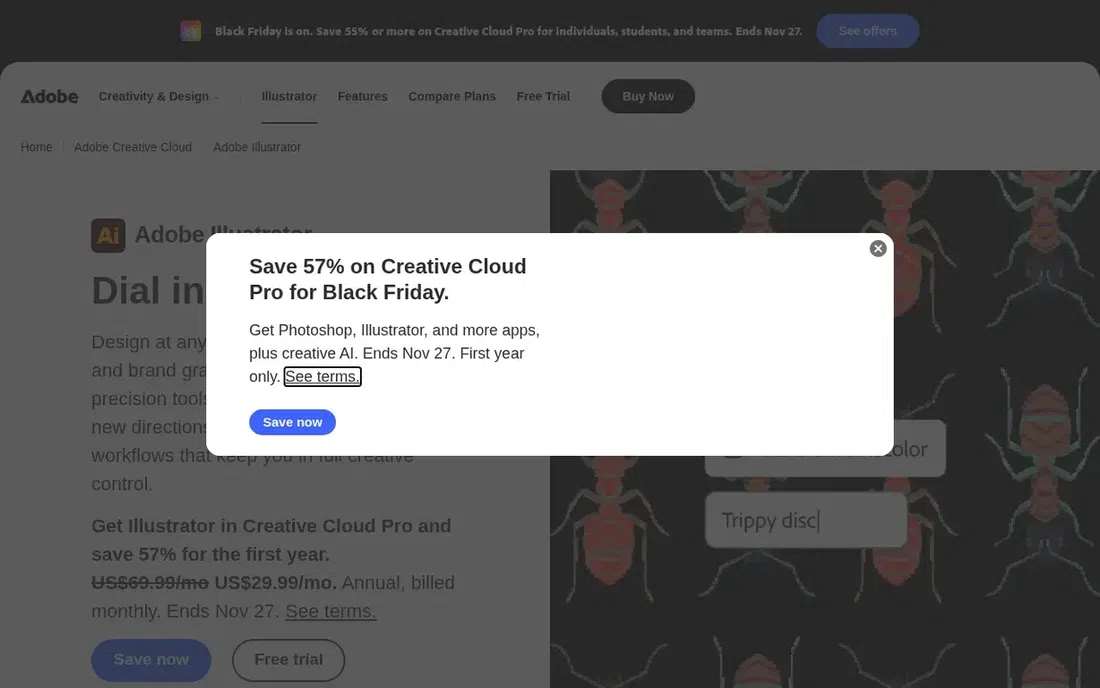
In short, Adobe Illustrator is for professional, editable vector logo work. Adobe Illustrator is a long-standing vector graphics application designed for professional design work.
Honest limits: Feature depth can feel heavy for beginners.
Its homepage flags generative AI that can transform a text prompt into a completely editable vector graphic, which helps when exploring logo directions rapidly. The breadth of tools means a steeper ramp-up time, and the software is licensed by subscription instead of owned outright. Adobe Illustrator shows no starting price here, so confirm the cost on the vendor site. On free options: Not stated.
- Deep vector drawing and editing tools
- Widely supported file exchange
- Subscription-based access
How these tools were picked
The comparison looks at four things: starting price, free access, how well the feature set matches vector graphics software for logo design, and the main limit of each tool. Plan names, prices and limits change often. Treat the figures here as a starting point and verify them with the vendor. The order reflects how well each tool fits the most common buying scenario for vector graphics software for logo design, then price clarity, then free plan access. It is a starting point, not a verdict.
Things to verify first
- Ask Canva, CorelDRAW and Adobe Illustrator for a written quote, since no starting price is shown.
- Test the free plan from Vectornator against your real workload before relying on it.
- Use real work to test the free trial from Sketch, rather than a demo project.
- Before choosing Canva, weigh its main limit: less precise vector control.
- Look at the help docs and support options for CorelDRAW before you commit.
- Check how data leaves Vectornator: formats, limits and whether exports are available on every plan.
FAQ
Which options for vector graphics software for logo design have a free plan?
Vectornator is the only tool in this list with a free plan. Free plans usually cap users, projects or features, so check the limits on the vendor page. One other tool offers a trial instead. Prices, free plan details and limits for all 5 tools in this vector Graphics software for logo design roundup sit on the individual cards above.
Should beginners start with a full vector suite or a simpler tool?
A full vector suite becomes worthwhile when you need custom path construction, exact color control and print-ready output. Numerous designers start straightforward and move up as requirements grow.
Is Canva the right pick for everyone comparing vector graphics software for logo design?
No single tool suits every team. Canva comes first because it fits fast, template-based logo concepts, while Vectornator suits prompt-driven campaign asset generation and CorelDRAW suits vector design plus technical illustration. Match the tool to your own size, budget and workflow before deciding.
What is the cheapest option for vector graphics software for logo design in this list?
On published monthly entry prices, Vectornator is the lowest here at $8 per month. Entry price is only part of the cost, because seats, add-ons and billing terms can change the total. Each of the 5 options in this vector Graphics software for logo design guide has its own card above with the price, free plan and limits.
How are the tools for vector graphics software for logo design ordered?
Canva sits first and Adobe Illustrator last because the order follows typical fit for vector graphics software for logo design, then price clarity and free access. It is a judgement call, so read each profile for fit and limits.
Sources
- https://www.canva.com
- https://www.vectornator.io
- https://www.coreldraw.com
- https://www.sketch.com
- https://www.adobe.com/products/illustrator.html