Best Video Editing Software for Startups (2026): 6 Picks Checked on Vendor Pages
6 best video editing software for startups, with entry costs, free tiers and the buyer each one serves. With pricing notes and limits. Compare quickly.
- Editor's choiceCorel VideoStudio
Beginner-friendly editing for small teams
Starts atPricing on requestVisit videostudiopro.comFull review - Great alternative
 CapCut
Fast social media video editing
Starts atPricing on requestVisit capcut.comFull review - Also consider
 VEGAS Pro
Windows users needing advanced editing
Starts atPricing on requestVisit vegascreativesoftware.comFull review
Direct answer
For beginner-friendly editing for small teams, Corel VideoStudio is where this list starts. Look at CapCut for fast social media video editing, and at VEGAS Pro for Windows users needing advanced editing. Free plan facts and limits for all 6 tools follow. None of these vendors publish plan prices, so pricing is on request for every option.
TL;DR:
- Corel VideoStudio takes the first slot, best suited to beginner-friendly editing for small teams.
- DaVinci Resolve fits all-in-one editing, color, VFX, and audio.
- Before buying CapCut, weigh this: less suited for complicated projects.
- No starting price is shown for any of the 6 tools, Corel VideoStudio and DaVinci Resolve included, so plan time for sales calls.
Last checked November 2026. Pricing on request: vendors did not publish plan prices when this guide was last checked (November 2026), so ask each vendor for a written quote.
Quick comparison
| Tool | Best for | Starts at | Free plan? | |
|---|---|---|---|---|
| Corel VideoStudio | Beginner-friendly editing for small teams | Pricing on request | Not stated | Visit |
| CapCut | Fast social media video editing | Pricing on request | Yes | Visit |
| VEGAS Pro | Windows users needing advanced editing | Pricing on request | Not stated | Visit |
 Adobe Premiere Pro | Professional editing with industry-standard tools | Pricing on request | Not stated | Visit |
 Final Cut Pro | Mac and iPad users wanting pro-quality ease | Pricing on request | Not stated | Visit |
 DaVinci Resolve | All-in-one editing, color, VFX, and audio | Pricing on request | Not stated | Visit |
Video Editing Software for Startups profiles
LinkVetted put together this guide to video editing software for startups for readers who want a clear shortlist without reading every vendor page. It compares 6 tools on starting price, free plans, who each one suits and where each one falls short.
Corel VideoStudio
Best for: Beginner-friendly editing for small teams
In short, Corel VideoStudio is for beginner-friendly editing for small teams. Corel VideoStudio is video editing software from Corel targeted at accessible video creation.
Watch-outs: Restricted to Windows.
It may not offer the depth of professional tools for complicated postproduction. For everyday use, startups with advanced needs should consider Adobe Premiere Pro or DaVinci Resolve. No starting price is listed for Corel VideoStudio here; confirm pricing on the vendor site. Free access: Not stated.
- Accessible for beginners
- Range of creative effects
- Less advanced than pro tools
For fast social media video editing, CapCut is a natural candidate. CapCut is an AI video editor for creating YouTube and Instagram videos with smart templates and creative effects.
Honest limits: Restricted advanced postproduction.
It suits startups that require quick, engaging social content without a steep ramp-up time, and it works across desktop, mobile, and online. Check the vendor site for CapCut pricing; none is listed in this comparison. CapCut offers a free plan.
- AI-powered editing tools
- Smart templates and effects
- Less suited for complicated projects
VEGAS Pro makes the most sense for Windows users needing advanced editing. VEGAS Pro is professional video editing software for Windows with AI tools, color grading, VFX, and audio.
Honest limits: Windows only.
It suits startups on Windows that require a capable editor for a mix of projects without switching systems. No starting price is listed for VEGAS Pro here; confirm pricing on the vendor site. As for free access: Not stated.
- AI tools and color grading
- Professional editing for Windows
- Steeper learning curve
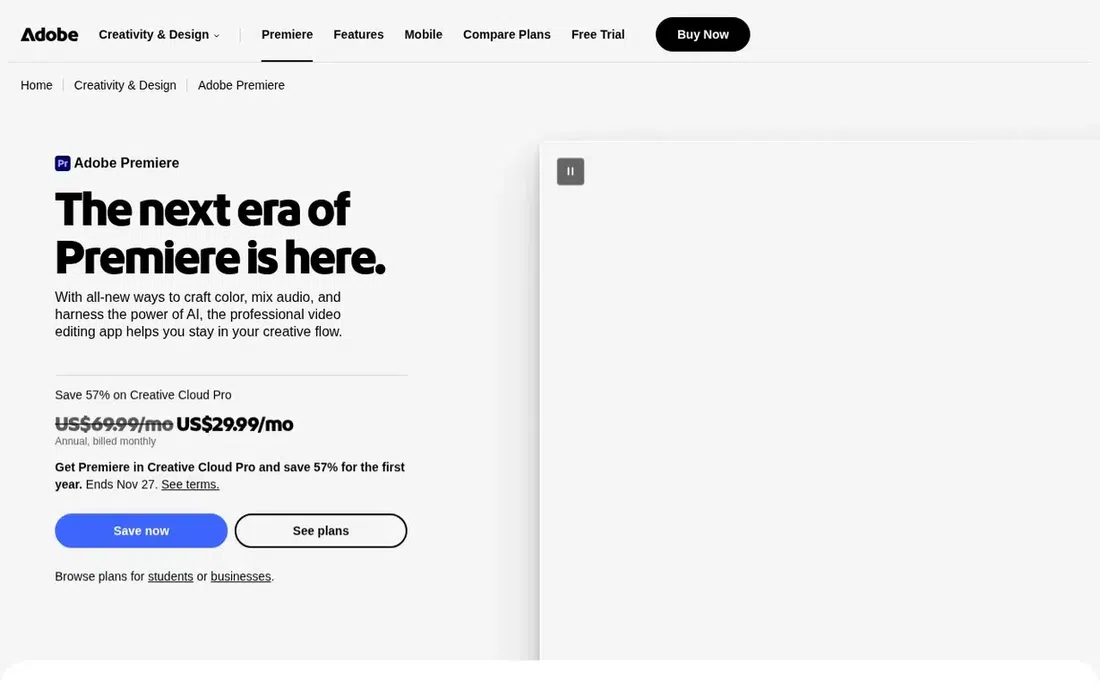
Think of Adobe Premiere Pro for professional editing with industry-standard tools. Startups on a tight budget or with more straightforward needs might consider DaVinci Resolve or CapCut instead.
Pricing for Adobe Premiere Pro is not stated here, so ask the vendor for current figures. Free access: Not stated.
Trade-offs to know: Can be resource-intensive.
- Wide format support
- Connects with other Adobe creative tools
- Subscription required
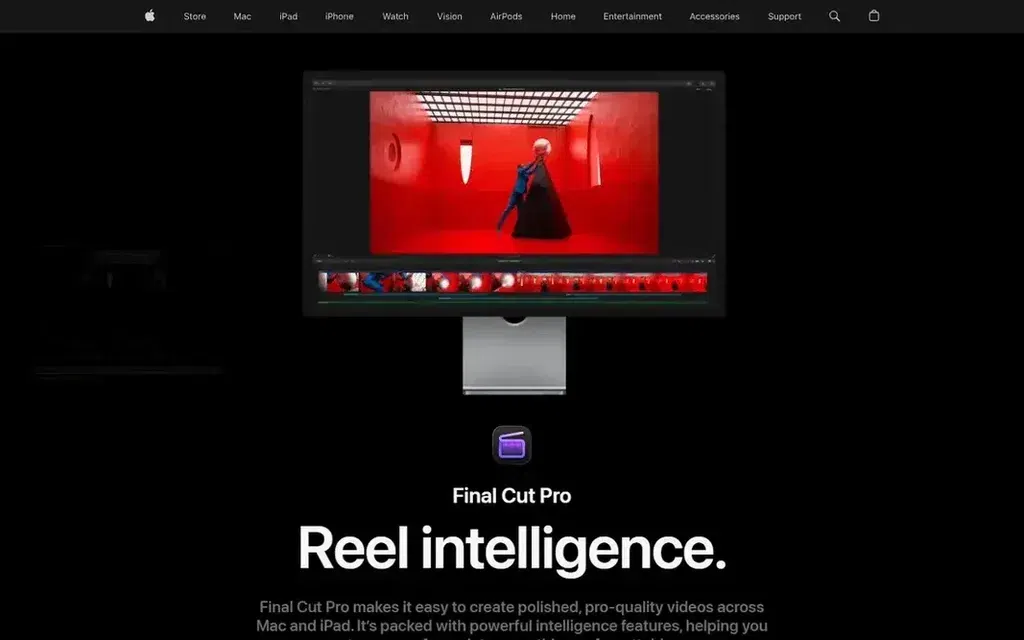
Final Cut Pro is a good fit for Mac and iPad users wanting pro-quality ease. It suits startups already in the Apple ecosystem that want a simplified, high-performance editor.
Trade-offs to know: Mac-only.
Pricing for Final Cut Pro is not stated here, so ask the vendor for current figures. Free options: Not stated.
- Capable intelligence features
- Makes pro-quality creation simple
- One-time purchase required
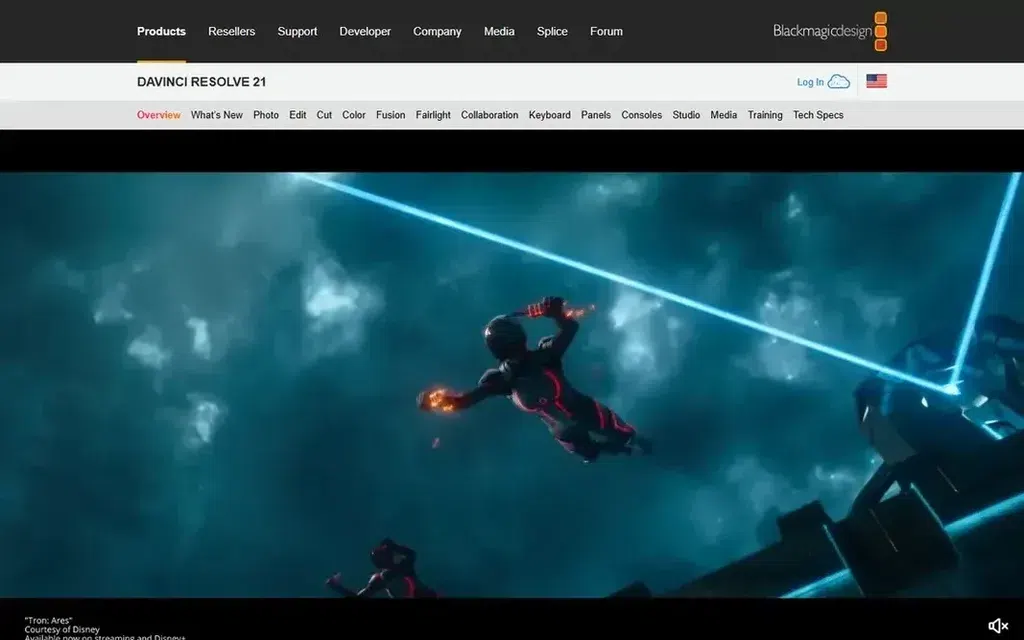
DaVinci Resolve is a good fit for all-in-one editing, color, VFX, and audio. DaVinci Resolve is a single application for professional video editing, color correction, visual effects, and audio post production.
Drawbacks to consider: premium version layers on advanced features.
It fits startups that want an integrated workflow across systems, notably those centred on high-quality color and audio. This comparison lists no price for DaVinci Resolve; ask the vendor. On free options: Not stated.
- Merges editing, color, VFX, audio
- Available for Mac, Windows, Linux
- Steeper ramp-up time
How we built this list
Selection started from tools commonly considered for video editing software for startups, then narrowed to 6 that have clear pricing information or a clear quote process. Treat prices as a snapshot: vendors change plans often, so check the vendor site for the figure that applies today. Position on the page reflects fit for a typical buyer first, with price clarity and free access breaking ties. Treat it as a guide, not a ruling.
Pre-purchase checklist
- Confirm the entry price with every vendor: no tool from Corel VideoStudio to DaVinci Resolve shows a fixed starting price.
- Look at the free plan from CapCut closely: its caps decide whether it is usable for real work.
- Read the limits listed for Corel VideoStudio first: less advanced than pro tools.
- Compare total cost, not headline price: for Corel VideoStudio, add extra seats, add-ons and any usage-based charges.
- Look at the renewal terms for CapCut: auto-renewal, notice periods and price changes can matter more than the first-year price.
FAQ
How are the tools for video editing software for startups ordered?
The order follows typical fit for video editing software for startups, with Corel VideoStudio first and DaVinci Resolve last, then price clarity and free access. It is editorial judgement, not a score, so another team could rank the tools differently.
What is the best video editing software for startups on a budget?
The first pick on this list is Corel VideoStudio, because it suits beginner-friendly editing for small teams. CapCut is better for fast social media video editing, and VEGAS Pro for Windows users needing advanced editing. Check price and limits against your own needs before choosing.
Which options for video editing software for startups have a free plan?
CapCut is the only tool in this list with a free plan. Free plans usually cap users, projects or features, so check the limits on the vendor page. Prices, free plan details and limits for all 6 tools in this video editing software for startups roundup sit on the individual cards above.
Do these tools publish their prices?
No. None of the tools, from Corel VideoStudio to DaVinci Resolve, shows a fixed starting price here, so budget time for quotes.
Is Corel VideoStudio the right pick for everyone comparing video editing software for startups?
No single tool suits every team. Corel VideoStudio comes first because it fits beginner-friendly editing for small teams, while CapCut suits quick social media video editing and VEGAS Pro suits Windows users needing advanced editing. Match the tool to your own size, budget and workflow before deciding.
Sources
- https://www.videostudiopro.com
- https://www.capcut.com
- https://www.vegascreativesoftware.com/us/vegas-pro
- https://www.adobe.com/products/premiere.html
- https://www.apple.com/final-cut-pro
- https://www.blackmagicdesign.com/products/davinciresolve