Best Website Design Builder Software for 2026: Our 5 Vetted Picks
Best website design builder software, compared. 5 tools with published prices, free plans and limits. Each listing flags where it falls short. No filler.
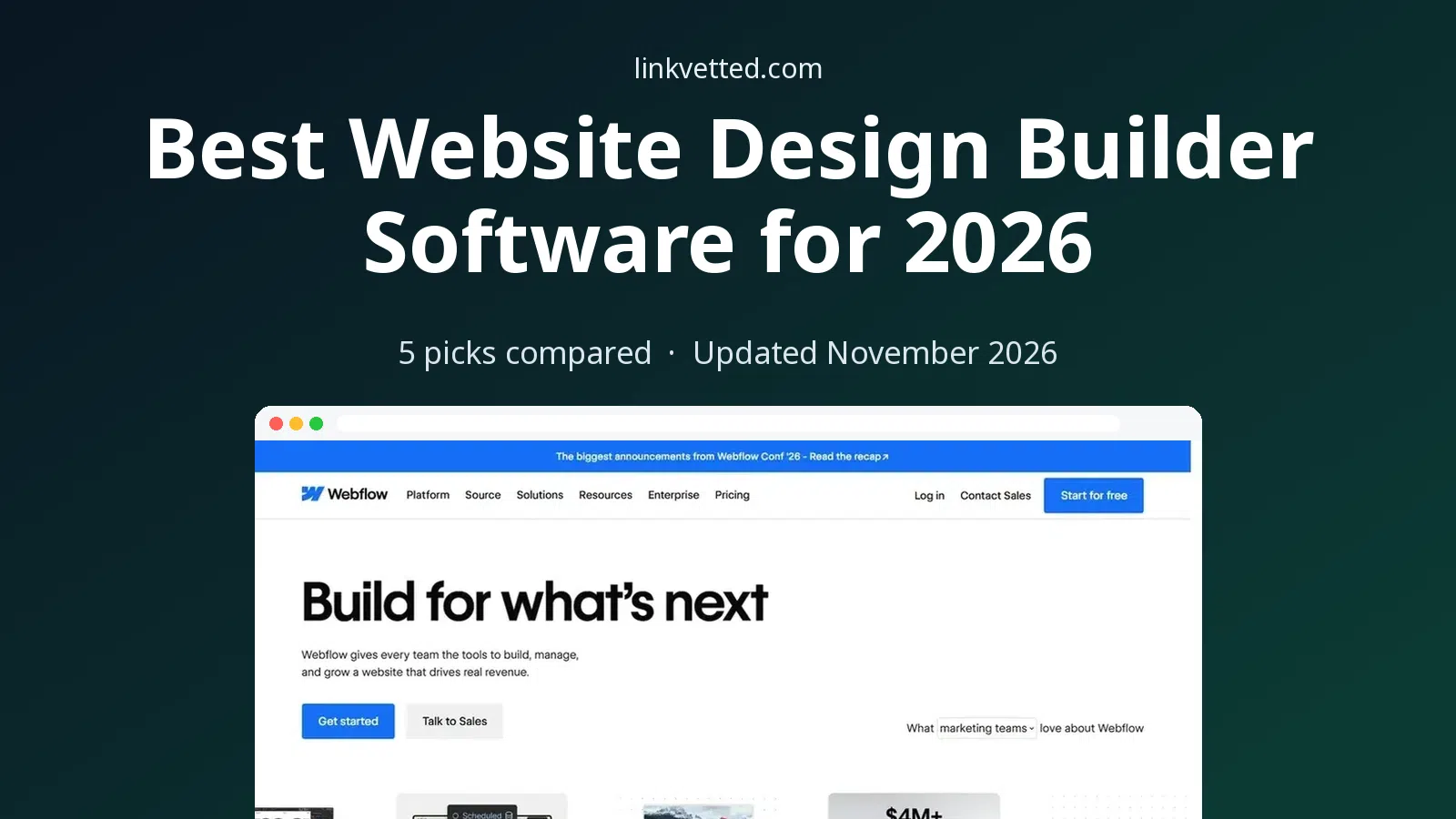
- Editor's choiceGoDaddy Website Builder
Quick, straightforward starter websites
Starts atSee websiteVisit godaddy.comFull review - Great alternative
 Webflow
Designers wanting precise control
Starts at$15 a monthVisit webflow.comFull review - Also consider
 Shopify
Building and expanding online keeps
Starts at$19 per monthVisit shopify.comFull review
Direct answer
This list puts GoDaddy Website Builder first for quick, straightforward starter websites. Listed starting prices: Webflow from $15 a month, Shopify from $19 per month and Squarespace from $12 a month. Webflow fits designers wanting precise control; Shopify fits building and growing online keeps. Prices, free plans and limits for all 5 tools follow.
TL;DR:
- Top of the list is GoDaddy Website Builder, which targets quick, straightforward starter websites.
- The main caution on GoDaddy Website Builder: restricted depth for complicated projects.
- Webflow stands alone as the one tool in this list with a free plan.
- Squarespace is the lowest-priced starter here at $12 per month.
- Wix suits all-in-one business websites.
Last checked November 2026. Prices and plan details were read from the vendors' own pages in November 2026; vendors change plans often, so confirm the current price on the vendor site before you buy.
Quick comparison
| Tool | Best for | Starts at | Free plan? | |
|---|---|---|---|---|
| GoDaddy Website Builder | Quick, straightforward starter websites | See website | Not stated | Visit |
| Webflow | Designers wanting precise control | $15 a month | Yes | Visit |
| Shopify | Building and expanding online keeps | $19 per month | Free trial | Visit |
 Squarespace | Design-led content websites | $12 a month | Free trial | Visit |
 Wix | All-in-one business websites | See website | Not stated | Visit |
Website Design Builder Software compared in detail
If you are comparing website design builder software, this page covers 5 tools in one place: what each is best for, what it costs to start, whether it has a free plan, and the main limit to know about.
GoDaddy Website Builder
Best for: Quick, straightforward starter websites
GoDaddy Website Builder is aimed squarely at fast, straightforward starter websites. The simplicity means fewer advanced controls for custom layouts or complicated functionality.
Drawbacks to consider: Restricted depth for complicated projects.
From a buyer's view, pick GoDaddy when speed and ease matter most and the site's scope is modest. GoDaddy Website Builder shows no starting price here, so confirm the cost on the vendor site. Free options: Not stated.
- Support available around the clock
- Fast setup for non-technical users
- Fewer advanced design controls
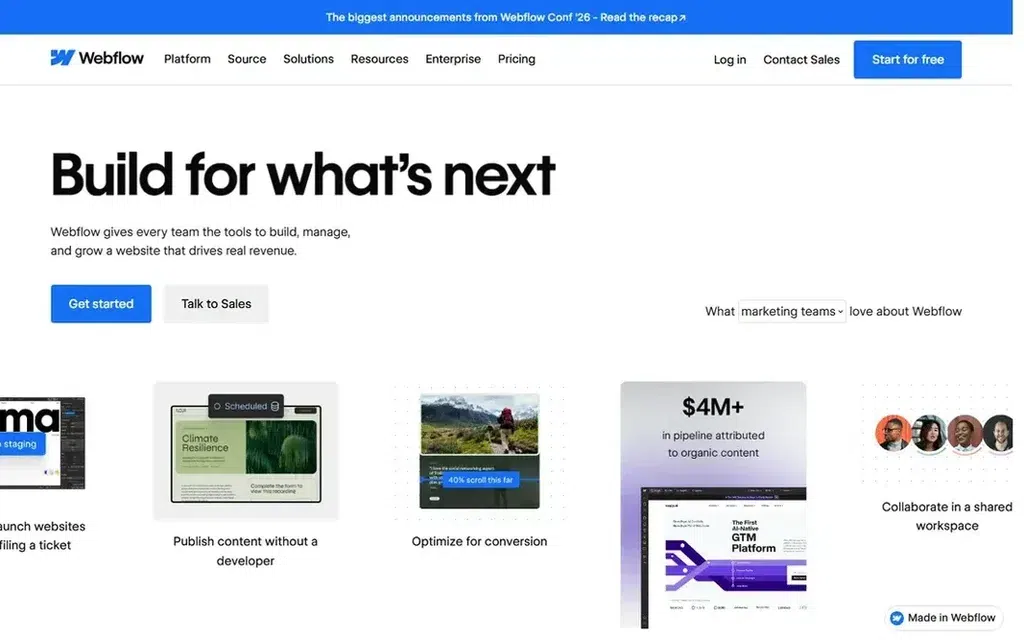
Webflow works best for designers wanting precise control. Choose Webflow when design precision and a structured CMS are central to the project.
Beyond that, Webflow describes itself as a product for modern businesses to design, build, optimize and rank, with security, CMS and hosting built in. Webflow pricing: $15 per month. Webflow offers a free plan.
Downsides: Steeper ramp-up time.
- Security features for larger teams
- Built-in CMS and hosting
- Overkill for straightforward brochure sites
Think of Shopify for building and expanding online keeps. For a site that only needs pages, a blog or a portfolio, the commerce focus may add unnecessary weight.
On top of that, firms with highly unusual content structures may prefer a general builder. Shopify cost at the entry level: $19 per month. Free options: Free trial.
The main drawbacks: Less suited to pure content sites.
- Tools beyond storefront software
- Commerce-focused toolset
- Commerce emphasis can feel heavy for straightforward pages
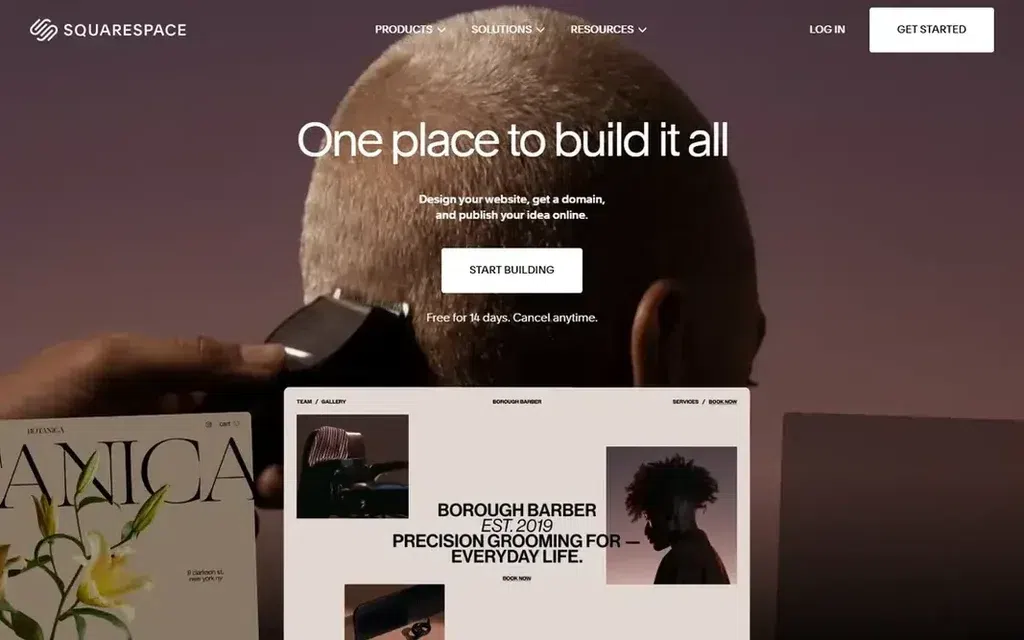
Squarespace is aimed squarely at design-led content websites. Sites that depend on heavy external integrations or complicated commerce setups may find other systems better suited.
For everyday use, Squarespace markets itself as a way to build a website and grow a business, starting from configurable templates, AI website builder tools or a domain name. What you pay to start with Squarespace: $12 per month. As for free access: Free trial.
Honest limits: Template styling can constrain very custom layouts.
- Domain registration available
- AI website builder tools
- Fewer deep integrations than some rivals
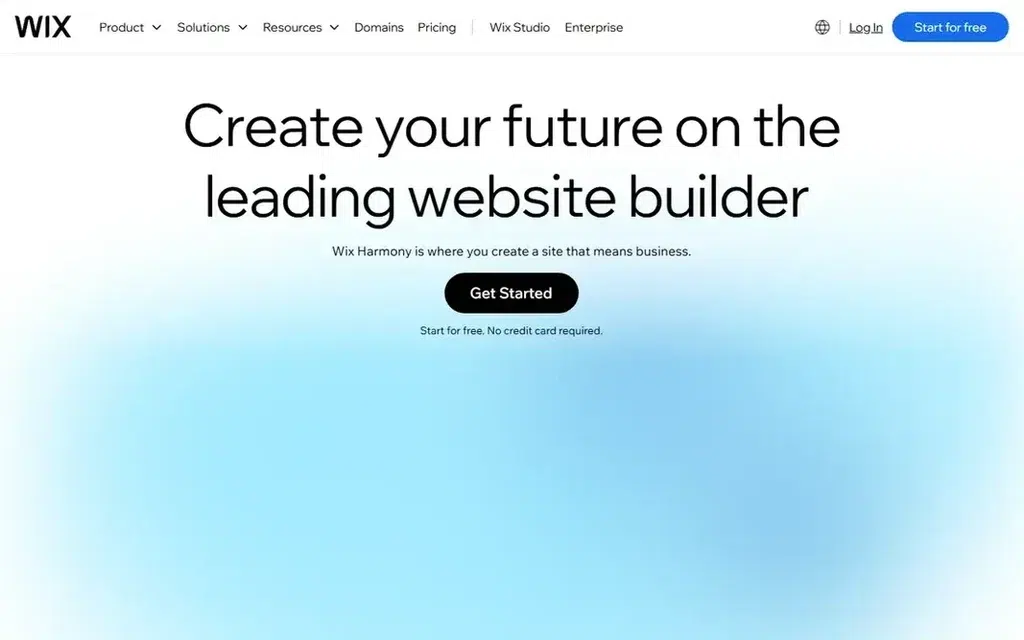
Wix is built with all-in-one business websites in mind. More specifically, since it packs in so plenty of features, the interface can feel busy for someone who only wants a straightforward page.
Limits to weigh: Large feature set can overwhelm beginners.
Users who require fine-grained control over markup or complicated custom layouts may prefer a more developer-oriented product. Choose Wix when convenience and an integrated toolkit matter more than deep customization. Wix shows no starting price here, so confirm the cost on the vendor site. On free options: Not stated.
- Business and marketing tools included
- Hosting and domains built in
- Less code-level control than specialist systems
How we chose
Each tool was reviewed on what its vendor publishes: price, plan limits, core features and stated drawbacks. We did not run hands-on tests. Figures are shown as the vendors publish them. Billing terms, seat minimums and add-ons can change the real cost. The order reflects how well each tool fits the most common buying scenario for website design builder software, then price clarity, then free plan access. It is a starting point, not a verdict.
Before you commit
- Ask GoDaddy Website Builder and Wix for a written quote, since no starting price is shown.
- Test the free plan from Webflow against your real workload before relying on it.
- Use real work to test the free trial from Shopify and Squarespace, rather than a demo project.
- Read the limits listed for GoDaddy Website Builder first: restricted depth for complicated projects.
- Map your must-have features to a specific Squarespace plan before you compare prices.
- Check the integration list for Wix against the tools you run today, and note which ones need a higher plan.
FAQ
Do these tools publish their prices?
Not all of them. GoDaddy Website Builder and Wix publish no starting price, so expect a quote request for those. The rest, Webflow included, show a starting price, though seats and billing terms still change the final cost. All 5 picks in this website design builder software comparison list a starting price, free plan details and the main limits on their cards above.
What is the best website design builder for beginners?
The first pick on this list is GoDaddy Website Builder, because it suits quick, simple starter websites. Webflow is better for designers wanting precise control, and Shopify for building and expanding online keeps. Check price and limits against your own needs before choosing.
Which options for website design builder software have a free plan?
Webflow is the only tool in this list with a free plan. Free plans usually cap users, projects or features, so check the limits on the vendor page. Several others offer a trial instead. For the full picture, the cards above cover all 5 entries of this website design builder software list, including price, free plan and limits.
How are the tools for website design builder software ordered?
The order follows typical fit for website design builder software, with GoDaddy Website Builder first and Wix last, then price clarity and free access. It is editorial judgement, not a score, so another team could rank the tools differently.
What is the cheapest option for website design builder software in this list?
On published monthly entry prices, Squarespace is the lowest here at $12 per month. Entry price is only part of the cost, because seats, add-ons and billing terms can change the total. Prices, free plan details and limits for all 5 tools in this website design builder software roundup sit on the individual cards above.
Sources
- https://www.godaddy.com/websites/website-builder
- https://webflow.com
- https://www.shopify.com
- https://www.squarespace.com
- https://www.wix.com