Best Sign Design Software (2026): 5 Picks Checked on Vendor Pages
Compare 5 picks for the best sign design software, with prices, free plans and who each fits. The weak spots sit next to the strengths. Jump to the table.
- Editor's choice
 Adobe Photoshop
Image editing and visual mockups
Starts atPricing on requestVisit adobe.comFull review - Great alternative
 CorelDRAW
Vector illustration plus technical drafting
Starts atPricing on requestVisit coreldraw.comFull review - Also considerSignMaster
Trade sign printing and wholesale output
Starts atPricing on requestVisit signmaster.comFull review
Direct answer
Adobe Photoshop leads the list, best for image editing and visual mockups. CorelDRAW is better for vector illustration plus technical drafting, and SignMaster is better for trade sign printing and wholesale output. The remaining 2 options are covered below with pricing notes and limits. None of these vendors publish plan prices, so pricing is on request for every option.
TL;DR:
- Number one here is Adobe Photoshop, a fit for image editing and visual mockups.
- Gerber Omega is the one to check for established sign and production workflows.
- The main caution on CorelDRAW: interface differs from Adobe tools.
- None of the 5 tools, from Adobe Photoshop to Gerber Omega, has a free plan, so budget for a subscription or use a trial.
Last checked November 2026. Pricing on request: vendors did not publish plan prices when this guide was last checked (November 2026), so ask each vendor for a written quote.
Quick comparison
| Tool | Best for | Starts at | Free plan? | |
|---|---|---|---|---|
| Adobe Photoshop | Image editing and visual mockups | Pricing on request | Not stated | Visit |
| CorelDRAW | Vector illustration plus technical drafting | Pricing on request | Not stated | Visit |
| SignMaster | Trade sign printing and wholesale output | Pricing on request | Not stated | Visit |
 Adobe Illustrator | Versatile vector artwork and editing | Pricing on request | Not stated | Visit |
| Gerber Omega | Established sign and production workflows | Pricing on request | Not stated | Visit |
Sign Design Software compared in detail
LinkVetted compared 5 tools for sign design software. The goal is a practical shortlist: published prices, free plan facts, best-fit use cases and honest limits for every entry.
Think of Adobe Photoshop for image editing and visual mockups. Pick a vector or sign-specific tool when clean, scalable output is the priority.
As for the details, Photoshop is raster-focused instead of vector-first, so scalable logo and lettering work is better handled in a vector editor. Adobe Photoshop shows no starting price here, so confirm the cost on the vendor site. As for free access: Not stated.
Drawbacks to consider: Subscription-based licensing.
- Solid image editing tools
- Handy for mockups and composites
- Not a vector-first tool
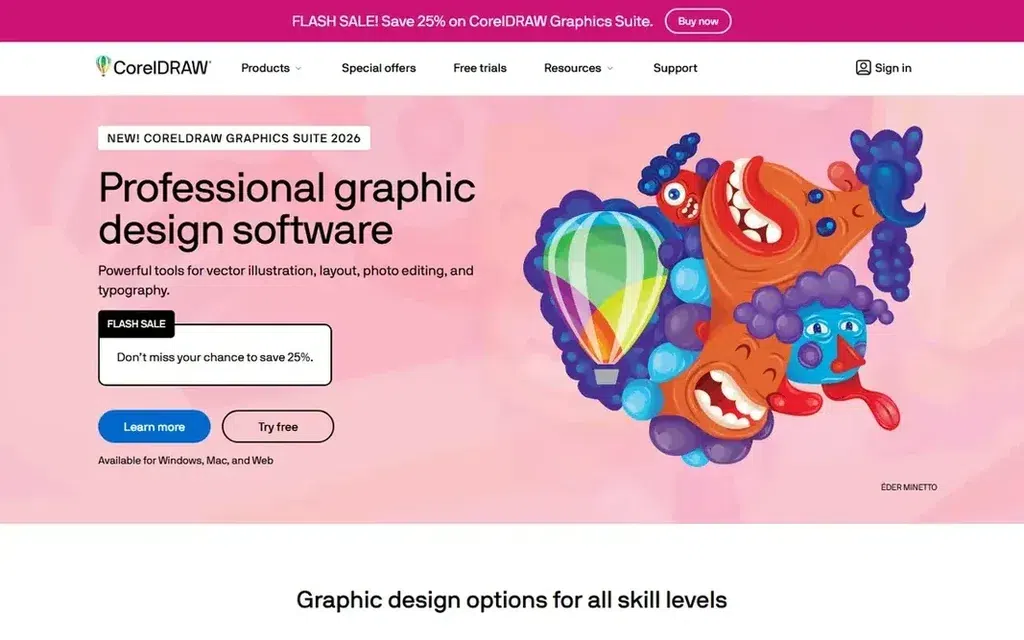
CorelDRAW works best for vector illustration plus technical drafting. Consider a sign-specific package if production cutting is your central requirement.
From a buyer's view, the vendor describes use for logos, posters, drafting and prototypes, making it an adaptable choice for sign designers who handle both creative and technical artwork. In practice, since CorelDRAW spans numerous disciplines, the interface and toolset can feel dense for straightforward sign jobs. No starting price is listed for CorelDRAW here; confirm pricing on the vendor site. On free options: Not stated.
Downsides: Feature set can feel complicated.
- Wide design use cases
- Vector and illustration tools
- Interface differs from Adobe tools
SignMaster
Best for: Trade sign printing and wholesale output
SignMaster is aimed squarely at trade sign printing and wholesale output. SignMaster is described by its vendor as a trade-only wholesale printing service for signs, banners and decals geared toward sign shops.
Points against: Not a design software.
It suits sign firms that want to outsource printing instead of design in-house. Pricing for SignMaster is not stated here, so ask the vendor for current figures. On free options: Not stated.
- No minimum order stated
- Quick shipping stated for most orders
- Geared toward sign shops only
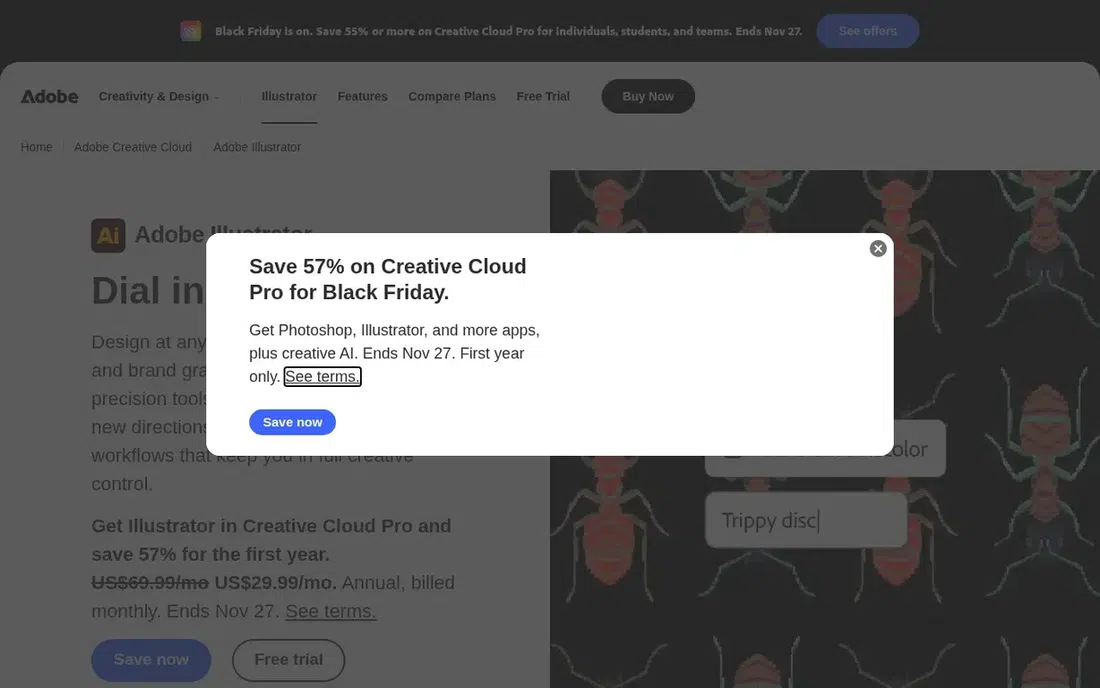
Adobe Illustrator is aimed squarely at versatile vector artwork and editing. Adobe Illustrator is a vector graphics application designed for creating and editing crisp, scalable artwork. Its generative AI feature can transform a text prompt into a completely editable vector graphic, which helps when exploring sign concepts rapidly.
The main drawbacks: Subscription-based licensing.
Its feature depth can slow newcomers. As for the details, if your priority is an all-in-one print and cut workflow, a sign-specific package may be a better fit. Pricing for Adobe Illustrator is not stated here, so ask the vendor for current figures. Trial and free access: Not stated.
- Wide file format support
- Industry-standard vector tools
- Steep ramp-up time for beginners
Gerber Omega
Best for: Established sign and production workflows
For established sign and production workflows, Gerber Omega is a natural candidate. Verify compatibility with your equipment before committing.
Downsides: Vendor site centers on broader portfolio.
As for the details, the vendor homepage now centers on a broader industrial technology portfolio, so current product details are best confirmed straight with the vendor. Pricing for Gerber Omega is not stated here, so ask the vendor for current figures. On free options: Not stated.
- Works alongside cutting equipment
- Suited to production environments
- Less detail on current feature set
How we compared the tools
Pre-purchase checklist
- Ask each vendor, from Adobe Photoshop to Gerber Omega, for a written quote; none of them publishes a starting price.
- Before choosing Adobe Photoshop, weigh its main limit: not a vector-first tool.
- Ask whether SignMaster integrates with your current software, and whether that comes standard or as an add-on.
- Ask CorelDRAW whether prices are locked for the first term and what happens at renewal.
- Map your must-have features to a specific Adobe Photoshop plan before you compare prices.
FAQ
Is Adobe Photoshop the right pick for everyone comparing sign design software?
No single tool suits every team. Adobe Photoshop comes first because it fits image editing and visual mockups, while CorelDRAW suits vector illustration plus technical drafting and SignMaster suits trade sign printing and wholesale output. Match the tool to your own size, budget and workflow before deciding.
Can I try these options before paying?
Not by default. None of the tools, from Adobe Photoshop to Gerber Omega, lists a free plan or a free trial here, so ask each vendor for a demo before committing.
Where does Photoshop fit into sign design?
Photoshop is handy for image editing, mockups and compositing raster artwork that later feeds a vector layout. Beyond that, treat it as a complement instead of a core sign design application.
Do these tools publish their prices?
No. None of the tools, from Adobe Photoshop to Gerber Omega, shows a fixed starting price here, so budget time for quotes.
How are the tools for sign design software ordered?
The order follows typical fit for sign design software, with Adobe Photoshop first and Gerber Omega last, then price clarity and free access. It is editorial judgement, not a score, so another team could rank the tools differently.
Sources
- https://www.adobe.com/products/photoshop.html
- https://www.coreldraw.com
- https://www.signmaster.com
- https://www.adobe.com/products/illustrator.html
- https://www.gerbertechnology.com