Best Adobe Spark Alternatives in 2026: 8 Tools Compared
Searching for Adobe Spark alternatives in 2026? We compare 8 design tools, from Canva to Snappa, with verified prices, free plans and honest trade-offs.

- Editor's choice
 Canva
Most everyday design jobs
Starts at$12 per monthVisit canva.comFull review - Great alternative
 VistaCreate
Flat-price team design
Starts at$10 per monthVisit create.vista.comFull review - Also consider
 PicMonkey
Photo-led social graphics
Starts atSee websiteVisit picmonkey.comFull review
TL;DR:
- Adobe Spark is now Adobe Express, so these tools are best judged as Adobe Express alternatives for quick social graphics, short video and simple page design.
- Canva is our pick for most people because its template library and free plan cover the widest range of everyday design jobs.
- VistaCreate and Snappa are strong budget picks when you want a flat price and a simpler editor.
- Pixlr and Fotor suit people who start from a photo and need editing first, with templates second.
- Every tool here has a free tier or trial, so try two before you pay for a year.
Quick comparison
| Tool | Best for | Starts at | Free plan? | |
|---|---|---|---|---|
| Canva | Most everyday design jobs | $12 per month | Yes | Visit |
| VistaCreate | Flat-price team design | $10 per month | Yes | Visit |
| PicMonkey | Photo-led social graphics | See website | Free trial | Visit |
 Snappa | Fast, cheap social graphics | $10 per month | Yes | Visit |
 Fotor | Photo editing plus templates | See website | Yes | Visit |
 Pixlr | Browser photo editing | See website | Yes | Visit |
 Desygner | Small business brand kits | See website | Yes | Visit |
 Stencil | Speed over depth | See website | Yes | Visit |
The best Adobe Spark alternatives
Adobe Express covers a lot, but it is not the only fast way to make a post, a flyer or a short clip. These eight tools each take a different angle on the same job.
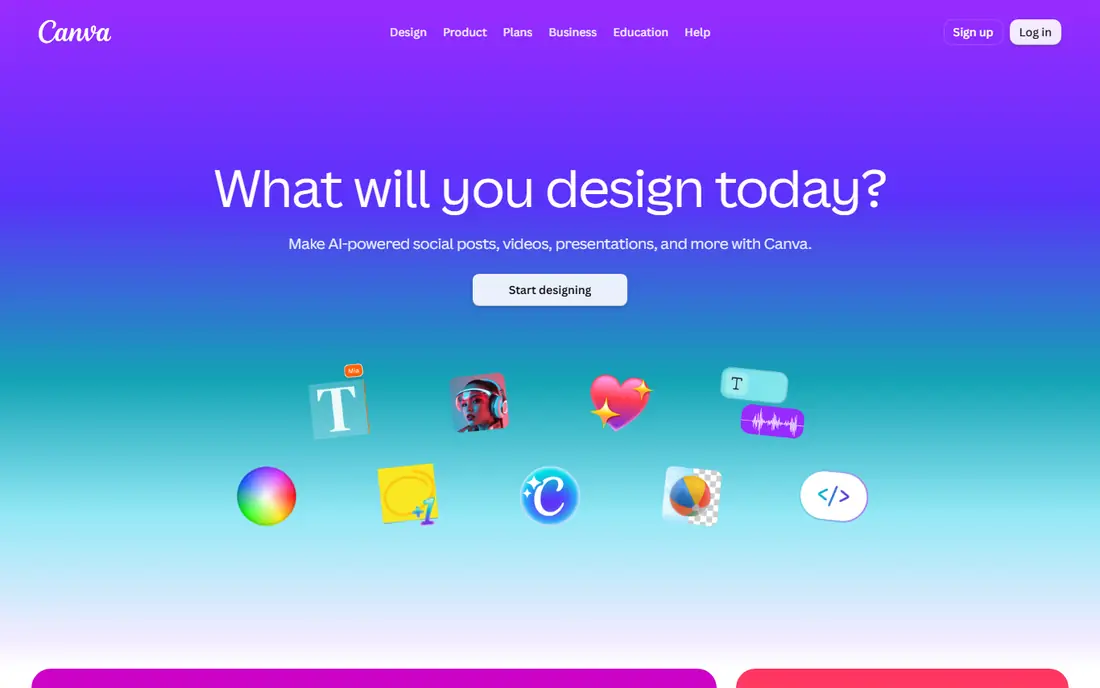
Canva is the closest all-round replacement for Adobe Express, and for most readers it is the one to try first. The editor runs in a browser, templates cover social posts, presentations, posters, videos and documents, and the learning curve is close to flat. A small business owner can make a usable Instagram post in minutes without touching a manual.
The catch is that the free plan, while generous, holds back the parts that make Canva feel complete. Background removal, brand kits and premium stock sit on Pro, which costs about $12 per month billed annually in the US. If you design every week, that price is fair. If you design twice a year, stay on Free and accept its limits.
- Huge template library
- Easy drag and drop editor
- Strong free plan
- Best assets sit behind Pro
- Brand controls are limited on Free
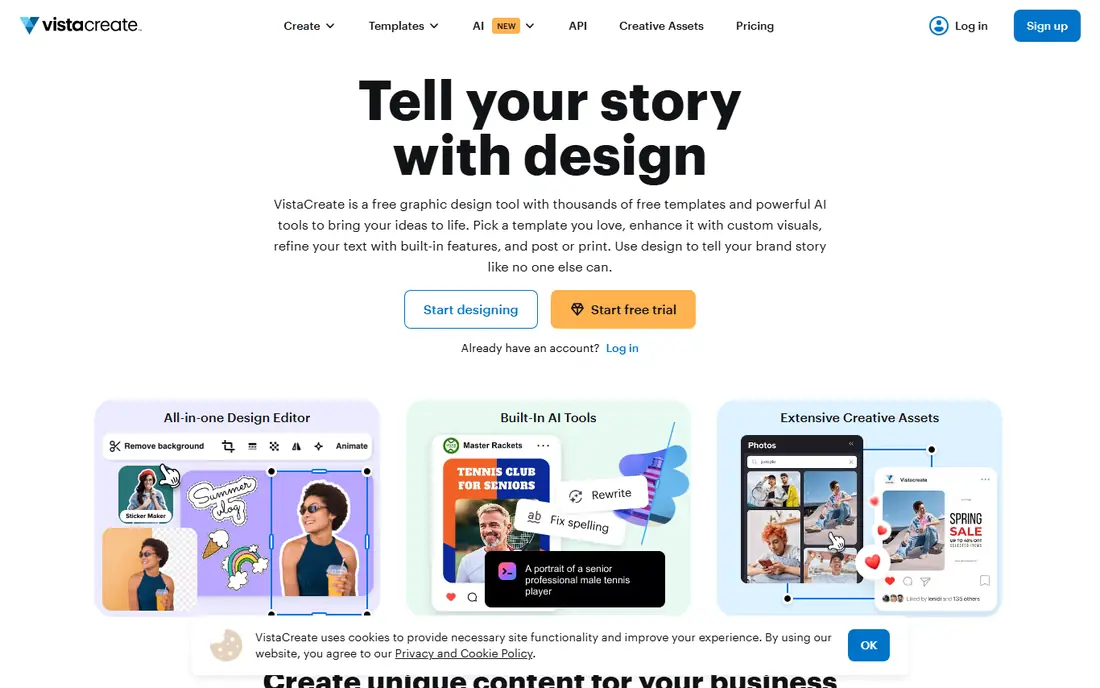
VistaCreate feels familiar to anyone who liked the old Spark workflow: pick a template, swap the text and image, export. Its real advantage is pricing. Pro costs about $10 per month billed annually and covers up to 10 people on one account, which makes it one of the cheapest ways to give a small team the same brand assets.
The trade-off is depth. VistaCreate does not match Canva on documents, presentations or third-party integrations, and its video editor stays simple. For social graphics and animated posts, that is rarely a problem. For a team that also needs decks and docs, Canva still wins.
- Pro covers up to 10 team members
- Large animated template set
- Simple editor
- Smaller ecosystem than Canva
- Video tools are basic
PicMonkey suits people who start with a photo rather than a blank template. Its editing tools go further than most template editors, with touch-ups, effects and collage layouts that feel closer to a light photo editor. That makes it a good fit for sellers, bloggers and photographers who post their own images.
Pricing is the weak point. There is a free trial but no permanent free tier, so you need a paid plan to keep using it. Check the current price on the vendor site before you commit, since plans change. If your work is mostly text on a stock background, a cheaper template tool will do the same job for less.
- Strong photo editing and touch-up tools
- Good templates
- Print options
- No lasting free plan
- Smaller template library than Canva
Snappa is deliberately narrow, and that is its charm. You pick a size, pick a template, change the words and download. There is little to learn and little to distract you, which is why bloggers and social managers who publish daily often like it. Pro costs about $10 per month billed annually, with unlimited downloads.
The narrow focus is also the limit. Snappa has far fewer templates than Canva or VistaCreate, and it does not try to be a video editor or a presentation tool. Buy it for social images and blog graphics. Do not buy it expecting an all-in-one design suite.
- Very fast workflow
- Low Pro price
- Buffer integration
- Narrow template range
- No video or document tools
Fotor blends a photo editor with a template library, so it covers both halves of the Spark job. You can clean up a photo, remove a background, then drop it into a social template without switching apps. The free tier is usable for occasional work, and the interface stays friendly for beginners.
Template quality is uneven, and the free version pushes upgrades more than some rivals. That matters less if photo editing is your main need, since that is where Fotor earns its place. If templates matter most, Canva or VistaCreate will give you more polished starting points.
- Solid photo editor and AI tools
- Collage maker
- Free tier
- Template quality varies
- Ads and upsells on Free
Pixlr is the pick for people who want real editing power without installing software. It offers layered editing in a browser tab, plus a simpler express editor for quick fixes. That puts it closer to a light Photoshop than to a template app, which is useful when your images need real work before they become a post.
Templates and social sizes exist, but they are not the main event. Beginners may find the full editor busy at first, and the free version shows ads. Still, for photo-first creators who liked Spark mainly as a quick editor, Pixlr is a strong free starting point.
- Runs fully in the browser
- Layered editing
- Generous free access
- Interface can feel busy
- Templates are secondary
Desygner aims squarely at small businesses that need consistent branding across flyers, menus, business cards and social posts. Its brand tools let you lock in colors, fonts and logos so staff cannot drift off brand, and it handles PDF editing better than most template tools. Mobile apps are solid for editing on the go.
The stock library and template polish lag behind Canva, so designs can need more manual tweaking. Check current pricing on the vendor site, since plans and limits change. For a small team that values brand control over template count, it is worth a trial.
- Brand kit and business templates
- PDF editing
- Mobile apps
- Smaller stock library
- Less polished than Canva
Stencil is built for one thing: turning a quote or a photo into a shareable image in a couple of minutes. It gives quick access to stock photos, preset sizes for each network and simple text tools, with direct sharing to social accounts. Bloggers who need a featured image fast tend to like it.
Depth is limited, and the interface shows its age next to Canva. You will not build a video, a deck or a complex layout here. As a speed tool for daily images, though, it does its narrow job well, and the free tier is enough to test the workflow.
- Extremely fast image creation
- Huge stock photo access
- Simple sharing
- Limited design depth
- Dated interface in places
How we picked these
We compared official feature pages, pricing pages, template libraries and app store listings for tools that cover the same jobs as Adobe Express: social graphics, short video, photo editing and simple page design. We kept only tools that are actively sold and maintained in 2026, with a working official homepage, and we dropped tools that were only photo editors with no templates or only template sites with no editing. Prices shown are starting paid prices where we could verify them; where a vendor hides pricing behind a quote or changes plans often, we say so rather than guess.
What to check before you switch
Start from the work you actually do each week, not from the feature list. A tool with 200,000 templates does not help if you only make one kind of post.
Match the tool to the job
If most of your work is social posts and stories, a template-first tool like Canva, VistaCreate or Snappa will save the most time. If you edit your own photos first, start with Pixlr or Fotor and treat templates as a bonus. If you need decks, documents or video as well, Canva is the only option here that covers all three well.
Count the seats, not just the price
VistaCreate Pro covers up to 10 members on one account, while Canva Pro is priced per person. A tool that looks pricier per month can be cheaper for a team of five, and a cheap per-person plan can balloon fast. Add up your real team size before you compare headline prices.
Test the export you need
Check that your pick exports the sizes and formats you use, including video length limits and print quality, before you pay for a year. A free plan or trial is the cheapest way to find out whether fonts, brand colors and file types survive the move from Adobe Express.
FAQ
Is Adobe Spark still available?
Adobe Spark was renamed Adobe Express, and Spark projects moved into Express. If you search for Spark today, Adobe points you to Express, which is why this guide treats Express as the product being replaced.
Which Adobe Spark alternative is best for beginners?
Canva is the easiest starting point for most beginners because its templates, search and editor need almost no learning. VistaCreate is a close second if you want a simpler, cheaper tool for social graphics only.
Is there a free Adobe Spark alternative?
Yes. Canva, VistaCreate, Fotor, Pixlr, Desygner and Stencil all offer free tiers, though each limits premium assets, brand tools or exports. Try the free tier for a real project before paying.
Can I use these tools for video?
Canva and VistaCreate both handle short social video, while Snappa and Stencil are image-only. If video is a core need, shortlist Canva first and test its video editor on a real clip.
Will my Adobe Express designs transfer?
No direct transfer exists to these tools, so plan to rebuild key templates. Export finished designs as images or PDFs from Express for your archive, then rebuild the handful of templates you reuse most in the new tool.