Choosing Display Ad Design Software for Startups in 2026: 5 Options Compared
Best display ad design software for startups, compared. 5 tools with published prices, free plans and limits. Every profile names its biggest catch. Facts only.
- Editor's choice
 Affinity Designer
Professional vector design at a flat cost
Starts atSee websiteVisit affinity.serif.comFull review - Great alternative
 Adobe Photoshop
Advanced image editing and compositing
Starts atSee websiteVisit adobe.comFull review - Also consider
 Canva
Fast, template-driven ad creation
Starts atSee websiteVisit canva.comFull review
Direct answer
Our first pick is Affinity Designer, best for professional vector design at a flat cost. Listed starting prices: Figma from $3 a month and Sketch from $12 per editor per month. For a different need, Adobe Photoshop covers advanced image editing and compositing and Canva covers fast, template-driven ad creation. The full list of 5 tools follows, with prices and free plan facts.
TL;DR:
- Top of the list is Affinity Designer, which targets professional vector design at a flat cost.
- Sketch is the one to check for Mac-based UI and ad design.
- Figma is the lowest-priced starter here at $3 per month.
- None of the 5 tools, from Affinity Designer to Sketch, has a free plan, so budget for a subscription or use a trial.
Last checked November 2026. Prices and plan details were read from the vendors' own pages in November 2026; vendors change plans often, so confirm the current price on the vendor site before you buy.
Quick comparison
| Tool | Best for | Starts at | Free plan? | |
|---|---|---|---|---|
| Affinity Designer | Professional vector design at a flat cost | See website | Not stated | Visit |
| Adobe Photoshop | Advanced image editing and compositing | See website | Not stated | Visit |
| Canva | Fast, template-driven ad creation | See website | Not stated | Visit |
 Figma | Collaborative design and prototyping | $3 a month | Not stated | Visit |
 Sketch | Mac-based UI and ad design | $12 per editor per month | Free trial | Visit |
Display Ad Design Software for Startups, one by one
LinkVetted put together this guide to display ad design software for startups for readers who want a clear shortlist without reading every vendor page. It compares 5 tools on starting price, free plans, who each one suits and where each one falls short.
Affinity Designer is designed for professional vector design at a flat cost. It provides a solid set of vector tools for creating crisp ad graphics and illustrations. On top of that, startups that prefer a one-time purchase and feature-rich vector capabilities may find Affinity Designer a capable alternative to subscription-based tools.
From a buyer's view, if you need deep templates or collaboration features, other tools may be better. Affinity Designer has a smaller user community and fewer ready-made templates compared with Canva. It also needs design skills to use effectively. This comparison lists no price for Affinity Designer; ask the vendor. Free plan details: Not stated.
The main drawbacks: Restricted template library.
- Quick performance
- No subscription model
- Smaller community
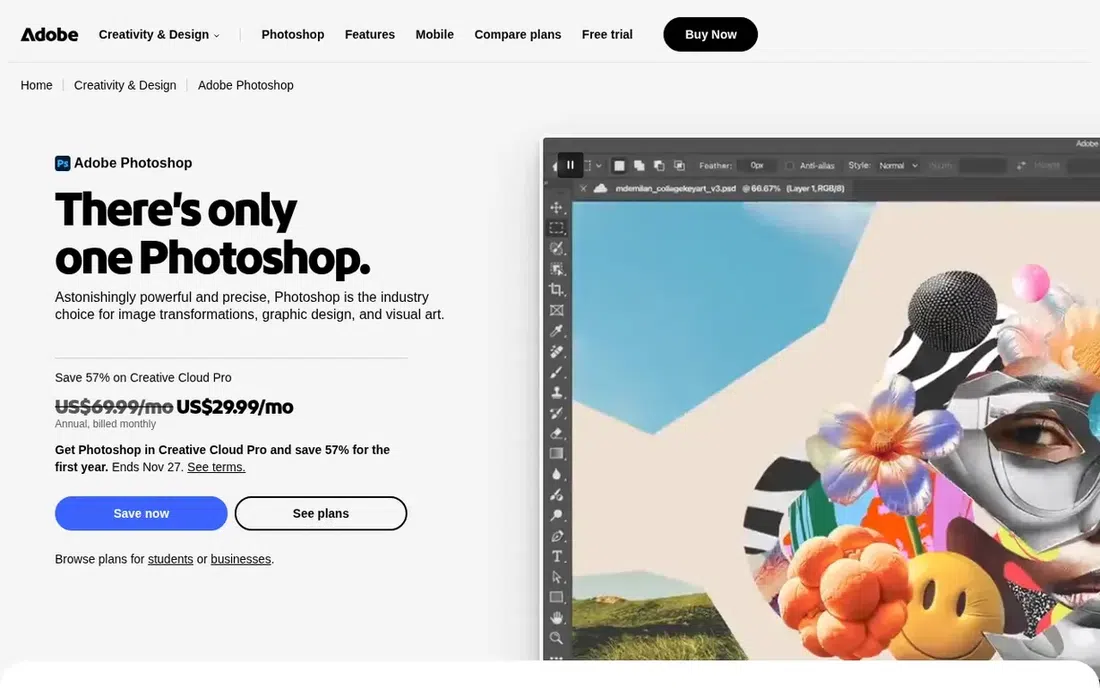
Adobe Photoshop is aimed squarely at advanced image editing and compositing. Photoshop can be daunting for beginners and is not optimized for fast ad creation.
Adobe Photoshop does not show a starting price in this comparison, so check the vendor site for current pricing. Free access: Not stated.
Trade-offs to know: Steep ramp-up time.
- Broad filter and effect choices
- Capable photo editing
- Complicated interface for beginners
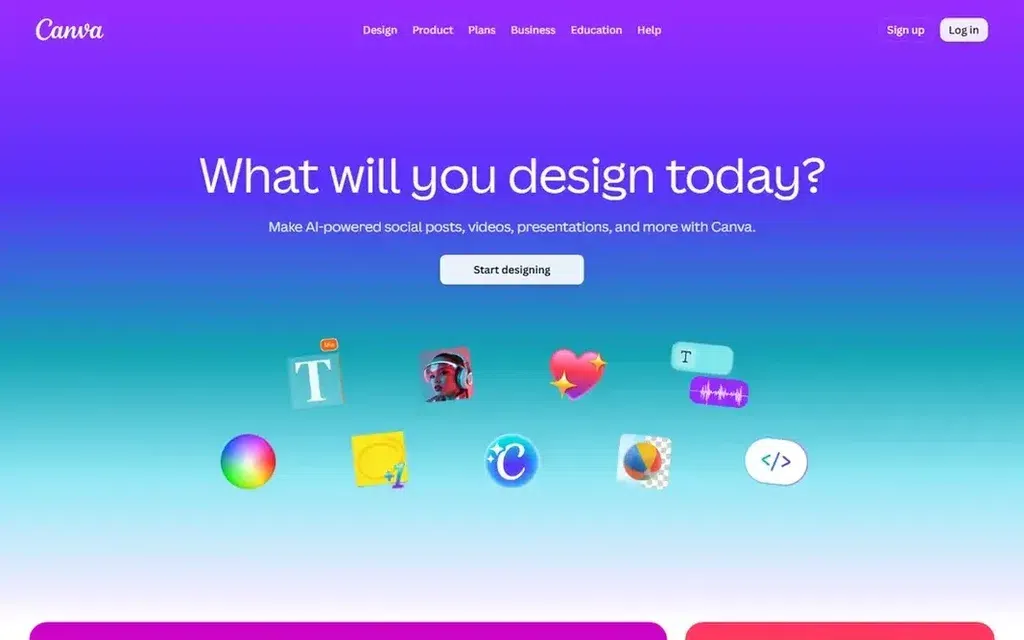
For fast, template-driven ad creation, Canva is a natural candidate. If you need highly customized or technically complicated ad graphics, consider a dedicated vector tool.
The main drawbacks: Designs can feel templated.
More specifically, Canva fits best for straightforward, template-based display ads. No starting price is listed for Canva here; confirm pricing on the vendor site. Free options: Not stated.
- Large library of templates
- Web-based and collaborative
- Restricted advanced vector editing
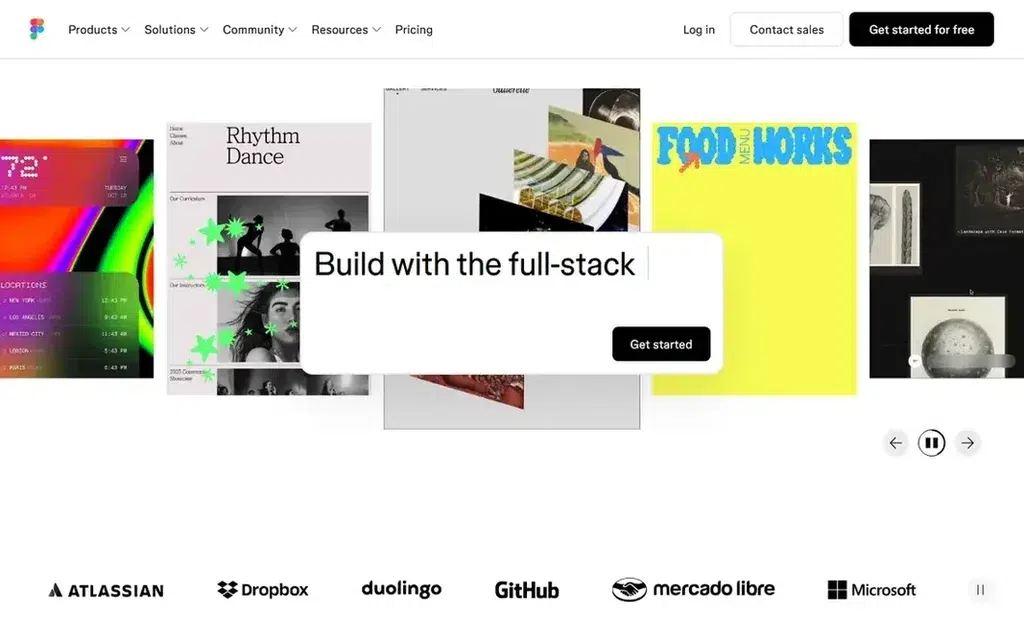
In short, Figma is for collaborative design and prototyping. Figma is a collaborative canvas where design, code, and AI come together. It is well-suited for startups that want to involve several stakeholders in the design process, from concept to production.
For everyday use, Figma assumes a certain level of design proficiency and does not offer the same template-driven simplicity as Canva. With solid prototyping and design system capabilities, Figma helps teams build consistent and interactive display ad concepts. On cost, Figma starts like this: $3 per month. On free options: Not stated.
Honest limits: Not specialized for ad templates.
- Live collaboration
- Design systems support
- Needs some design knowledge
Where Sketch fits: Mac-based UI and ad design. Sketch is a design, prototype, and collaboration tool made by designers for designers. It concentrates on digital design workflows, making it a good match for startups creating display ads for web and mobile.
Highlights: focused interface.
In practice, Sketch is exclusive to macOS, which can be a limitation for mixed-platform teams. It also lacks advanced photo editing capabilities. Sketch pricing: $12 per editor per month. As for free access: Free trial. Limits to weigh: Limited photo editing.
- Capable symbol and style management
- Made for digital design
- Mac only
Our selection method
Each tool was reviewed on what its vendor publishes: price, plan limits, core features and stated drawbacks. We did not run hands-on tests. Plan names, prices and limits change often. Treat the figures here as a starting point and verify them with the vendor. The order reflects how well each tool fits the most common buying scenario for display ad design software for startups, then price clarity, then free plan access. It is a starting point, not a verdict.
Questions to settle before buying
- Confirm the entry price on the vendor page. For Affinity Designer, Adobe Photoshop and Canva that means a quote rather than a fixed price.
- Run a trial of Sketch with real work before paying for a year; your own workflow is the best test.
- Before choosing Affinity Designer, weigh its main limit: smaller community.
- Check whether Sketch bills monthly or annually, and what cancelling early costs.
- Before rolling out Affinity Designer, verify the integrations your workflow depends on.
FAQ
Do these tools publish their prices?
Not all of them. Affinity Designer, Adobe Photoshop and Canva publish no starting price, so expect a quote request for those. The rest, Figma included, show a starting price, though seats and billing terms still change the final cost.
Is Affinity Designer the right pick for everyone comparing display ad design software for startups?
No single tool suits every team. Affinity Designer comes first because it fits professional vector design at a flat cost, while Adobe Photoshop suits advanced image editing and compositing and Canva suits quick, template-driven ad creation. Match the tool to your own size, budget and workflow before deciding.
Does any tool for display ad design software for startups here have a free plan?
A permanent free plan is not offered by Affinity Designer, Sketch or the other tools here. Sketch offer a trial. Plan a short evaluation period instead.
How are the tools for display ad design software for startups ordered?
Affinity Designer sits first and Sketch last because the order follows typical fit for display ad design software for startups, then price clarity and free access. It is a judgement call, so read each profile for fit and limits.
Sources
- https://affinity.serif.com/designer
- https://www.adobe.com/products/photoshop.html
- https://www.canva.com
- https://www.figma.com
- https://www.sketch.com