Best Ad Design Platform in 2026: Prices, Free Plans and 5 Picks
Best ad design platform in 2026: 5 tools with starting prices, free plans and limits. Trade-offs are spelled out for each entry. Budget notes included.
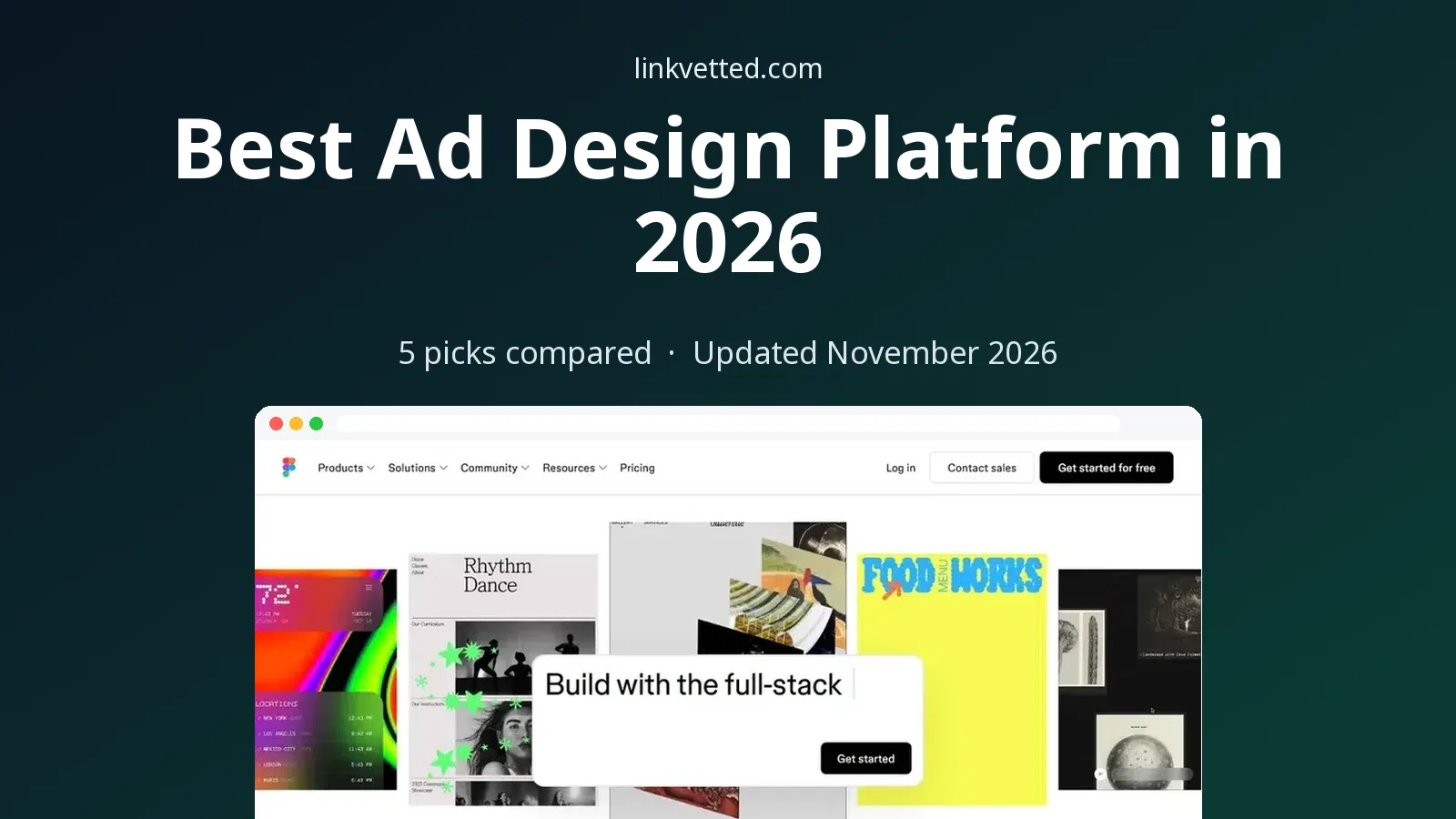
- Editor's choice
 Designhill
Sourcing custom ad designs
Starts at$4.99 each one timeVisit designhill.comFull review - Great alternative
 Figma
Collaborative ad design and prototyping
Starts at$3 a monthVisit figma.comFull review - Also consider
 Canva
Fast, template-driven ad design
Starts atSee websiteVisit canva.comFull review
Direct answer
If you need sourcing custom ad designs, Designhill is the first tool to look at here. Listed starting prices: Designhill from $4.99 each one time, Figma from $3 a month and Snappa from $10 per month. Figma is the stronger choice for collaborative ad design and prototyping, while Canva suits fast, template-driven ad design. All 5 tools are compared below on price, free plan and limits.
TL;DR:
- This list starts with Designhill, which is built for sourcing custom ad designs.
- For data-driven infographics and reports, Piktochart is worth a look.
- Figma has the lowest monthly starting price in this list: $3 per month.
- Only 2 of the 5 tools have a free plan (Snappa, Piktochart), so check the caps.
Last checked November 2026. Prices and plan details were read from the vendors' own pages in November 2026; vendors change plans often, so confirm the current price on the vendor site before you buy.
Quick comparison
| Tool | Best for | Starts at | Free plan? | |
|---|---|---|---|---|
| Designhill | Sourcing custom ad designs | $4.99 each one time | Not stated | Visit |
| Figma | Collaborative ad design and prototyping | $3 a month | Not stated | Visit |
| Canva | Fast, template-driven ad design | See website | Not stated | Visit |
 Snappa | AI-generated graphics from prompts | $10 per month | Yes | Visit |
 Piktochart | Data-driven infographics and reports | $10 per member per month | Yes | Visit |
The 5 tools in detail
LinkVetted put together this guide to ad design platform for readers who want a clear shortlist without reading every vendor page. It compares 5 tools on starting price, free plans, who each one suits and where each one falls short.
Designhill is a good fit for sourcing custom ad designs. Designhill is a creative marketplace that links firms and individuals with global designers and artists, alongside DIY design tools and print on demand services. From a buyer's view, for in-house, template-based ad creation, Canva or Snappa may be more straightforward.
From a buyer's view, as a marketplace, the experience relies on the designers you work with. It is not a dedicated ad design system. What you pay to start with Designhill: $4.99 each one time. On free options: Not stated.
Limits to weigh: Designer marketplace may involve variable quality.
- DIY design tools available
- Also supplies print on demand
- Not a pure ad design system
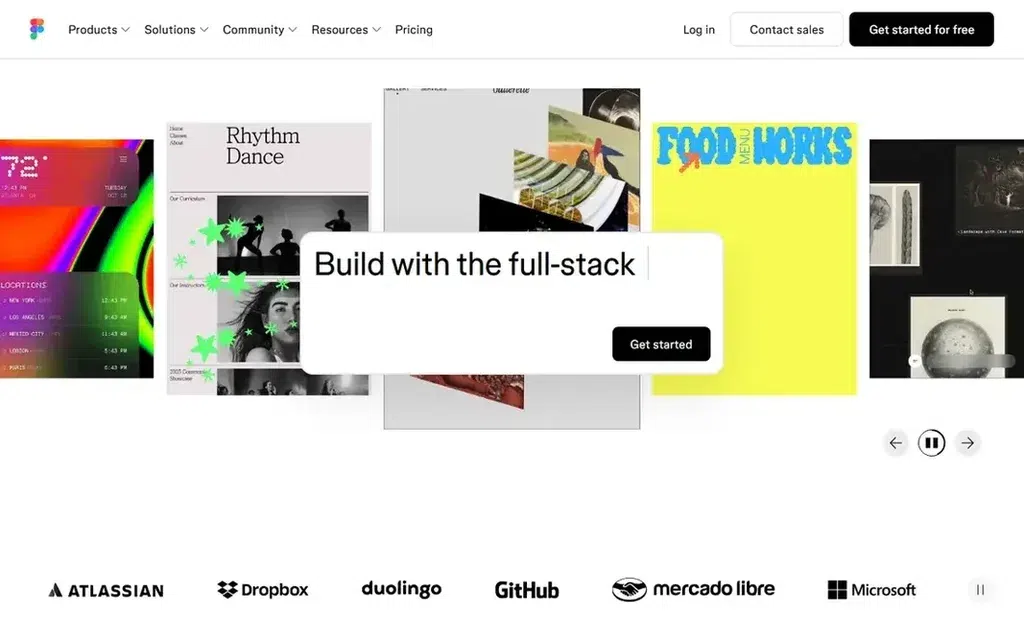
Figma is a good fit for collaborative ad design and prototyping. Figma is a collaborative canvas where design, code and AI come together, supporting the whole process from concept to production.
What Figma does well: Design and prototyping in one place.
Downsides: Steeper ramp-up time for beginners.
If you have to produce numerous ad variations rapidly without a design team, a template-based product may be more efficient. Figma pricing: $3 per month. Trial and free access: Not stated.
- Code and AI
- Live collaboration
- Not specifically concentrated on ad templates
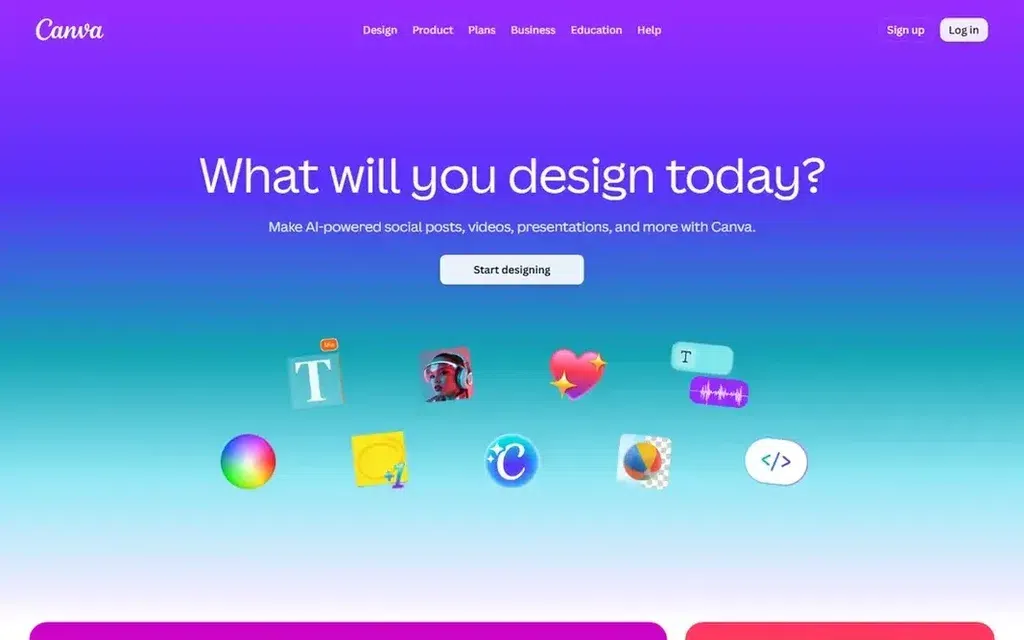
Canva is designed for fast, template-driven ad design. Canva is an online graphic design tool that lets you produce social media posts, presentations, posters, videos, logos and more.
Trade-offs to know: Restricted advanced design controls.
For highly customized or print-ready ad designs, Canva may feel constrained compared with professional software. Check the vendor site for Canva pricing; none is listed in this comparison. On free options: Not stated.
- Broad template library
- Simple drag-and-drop editor
- May need workarounds for very custom layouts
Think of Snappa for AI-generated graphics from prompts. Snappa's AI-driven approach may not supply the fine-grained control that professional designers need.
It is a strong match for marketers who require to produce scroll-stopping visuals rapidly with minimal input. The starting price for Snappa: $10 per month. Snappa includes a free tier.
Watch-outs: May lack advanced editing features.
- AI turns a prompt into graphics
- Straightforward workflow
- AI output may need refinement
Piktochart targets data-driven infographics and reports. Whereas Piktochart can deal with some ad formats, it is not a dedicated ad design system.
What to check first: Less concentrated on general ad design.
Beyond that, Piktochart gives you AI infographic tools and a design system for creating infographics, presentations, reports, ebooks and videos. Piktochart pricing: $10 per member per month. Piktochart includes a free tier.
- AI-powered infographic tools
- Turns data into visuals rapidly
- May be restricted for complicated ad campaigns
How we built this list
LinkVetted looked at what each vendor publishes: pricing, plan limits, feature coverage for ad design platform and stated drawbacks. No hands-on testing is claimed. Figures are shown as the vendors publish them. Billing terms, seat minimums and add-ons can change the real cost. The sequence is a judgement call: typical use case first, then pricing transparency, then free access. Use the profiles to check fit.
Before you commit
- Get a written quote from Canva; the list shows no starting price for them.
- Read the fine print on the free plans from Snappa and Piktochart; seat, project and feature caps differ.
- Before choosing Designhill, weigh its main limit: designer marketplace may involve variable quality.
- The entry price of Designhill is only the starting point; model the full cost with seats and extras.
- Involve the people who will use Snappa daily; a short pilot beats a long feature checklist.
FAQ
Do these tools publish their prices?
Not all of them. Canva publishes no starting price, so expect a quote request for it. The rest, Designhill included, show a starting price, though seats and billing terms still change the final cost.
Which options for ad design platform have a free plan?
On this list, Snappa and Piktochart include a free plan. Caps on seats, usage or features are common, so test the free plan against your real workload.
Is Designhill the right pick for everyone comparing ad design platform?
No single tool suits every team. Designhill comes first because it fits sourcing custom ad designs, while Figma suits collaborative ad design and prototyping and Canva suits quick, template-driven ad design. Match the tool to your own size, budget and workflow before deciding.
What is the best ad design product for beginners?
Designhill comes first here and is built for sourcing custom ad designs. Buyers with other needs may prefer Figma (for collaborative ad design and prototyping) or Canva (for fast, template-driven ad design). Compare costs and limits first.
How are the tools for ad design platform ordered?
The order follows typical fit for ad design platform, with Designhill first and Piktochart last, then price clarity and free access. It is editorial judgement, not a score, so another team could rank the tools differently.
Can I use Figma for ad design?
Yes, Figma can be used for ad design, notably for collaborative concept development and prototyping. Even so, it lacks the ready-made ad templates found in systems like Canva, so it may need more design skill.
Sources
- https://www.designhill.com
- https://www.figma.com
- https://www.canva.com
- https://snappa.com
- https://piktochart.com