Best Display Ad Design Software in 2026: Prices, Free Plans and 5 Picks
Best display ad design software in 2026: 5 tools with starting prices, free plans and limits. Fit and flaws are laid out for each entry. Compare quickly.

- Editor's choice
 CorelDRAW
Vector illustration and layout work
Starts atSee websiteVisit coreldraw.comFull review - Great alternative
 Canva
Quick template-driven ad creation
Starts atSee websiteVisit canva.comFull review - Also consider
 Figma
Collaborative design and handoff
Starts at$3 a monthVisit figma.comFull review
Direct answer
CorelDRAW is the first pick on this list for vector illustration and layout work. Listed starting prices: Figma from $3 a month and Sketch from $12 per editor a month. For a different need, Canva covers quick template-driven ad creation and Figma covers collaborative design and handoff. Details, prices and limits for the rest of the 5 tools are below.
TL;DR:
- The list opens with CorelDRAW, aimed at vector illustration and layout work.
- Adobe Photoshop suits in-depth image editing and compositing.
- One limit worth knowing about Figma: not designed for photo retouching.
- None of the 5 tools, from CorelDRAW to Adobe Photoshop, has a free plan, so budget for a subscription or use a trial.
Last checked November 2026. Prices and plan details were read from the vendors' own pages in November 2026; vendors change plans often, so confirm the current price on the vendor site before you buy.
Quick comparison
| Tool | Best for | Starts at | Free plan? | |
|---|---|---|---|---|
| CorelDRAW | Vector illustration and layout work | See website | Not stated | Visit |
| Canva | Quick template-driven ad creation | See website | Not stated | Visit |
| Figma | Collaborative design and handoff | $3 a month | Not stated | Visit |
 Sketch | Mac-based design and prototyping | $12 per editor a month | Free trial | Visit |
 Adobe Photoshop | In-depth image editing and compositing | See website | Not stated | Visit |
5 options for display ad design software in detail
If you are comparing display ad design software, this page covers 5 tools in one place: what each is best for, what it costs to start, whether it has a free plan, and the main limit to know about.
For vector illustration and layout work, CorelDRAW is a natural candidate. CorelDRAW is professional graphic design software offering vector, technical illustration and CAD choices for logos, posters, drafting and prototypes. On top of that, CorelDRAW is less typical in some agency workflows, which can complicate file exchange.
Watch-outs: Interface can feel dated to some.
Its interface may feel unfamiliar to designers raised on other tools. In practice, choose it when vector illustration and layout breadth are the priority. On top of that, photo-centric campaigns may need a separate editor. CorelDRAW shows no starting price here, so confirm the cost on the vendor site. Free access: Not stated.
- Vector and illustration toolset
- Choices for technical and CAD work
- Less typical in some agency stacks
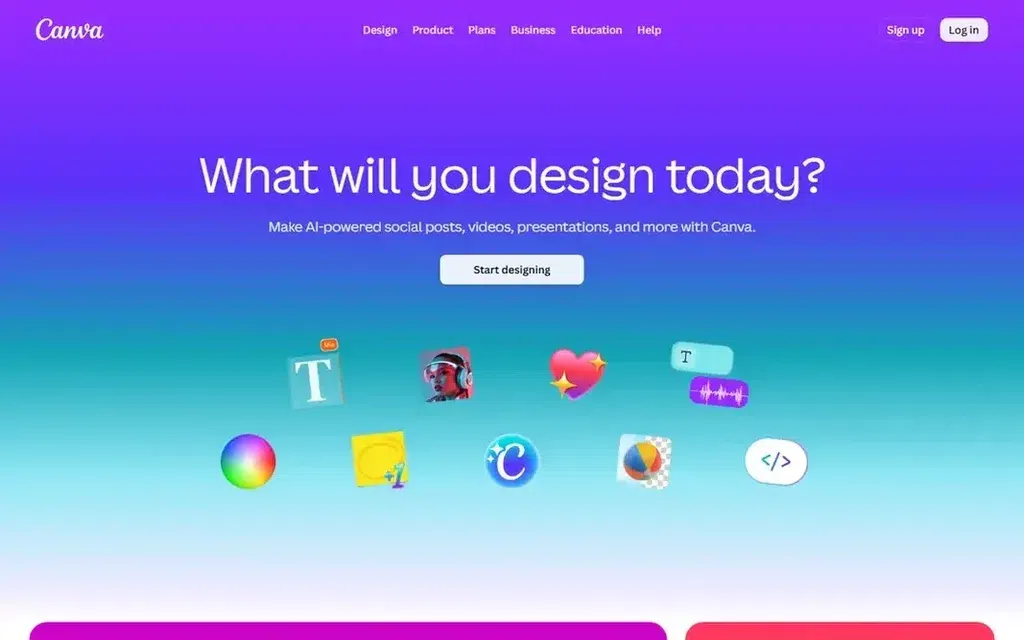
Canva was built for quick template-driven ad creation. Canva favors speed over fine control, so intricate retouching or exact vector work is restricted compared to professional editors.
Designers needing precise output may pair it with a dedicated tool. Canva does not show a starting price in this comparison, so check the vendor site for current pricing. As for free access: Not stated.
Downsides: Less precise for complicated editing.
- Templates for numerous formats
- Supports posts
- Template look can feel generic
Choose Figma for collaborative design and handoff. Solo designers wanting straightforward banner templates might find it more than needed.
In daily use, choose Figma when teamwork and handoff drive the workflow. Figma cost at the entry level: $3 per month. On free options: Not stated.
What works well: Brings design. Where it falls short: Complicated files can get busy.
- Well suited to shared component libraries
- Live team collaboration
- Not made for photo retouching
Pick Sketch if this describes you: Mac-based design and prototyping. Photo editing is not its strength.
Honest limits: Smaller ecosystem than some rivals.
As for the details, choose Sketch when your team works on Macs and wants a focused design and handoff tool. On cost, Sketch starts like this: $12 per editor per month. Free plan details: Free trial.
- Design
- Supports collaborative workflows
- Mac-only system
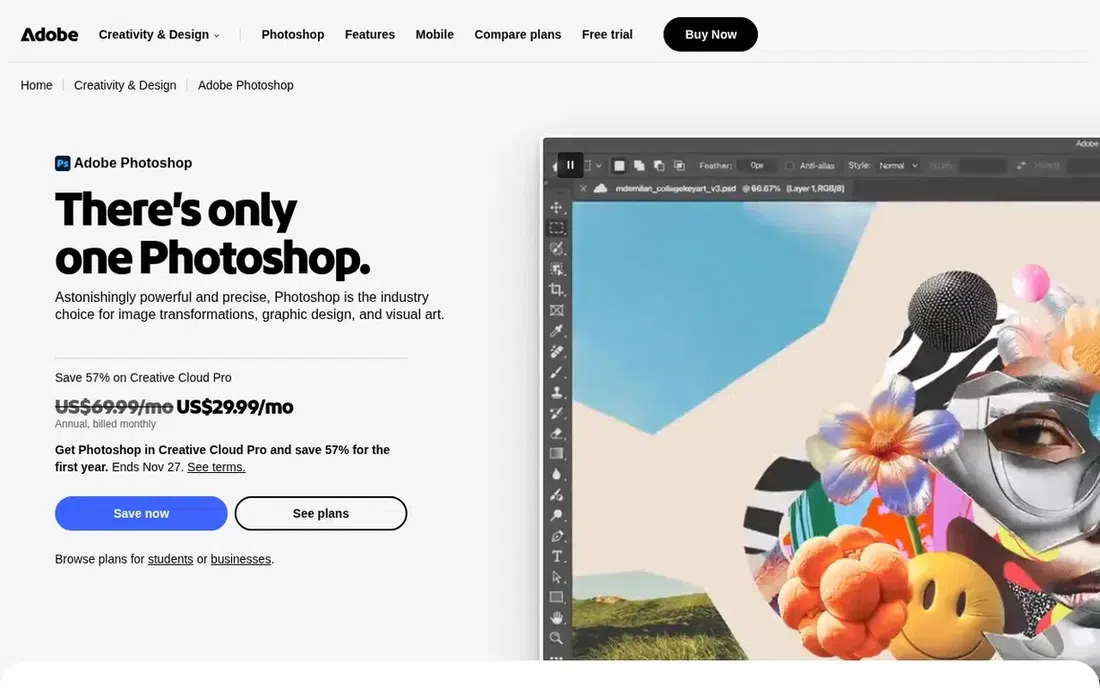
Adobe Photoshop is a good fit for in-depth image editing and compositing. Adobe Photoshop is a long-standing image editing application used to build and refine display ad visuals.
The main drawbacks: Ramp-up time for beginners.
Pricing for Adobe Photoshop is not stated here, so ask the vendor for current figures. As for free access: Not stated.
- Layered compositing for complicated scenes
- Desktop and online access
- Subscription-based access
Selection criteria
A buyer's checklist
- Ask CorelDRAW, Canva and Adobe Photoshop for a written quote, since no starting price is shown.
- Use real work to test the free trial from Sketch, rather than a demo project.
- Read the limits listed for CorelDRAW first: interface can feel dated to some.
- Price CorelDRAW for your actual team size; headline prices rarely include add-ons or overage.
- See whether Canva offers onboarding or training, and whether it is included in the price.
FAQ
Do I need Photoshop and Illustrator both?
Not necessarily. Photoshop fits photographic editing and compositing, whereas Illustrator fits scalable vector elements like logos and typography. Numerous teams pick one based on whether their ads lean on imagery or vector graphics, and add the other later if needed.
Do these tools publish their prices?
Not all of them. CorelDRAW, Canva and Adobe Photoshop publish no starting price, so expect a quote request for those. The rest, Figma included, show a starting price, though seats and billing terms still change the final cost.
Is CorelDRAW the right pick for everyone comparing display ad design software?
No single tool suits every team. CorelDRAW comes first because it fits vector illustration and layout work, while Canva suits fast template-driven ad creation and Figma suits collaborative design and handoff. Match the tool to your own size, budget and workflow before deciding.
Can I try these options before paying?
Often, yes. Sketch offers a free trial. Use your own data and a real task during the test, and check what the free tier or trial limits before you rely on it. Prices, free plan details and limits for all 5 tools in this display ad design software roundup sit on the individual cards above.
Which display ad design software is a good match for beginners?
CorelDRAW comes first here and is built for vector illustration and layout work. Buyers with other needs may prefer Canva (for quick template-driven ad creation) or Figma (for collaborative design and handoff). Compare costs and limits first.
What is the cheapest option for display ad design software in this list?
On published monthly entry prices, Figma is the lowest here at $3 per month. Entry price is only part of the cost, because seats, add-ons and billing terms can change the total. Each of the 5 options in this display ad design software guide has its own card above with the price, free plan and limits.
Sources
- https://www.coreldraw.com
- https://www.canva.com
- https://www.figma.com
- https://www.sketch.com
- https://www.adobe.com/products/photoshop.html