5 Software for Stationery Design Worth Shortlisting in 2026
Best software for stationery design in 2026: 5 contenders with entry costs and free tiers. Clear notes on pricing gaps and limits. Built for quick decisions.
- Editor's choice
 CorelDRAW
Vector and technical illustration work
Starts atSee websiteVisit coreldraw.comFull review - Great alternative
 Sketch
Designers building brand assets
Starts at$12 per editor a monthVisit sketch.comFull review - Also consider
 Figma
Team collaboration on brand systems
Starts at$3 a monthVisit figma.comFull review
Direct answer
Our first pick is CorelDRAW, best for vector and technical illustration work. Listed starting prices: Sketch from $12 per editor a month and Figma from $3 a month. If your case is different, Sketch suits designers building brand assets and Figma suits team collaboration on brand systems. The remaining 2 options are covered below with prices and limits.
TL;DR:
- Top of the list is CorelDRAW, which targets vector and technical illustration work.
- Affinity Designer is the one to check for precision vector work without limits.
- Neither CorelDRAW nor Affinity Designer, nor any of the other 3 tools, has a permanent free plan; trials and quotes are the norm.
- The cheapest monthly starting price in the list is $3 per month, offered by Figma.
- Adobe Illustrator comes with a trade-off: dense interface for beginners.
Last checked November 2026. Prices and plan details were read from the vendors' own pages in November 2026; vendors change plans often, so confirm the current price on the vendor site before you buy.
Quick comparison
| Tool | Best for | Starts at | Free plan? | |
|---|---|---|---|---|
| CorelDRAW | Vector and technical illustration work | See website | Not stated | Visit |
| Sketch | Designers building brand assets | $12 per editor a month | Free trial | Visit |
| Figma | Team collaboration on brand systems | $3 a month | Not stated | Visit |
 Adobe Illustrator | Precise vector logos and stationery marks | See website | Not stated | Visit |
 Affinity Designer | Precision vector work without limits | See website | Not stated | Visit |
Software for Stationery Design, one by one
LinkVetted put together this guide to software for stationery design for readers who want a clear shortlist without reading every vendor page. It compares 5 tools on starting price, free plans, who each one suits and where each one falls short.
CorelDRAW works best for vector and technical illustration work. CorelDRAW gives you professional graphic design software with vector, technical illustration and CAD-style choices for logos, posters, drafting and prototypes. The breadth of features means a steeper ramp-up time, and the interface style does not suit everyone.
Watch-outs: Feature set is wide and can overwhelm.
For stationery, it suits designers who want a wide vector toolkit for logos, decorative elements and print pieces, notably those already comfortable with illustration-heavy workflows. As for the details, if your stationery work is largely straightforward layouts, a lighter design tool may be simpler to handle. CorelDRAW shows no starting price here, so confirm the cost on the vendor site. Free options: Not stated.
- Vector and illustration toolset
- Also includes technical illustration choices
- Interface can feel dated to some users
Choose Sketch for designers building brand assets. It suits designers who build brand assets and shared design systems, including the components that feed into stationery like logos, color styles and type scales.
Honest limits: Less concentrated on print production.
The starting price for Sketch: $12 per editor per month. On free options: Free trial.
- Focus on design and collaboration
- Clean workspace for asset work
- Mac-oriented system
For team collaboration on brand systems, Figma is a natural candidate. Choose a dedicated layout or vector tool when you need precise print specifications and prepress control.
Drawbacks to consider: Not built primarily for print.
For stationery, it is handy when a team maintains shared brand elements such as logos, color palettes and type styles that feed into cards, letterheads and other printed materials. Price to start with Figma: $3 per month. Free plan details: Not stated.
- Collaborative canvas for teams
- A decent match for shared brand components
- Complicated files can get busy
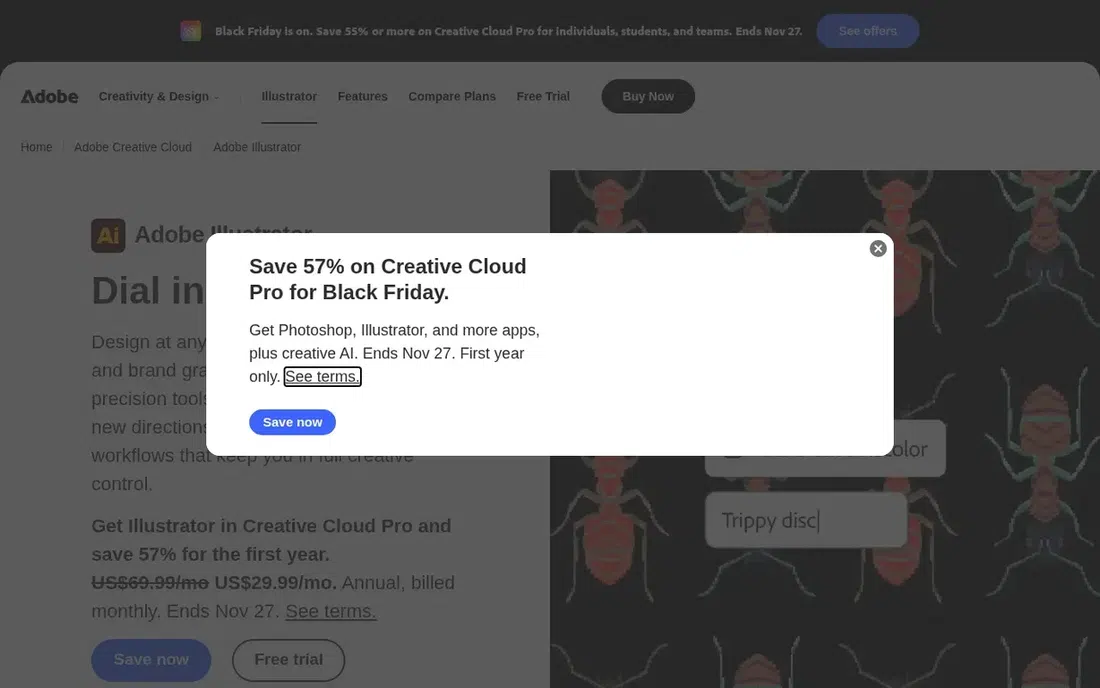
Choose Adobe Illustrator for precise vector logos and stationery marks. Adobe Illustrator is vector graphics software targeted at designers who require precision. Its homepage flags generative AI that transforms a text prompt into a completely editable vector graphic.
Limits to weigh: Subscription-based access.
For stationery, that makes it a natural fit for logos, monograms, icons and letterhead marks that must scale cleanly from a business card to a large format print. If you primarily need fast templates instead of custom vector drawing, a more straightforward design tool will get you to a finished card quicker. This comparison lists no price for Adobe Illustrator; ask the vendor. Trial and free access: Not stated.
- Generative AI can turn prompts into editable vectors
- Industry-standard vector drawing tools
- Dense interface for beginners
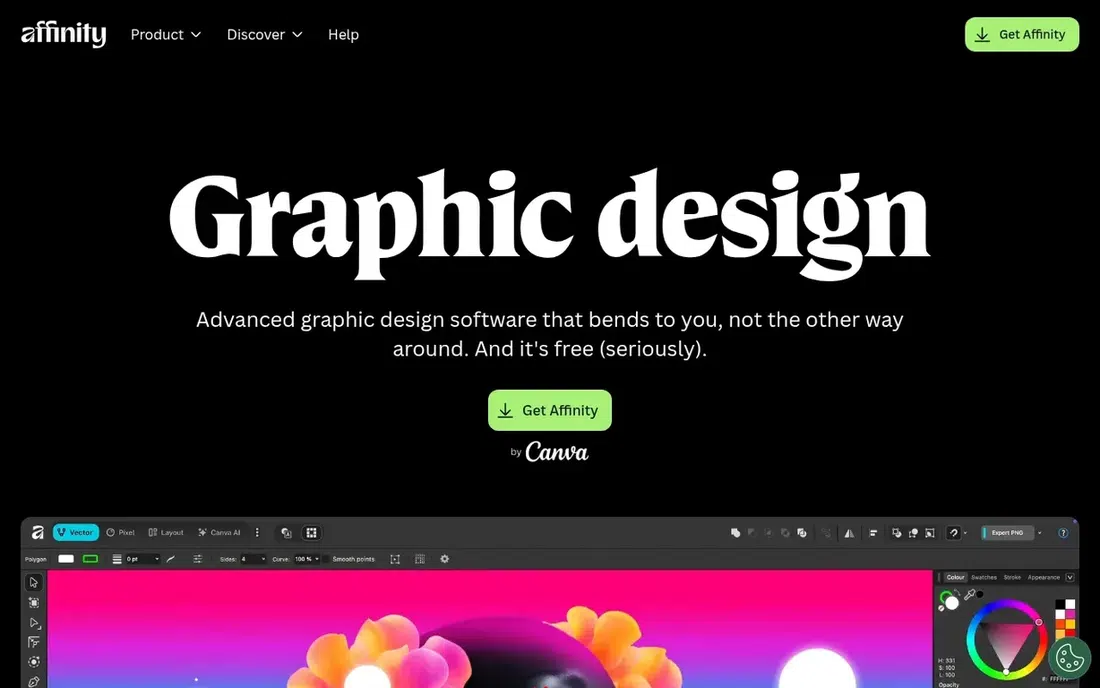
Affinity Designer targets precision vector work without limits. Its ecosystem of ready-made templates and guided workflows is smaller than template-first systems, so beginners may need more time to build a first design.
The main drawbacks: Smaller template ecosystem.
Choose a template-driven tool if speed matters more than custom vector control. Pricing for Affinity Designer is not stated here, so ask the vendor for current figures. Free options: Not stated.
- Manages both vector and raster work
- Crisp vector art and bold graphics
- Fewer guided onboarding aids
What went into this list
Selection started from tools commonly considered for software for stationery design, then narrowed to 5 that have clear pricing information or a clear quote process. Plan names, prices and limits change often. Treat the figures here as a starting point and verify them with the vendor. Order on the page follows fit for the typical buyer first, then price transparency and free access. Your own requirements should decide the final pick.
What to check before you buy
- Confirm the entry price on the vendor page. For CorelDRAW, Adobe Illustrator and Affinity Designer that means a quote rather than a fixed price.
- Take the trial from Sketch and push a live task through it before you pay.
- Read the limits listed for CorelDRAW first: interface can feel dated to some users.
- Confirm that Adobe Illustrator connects to the apps your team already uses, on the plan you would actually buy.
- Total up the real monthly cost of Figma, including add-ons, extra users and usage-based fees.
FAQ
Can I try these tools before paying?
Often, yes. Sketch offers a free trial. Use your own data and a real task during the test, and check what the free tier or trial limits before you rely on it. For the full picture, the cards above cover all 5 entries of this software for Stationery design list, including price, free plan and limits.
What is the cheapest option for software for stationery design in this list?
On published monthly entry prices, Figma is the lowest here at $3 per month. Entry price is only part of the cost, because seats, add-ons and billing terms can change the total. Prices, free plan details and limits for all 5 tools in this software for Stationery design roundup sit on the individual cards above.
Do these tools publish their prices?
Not all of them. CorelDRAW, Adobe Illustrator and Affinity Designer publish no starting price, so expect a quote request for those. The rest, Sketch included, show a starting price, though seats and billing terms still change the final cost.
What is the difference between vector tools and layout tools for stationery?
Vector tools for example Illustrator and Affinity Designer focus on drawing precise shapes, logos and illustrations. In practice, plenty of stationery projects use both, creating artwork in a vector tool and placing it into a layout.
Does any tool for software for stationery design here have a free plan?
A permanent free plan is not offered by CorelDRAW, Affinity Designer or the other tools here. Sketch offer a trial. Plan a short evaluation period instead.
Do I need a collaborative tool for stationery design?
Figma and Sketch are built around shared components and team workflows, which helps keep logos and type styles consistent. A solo designer working on a single card set can typically skip collaboration features.
Sources
- https://www.coreldraw.com
- https://www.sketch.com
- https://www.figma.com
- https://www.adobe.com/products/illustrator.html
- https://affinity.serif.com/en-us/designer