5 Reallusion Cartoon Animator 5 Alternatives Worth Switching To in 2026
Shortlisting Reallusion Cartoon Animator 5 alternatives? 5 products compared on cost, free access and ideal buyer. Real limits included. Choose faster.
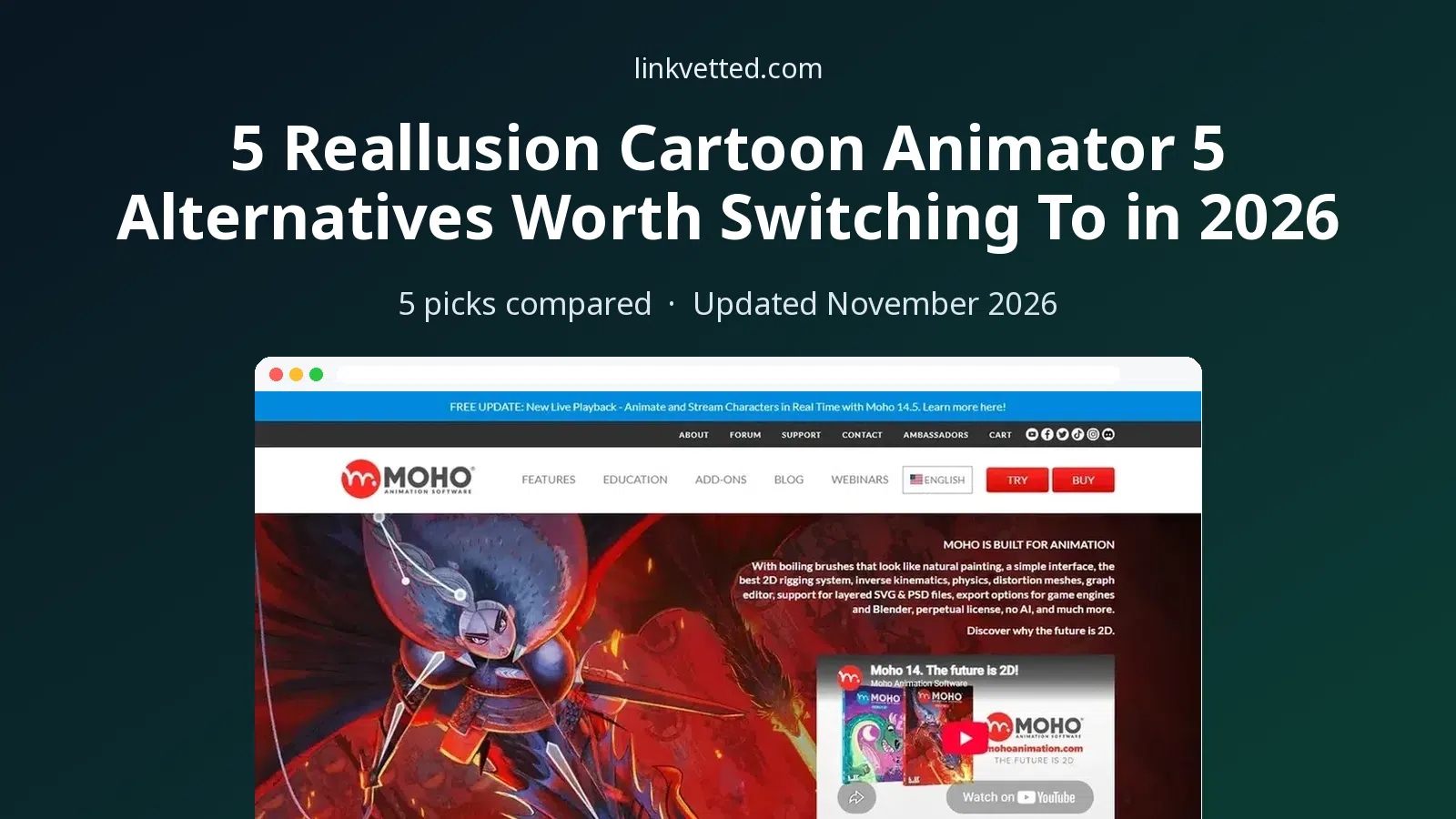
- Editor's choice
 Moho
Efficient 2D animation for all levels
Starts atSee websiteVisit moho.lostmarble.comFull review - Great alternative
 Vyond
Business video creation with AI
Starts at$58 per monthVisit vyond.comFull review - Also consider
 Animaker
Beginner-friendly online animation
Starts at$10 a monthVisit animaker.comFull review
Direct answer
Moho leads the list, best for efficient 2D animation for all levels. Listed starting prices: Vyond from $58 per month and Animaker from $10 a month. Alternatives: Vyond for business video creation with AI, and Animaker for beginner-friendly online animation. The other 2 tools in the list cover narrower or pricier cases.
TL;DR:
- The list opens with Moho, aimed at efficient 2D animation for all levels.
- Adobe Animate is the one to check for Versatile 2D animation and interactivity.
- Animaker is the lowest-priced starter here at $10 per month.
- None of the 5 tools, from Moho to Adobe Animate, has a free plan, so budget for a subscription or use a trial.
- One limit worth knowing about Animaker: may lack advanced features of desktop tools.
Last checked November 2026. Prices and plan details were read from the vendors' own pages in November 2026; vendors change plans often, so confirm the current price on the vendor site before you buy.
Quick comparison
| Tool | Best for | Starts at | Free plan? | |
|---|---|---|---|---|
| Moho | Efficient 2D animation for all levels | See website | Not stated | Visit |
| Vyond | Business video creation with AI | $58 per month | Free trial | Visit |
| Animaker | Beginner-friendly online animation | $10 a month | Free trial | Visit |
| Spine | 2D skeletal animation for games | See website | Not stated | Visit |
 Adobe Animate | Versatile 2D animation and interactivity | See website | Not stated | Visit |
Reallusion Cartoon Animator 5, one by one
Choosing Reallusion Cartoon Animator 5 usually comes down to price, fit and limits. This LinkVetted guide sets 5 tools side by side on those three points, with the facts kept short and checkable.
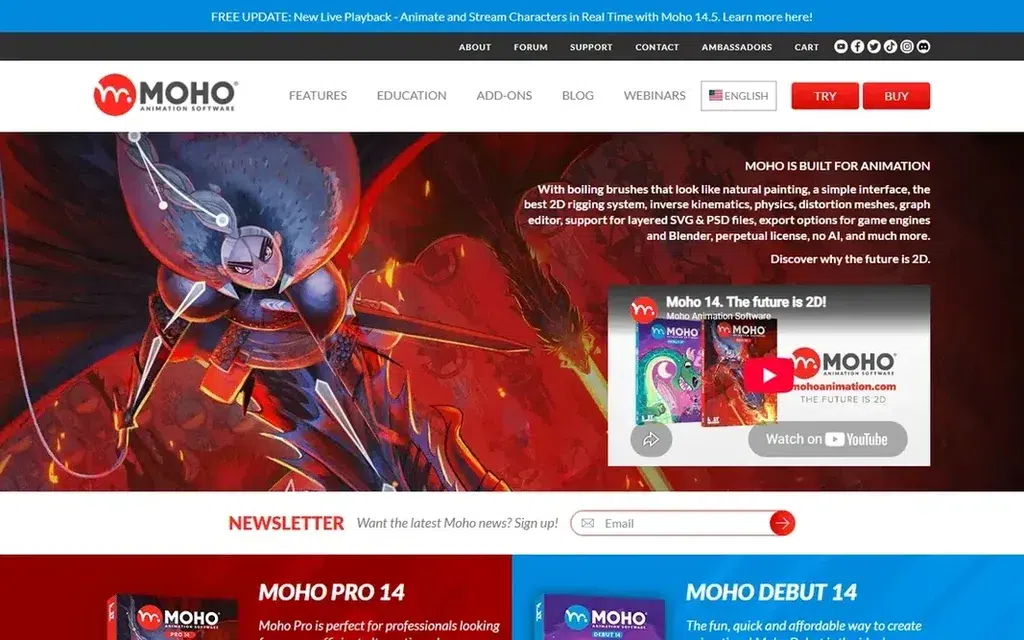
Moho works best for efficient 2D animation for all levels. Moho is a 2D animation software made for both hobbyists and professional animators seeking a more efficient alternative for creating quality animations. It gives you a complete program for creating 2D movies, films, and commercials, with a focus on simplified workflows and capable bone rigging.
Best features of Moho: Right for hobbyists and professionals.
Watch-outs: Less industry-standard than Harmony.
It is also less known in large-scale productions. In daily use, if you need broad studio-level features, consider Harmony; otherwise, Moho is a capable and economical choice. Moho shows no starting price here, so confirm the cost on the vendor site. Free plan details: Not stated.
- Complete animation program for 2D movies
- More efficient alternative for quality animations
- Restricted advanced features for complicated pipelines
Vyond was built for business video creation with AI. The system uses AI to simplify video production. That said, Vyond gives you less granular control over animation compared with traditional animation software, which may limit creative freedom for in-depth character animation.
It is primarily geared toward business communication instead of artistic animation. It is well suited to firms looking to produce explainer videos, training content, and marketing materials without deep animation expertise. From a buyer's view, for more practical animation work, consider Adobe Animate or Moho. Vyond starts at: $58 per month. Free access: Free trial.
Limits to weigh: Primarily for business communication.
- Easy and instant video production
- Business-focused templates and styles
- Less control over animation details
Choose Animaker for beginner-friendly online animation. For advanced animation needs, consider more solid alternatives. Animaker is an online animation maker built for beginners and pros, allowing users to build animated videos in minutes straight in a web browser.
It is right for marketers, educators, and individuals who require fast, engaging animations without installing software. The product provides a set of templates and drag-and-drop tools. It also needs a stable internet connection. The starting price for Animaker: $10 per month. On free options: Free trial.
Reasons to shortlist it: Build animated videos in minutes. Honest limits: Needs internet connection.
- Accessible from any browser
- Online animation maker for beginners and pros
- May lack advanced features of desktop tools
Spine
Best for: 2D skeletal animation for games
For 2D skeletal animation for games, Spine is a natural candidate. Spine is a 2D skeletal animation software specifically for video games, enabling animators to bring characters to life for Unity, C#, cocos2d-x, iOS, Android, C++, HTML5, JS, and other products.
It is the go-to tool for game developers who require smooth, efficient character animations with a focus on runtime performance. Check the vendor site for Spine pricing; none is listed in this comparison. On free options: Not stated.
The main drawbacks: Restricted to skeletal animation.
- Efficient skeletal animation workflow
- Supports several game engines and platforms
- Not intended for general 2D animation
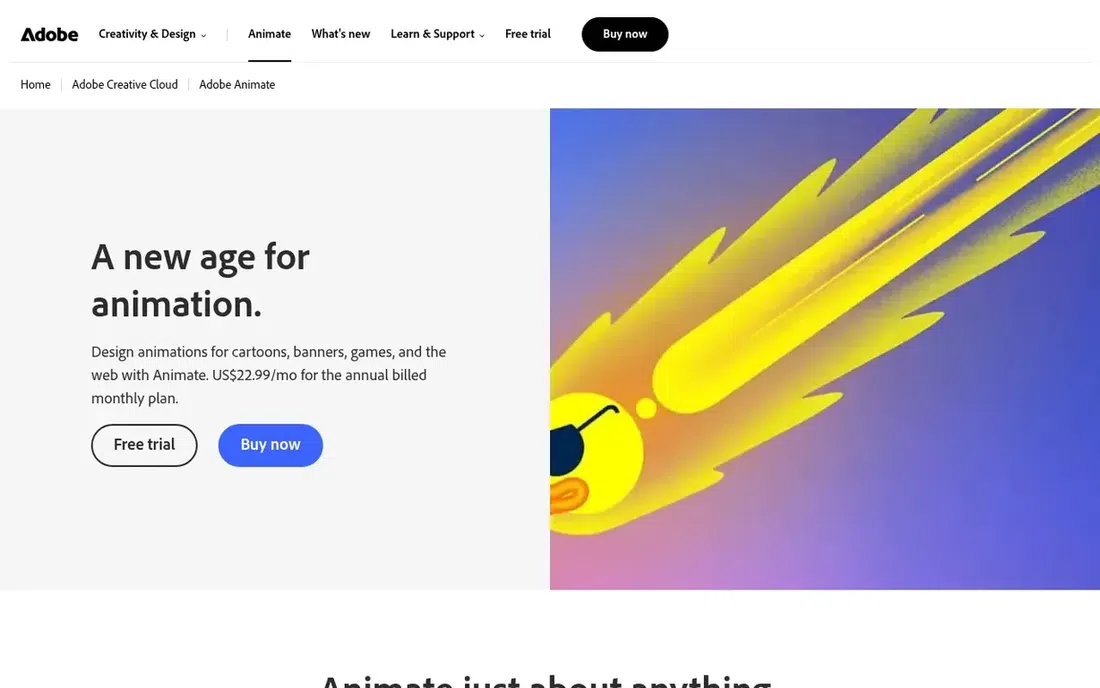
Where Adobe Animate fits: Versatile 2D animation and interactivity. Adobe Animate is a 2D animation software for creating Flash animation films, GIFs, and cartoons. It bundles tools for puppet design and tweening, making it a good match for animators who want to produce interactive content for web and video.
The main drawbacks: Subscription-based model may not suit everyone.
Even so, Adobe Animate requires a subscription, which may be a drawback for those preferring one-time purchases. Its interface can be overwhelming for beginners, and it may lack some specialized features for game animation compared with dedicated tools. As for the details, consider alternatives if you need a more straightforward or more focused option. Adobe Animate shows no starting price here, so confirm the cost on the vendor site. On free options: Not stated.
- Tools for puppet design and tweening
- Supports Flash animation and GIF creation
- Can be complex for beginners
How we chose
The comparison looks at four things: starting price, free access, how well the feature set matches Reallusion Cartoon Animator 5, and the main limit of each tool. Where a price is missing, the vendor does not list one publicly or ties it to a quote. Always confirm before budgeting. The sequence is a judgement call: typical use case first, then pricing transparency, then free access. Use the profiles to check fit.
Things to verify first
- Ask Moho, Spine and Adobe Animate for a written quote, since no starting price is shown.
- Use real work to test the free trial from Vyond and Animaker, rather than a demo project.
- Before choosing Moho, weigh its main limit: less industry-standard than Harmony.
- Read the plan comparison for Adobe Animate carefully; key features often start on a higher tier.
- Test how quickly Animaker answers a pre-sales question; it hints at how support will feel later.
FAQ
Does any tool for Reallusion Cartoon Animator 5 here have a free plan?
No tool in this list, Moho and Adobe Animate included, has a permanent free plan. Vyond, Animaker offer a trial. Trials and quotes are the usual route, so plan a short evaluation period.
How are the tools for Reallusion Cartoon Animator 5 ordered?
The order follows typical fit for Reallusion Cartoon Animator 5, with Moho first and Adobe Animate last, then price clarity and free access. It is editorial judgement, not a score, so another team could rank the tools differently.
Which alternative is a good match for game animation?
Start with Moho if you need efficient 2D animation for all levels. Vyond is the better match for business video creation with AI, and Animaker for beginner-friendly online animation. The best choice depends on budget, team size and workflow.
Can I try these tools before paying?
Often, yes. Vyond and Animaker offer a free trial. Use your own data and a real task during the test, and check what the free tier or trial limits before you rely on it.
Is Moho the right pick for everyone comparing Reallusion Cartoon Animator 5?
No single tool suits every team. Moho comes first because it fits efficient 2D animation for all levels, while Vyond suits business video creation with AI and Animaker suits beginner-friendly online animation. Match the tool to your own size, budget and workflow before deciding.
Sources
- https://moho.lostmarble.com
- https://www.vyond.com
- https://www.animaker.com
- https://esotericsoftware.com
- https://www.adobe.com/products/animate.html