5 Prototyping Software for Design Teams Worth Shortlisting in 2026
Best prototyping software for design teams: 5 tools compared on price, free plans and fit. Every pick gets a straight assessment. Pricing and limits included.
- Editor's choice
 Axure RP
In-depth prototypes with specifications and diagrams
Starts at$29 per user a monthVisit axure.comFull review - Great alternative
 ProtoPie
Advanced, interaction-heavy prototypes with clean handoff
Starts atSee websiteVisit protopie.ioFull review - Also consider
 Figma
Collaborative design and prototyping in one place
Starts at$3 per monthVisit figma.comFull review
Direct answer
Axure RP is the first pick on this list for in-depth prototypes with specifications and diagrams. Listed starting prices: Axure RP from $29 per user a month, Figma from $3 per month and Sketch from $12 per editor a month. ProtoPie is better for advanced, interaction-heavy prototypes with clean handoff, and Figma is better for collaborative design and prototyping in one place. All 5 tools are compared below on price, free plan and limits.
TL;DR:
- Axure RP is the opening pick, best for in-depth prototypes with specifications and diagrams.
- Balsamiq suits quick, low-fidelity wireframing and early testing.
- The cheapest monthly starting price in the list is $3 per month, offered by Figma.
- One limit worth knowing about Sketch: Mac-only workflow limits mixed teams.
Last checked November 2026. Prices and plan details were read from the vendors' own pages in November 2026; vendors change plans often, so confirm the current price on the vendor site before you buy.
Quick comparison
| Tool | Best for | Starts at | Free plan? | |
|---|---|---|---|---|
| Axure RP | In-depth prototypes with specifications and diagrams | $29 per user a month | Not stated | Visit |
| ProtoPie | Advanced, interaction-heavy prototypes with clean handoff | See website | Not stated | Visit |
| Figma | Collaborative design and prototyping in one place | $3 per month | Not stated | Visit |
 Sketch | Mac-based designers wanting a focused workflow | $12 per editor a month | Free trial | Visit |
 Balsamiq | Quick, low-fidelity wireframing and early testing | $16 per editor a month | Free trial | Visit |
Tool-by-tool breakdown
This LinkVetted guide covers 5 prototyping software for design teams. Each profile lists a starting price, free plan details, strengths and drawbacks, so you can drop poor fits quickly.
Axure RP targets in-depth prototypes with specifications and diagrams. Choose a more straightforward choice when speed matters more than in-depth documentation. Beyond that, for fast concept sketches or early ideation, it can feel like more tool than the task needs.
What Axure RP does well: Prototypes.
Where it falls short: Can be heavy for fast concept work.
Axure RP is an all-in-one software design tool for creating prototypes, specifications and diagrams. That combination makes it a good fit for teams that need to document behavior in detail alongside the prototype itself, like complicated enterprise interfaces or projects with formal specification requirements. In practice, the depth that makes Axure RP feature-rich also makes it slower to pick up than light wireframing tools. Axure RP pricing: $29 per user per month. Free plan details: Not stated.
- Deals with in-depth
- Specs and diagrams in one tool
- Steeper ramp-up time than more straightforward tools
For advanced, interaction-heavy prototypes with clean handoff, ProtoPie is a natural candidate. ProtoPie presents itself as an AI-driven prototyping system, using AI to produce interactions, refine them and hand off clean specifications. That emphasis on interaction quality makes it a fit for teams prototyping rich, sensor-style or logic-heavy experiences where standard click-throughs fall short.
Points against: May be overkill for straightforward flows.
Since it targets advanced interactions, ProtoPie can be more than a team needs for straightforward screen flows. More straightforward tools deliver quicker results when the prototype only needs entry-level navigation. More specifically, consider it when interaction fidelity is the deciding factor in stakeholder feedback. Pricing for ProtoPie is not stated here, so ask the vendor for current figures. Free options: Not stated.
- Focus on refining in-depth interactions
- AI-assisted generation of interactions
- Pitched at advanced interaction work
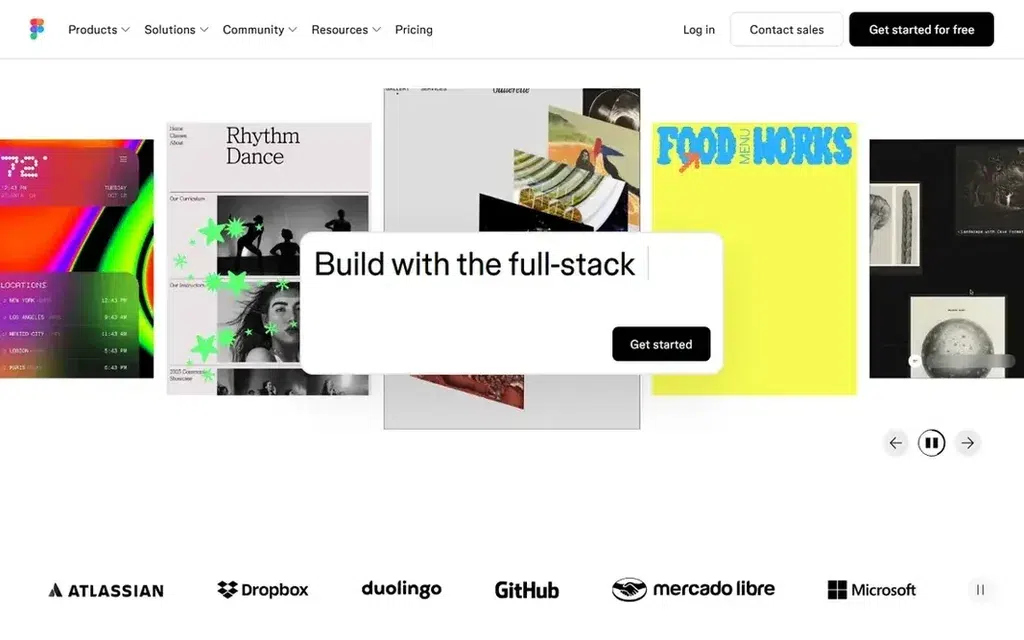
Pick Figma if this describes you: collaborative design and prototyping in one place. Figma describes itself as a canvas where design, code and AI come together, taking a team from first idea to shipped product in one place. Teams that require only fast, low-fidelity wireframes may find it heavier than necessary.
Consider a more straightforward wireframing tool when speed and focus matter more than a full design environment. The breadth of the system means new users face a ramp-up time, and the collaborative model relies on steady connectivity. Price to start with Figma: $3 per month. On free options: Not stated.
Downsides: Needs a stable internet connection.
What users get: Links design.
- Design and prototyping share one canvas
- Code and AI workflows
- Wide feature set can overwhelm beginners
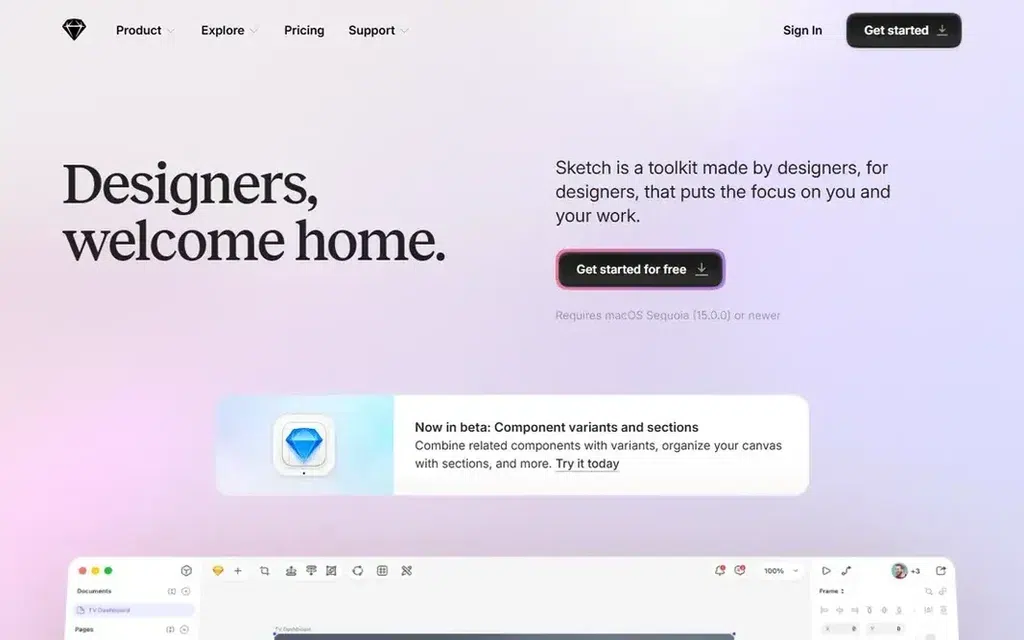
Think of Sketch for Mac-based designers wanting a focused workflow. Pick something else if cross-platform access is a hard requirement. From a buyer's view, Sketch presents itself as a tool that puts the focus back on you and your work, made by designers for designers.
Upsides: Made by designers.
Its homepage flags design, prototyping, collaboration and handoff as core parts of the workflow. Because Sketch is tied to the Mac system, teams with Windows members need workarounds or extra tools for collaboration. Sketch cost at the entry level: $12 per editor per month. Free plan details: Free trial. What to check first: Collaboration relies on companion services.
- Supports prototyping and handoff
- Clean
- Mac-only workflow limits mixed teams
Balsamiq targets quick, low-fidelity wireframing and early testing. The sketch, test and refine loop is central to how it works, which fits teams that want to explore structure and flow before visual design begins.
Drawbacks to consider: Not intended for refined visual design.
It is approachable for people outside the design discipline too. What you pay to start with Balsamiq: $16 per editor per month. Free access: Free trial.
- Encourages sketching and fast refinement
- Quick wireframing without friction
- Deliberately low fidelity by design
How the list was put together
Things to verify first
- Confirm the entry price on the vendor page. For ProtoPie that means a quote rather than a fixed price.
- Use real work to test the free trial from Sketch and Balsamiq, rather than a demo project.
- Read the limits listed for Axure RP first: steeper ramp-up time than more straightforward tools.
- Ask the daily users to test Sketch on a live task before you roll it out to everyone.
- Get the contract term, renewal terms and any onboarding fees from ProtoPie in writing.
FAQ
Does any tool for prototyping software for design teams here have a free plan?
A permanent free plan is not offered by Axure RP, Balsamiq or the other tools here. Sketch, Balsamiq offer a trial. Plan a short evaluation period instead.
Do these tools publish their prices?
Not all of them. ProtoPie publishes no starting price, so expect a quote request for it. The rest, Axure RP included, show a starting price, though seats and billing terms still change the final cost.
Can I try these tools before paying?
Often, yes. Sketch and Balsamiq offer a free trial. Use your own data and a real task during the test, and check what the free tier or trial limits before you rely on it.
Is Axure RP the right pick for everyone comparing prototyping software for design teams?
No single tool suits every team. Axure RP comes first because it fits detailed prototypes with specifications and diagrams, while ProtoPie suits advanced, interaction-heavy prototypes with clean handoff and Figma suits collaborative design and prototyping in one place. Match the tool to your own size, budget and workflow before deciding.
How important is developer handoff when choosing prototyping software?
It matters if prototypes inform real builds. Tools like Axure RP and ProtoPie emphasize specifications alongside prototypes, whereas Sketch and Figma contain handoff workflows. Confirm how your developers prefer to receive specs before deciding.
Sources
- https://www.axure.com
- https://www.protopie.io
- https://www.figma.com
- https://www.sketch.com
- https://balsamiq.com