Top 5 Storyboarding Software for Animators for 2026 (Prices and Free Plans)
Compare 5 best storyboarding software for animators, with prices, free plans and who each fits. Notes on cost and gaps for each tool. Jump to the table.
- Editor's choice
 Storyboard That
Straightforward online boards for teaching and fast planning
Starts at$1 for the first monthVisit storyboardthat.comFull review - Great alternative
 Clip Studio Paint
Hand-drawn boards and animation frames
Starts atSee websiteVisit clipstudio.netFull review - Also consider
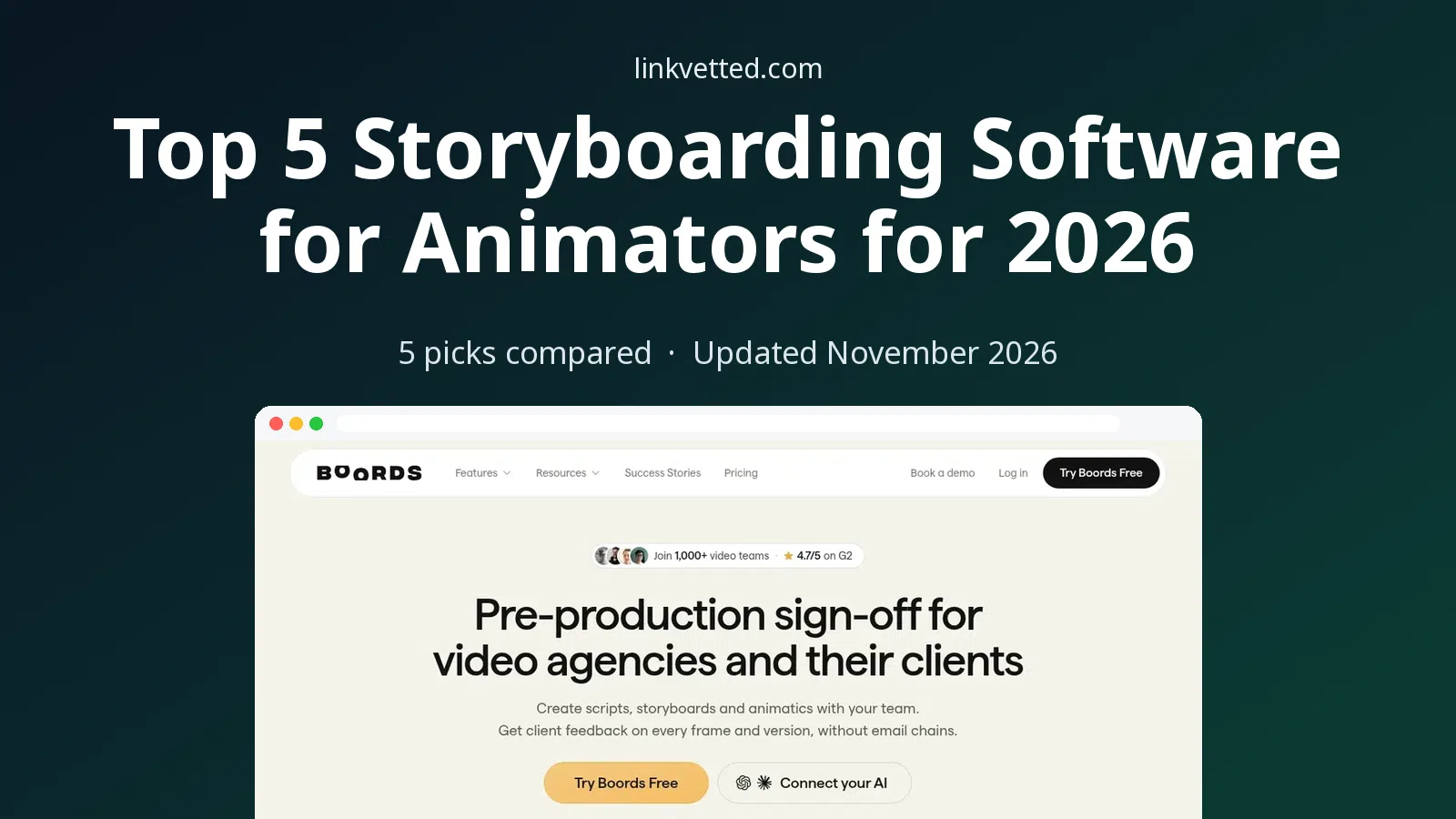
 Boords
Team storyboards with client review
Starts at$39 a monthVisit boords.comFull review
Direct answer
Start with Storyboard That if you need straightforward online boards for teaching and fast planning. Listed starting prices: Storyboard That from $1 for the first month and Boords from $39 a month. Look at Clip Studio Paint for hand-drawn boards and animation frames, and at Boords for team storyboards with client review. All 5 tools are compared below on price, free plan and limits.
TL;DR:
- Storyboard That sits first on this list: straightforward online boards for teaching and fast planning.
- Starting prices begin at $1 for the first month with Storyboard That.
- One limit worth knowing about Boords: browser-based workflow may not suit solo sketchers.
- A free plan is available from 2 of the 5 tools: Storyboard That, Boords.
Last checked November 2026. Prices and plan details were read from the vendors' own pages in November 2026; vendors change plans often, so confirm the current price on the vendor site before you buy.
Quick comparison
| Tool | Best for | Starts at | Free plan? | |
|---|---|---|---|---|
| Storyboard That | Straightforward online boards for teaching and fast planning | $1 for the first month | Yes | Visit |
| Clip Studio Paint | Hand-drawn boards and animation frames | See website | Not stated | Visit |
| Boords | Team storyboards with client review | $39 a month | Yes | Visit |
| Storyboard Pro | Dedicated professional storyboarding and animatics | See website | Not stated | Visit |
 Adobe Photoshop | Familiar drawing and image editing for boards | See website | Not stated | Visit |
Our 5 storyboarding software for animators
Choosing storyboarding software for animators usually comes down to price, fit and limits. This LinkVetted guide sets 5 tools side by side on those three points, with the facts kept short and checkable.
Storyboard That
Best for: Straightforward online boards for teaching and fast planning
Storyboard That is aimed squarely at simple online boards for teaching and fast planning. Its appeal is accessibility: you can build sequences in a browser without installing software, which makes it handy for explaining a story beat or planning a lesson.
As for the details, use it for fast communication and teaching instead of production boards. Price to start with Storyboard That: $1 for the first month. Storyboard That has a free plan.
Watch-outs: Template-driven approach limits free drawing.
- Accessible for beginners and classrooms
- Online creator with no install
- Less suited to in-depth animation boards
Clip Studio Paint is built with hand-drawn boards and animation frames in mind. Clip Studio Paint is a paint application for digital illustration, comics and animation, with drawing brushes and supporting features for each. In practice, for animators it works as the drawing engine behind boards: you sketch frames and panels with tools made for line work and character art.
Limits to weigh: Not a dedicated storyboard manager.
It does not handle storyboard structure, shot lists or client review on its own. So you would pair it with another system for organization and sharing. More specifically, choose it when drawing quality leads. This comparison lists no price for Clip Studio Paint; ask the vendor. Free access: Not stated.
- Handles illustration
- Comics and animation
- Board organization must be set up yourself
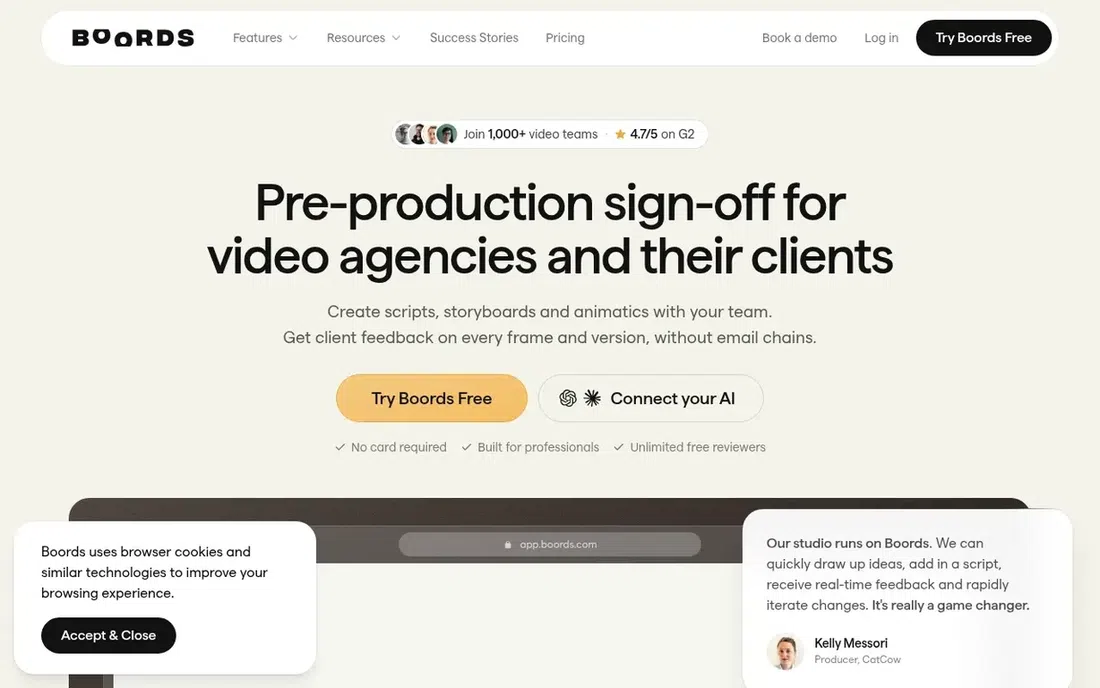
Think of Boords for team storyboards with client review. It brings script planning, storyboards and animatics together, then layers on sharing with clients, feedback collection, version tracking and sign-off.
What to check first: Less concentrated on freehand drawing depth.
As for the details, choose Boords when approvals and team visibility matter as much as the drawings. Boords pricing: $39 per month. Boords includes a free tier.
- Boards and animatics
- Client feedback and sign-off in one place
- Browser-based workflow may not suit solo sketchers
Storyboard Pro
Best for: Dedicated professional storyboarding and animatics
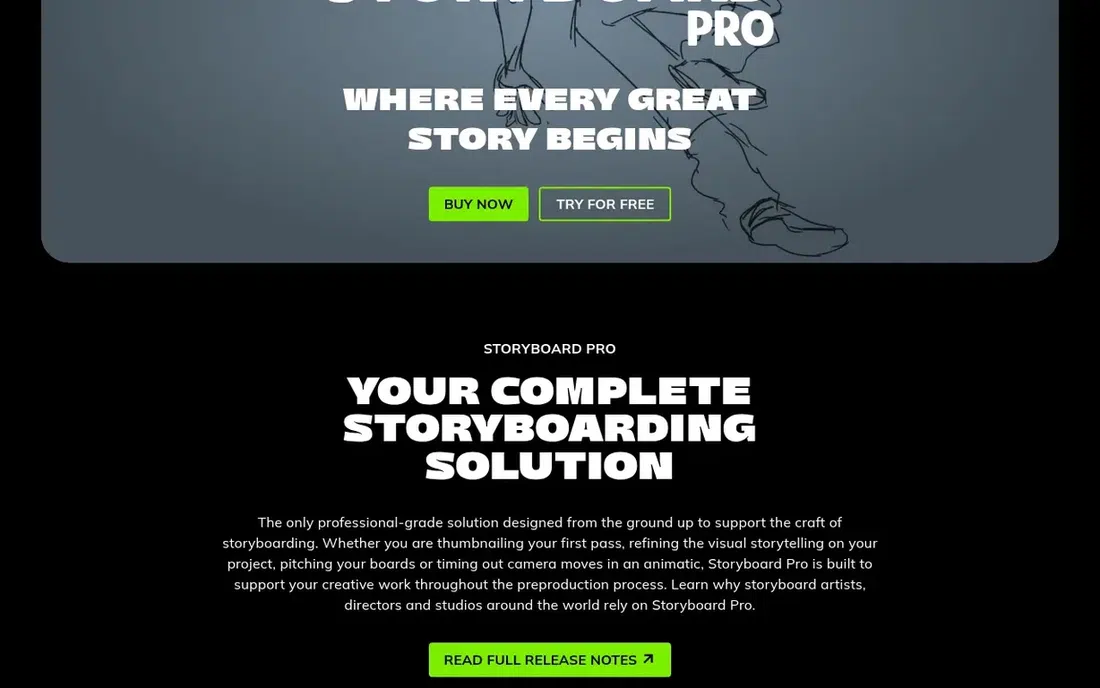
Storyboard Pro works best for dedicated professional storyboarding and animatics. Storyboard Pro from Toon Boom is positioned as a professional-grade option designed specifically around the craft of storyboarding.
It fits animators and board artists working on series, features or commercial projects where boards have to be drawn, timed and handed off within a structured workflow. This comparison lists no price for Storyboard Pro; ask the vendor. Free plan details: Not stated.
Where it falls short: Heavier than straightforward board sketchers.
- Suits professional production pipelines
- Built from the ground up for storyboarding
- Specialized tool with a ramp-up time
Think of Adobe Photoshop for familiar drawing and image editing for boards. Adobe Photoshop is a general image creation and editing application used across design and entertainment work.
Drawbacks to consider: No built-in storyboard or animatic structure.
No starting price is listed for Adobe Photoshop here; confirm pricing on the vendor site. As for free access: Not stated.
- Widely used drawing and editing environment
- Adaptable layers and image tools
- Needs manual setup for board organization
How we chose
We compared the tools on published pricing, free plan or trial availability, feature coverage for storyboarding software for animators, and the limits each vendor documents. Prices and plan limits come from vendor pages and can change, so confirm them on the vendor site before you buy. The sequence is a judgement call: typical use case first, then pricing transparency, then free access. Use the profiles to check fit.
What to confirm before you sign up
- Get a written quote from Clip Studio Paint, Storyboard Pro and Adobe Photoshop; the list shows no starting price for them.
- Read the fine print on the free plans from Storyboard That and Boords; seat, project and feature caps differ.
- Before choosing Storyboard That, weigh its main limit: less suited to in-depth animation boards.
- List the apps you already depend on and check that Boords supports each one on the plan you would buy.
- Check the support hours and onboarding help Storyboard Pro offers; smaller vendors vary a lot here.
FAQ
Do these tools publish their prices?
Not all of them. Clip Studio Paint, Storyboard Pro and Adobe Photoshop publish no starting price, so expect a quote request for those. The rest, Storyboard That included, show a starting price, though seats and billing terms still change the final cost.
How are the tools for storyboarding software for animators ordered?
The order follows typical fit for storyboarding software for animators, with Storyboard That first and Adobe Photoshop last, then price clarity and free access. It is editorial judgement, not a score, so another team could rank the tools differently.
Which options for storyboarding software for animators have a free plan?
On this list, Storyboard That and Boords include a free plan. Caps on seats, usage or features are common, so test the free plan against your real workload.
How do teams deal with client feedback on boards?
Boords brings sharing, feedback collection, version tracking and sign-off into one place, which fits agency and production workflows. Solo artists can skip that overhead and share files straight.
Is Storyboard That the right pick for everyone comparing storyboarding software for animators?
No single tool suits every team. Storyboard That comes first because it fits simple online boards for teaching and quick planning, while Clip Studio Paint suits hand-drawn boards and animation frames and Boords suits team storyboards with client review. Match the tool to your own size, budget and workflow before deciding.
Sources
- https://www.storyboardthat.com
- https://www.clipstudio.net
- https://boords.com
- https://www.toonboom.com/products/storyboard-pro
- https://www.adobe.com/products/photoshop.html