Best Storyboarding Software for Animation Studios in 2026: Prices, Free Plans and 6 Picks
Best storyboarding software for animation studios in 2026: 6 contenders with entry costs and free tiers. Each profile ends with a plain caveat. Start here.
- Editor's choice
 StudioBinder
Storyboards within production management
Starts atSee websiteVisit studiobinder.comFull review - Great alternative
 Celtx
Screenwriting plus pre-production
Starts atSee websiteVisit celtx.comFull review - Also considerShotPro
3D scene previsualization
Starts atSee websiteVisit shotprofessional.comFull review
Direct answer
If you need storyboards within production management, StudioBinder is the first tool to look at here. Listed starting prices: Boords from $39 a month and Storyboard That from $1 for the first month. Celtx is the stronger choice for screenwriting plus pre-production, while ShotPro suits 3D scene previsualization. All 6 tools are compared below on price, free plan and limits.
TL;DR:
- Top of the list is StudioBinder, which targets storyboards within production management.
- For the cheapest start, look at Storyboard That: $1 for the first month.
- A free plan is available from 3 of the 6 tools: Celtx, Boords, Storyboard That.
- Storyboard Pro is the one to check for dedicated professional storyboarding pipeline.
- What to know about Celtx first: Storyboarding is part of a wider toolset.
Last checked November 2026. Prices and plan details were read from the vendors' own pages in November 2026; vendors change plans often, so confirm the current price on the vendor site before you buy.
Quick comparison
| Tool | Best for | Starts at | Free plan? | |
|---|---|---|---|---|
| StudioBinder | Storyboards within production management | See website | Not stated | Visit |
| Celtx | Screenwriting plus pre-production | See website | Yes | Visit |
| ShotPro | 3D scene previsualization | See website | Not stated | Visit |
 Boords | Team collaboration and client feedback | $39 a month | Yes | Visit |
 Storyboard That | Fast online storyboard creation | $1 for the first month | Yes | Visit |
| Storyboard Pro | Dedicated professional storyboarding pipeline | See website | Not stated | Visit |
Tool-by-tool breakdown
LinkVetted compared 6 storyboarding software for animation studios. The goal is a practical shortlist: published prices, free plan facts, best-fit use cases and honest limits for every entry.
Where StudioBinder fits: storyboards within production management. StudioBinder is web-based video, TV and film production management software. It spans script writing, scene visualization with shot lists and storyboards, call sheets, shooting schedules, script breakdowns and more.
What to check first: Storyboarding is one part of a bigger suite.
Also, studios whose priority is illustration craft may prefer a focused choice. Worth adding: pick StudioBinder when coordination across pre-production and production is the goal. This comparison lists no price for StudioBinder; ask the vendor. As for free access: Not stated.
- Script writing and shot lists
- Storyboards alongside scheduling tools
- Wide scope may overwhelm small teams
Celtx is built with screenwriting plus pre-production in mind. Celtx is screenwriting and pre-production software for film, TV, ads, video, documentaries, games and more. As for the details, choose Celtx when script-driven pre-production is central to your process.
The main drawbacks: Not a specialist animation boarding tool.
From a buyer's view, the product's breadth means teams can keep writing and planning work in a connected environment. As for the details, Celtx is not positioned as a dedicated animation storyboarding tool, so specialist drawing workflows may need another option. Celtx shows no starting price here, so confirm the cost on the vendor site. Celtx includes a free tier.
What users get: Includes film, TV.
- Screenwriting and pre-production in one
- Wide format support
- Storyboarding is part of a wider toolset
ShotPro
Best for: 3D scene previsualization
ShotPro is built with 3D scene previsualization in mind. ShotPro's 3D focus means it works differently from drawn 2D boards, which may not match every studio's boarding tradition. Also, ShotPro is 3D visualization software for previsualizing anything in 3D.
Also, teams that depend on hand-drawn boards may prefer a dedicated drawing tool. More specifically, animation studios working in 3D or needing camera and scene previsualization can use it to explore staging before committing to final production. Consider ShotPro when spatial previsualization is the priority. No starting price is listed for ShotPro here; confirm pricing on the vendor site. As for free access: Not stated.
The main drawbacks: 3D approach differs from drawn boards.
- Goes beyond traditional storyboarding
- Used from standalone operators to industry pros
- May not suit 2D boarding traditions
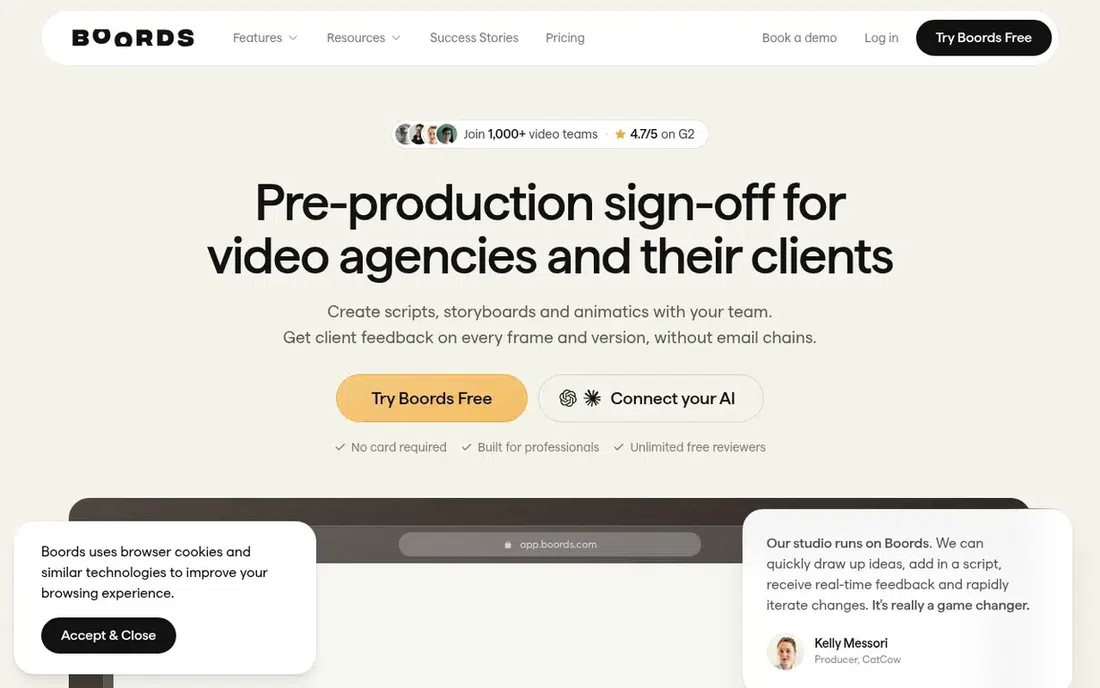
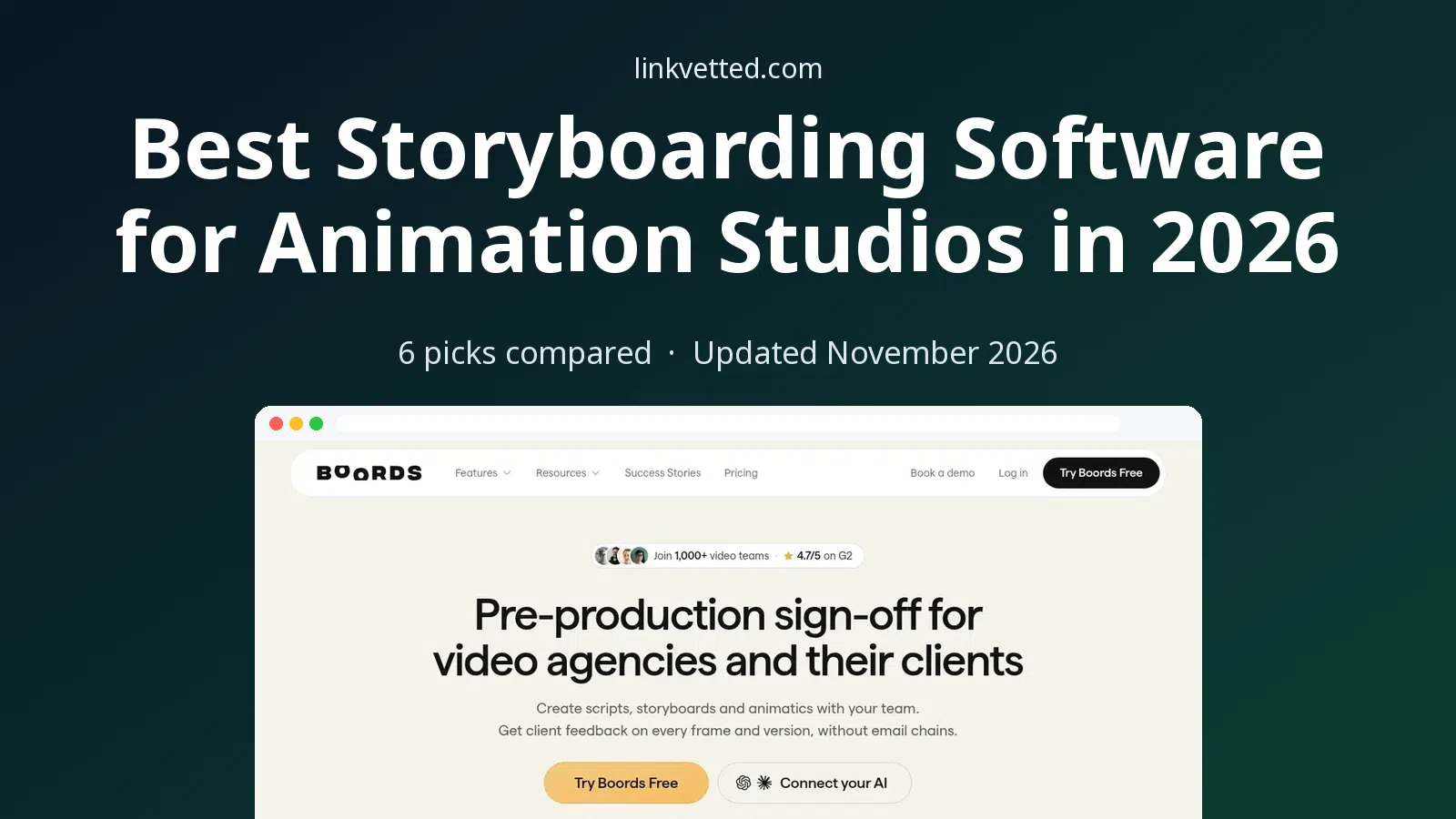
Think of Boords for team collaboration and client feedback. Boords leans toward planning and review instead of deep illustration tooling, so studios with specialist drawing needs may pair it with a dedicated boarding tool.
Boords cost at the entry level: $39 per month. A free plan is available with Boords.
The main drawbacks: Less concentrated on advanced drawing craft. Upsides: Merges scripts.
- Storyboards and animatics
- Client sharing and feedback collection
- Web-based workflow may not suit every artist
Storyboard That makes the most sense for fast online storyboard creation. Storyboard That is an online storyboard creator positioned for filmmakers, teachers and students. Its appeal is accessibility: you can build storyboards and comics in the browser without a heavy setup.
For animation studios, it can serve early concept exploration, internal explainers or educational outreach instead of primary production boarding. Also, the tool is general-purpose and education-friendly, so it does not target the depth professional animation boarding demands. Storyboard That pricing: $1 for the first month. A free plan is available with Storyboard That.
Points against: Not geared toward professional animation pipelines.
- Approachable for beginners
- Browser-based storyboard creation
- Restricted fit for advanced studio workflows
Storyboard Pro
Best for: Dedicated professional storyboarding pipeline
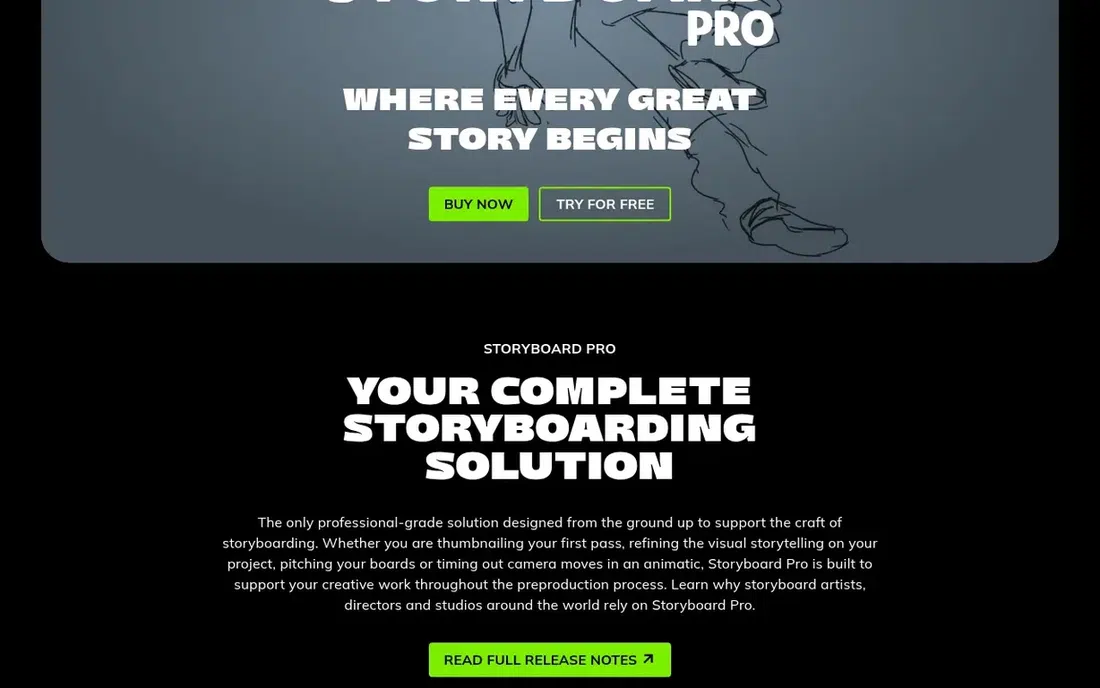
Choose Storyboard Pro for dedicated professional storyboarding pipeline. Storyboard Pro from Toon Boom is presented as a professional-grade option designed specifically around the craft of storyboarding.
Honest limits: Centred on storyboarding instead of full production management.
Also, for animation studios, that focus matters: the tool is positioned as the place where a story begins, supporting the drawing and board-building work that feeds later production stages. From a buyer's view, consider Storyboard Pro when the boarding craft itself is the priority. Storyboard Pro does not show a starting price in this comparison, so check the vendor site for current pricing. On free options: Not stated.
- Suits animation studio craft workflows
- Built from the ground up for storyboarding
- May be more than straightforward projects need
How the list was put together
We compared the tools on published pricing, free plan or trial availability, feature coverage for storyboarding software for animation studios, and the limits each vendor documents. Plan names, prices and limits change often. Treat the figures here as a starting point and verify them with the vendor. The ranking is editorial: typical fit first, then clear pricing, then free access. If your needs are unusual, read the profiles rather than relying on position.
Before you commit
- Ask StudioBinder, Celtx, ShotPro and Storyboard Pro for a written quote, since no starting price is shown.
- Check what the free option really includes: Celtx, Boords and Storyboard That offer a free plan, and usage caps differ.
- Before choosing StudioBinder, weigh its main limit: Storyboarding is one part of a bigger suite.
- Check whether the features you need in ShotPro sit on the entry plan or only on higher tiers.
- Before you load data into StudioBinder, check what an export looks like and who can run it.
FAQ
Which storyboarding tool is a good match for professional animation studios?
Start with StudioBinder if you need storyboards within production management. Celtx is the better match for screenwriting plus pre-production, and ShotPro for 3D scene previsualization. The best choice depends on budget, team size and workflow.
Do these tools publish their prices?
Not all of them. StudioBinder, Celtx, ShotPro and Storyboard Pro publish no starting price, so expect a quote request for those. The rest, Boords included, show a starting price, though seats and billing terms still change the final cost.
Can I try these tools before paying?
Often, yes. Celtx, Boords and Storyboard That have a free plan. Use your own data and a real task during the test, and check what the free tier or trial limits before you rely on it.
How are the tools for storyboarding software for animation studios ordered?
StudioBinder sits first and Storyboard Pro last because the order follows typical fit for storyboarding software for animation studios, then price clarity and free access. It is a judgement call, so read each profile for fit and limits.
Which options for storyboarding software for animation studios have a free plan?
Celtx, Boords and Storyboard That offer a free plan in this list. Free plans usually cap users, projects or features, so check the limits on the vendor page.
Sources
- https://www.studiobinder.com
- https://www.celtx.com
- https://www.shotprofessional.com
- https://boords.com
- https://www.storyboardthat.com
- https://www.toonboom.com/products/storyboard-pro