Best Storyboard Software for Animation Studios (2026): 6 Picks Checked on Vendor Pages
Compare 6 best Storyboard software for animation studios, with prices, free plans and who each fits. Every tool lists pros and cons. Skim the table first.
- Editor's choice
 Adobe Photoshop
Versatile image editing and painting
Starts atSee websiteVisit adobe.comFull review - Great alternative
 Clip Studio Paint
Digital illustration and animation drawing
Starts atSee websiteVisit clipstudio.netFull review - Also consider
 Boords
Team collaboration and client sign-off
Starts at$39 per monthVisit boords.comFull review
Direct answer
Adobe Photoshop is the first pick on this list for versatile image editing and painting. Listed starting prices: Boords from $39 per month and Storyboard That from $1 for the first month. Clip Studio Paint is better for digital illustration and animation drawing, and Boords is better for team collaboration and client sign-off. All 6 tools are compared below on price, free plan and limits.
TL;DR:
- Top of the list is Adobe Photoshop, which targets versatile image editing and painting.
- Sketchbook suits natural sketching and illustration.
- The cheapest monthly starting price in the list is $1 for the first month, offered by Storyboard That.
- A fair warning about Clip Studio Paint: Storyboard organization is not its focus.
- Free plans exist at 2 of 6 tools (Boords, Storyboard That).
Last checked November 2026. Prices and plan details were read from the vendors' own pages in November 2026; vendors change plans often, so confirm the current price on the vendor site before you buy.
Quick comparison
| Tool | Best for | Starts at | Free plan? | |
|---|---|---|---|---|
| Adobe Photoshop | Versatile image editing and painting | See website | Not stated | Visit |
| Clip Studio Paint | Digital illustration and animation drawing | See website | Not stated | Visit |
| Boords | Team collaboration and client sign-off | $39 per month | Yes | Visit |
| Storyboard Pro | Dedicated professional storyboarding pipelines | See website | Not stated | Visit |
 Storyboard That | Fast online storyboard creation | $1 for the first month | Yes | Visit |
 Sketchbook | Natural sketching and illustration | See website | Not stated | Visit |
The 6 tools in detail
LinkVetted compared 6 Storyboard software for animation studios. The goal is a practical shortlist: published prices, free plan facts, best-fit use cases and honest limits for every entry.
Adobe Photoshop is designed for versatile image editing and painting. Adobe Photoshop is a widely used image editing and design application with painting and compositing capabilities. Its homepage flags custom scene creation, complicated edits and combining images.
Strengths: Works alongside other tools.
On top of that, studios should pair it with a storyboard product if those workflows matter, and confirm current licensing terms on the vendor site. Photoshop is not designed for organizing storyboard sequences, collecting feedback or tracking versions. In animation studios it frequently serves as an adaptable workspace for board painting, cleanup and visual development when a team already standardizes on Adobe tools. Pricing for Adobe Photoshop is not stated here, so ask the vendor for current figures. Trial and free access: Not stated. Downsides: Subscription access required.
- Wide image editing and compositing
- Familiar across production pipelines
- Not aimed at storyboard management
Pick Clip Studio Paint if this describes you: digital illustration and animation drawing. Clip Studio Paint is a paint application for digital illustration, comics and animation production, with a broad set of brushes and drawing conveniences. It is available on computers, tablets and phones, which helps artists work across devices.
Animation studios commonly use it for character art, panels and frame-by-frame drawing that feed into boards. The application centers on drawing instead of storyboard sequencing, review or sign-off. Pricing for Clip Studio Paint is not stated here, so ask the vendor for current figures. As for free access: Not stated.
Downsides: Storyboard organization is not its focus.
- Rich brush and drawing features
- Tablets and phones
- Feature depth can take time to learn
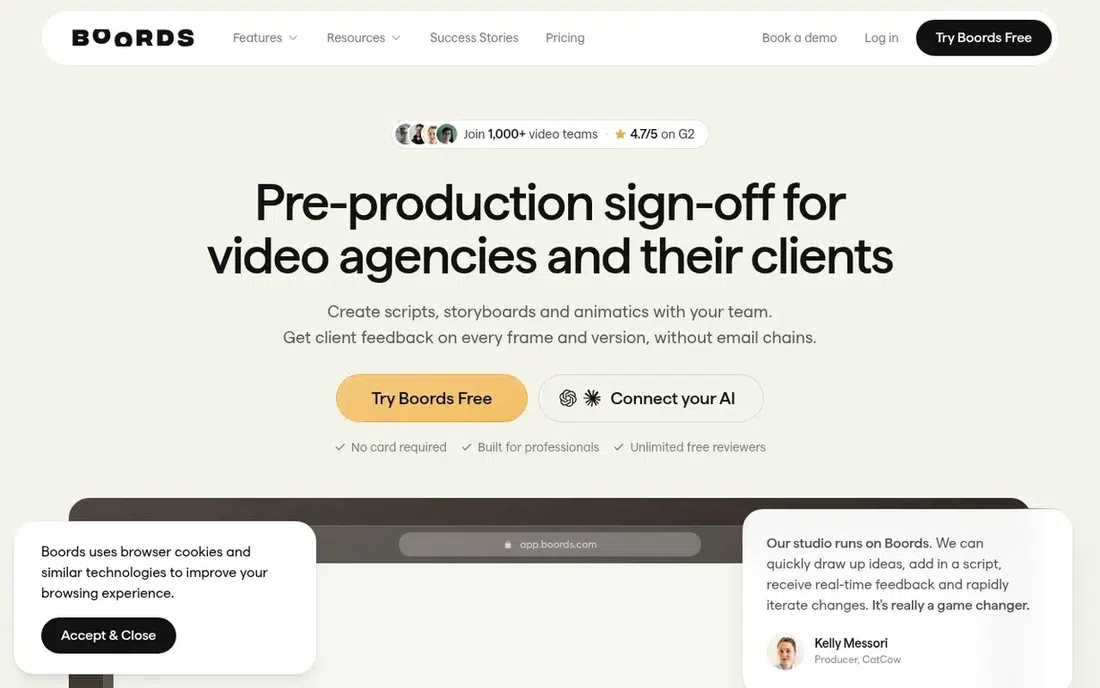
Boords is built with team collaboration and client sign-off in mind. Boords is storyboard and pre-production software geared toward video agencies and teams. Its homepage flags planning scripts, storyboards and animatics together, then sharing work with clients, collecting feedback, tracking versions and getting sign-off in one place.
What users get: Aimed at team workflows.
Downsides: Best value for collaborative teams. That makes it a good fit for animation studios whose bottleneck is review and approval instead of drawing itself. Beyond that, Boords focuses on planning and collaboration, so artists still need drawing tools for finished artwork. Entry price for Boords: $39 per month. You can start on Boords without paying.
- Storyboard and animatic planning together
- Script
- Not a full drawing application
Storyboard Pro
Best for: Dedicated professional storyboarding pipelines
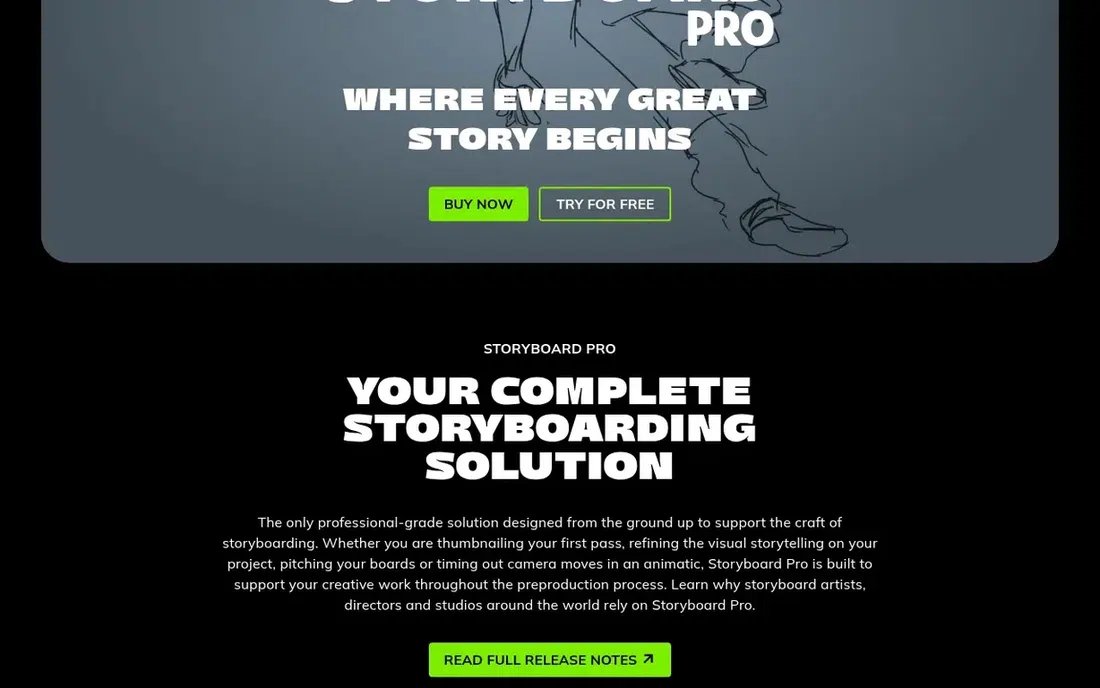
Storyboard Pro targets dedicated professional storyboarding pipelines. Storyboard Pro from Toon Boom is positioned as a professional-grade option designed from the ground up around the craft of storyboarding. It targets studios and artists who storyboard as a primary discipline instead of an occasional task.
Studios should confirm product and pipeline compatibility on the vendor site before committing. As for the details, since the tool is built around storyboarding, it fits animation teams that want a consistent pipeline from boards toward animatics. Its specialization means it is not a general illustration app, so artists who chiefly need painting tools may prefer a broader drawing program. Pricing for Storyboard Pro is not stated here, so ask the vendor for current figures. Free plan details: Not stated.
Where it falls short: Centred on storyboarding instead of general drawing.
- Solid fit for studio workflows
- Purpose-built for storyboarding
- May be more than small teams need
Storyboard That is a good fit for fast online storyboard creation. Storyboard That is an online storyboard creator positioned for filmmakers, teachers and students.
On top of that, for animation studios it can serve as a light way to explain concepts before artists produce final boards. Storyboard That starts at: $1 for the first month. A free plan is available with Storyboard That.
Limits to weigh: Less suited to professional animation art.
- Handy for explaining ideas
- Browser-based creation
- Geared toward education and straightforward boards
Sketchbook is built with natural sketching and illustration in mind. Sketchbook does not organize shots, versions or client feedback, so it needs to be combined with a planning tool. More specifically, Sketchbook is sketching, painting and illustration software available across systems and devices.
Where it falls short: No built-in review workflow.
Its homepage emphasizes professional-grade drawing tools in a beautiful interface that is simple to use for anyone who wants to explore and express ideas. For animation studios, it does well as the drawing surface where artists produce board panels and concept art. Pricing for Sketchbook is not stated here, so ask the vendor for current figures. Free options: Not stated.
- Approachable interface
- Professional-grade drawing tools
- Not a storyboard management tool
How these tools were picked
LinkVetted looked at what each vendor publishes: pricing, plan limits, feature coverage for Storyboard software for animation studios and stated drawbacks. No hands-on testing is claimed. Figures are shown as the vendors publish them. Billing terms, seat minimums and add-ons can change the real cost. Position on the page reflects fit for a typical buyer first, with price clarity and free access breaking ties. Treat it as a guide, not a ruling.
What to confirm before you sign up
- Ask Adobe Photoshop, Clip Studio Paint, Storyboard Pro and Sketchbook for a written quote, since no starting price is shown.
- Read the fine print on the free plans from Boords and Storyboard That; seat, project and feature caps differ.
- Read the limits listed for Adobe Photoshop first: not made for storyboard management.
- Check the support hours and onboarding help Boords offers; smaller vendors vary a lot here.
- Ask Sketchbook whether prices are locked for the first term and what happens at renewal.
FAQ
Do these tools publish their prices?
Not all of them. Adobe Photoshop, Clip Studio Paint, Storyboard Pro and Sketchbook publish no starting price, so expect a quote request for those. The rest, Boords included, show a starting price, though seats and billing terms still change the final cost.
Is Adobe Photoshop the right pick for everyone comparing Storyboard software for animation studios?
No single tool suits every team. Adobe Photoshop comes first because it fits versatile image editing and painting, while Clip Studio Paint suits digital illustration and animation drawing and Boords suits team collaboration and client sign-off. Match the tool to your own size, budget and workflow before deciding.
What is the best storyboard software for animation studios?
For most readers this guide would start with Adobe Photoshop, built for versatile image editing and painting. Clip Studio Paint is the alternative for digital illustration and animation drawing, and Boords for team collaboration and client sign-off. The right answer depends on budget and workflow.
How are the tools for Storyboard software for animation studios ordered?
The order follows typical fit for Storyboard software for animation studios, with Adobe Photoshop first and Sketchbook last, then price clarity and free access. It is editorial judgement, not a score, so another team could rank the tools differently.
Do animation studios need a dedicated storyboard tool or just drawing software?
Drawing applications for example Sketchbook, Clip Studio Paint and Photoshop include artwork production well. A dedicated storyboard tool brings shot organization, animatics and review workflows, which matter when several artists and clients are involved.
Which tool is a good match for client feedback on storyboards?
Adobe Photoshop is the pick this page puts first, mainly for versatile image editing and painting. If your situation differs, Clip Studio Paint suits digital illustration and animation drawing, and Boords suits team collaboration and client sign-off. Compare price and limits before you decide.
Sources
- https://www.adobe.com/products/photoshop.html
- https://www.clipstudio.net
- https://boords.com
- https://www.toonboom.com/products/storyboard-pro
- https://www.storyboardthat.com
- https://www.sketchbook.com