Best Sprinkler Design Software for 2026: Our 6 Vetted Picks
Compare 6 picks for the best sprinkler design software, with prices, free plans and who each fits. Fit, price and catches for every tool. Skim the table first.

- Editor's choice
 BricsCAD
Native DWG drafting and 3D modeling
Starts at€330 a yearVisit bricsys.comFull review - Great alternativeIrriCAD
Dedicated irrigation system design
Starts atSee websiteVisit irricad.comFull review - Also considerSite3D
Civil site and drainage design
Starts at£3695Visit site3d.co.ukFull review
Direct answer
For native DWG drafting and 3D modeling, BricsCAD is where this list starts. Listed starting prices: BricsCAD from €330 a year and Site3D from £3695. Look at IrriCAD for dedicated irrigation system design, and at Site3D for civil site and drainage design. The remaining 3 options are covered below with prices and limits.
TL;DR:
- The list opens with BricsCAD, aimed at native DWG drafting and 3D modeling.
- BricsCAD, Vectorworks Landmark and the 4 others all need a premium plan or a trial, since no free plan is listed.
- One limit worth knowing about BricsCAD: irrigation work needs customization.
- Pricing for IrriCAD, HydroCAD, AutoCAD and Vectorworks Landmark is quote-based, which adds a sales step before you can compare cost.
- Vectorworks Landmark is the one to check for landscape design with irrigation workflows.
Last checked November 2026. Prices and plan details were read from the vendors' own pages in November 2026; vendors change plans often, so confirm the current price on the vendor site before you buy.
Quick comparison
| Tool | Best for | Starts at | Free plan? | |
|---|---|---|---|---|
| BricsCAD | Native DWG drafting and 3D modeling | €330 a year | Free trial | Visit |
| IrriCAD | Dedicated irrigation system design | See website | Not stated | Visit |
| Site3D | Civil site and drainage design | £3695 | Not stated | Visit |
| HydroCAD | Stormwater and hydrology modeling | See website | Not stated | Visit |
 AutoCAD | General drafting and DWG collaboration | See website | Not stated | Visit |
 Vectorworks Landmark | Landscape design with irrigation workflows | See website | Not stated | Visit |
The full sprinkler design software list
LinkVetted put together this guide to sprinkler design software for readers who want a clear shortlist without reading every vendor page. It compares 6 tools on starting price, free plans, who each one suits and where each one falls short.
BricsCAD is aimed squarely at native DWG drafting and 3D modeling. For sprinkler design, it provides a DWG-compatible environment where irrigation plans can be drafted and shared with other CAD users.
Like any general CAD product, BricsCAD does not supply irrigation-specific tools from day one, so sprinkler layouts depend on your own standards and blocks. On top of that, Select it when DWG compatibility and a unified product are the deciding factors. BricsCAD starts at: €330 per year. Free access: Free trial.
Watch-outs: Feature depth varies by product level.
- Single native-DWG product
- Handles 2D drafting through BIM
- Irrigation work needs customization
IrriCAD
Best for: Dedicated irrigation system design
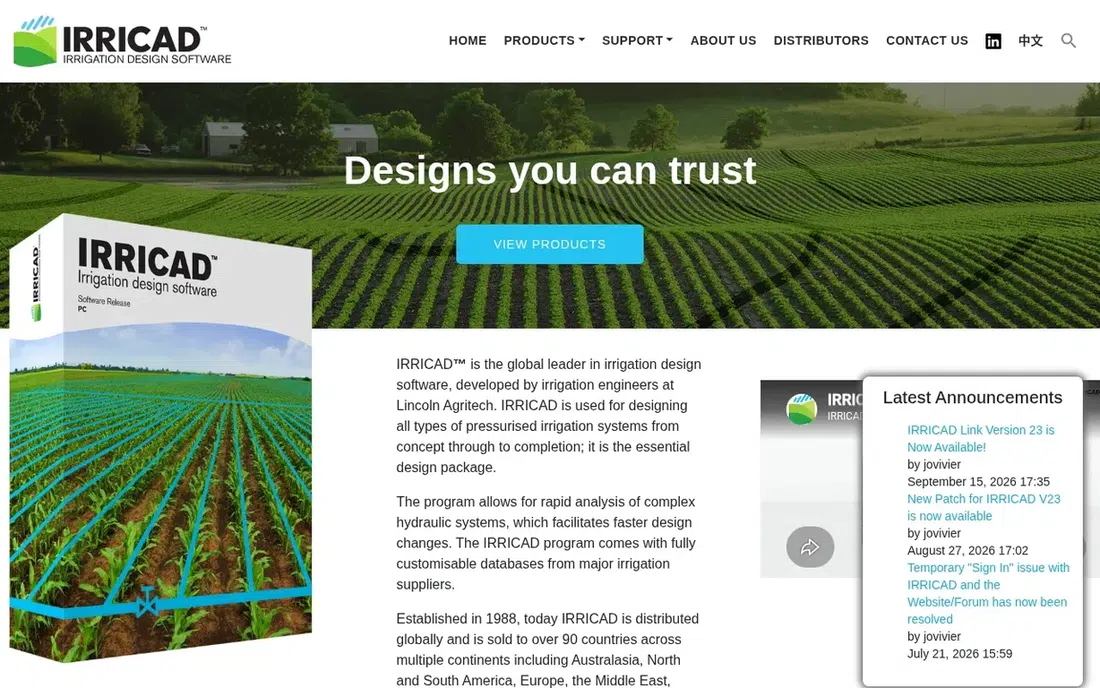
IrriCAD is a good fit for dedicated irrigation system design. IrriCAD is irrigation design software, positioned squarely at the task of planning watering systems.
Downsides: Narrower than general CAD products.
A specialized tool is naturally narrower than a full CAD system. So it may not cover broader site, structural or presentation needs on its own. No starting price is listed for IrriCAD here; confirm pricing on the vendor site. On free options: Not stated.
- Designed for irrigation design
- Focused workflow for irrigation projects
- Less suited to broader site work
Site3D
Best for: Civil site and drainage design
Site3D is aimed squarely at civil site and drainage design. Pick it when site-wide drainage and earthworks planning sit alongside your sprinkler decisions. Also, teams focused purely on irrigation may find the scope wider than needed.
Site3D is civil engineering design software that brings road, junction, roundabout, drainage, earthworks, volume and site design into one 3D environment. Its value lies in seeing the entire site in three dimensions. Entry price for Site3D: £3695. Trial and free access: Not stated.
Where Site3D stands out: drainage and earthworks.
Trade-offs to know: Civil engineering focus, not irrigation-specific.
- Takes care of volume and site design together
- Works in an easy-to-learn 3D environment
- Broader scope than sprinkler layout
HydroCAD
Best for: Stormwater and hydrology modeling
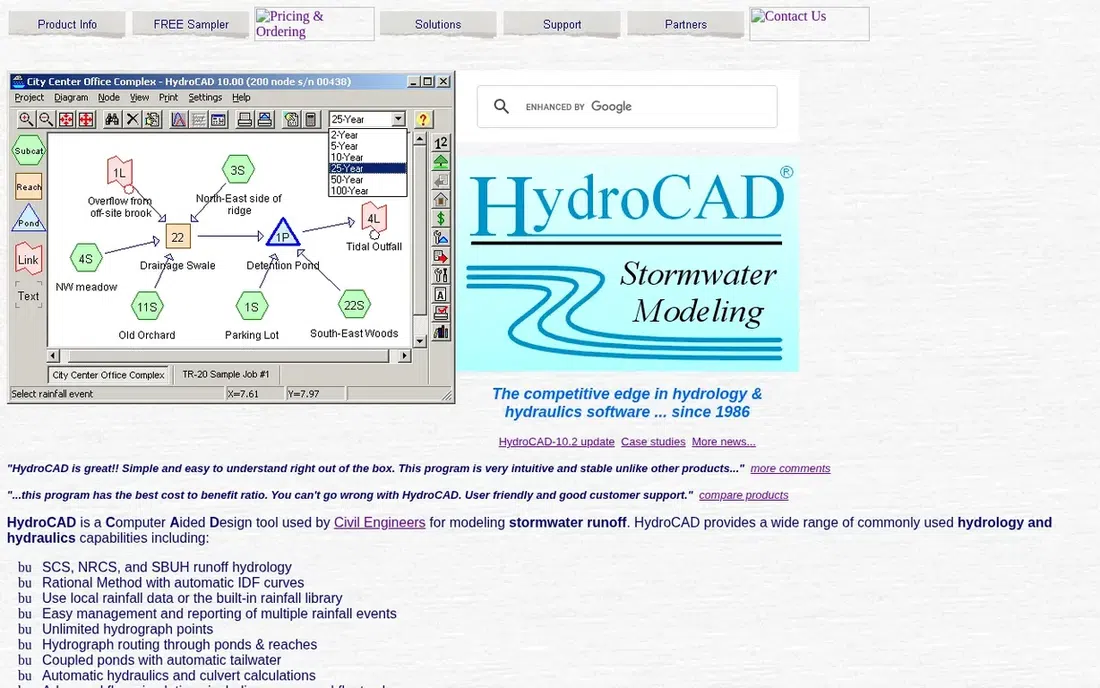
HydroCAD targets Stormwater and hydrology modeling. HydroCAD is hydrology and hydraulics software for modeling stormwater runoff and designing stormwater management systems.
Trade-offs to know: Steeper fit for pure landscape work.
Teams that must document runoff behavior alongside their irrigation layout will find its focus handy. Also, choose HydroCAD when drainage analysis is the priority and sprinkler work is secondary. Check the vendor site for HydroCAD pricing; none is listed in this comparison. Free plan details: Not stated.
- Concentrates on runoff and stormwater systems
- Handy where irrigation meets drainage
- Not a dedicated sprinkler layout tool
AutoCAD is aimed squarely at general drafting and DWG collaboration. AutoCAD is Autodesk's general-purpose design and drafting system, with the vendor highlighting AI automation, performance and shared DWG collaboration across desktop and web. Numerous irrigation and landscape businesses draft sprinkler plans in DWG format, so working in a familiar CAD environment keeps files compatible with consultants and contractors.
That adaptability can mean more configuration before the workflow feels efficient. Beyond that, pick it when wide drafting and file compatibility matter more than a purpose-built irrigation interface. Pricing for AutoCAD is not stated here, so ask the vendor for current figures. On free options: Not stated.
Where it is weaker: Needs setup for sprinkler workflows.
- Shared DWG collaboration across desktop and web
- Widely used drafting standard
- Not irrigation-specific
Vectorworks Landmark was built for landscape design with irrigation workflows. If you only have to lay out sprinkler zones, a focused irrigation product may be quicker to adopt. Beyond that, the product includes far more than irrigation, so the ramp-up time reflects a full design environment instead of a single-purpose tool.
Where it falls short: Broader scope than irrigation alone.
As for the details, Vectorworks Landmark is 3D landscape design software for professionals, built to transform design, presentation, irrigation and documentation workflows. Choose Landmark when irrigation is one part of a broader landscape practice. Check the vendor site for Vectorworks Landmark pricing; none is listed in this comparison. Trial and free access: Not stated.
- All-in-one 3D landscape environment
- Irrigation and documentation
- Needs learning a full design product
Selection criteria
The comparison looks at four things: starting price, free access, how well the feature set matches sprinkler design software, and the main limit of each tool. Figures are shown as the vendors publish them. Billing terms, seat minimums and add-ons can change the real cost. Order on the page follows fit for the typical buyer first, then price transparency and free access. Your own requirements should decide the final pick.
Questions to settle before buying
- Ask IrriCAD, HydroCAD, AutoCAD and Vectorworks Landmark for a written quote, since no starting price is shown.
- Run a trial of BricsCAD with real work before paying for a year; your own workflow is the best test.
- Read the limits listed for BricsCAD first: irrigation work needs customization.
- The entry price of HydroCAD is only the starting point; model the full cost with seats and extras.
- Ask Site3D how an export works before you move any records in; an easy exit lowers the risk.
FAQ
How are the tools for sprinkler design software ordered?
BricsCAD sits first and Vectorworks Landmark last because the order follows typical fit for sprinkler design software, then price clarity and free access. It is a judgement call, so read each profile for fit and limits.
Do these tools publish their prices?
Not all of them. IrriCAD, HydroCAD, AutoCAD and Vectorworks Landmark publish no starting price, so expect a quote request for those. The rest, BricsCAD included, show a starting price, though seats and billing terms still change the final cost.
Does any tool for sprinkler design software here have a free plan?
No tool in this list, BricsCAD and Vectorworks Landmark included, has a permanent free plan. BricsCAD offer a trial. Trials and quotes are the usual route, so plan a short evaluation period.
Is BricsCAD the right pick for everyone comparing sprinkler design software?
No single tool suits every team. BricsCAD comes first because it fits native DWG drafting and 3D modeling, while IrriCAD suits dedicated irrigation system design and Site3D suits civil site and drainage design. Match the tool to your own size, budget and workflow before deciding.
Which tool manages stormwater and drainage alongside sprinklers?
HydroCAD concentrates on stormwater runoff and management system modeling, making it the strongest fit when irrigation interacts with drainage. Both are analysis and design tools instead of sprinkler layout programs.
Sources
- https://www.bricsys.com
- https://www.irricad.com
- https://www.site3d.co.uk
- https://www.hydrocad.net
- https://www.autodesk.com/products/autocad/overview
- https://www.vectorworks.net/en-US/landmark