Note-Taking Software for iPad Handwriting in 2026: The 6 Best Options Side by Side
Weighing the best Note-Taking software for iPad handwriting? We lined up 6 products by cost, free access and fit. Each pick lists its main limit. Facts only.
- Editor's choice
 Concepts
Infinite canvas sketching and mind maps
Starts at$10 a monthVisit concepts.appFull review - Great alternative
 Notability
Audio-linked handwritten lecture notes
Starts at$11.99 a yearVisit gingerlabs.comFull review - Also consider
 Evernote
Capturing ideas, projects and to-do lists
Starts atSee websiteVisit evernote.comFull review
Direct answer
For infinite canvas sketching and mind maps, Concepts is where this list starts. Listed starting prices: Concepts from $10 a month, Notability from $11.99 a year and GoodNotes from $11.99 a year. If your case is different, Notability suits audio-linked handwritten lecture notes and Evernote suits capturing ideas, projects and to-do lists. The full list of 6 tools follows, with prices and free plan facts.
TL;DR:
- Number one here is Concepts, a fit for infinite canvas sketching and mind maps.
- A free plan is available from 3 of the 6 tools: Notability, Evernote, GoodNotes.
- GoodNotes suits refined handwriting and shared notes.
- Concepts has the lowest monthly starting price in this list: $10 per month.
Last checked November 2026. Prices and plan details were read from the vendors' own pages in November 2026; vendors change plans often, so confirm the current price on the vendor site before you buy.
Quick comparison
| Tool | Best for | Starts at | Free plan? | |
|---|---|---|---|---|
| Concepts | Infinite canvas sketching and mind maps | $10 a month | Free trial | Visit |
| Notability | Audio-linked handwritten lecture notes | $11.99 a year | Yes | Visit |
| Evernote | Capturing ideas, projects and to-do lists | See website | Yes | Visit |
 Nebo | Handwriting conversion and AI study | See website | Free trial | Visit |
 Microsoft OneNote | Cross-device notes and web clipping | See website | Not stated | Visit |
 GoodNotes | Refined handwriting and shared notes | $11.99 a year | Yes | Visit |
Our 6 picks for Note-Taking software for iPad handwriting
If you are comparing Note-Taking software for iPad handwriting, this page covers 6 tools in one place: what each is best for, what it costs to start, whether it has a free plan, and the main limit to know about.
Concepts is aimed squarely at infinite canvas sketching and mind maps. Since it is canvas-first, it may not suit users who want a conventional page-based notebook with audio or study tools.
Also, Concepts is an infinite, adaptable sketching app where every idea begins as a concept. As for the details, GoodNotes and Notability serve those linear, page-oriented workflows better. Starting cost for Concepts: $10 per month. Free options: Free trial.
Points against: May suit visual thinkers over linear writers.
- Mind maps and mood boards
- Infinite canvas for notes and sketches
- Not a traditional page-based notebook
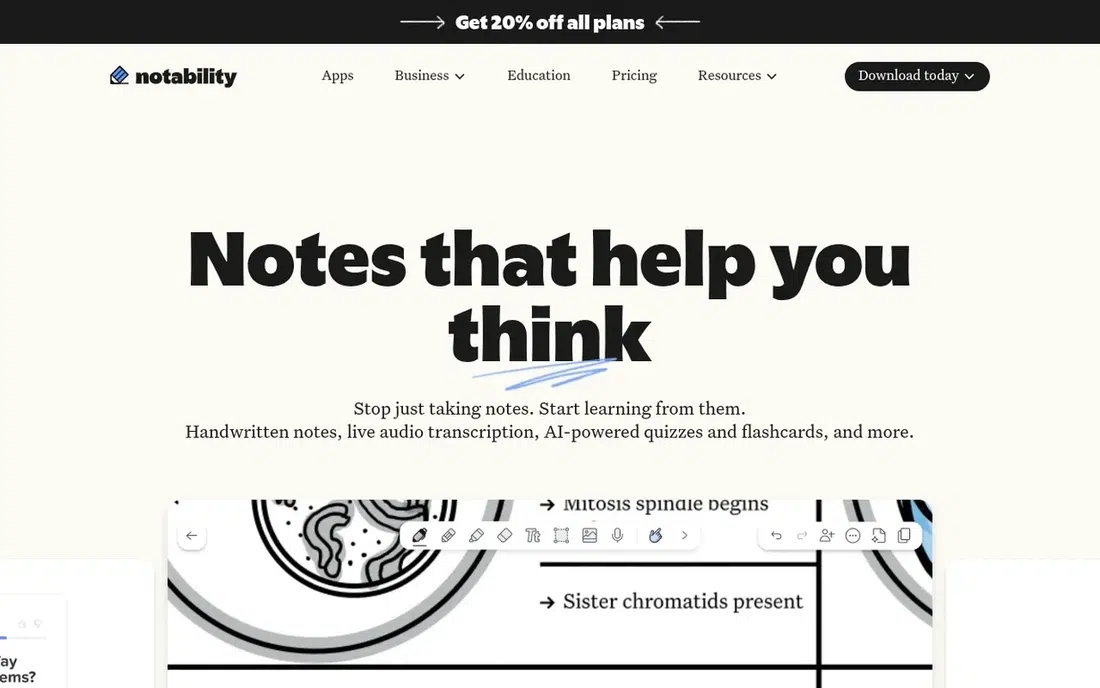
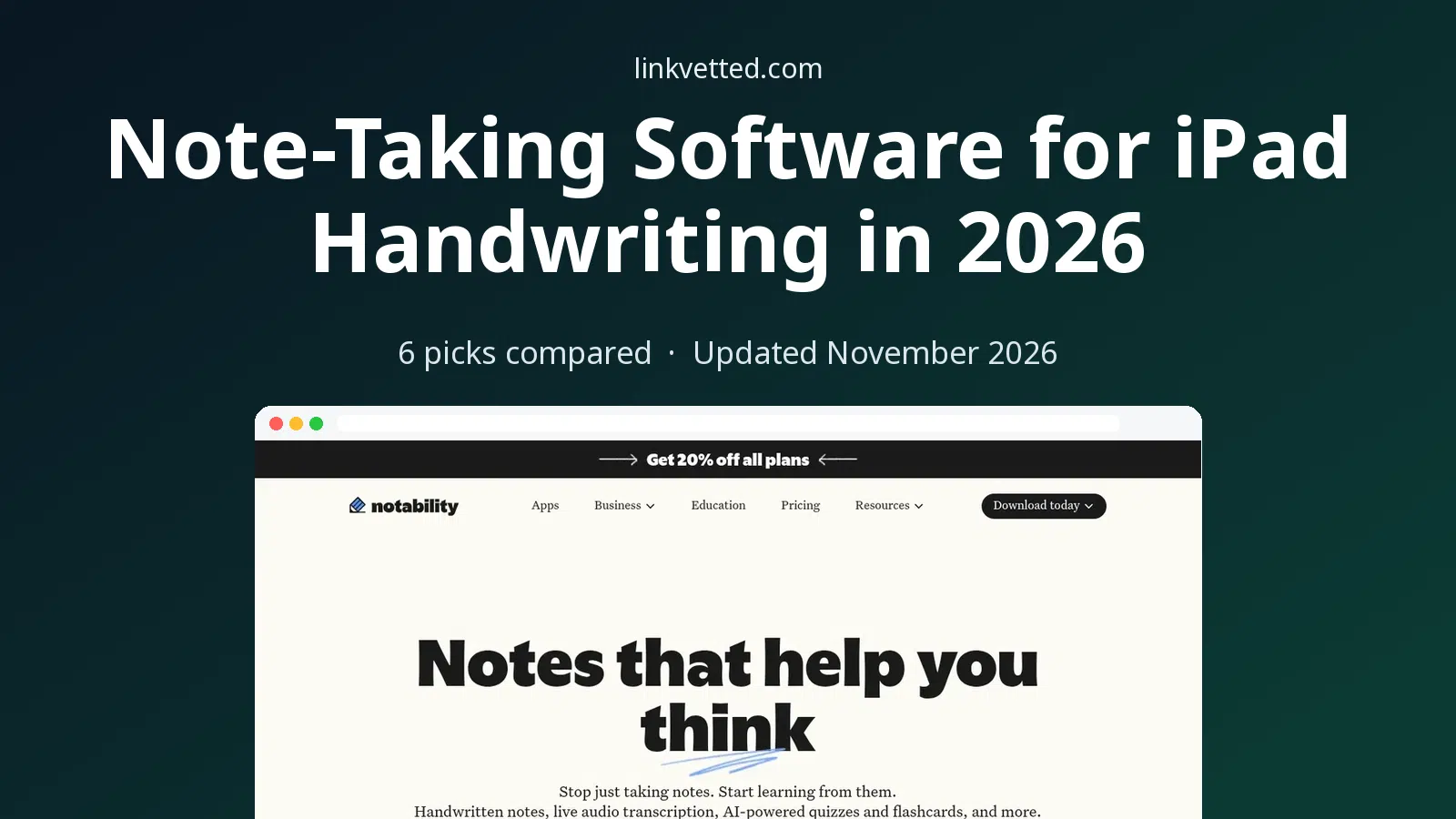
Notability is a good fit for audio-linked handwritten lecture notes. The study and AI features are the draw, so users who just want plain handwriting or drawing may find it more than needed.
On top of that, if you record lectures or interviews and want your handwriting tied to that audio, Notability is the more targeted choice. Notability turns handwritten notes, audio and documents into AI-powered summaries, flashcards and quizzes. Notability cost at the entry level: $11.99 per year. Free access exists with Notability.
Best features of Notability: audio and documents.
Limits to weigh: Study features may overlap with dedicated tools.
- Combines handwriting
- Quizzes generated from your notes
- Not targeted at freeform illustration
Evernote is a good fit for capturing ideas, projects and to-do lists. It suits users who want a central place to organize written material and tasks across their work.
Limits to weigh: Better suited to text organization.
Handwriting is not its central strength, so heavy ink users may find it less natural than dedicated handwriting apps. Check the vendor site for Evernote pricing; none is listed in this comparison. You can start on Evernote without paying.
- Organizes notes and projects
- To-do list support
- Handwriting is not the core focus
Nebo serves handwriting conversion and AI study. Nebo, now titled MyScript Notes, lets you handwrite, type, sketch and annotate, then convert, search and study with generative AI.
Best features of Nebo: Convert and search handwriting.
Trade-offs to know: Not built around shared notebooks. This comparison lists no price for Nebo; ask the vendor. On free options: Free trial.
- Handwrite, type
- Generative AI study support
- Conversion accuracy can vary by handwriting
Choose Microsoft OneNote for cross-device notes and web clipping. Microsoft OneNote lets you capture ideas, organize notes, clip web content and collaborate from any device, including through the web.
Worth adding: if your notes have to move between devices and contain material pulled from the browser, OneNote spans that ground. This comparison lists no price for Microsoft OneNote; ask the vendor. Free access: Not stated.
Drawbacks to consider: Handwriting experience varies by device.
- Clip web content into notes
- Collaborate with others
- Interface can feel busy for simple notes
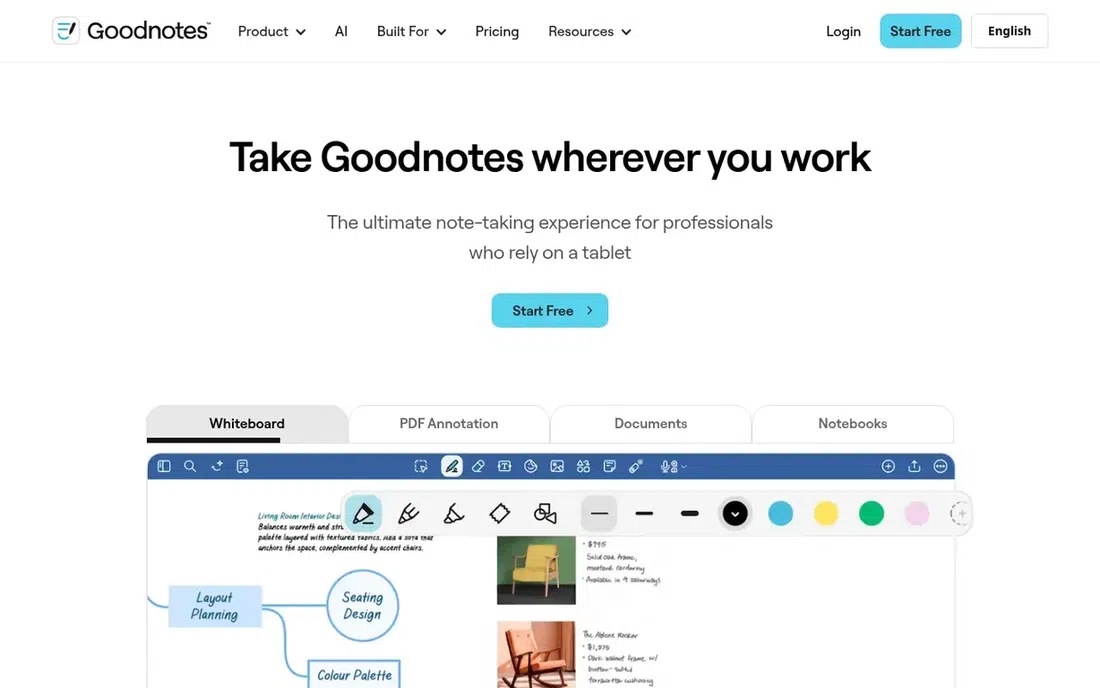
For refined handwriting and shared notes, GoodNotes is a natural candidate. GoodNotes is a note-taking app built around bringing thinking to life, with handwriting at its core alongside shared notes, whiteboards and text documents. Consider Notability for recording and study aids, or Concepts for infinite-canvas drawing, when those needs dominate.
Since it leans toward a unified notes workspace, it may feel less specialized if you chiefly want audio-linked lecture capture or freeform sketching on a vast canvas. Worth adding: if your priority is a handwriting-first workspace that also manages brainstorming and group notes, it is a natural starting point. Starting cost for GoodNotes: $11.99 per year. GoodNotes includes a free tier.
What to check first: Less centered on audio capture.
- Supports whiteboards and text documents
- Live collaboration on shared notes
- Best features may assume consistent app use
Our selection method
Selection started from tools commonly considered for Note-Taking software for iPad handwriting, then narrowed to 6 that have clear pricing information or a clear quote process. Figures are shown as the vendors publish them. Billing terms, seat minimums and add-ons can change the real cost. Order on the page follows fit for the typical buyer first, then price transparency and free access. Your own requirements should decide the final pick.
Things to verify first
- Confirm the entry price on the vendor page. For Evernote, Nebo and Microsoft OneNote that means a quote rather than a fixed price.
- Check what the free option really includes: Notability, Evernote and GoodNotes offer a free plan, and usage caps differ.
- Take the trial from Concepts and Nebo and push a live task through it before you pay.
- Read the limits listed for Concepts first: not a traditional page-based notebook.
- Ask the daily users to test GoodNotes on a live task before you roll it out to everyone.
- Before rolling out Microsoft OneNote, verify the integrations your workflow depends on.
FAQ
Is OneNote or Evernote better for iPad handwriting?
OneNote is the more natural fit for handwriting since it supports pen input across devices and web clipping. Evernote leans toward organizing ideas, projects and to-do lists.
Is Concepts the right pick for everyone comparing Note-Taking software for iPad handwriting?
No single tool suits every team. Concepts comes first because it fits infinite canvas sketching and mind maps, while Notability suits audio-linked handwritten lecture notes and Evernote suits capturing ideas, projects and to-do lists. Match the tool to your own size, budget and workflow before deciding.
Can I try these tools before paying?
Often, yes. Notability, Evernote and GoodNotes have a free plan and Concepts and Nebo offer a free trial. Use your own data and a real task during the test, and check what the free tier or trial limits before you rely on it.
How are the tools for Note-Taking software for iPad handwriting ordered?
Concepts sits first and GoodNotes last because the order follows typical fit for Note-Taking software for iPad handwriting, then price clarity and free access. It is a judgement call, so read each profile for fit and limits.
What is the cheapest option for Note-Taking software for iPad handwriting in this list?
On published monthly entry prices, Concepts is the lowest here at $10 per month. Entry price is only part of the cost, because seats, add-ons and billing terms can change the total. All 6 picks in this Note-Taking software for IPad Handwriting comparison list a starting price, free plan details and the main limits on their cards above.
Sources
- https://concepts.app
- https://www.gingerlabs.com
- https://evernote.com
- https://www.nebo.app
- https://www.onenote.com
- https://www.goodnotes.com