Top 5 Note-Taking App with Handwriting Support for 2026 (Prices and Free Plans)
Best note-taking app with handwriting support in 2026: 5 contenders with entry costs and free tiers. Short verdicts, no fluff. Current for November 2026.
- Editor's choice
 Noteshelf
Beautiful handwriting and templates
Starts atSee websiteVisit noteshelf.netFull review - Great alternative
 GoodNotes
Natural handwriting on iPad
Starts at$11.99 a yearVisit goodnotes.comFull review - Also consider
 Concepts
Infinite canvas for sketches and notes
Starts at$10 a monthVisit concepts.appFull review
Direct answer
Our first pick is Noteshelf, best for beautiful handwriting and templates. Listed starting prices: GoodNotes from $11.99 a year, Concepts from $10 a month and Notability from $11.99 a year. If your case is different, GoodNotes suits natural handwriting on iPad and Concepts suits infinite canvas for sketches and notes. Details, prices and limits for the rest of the 5 tools are below.
TL;DR:
- Number one here is Noteshelf, a fit for beautiful handwriting and templates.
- GoodNotes, Notability: these are the 2 tools out of 5 that offer a free plan.
- The main caution on GoodNotes: primarily built for Apple devices.
- Concepts has the lowest monthly starting price in this list: $10 per month.
- For handwriting with audio and study tools, Notability is worth a look.
Last checked November 2026. Prices and plan details were read from the vendors' own pages in November 2026; vendors change plans often, so confirm the current price on the vendor site before you buy.
Quick comparison
| Tool | Best for | Starts at | Free plan? | |
|---|---|---|---|---|
| Noteshelf | Beautiful handwriting and templates | See website | Not stated | Visit |
| GoodNotes | Natural handwriting on iPad | $11.99 a year | Yes | Visit |
| Concepts | Infinite canvas for sketches and notes | $10 a month | Free trial | Visit |
 Microsoft OneNote | Adaptable digital notebooks across devices | See website | Not stated | Visit |
 Notability | Handwriting with audio and study tools | $11.99 a year | Yes | Visit |
Note-Taking App with Handwriting Support profiles
LinkVetted put together this guide to note-taking app with handwriting support for readers who want a clear shortlist without reading every vendor page. It compares 5 tools on starting price, free plans, who each one suits and where each one falls short.
Noteshelf is aimed squarely at beautiful handwriting and templates. Noteshelf is a note-taking app concentrated on handwriting, with features for annotating documents, creating diaries and journals, and using hundreds of paper templates. It is available on iPad, iPhone, and Mac, making it a solid fit for Apple users who want a refined handwriting experience with aesthetic choices.
What to check first: Primarily for Apple devices.
Upsides: Hundreds of paper templates.
On top of that, Noteshelf is aimed at the Apple ecosystem, so Android and Windows users cannot use it natively. Its collaboration features are restricted compared with some competitors, which might matter if you have to work on notes with others in live. This comparison lists no price for Noteshelf; ask the vendor. Trial and free access: Not stated.
- AI-powered handwriting features
- Supports diaries and journals
- May lack advanced collaboration
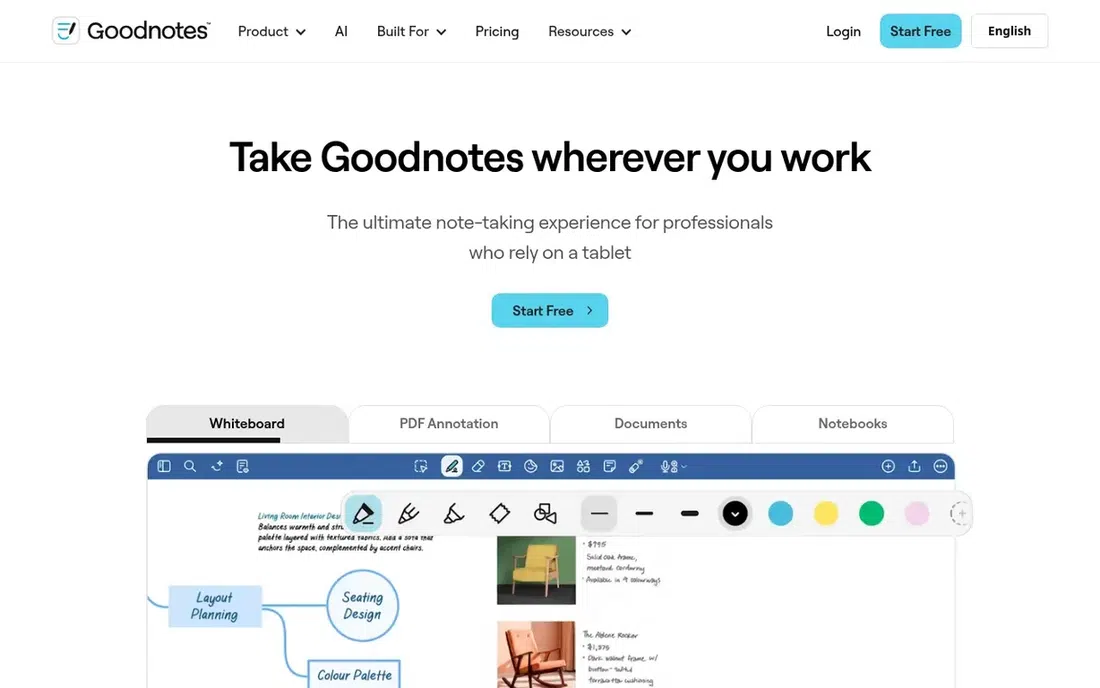
GoodNotes serves natural handwriting on iPad. GoodNotes is most effective within the Apple ecosystem, so users on other products may find it less accessible.
It is well suited for iPad users who want to write by hand and collaborate in live. The starting price for GoodNotes: $11.99 per year. GoodNotes has a free plan.
Points against: Restricted advanced organization features.
- Responsive handwriting
- Live collaboration on shared notes
- Primarily made for Apple devices
Concepts targets infinite canvas for sketches and notes. The app may need time to learn its tools, so if you need a straightforward handwriting app for fast notes, a more straightforward choice could be better.
Trade-offs to know: Steeper ramp-up time.
Concepts is less suited for linear, text-heavy note-taking since its infinite canvas can feel unstructured. On cost, Concepts starts like this: $10 per month. Free options: Free trial.
- Infinite canvas for adaptable layout
- Share with other apps and clients
- Less structured for traditional note-taking
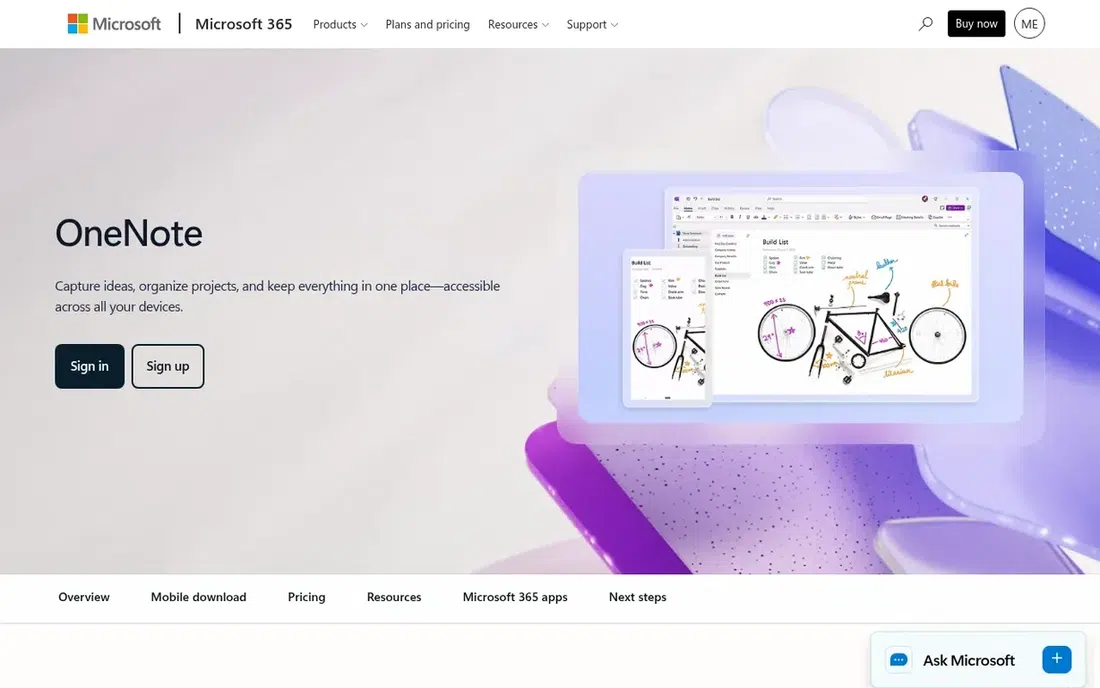
Pick Microsoft OneNote if this describes you: adaptable digital notebooks across devices. Microsoft OneNote is a digital note-taking app that organizes notes into notebooks, sections, and pages.
It includes handwriting and drawing tools, making it right for users who want a structured way to capture handwritten notes alongside typed text and multimedia. If you need a more straightforward, paper-like writing experience on a tablet, a dedicated handwriting app may be a better fit. Microsoft OneNote shows no starting price here, so confirm the cost on the vendor site. Free plan details: Not stated.
- Handwriting and drawing tools built in
- Capable organization with notebooks and sections
- Can feel complicated for straightforward notes
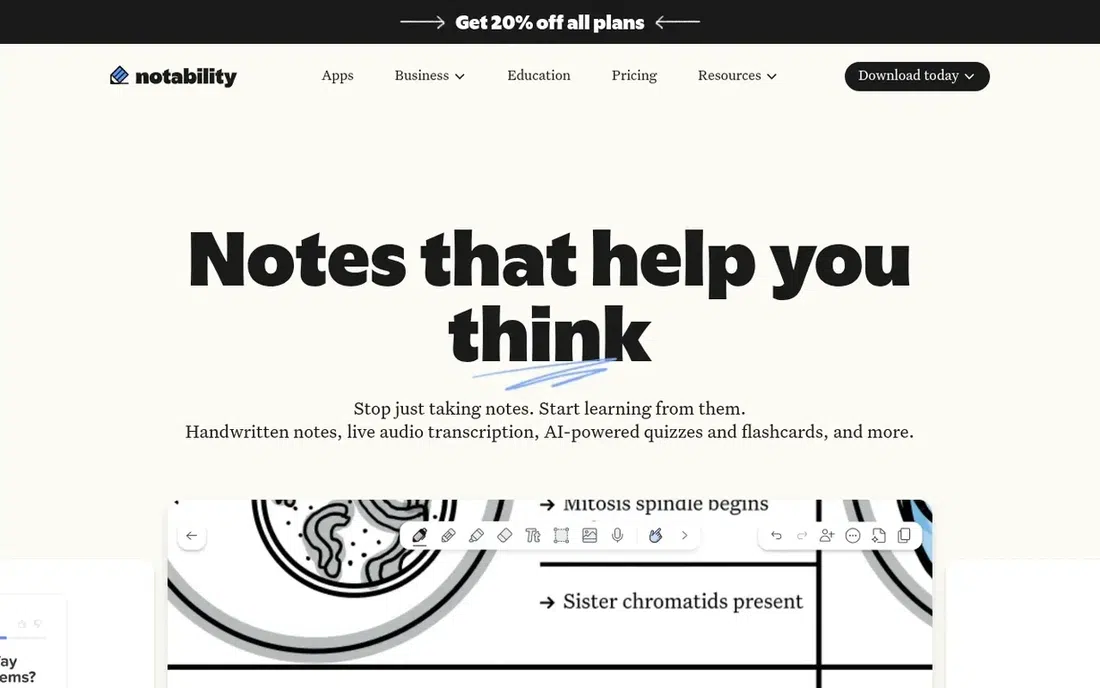
Choose Notability for handwriting with audio and study tools. Notability is a note-taking app that turns handwritten notes, audio, and documents into AI-powered summaries, flashcards, and quizzes.
Also, if live collaboration is your priority, other apps may offer more solid sharing choices. Notability starts at: $11.99 per year. You can start on Notability without paying.
Limits to weigh: AI features may need a subscription.
- Merges handwriting with audio recording
- AI-powered summaries and flashcards
- Less focus on collaborative note-taking
How these tools were picked
Selection started from tools commonly considered for note-taking app with handwriting support, then narrowed to 5 that have clear pricing information or a clear quote process. Plan names, prices and limits change often. Treat the figures here as a starting point and verify them with the vendor. The sequence is a judgement call: typical use case first, then pricing transparency, then free access. Use the profiles to check fit.
Before you commit
- Get a written quote from Noteshelf and Microsoft OneNote; the list shows no starting price for them.
- Look at free plan limits closely: GoodNotes and Notability have one, and the caps decide whether it is usable for real work.
- Take the trial from Concepts and push a live task through it before you pay.
- Read the limits listed for Noteshelf first: primarily for Apple devices.
- Get the contract term, renewal terms and any onboarding fees from GoodNotes in writing.
- Check how data leaves Concepts: formats, limits and whether exports are available on every plan.
FAQ
Can I try these tools before paying?
Often, yes. GoodNotes and Notability have a free plan and Concepts offers a free trial. Use your own data and a real task during the test, and check what the free tier or trial limits before you rely on it.
How are the tools for note-taking app with handwriting support ordered?
Noteshelf sits first and Notability last because the order follows typical fit for note-taking app with handwriting support, then price clarity and free access. It is a judgement call, so read each profile for fit and limits.
Which options for note-taking app with handwriting support have a free plan?
On this list, GoodNotes and Notability include a free plan. Caps on seats, usage or features are common, so test the free plan against your real workload. One other tool offers a trial instead.
Is Noteshelf the right pick for everyone comparing note-taking app with handwriting support?
No single tool suits every team. Noteshelf comes first because it fits beautiful handwriting and templates, while GoodNotes suits natural handwriting on iPad and Concepts suits infinite canvas for sketches and notes. Match the tool to your own size, budget and workflow before deciding.
Which app is a good match for handwriting on an iPad?
This list starts with Noteshelf, which fits beautiful handwriting and templates. For other needs, GoodNotes is aimed at natural handwriting on iPad, and Concepts at infinite canvas for sketches and notes. Check each tool's price and main limit first.
Sources
- https://www.noteshelf.net
- https://www.goodnotes.com
- https://concepts.app
- https://www.microsoft.com/en-us/microsoft-365/onenote/digital-note-taking-app
- https://www.gingerlabs.com