Best Apps for Note Taking in 2026: 8 Apps Compared
Looking for the best apps for note taking? We compared eight note apps on price, sync, search, handwriting, and privacy to help you choose a note app.
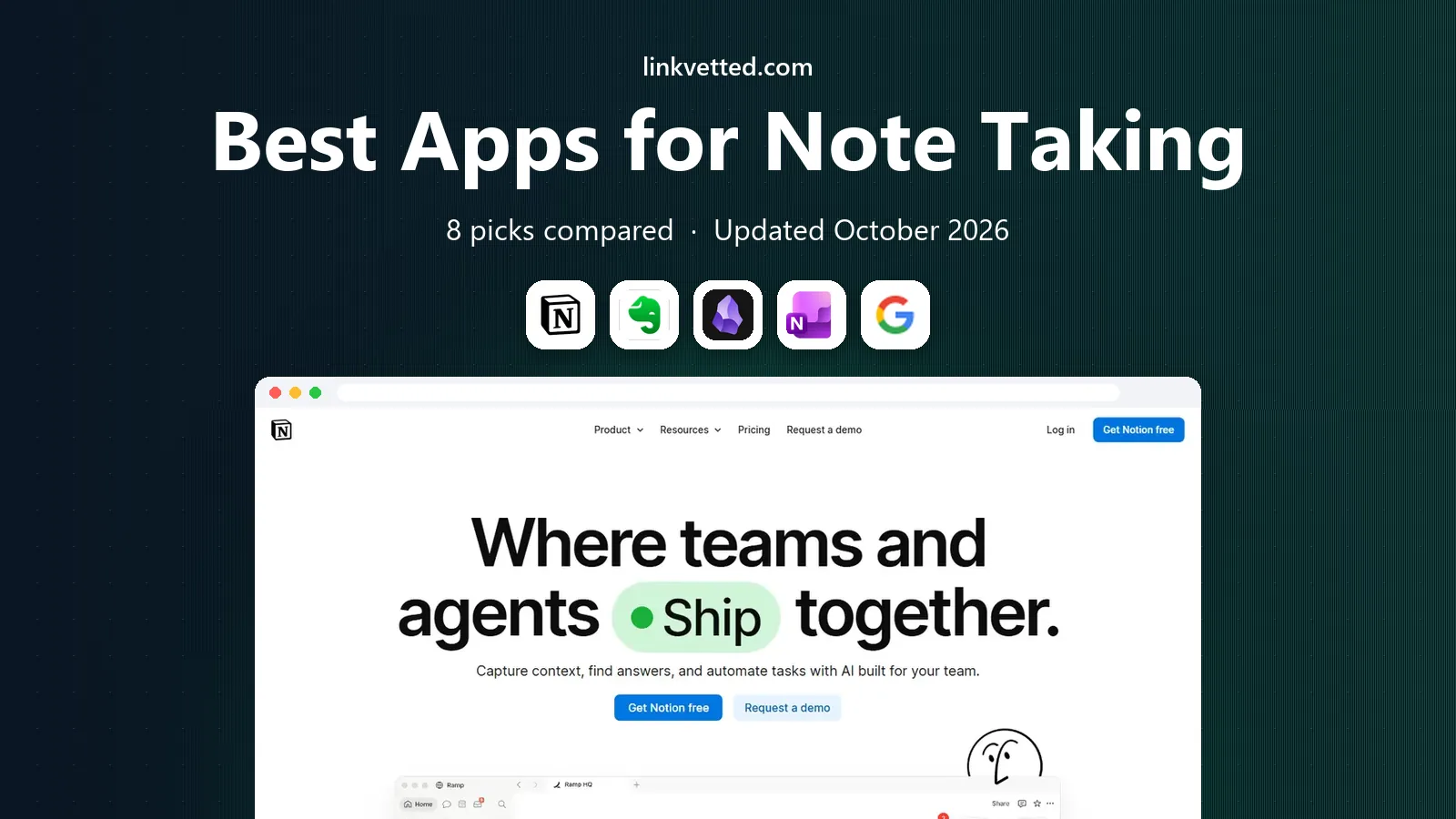
- Editor's choice
 Notion
Structured workspaces and databases
Starts atFreeVisit notion.comFull review - Great alternative
 Evernote
Clipping and searching everything
Starts at$14.99 per monthVisit evernote.comFull review - Also consider
 Obsidian
Local linked notes you own
Starts atFreeVisit obsidian.mdFull review
TL;DR:
- The best note taking app for most people is Notion for structured workspaces, or Obsidian for local, linked notes you fully own.
- Evernote remains strong for clipping and searching everything, but its free plan is now very limited.
- OneNote and Google Keep are the best free note taking apps for quick capture, while Bear and Goodnotes suit Apple users who write by hand or in Markdown.
- Joplin is the best free, open-source option for privacy, with local files and optional encryption.
Quick comparison
| Tool | Best for | Starts at | Free plan? | |
|---|---|---|---|---|
| Notion | Structured workspaces and databases | Free | Yes | Visit |
| Evernote | Clipping and searching everything | $14.99 per month | Yes | Visit |
| Obsidian | Local linked notes you own | Free | Yes | Visit |
 Microsoft OneNote | Freeform pages and Office users | Free | Yes | Visit |
 Google Keep | Quick lists and sticky notes | Free | Yes | Visit |
 Bear | Beautiful Markdown writing on Apple | $2.99 per month | Yes | Visit |
 Joplin | Open-source private notes | Free | Yes | Visit |
 Goodnotes | Handwritten notes and PDF annotation | Free | Yes | Visit |
The best apps for note taking
Note taking apps look similar until you try to find an old note, move it to another app, or write on a tablet. The list below separates those jobs: quick capture, structured work, linked thinking, handwriting, and privacy. Pick the app that matches how you actually take notes, not the one with the longest feature list.

Notion is best when your notes need structure. You can keep meeting notes, project pages, reading lists, and task databases in one workspace, with links between pages that keep related work together. Templates for class notes, journals, and project plans help you start quickly, and sharing makes it useful for teams and study groups.
The risk is the same flexibility. A simple shopping list or quick idea can feel heavy inside a workspace built for databases. Start with one page per project and add databases only when you need them. The free plan covers personal use well, and Plus is listed at $10 per month billed annually. If you want notes plus planning in one place, Notion is our pick for most people.
- Notes, docs, databases, and tasks in one workspace
- Strong free plan
- Many templates
- Can feel complex for simple notes
- Offline use is limited compared with local apps

Evernote remains the best note taking app for heavy capturers. The web clipper saves articles, PDFs, and pages cleanly, search finds text inside images and documents, and notebooks plus tags keep a large archive organized. If your notes include research, receipts, and reference material, that search and clipping strength still matters.
The free plan is the problem. Recent checks list it at 50 notes, one notebook, and one device, which is too small for most users. Starter is listed at $14.99 per month or $99 per year, with Advanced above it. If you already have a large Evernote archive and you use clipping daily, staying may be worth it. If you are starting fresh, Notion or Obsidian will cost less.
- Strong web clipper
- Powerful search including text in images
- Notebooks and tags
- Free plan is limited to 50 notes, one notebook, and one device in recent checks
- Paid plans are pricey

Obsidian suits readers who want to own their notes. Your notes live as plain Markdown files on your device, so you can open them in any text editor, back them up yourself, and leave the app without losing your work. Links between notes build a personal knowledge base, and the graph view shows how ideas connect over time. Plugins extend it for tasks, calendars, and PDF annotation.
Sync is the paid part. Obsidian Sync is listed from $4 per month billed annually in recent checks, while Publish for a website costs more. You can also sync with your own cloud storage or tools, though setup takes more care. If privacy, portability, and linked thinking matter most, Obsidian is the strongest free note app on this list.
- Notes stored as local Markdown files
- Bidirectional links and graph view
- Free for personal use
- Sync and publishing are paid add-ons
- No native real-time collaboration
OneNote is the best free note taking app for students and Office users who like a paper-like page. You can type, draw, paste images, and write by hand anywhere on the page, which suits lecture notes, meeting notes, and brainstorming. Notebooks, sections, and pages keep work organized, and OneDrive sync works across Windows, Mac, phones, and the web.
The design can feel loose compared with Notion. Formatting across devices is not always consistent, and there are no databases for structured project tracking. OneNote is free, with 5 GB of OneDrive storage on a free account and more storage through Microsoft 365. If you already use Word, Outlook, or Teams, OneNote is an easy, free fit.
- Free with a Microsoft account
- Freeform pages for handwriting and drawings
- Deep Office integration
- Formatting can feel inconsistent
- No true database features like Notion
Google Keep is the fastest app on this list for a quick thought. Open it, type a note, set a reminder, and move on. Color-coded notes, labels, checklists, and voice notes cover shopping lists, reminders, and ideas you do not want to lose. It syncs across Android, iOS, and the web through your Google account, with storage shared across the free 15 GB Google allowance.
Keep is not a home for long notes. There are no folders, no databases, and no rich document structure, so research notes and project plans will outgrow it quickly. Use Keep for capture, then move important notes into Notion, Obsidian, or OneNote. For quick, free capture, Keep is hard to beat.
- Completely free with a Google account
- Very fast capture
- Reminders and labels
- No folders or deep structure
- Not suited to long documents
Bear is the best note taking app for writers on Apple devices who want a calm editor. Markdown formatting stays out of the way, tags organize notes without rigid folders, and focus mode helps you write without distraction. Search is fast, export to common formats is simple, and the design feels polished in a way that makes daily writing pleasant.
The limit is platform. Bear runs on Mac, iPhone, and iPad only, so Windows and Android users need another app. The free tier covers local notes on one device, while Bear Pro, listed at $2.99 per month or $29.99 per year, adds sync and extra features. If you write on Apple devices and you like Markdown, Bear is a lovely, focused choice.
- Clean Markdown editor
- Tags instead of folders
- Fast search and export
- Apple only, with no Windows or Android app
- Sync needs Bear Pro
Joplin is the best free note taking app for privacy. It is open source, stores notes as Markdown, and supports end-to-end encryption and self-hosted sync. You can use it on Windows, Mac, Linux, iOS, and Android, import notes from Evernote, and clip web pages with a browser extension. For readers who distrust cloud lock-in, that openness matters.
The interface is plainer than Notion or Bear, and collaboration is manual rather than real-time. Joplin Cloud, listed from 2.99 euros per month in recent checks, adds hosted sync, but you can also sync with your own storage for free. If you want free, private, cross-platform notes without a subscription, Joplin is the strongest pick.
- Free and open source
- Local Markdown notes
- Optional end-to-end encryption
- Interface is plainer than rivals
- Collaboration is manual
Goodnotes is the best note taking app for handwriting. On iPad, you can write notes by hand, annotate PDFs and slides, and search your handwriting later. That suits lecture notes, marked-up readings, and problem sets where typing alone does not help. Folders, templates, and audio recording linked to notes add structure for study and meetings.
The free plan covers up to three notebooks, which is enough to test it for one subject. Essential is listed at $11.99 per year and Pro at $35.99 per year in recent listings. Goodnotes is Apple-focused, so Windows and Android users should look at OneNote or Joplin instead. If you study or work on iPad, Goodnotes is a focused, pleasant notebook.
- Natural handwriting on iPad
- PDF annotation and searchable handwriting
- Templates and folders
- Best on Apple devices
- Fuller features need a paid plan
How we picked these
We compared official pricing pages, feature pages, and recent October 2026 pricing checks for note apps. We kept only apps that are live, that focus on note taking, and that offer a usable free tier or a low-cost plan. We favored a mix of structured workspaces, local-first tools, quick capture apps, and handwriting apps, and we noted where a free plan caps notes, notebooks, or devices.
How to choose a note app that fits your thinking
Start with capture, then structure
If you lose ideas, start with Google Keep or OneNote for fast capture. If your notes need structure, move to Notion. If your notes need links and ownership, move to Obsidian or Joplin. Most people need a capture app plus a home app, not eight apps at once.
Test search, export, and sync before you commit
Write ten notes, search for an old phrase, and export a note to check the format. Check whether sync works on your phone and computer, and whether offline access matters for travel or classes. An app that locks your notes into a format you cannot leave will cost more later than a slightly plainer app you fully own.
Check the free limit that matters to you
Evernote free caps notes and notebooks, Goodnotes free caps notebooks, Bear free limits sync, and Obsidian free covers personal use but charges for Sync. Add up the annual cost for the tier you actually need, and check student or annual pricing before you pay monthly.
FAQ
What is the best note taking app?
The best note taking app for most people is Notion for structured workspaces, or Obsidian for local, linked notes. OneNote is the best free all-round option for Office users, Google Keep is best for quick capture, and Bear is best for Markdown writing on Apple devices. Choose based on structure, privacy, and platform.
What is the best free note taking app?
The best free note taking apps are Obsidian for personal use, OneNote, Google Keep, and Joplin. Obsidian and Joplin store notes as local Markdown files you own, while OneNote and Keep offer free cloud sync. Evernote free is now limited to 50 notes and one notebook, so it is less useful as a free starting point.
Is Notion or Obsidian better for note taking?
Notion is better for structured workspaces, databases, and team sharing, while Obsidian is better for local, linked notes and long-term ownership. Notion needs an internet connection for full use, while Obsidian works offline with local files. Many people use Notion for projects and Obsidian for personal knowledge notes.
What is the best note taking app for iPad?
Goodnotes is the best note taking app for iPad if you like handwriting and PDF annotation. OneNote also works well on iPad for freeform pages, and Bear suits Markdown writing on Apple devices. Notion and Obsidian work on iPad too, but they are stronger for typed notes than for handwriting.
What is the best note taking software for students?
Notion, OneNote, and Goodnotes are strong for students in our list. Notion helps with planning and group work, OneNote suits lecture notes and Office users, and Goodnotes suits handwritten notes on iPad. Obsidian and Joplin suit students who want local files and linked revision notes.
Can I move my notes if I switch apps?
In most cases, yes, but the ease varies. Obsidian and Joplin use Markdown files that move easily, Bear exports cleanly, and Notion and OneNote offer export options with some formatting limits. Test export with a few notes before you build a large archive in any app.