Best Note Taking App for Meetings in 2026: 8 Products Compared
Find the best note taking app for meetings in 2026, comparing 8 tools for transcripts, summaries, action items and meeting follow-up work plus a guide.
- Editor's choice
 Fathom
Individuals and small teams who want a strong free notetaker
Starts atFreeVisit fathom.videoFull review - Great alternative
 Otter.ai
Teams who need searchable transcripts and live captions
Starts atFreeVisit otter.aiFull review - Also consider
 Fireflies.ai
Teams who want transcripts synced to CRM and task tools
Starts atFreeVisit fireflies.aiFull review
TL;DR:
- Meeting note apps differ in capture style: bot-based recording, bot-free device recording, and manual agenda plus notes.
- Fathom and Fireflies suit generous free transcription, while Otter suits searchable transcripts and Fellow suits structured agendas.
- Free plans differ sharply in minutes, storage, history, and summary limits, so read those limits before a team trial.
- Tell attendees when a meeting is recorded, and check consent rules and company policy for your location and workplace.
- Action items matter more than a long transcript, so pick a tool that turns notes into tasks, owners, and follow-up.
Quick comparison
| Tool | Best for | Starts at | Free plan? | |
|---|---|---|---|---|
| Fathom | Individuals and small teams who want a strong free notetaker | Free | Yes | Visit |
| Otter.ai | Teams who need searchable transcripts and live captions | Free | Yes | Visit |
| Fireflies.ai | Teams who want transcripts synced to CRM and task tools | Free | Yes | Visit |
 Fellow | Teams who want agendas, notes, and accountability in one place | Free | Yes | Visit |
 Granola | People who want bot-free meeting notes | Free | Yes | Visit |
 Notta | Multilingual meetings and translation needs | Free | Yes | Visit |
 tl;dv | Teams who want shareable clips and highlights | Free | Yes | Visit |
 Microsoft OneNote | Manual meeting notes in a flexible notebook | Free | Yes | Visit |
The best note taking apps for meetings
We compared official feature pages, pricing pages, app store listings, privacy policies, and public reviews, with attention to recording, transcription, summaries, action items, integrations, and free plan limits. Prices were checked against vendor and recent comparison pages for September and October 2026.

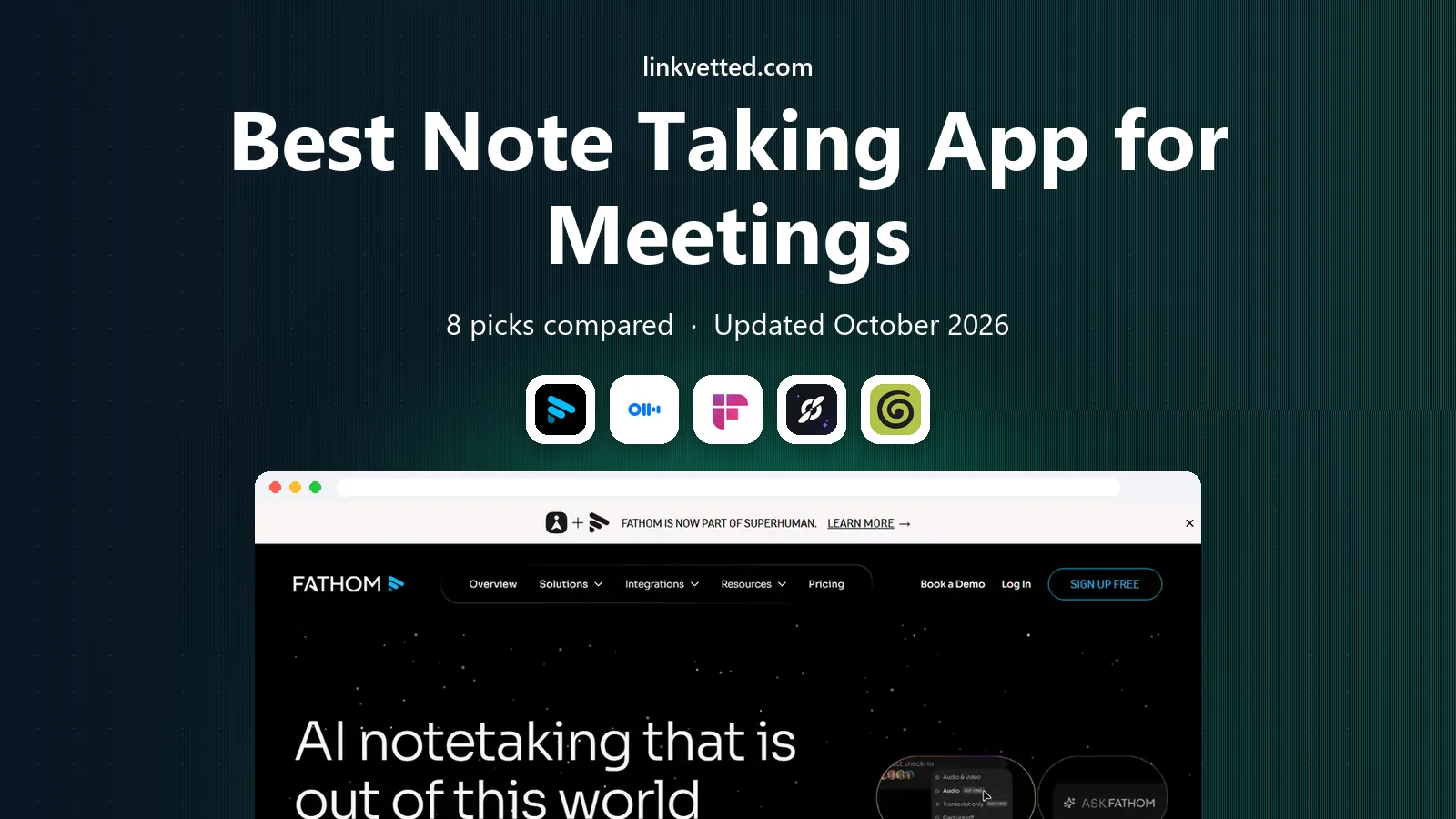
Fathom records meetings on Zoom, Google Meet, and Microsoft Teams, then produces transcripts, summaries, and action items. The free plan offers unlimited recordings and transcription, which makes it easy to test with real meetings before paying. A bot-free mode on Mac, in beta, helps users who prefer not to show a bot in the call. Advanced AI features are limited on the free plan, and Team pricing starts around $15 per user per month billed annually. Fathom suits people who want a simple, reliable notetaker first, with team features added later. For free use, it is one of the strongest options in this list.
- Unlimited recordings and transcription on free plan, summaries, Zoom, Meet, and Teams support
- Advanced AI features limited on free plan, Team plan starts at $15 per user per month billed annually

Otter.ai provides live transcription during meetings, plus a searchable library of past transcripts, summaries, and action items. That search matters for teams that revisit decisions, quotes, or commitments weeks later. Support covers Zoom, Google Meet, and Microsoft Teams, with bot or device capture options on some plans. The free plan caps use at 300 minutes per month, 30 minutes per conversation, and a limited number of stored meetings, so heavy users need Pro. Otter is less focused on agendas than Fellow, and CRM sync is thinner than Fireflies. For transcript search and live captions, Otter remains a strong pick.
- Live transcription, searchable transcript library, wide platform support
- Free plan limited to 300 minutes per month and 30 minutes per conversation, Pro starts at $8.33 per user per month billed annually

Fireflies.ai records meetings across Zoom, Meet, Teams, and other platforms, then adds AI summaries, action items, and topic tracking. Integrations with Salesforce, HubSpot, and other tools help sales and customer teams push meeting data into existing workflows. Search across transcripts helps teams find past discussions quickly. Free transcription is generous, but team storage is limited to 400 minutes, and AI credits can cap automations even on paid tiers. A bot joins meetings by default, though desktop and native capture options exist. Fireflies suits teams that live in CRM tools and need meeting data beyond notes.
- Unlimited transcription on free plan, many integrations, AI summaries and topic tracking
- Free team storage limited to 400 minutes, Pro starts at $10 per seat per month billed annually
Fellow combines meeting agendas, collaborative notes, and action items, with AI recording and summaries added on paid plans. That structure helps teams run better 1:1s, standups, and reviews, because the agenda, notes, and follow-up live together. Support covers Zoom, Meet, Teams, and Slack Huddles, with bot or bot-free capture. The free plan limits AI notes and recordings to 5 per user lifetime, so AI features need a paid plan for regular use. Fellow is more meeting management than pure transcription, which suits managers and team leads. For accountability and follow-through, Fellow stands out.
- Agendas, collaborative notes, action items, AI notes on paid plans
- Free AI notes limited to 5 per user lifetime, Team plan starts at $7 per user per month billed annually
Granola captures meeting audio from your device rather than joining as a visible bot, then turns it into notes, summaries, and action items. That bot-free approach suits sensitive calls, interviews, and meetings where a bot feels intrusive. The free plan offers unlimited notes, which makes testing easy. Free history is limited to a rolling window of about 30 days, so long term storage needs a paid plan. Granola also focuses on notes rather than deep CRM sync. For a clean, private-feeling notetaker, Granola is a strong choice, especially for founders and small teams.
- No visible meeting bot, unlimited notes on free plan, works from device audio
- Free history limited to about 30 days, Business plan starts at $14 per user per month
Notta transcribes meetings in many languages, with translation support that helps bilingual teams, international clients, and global hiring. Capture options include a bot, desktop app, web, mobile, and browser extension, which covers most meeting setups. Summaries and searchable transcripts support follow-up. Free limits are tight, at 120 minutes per month and 3 minutes per conversation, so Notta suits short meetings or paid use for longer sessions. It is less focused on agendas than Fellow, and less CRM-deep than Fireflies. For multilingual transcription on a budget, Notta is a practical pick.
- Multilingual transcription, translation support, bot, desktop, web, and mobile capture
- Free plan limited to 120 minutes per month and 3 minutes per conversation, Pro starts at $8.17 per month billed annually
tl;dv records meetings on Zoom, Meet, and Teams, then lets users clip key moments, highlight decisions, and share short videos instead of full recordings. That clip workflow helps sales coaching, product feedback, and async updates, where a two-minute highlight beats a full transcript. AI summaries and search support follow-up. Pro pricing starts around $18 per user per month billed annually, and higher business tiers rise sharply. tl;dv suits teams that share meeting moments often, rather than users who only need a private transcript. For coaching and async sharing, clips are a real advantage.
- Meeting clips, highlights, AI summaries, CRM integrations on paid plans
- Pro starts at $18 per user per month billed annually, business tiers cost much more
Microsoft OneNote suits people who prefer to take meeting notes manually, with sections for agendas, decisions, and action items. Audio recording, checklists, and notebook sharing support team use, and integration with Microsoft 365 helps Outlook and Teams users. OneNote is free with a Microsoft account, with fuller features in Microsoft 365 plans. OneNote does not auto-transcribe or summarise meetings like Fathom or Otter, so note quality depends on the note taker. It works best as a manual companion, or alongside an AI recorder when you want a structured notebook. For control, privacy, and flexibility, OneNote remains useful.
- Free, flexible notebooks, audio notes, Microsoft 365 integration
- No automatic AI transcription or summaries by default, manual work needed
How we picked these
We compared official feature pages, pricing pages, app store listings, privacy policies, and public reviews, and we kept only tools that work today in October 2026 for meeting notes, transcription, or follow-up. We favoured tools with clear free plan limits, platform support for Zoom, Meet, and Teams, and a distinct strength, from bot-free capture to agendas to clips.
Buying guide: how to choose the best note taking app for meetings
Decide how you want meetings captured
Bot-based tools are simple but visible in the call. Bot-free tools feel more private but may need a desktop app or Mac. Manual tools such as OneNote give full control but no transcript. Choose the capture style your attendees and company policy accept, and tell attendees when recording starts.
Read free plan limits, not just the word free
Free can mean unlimited recordings with limited summaries, a monthly minute cap, limited storage, or a short history window. Test with your real meeting load for two weeks, including long meetings, before choosing a team plan. A free plan that fails on a 60-minute call will mislead a pilot.
Check action item flow
A transcript alone rarely changes follow-through. Check whether action items sync to your task tool, assign owners and dates, and appear in follow-up emails or summaries. Fellow and Fireflies score well here, while manual tools need a separate task step.
Check security and consent controls
Look for single sign-on, retention controls, data deletion, and admin settings on paid plans, especially for regulated teams. Confirm consent rules for recording in your location, and whether the tool stores data in regions your company allows. Security pages and privacy policies should state these details plainly.
FAQ
What is the best app for taking meeting notes?
Fathom suits a strong free start, Otter suits searchable transcripts, and Fellow suits agendas and action items. The best pick depends on whether you need transcription, structure, or follow-up most.
What are the best apps for taking meeting notes on Zoom, Meet, and Teams?
Fathom, Otter, Fireflies, Fellow, and tl;dv all support Zoom, Meet, and Teams in various forms. Granola and Notta add bot-free or multilingual options, so check capture style and language support for your meetings.
Do meeting note apps need a bot in the call?
Not always. Granola and Fellow offer bot-free capture, and Otter and Fathom offer device or bot-free options on some plans. Bot-based capture is simpler to set up, while bot-free capture feels less intrusive to attendees.
Are meeting note apps free?
Many offer free plans, but limits vary by minutes, storage, history, and summary count. Fathom offers unlimited free recordings, while Otter, Notta, and Fellow cap free use more tightly, so read the plan details before a team rollout.
Can meeting notes sync to CRM or task tools?
Yes, Fireflies, tl;dv, and Fellow offer integrations with CRM, task, and productivity tools on paid plans, while Otter and Fathom focus more on transcripts and summaries. Check your exact CRM and task tool before paying.
Should I tell attendees that a meeting is being recorded?
Yes, always tell attendees when recording starts, and follow your company policy and local consent rules. Most tools show a bot or a recording notice, but a verbal note at the start of the meeting is still good practice.
Sources
https://www.fathom.video https://www.otter.ai https://www.fireflies.ai https://www.fellow.ai https://www.granola.ai https://www.notta.com https://www.tldv.io https://www.onenote.com