Top 5 Meeting Scheduler Software for Universities for 2026 (Prices and Free Plans)
Best meeting scheduler software for universities: 5 contenders ranked by fit, with entry costs and free tiers. Pros and cons for every tool. Decide faster.
- Editor's choiceChili Piper
Marketing and routing automation
Starts at$12 per user a monthVisit chilipiper.comFull review - Great alternative
 SavvyCal
Invitee-friendly scheduling
Starts at$10 per user a monthVisit savvycal.comFull review - Also consider
 Acuity Scheduling
Configurable appointment booking
Starts at$16 a monthVisit acuityscheduling.comFull review
Direct answer
Start with Chili Piper if you need marketing and routing automation. Listed starting prices: Chili Piper from $12 per user a month, SavvyCal from $10 per user a month and Acuity Scheduling from $16 a month. Alternatives: SavvyCal for Invitee-friendly scheduling, and Acuity Scheduling for customizable appointment booking. Details, prices and limits for the rest of the 5 tools are below.
TL;DR:
- Number one here is Chili Piper, a fit for marketing and routing automation.
- One limit worth knowing about Calendly: may need configuration for complicated university rules.
- Cal.com suits open and adaptable scheduling.
- Starting prices begin at $10 per user per month with SavvyCal.
Last checked November 2026. Prices and plan details were read from the vendors' own pages in November 2026; vendors change plans often, so confirm the current price on the vendor site before you buy.
Quick comparison
| Tool | Best for | Starts at | Free plan? | |
|---|---|---|---|---|
| Chili Piper | Marketing and routing automation | $12 per user a month | Not stated | Visit |
| SavvyCal | Invitee-friendly scheduling | $10 per user a month | Free trial | Visit |
| Acuity Scheduling | Configurable appointment booking | $16 a month | Free trial | Visit |
 Calendly | All-around campus scheduling | $10 per seat per month | Yes | Visit |
 Cal.com | Open and adaptable scheduling | $12 per user a month | Yes | Visit |
Our 5 meeting scheduler software for universities
Short on time? The summary and table above give the quick view of 5 meeting scheduler software for universities, and the profiles that follow give the detail behind each entry.
Chili Piper
Best for: Marketing and routing automation
Chili Piper is built with marketing and routing automation in mind. Its agents recognize every visitor, answer questions, route them to the right representative, book the meeting, and follow up if they leave.
For everyday use, consider Chili Piper when inquiry conversion and automatic routing are the central goals. Starting cost for Chili Piper: $12 per user per month. On free options: Not stated.
Trade-offs to know: Centred on marketing and sales use cases.
- Books meetings and follows up automatically
- Recognizes visitors and routes them
- May be overkill for internal scheduling
SavvyCal is a good fit for Invitee-friendly scheduling. SavvyCal is a scheduling tool for sharing booking links.
The main drawbacks: May be less known in higher education.
More specifically, choose SavvyCal when invitee experience and scheduling control are the primary considerations. Invitees can overlay their own calendar on your link to find a time, and you control buffers, limits, and preferred times. The starting price for SavvyCal: $10 per user per month. On free options: Free trial.
- Control over buffers, limits
- Preferred times
- Advanced features may need onboarding
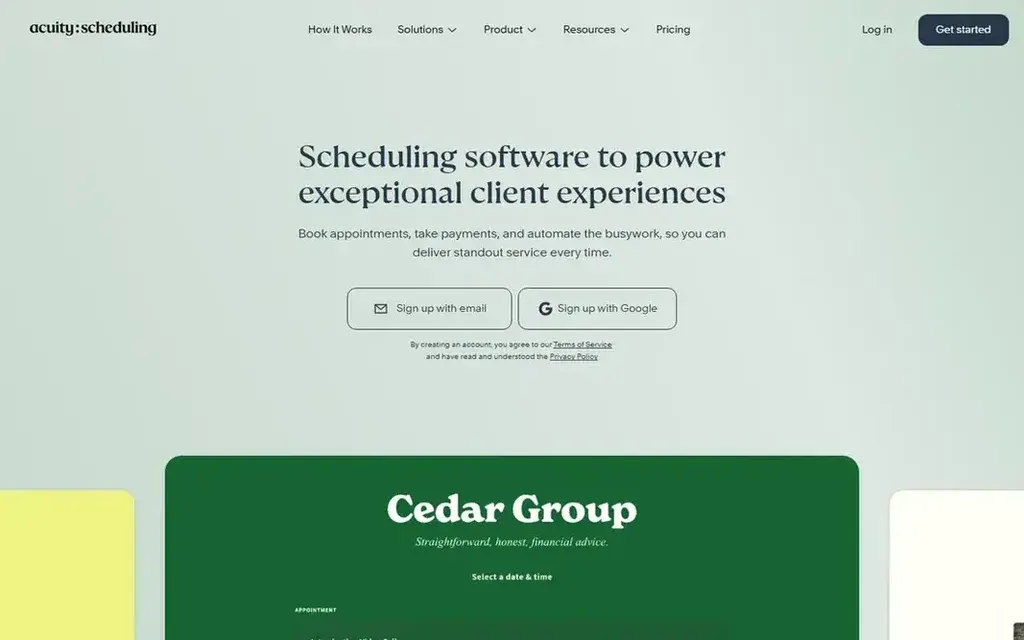
Acuity Scheduling is built with customizable appointment booking in mind. Acuity Scheduling is an appointment booking software and scheduling app that provides scheduling automation and full customization.
On top of that, pick Acuity Scheduling when automation and customization are central to your appointment process. On top of that, the level of customization can mean more initial configuration than more straightforward tools. Price to start with Acuity Scheduling: $16 per month. Free access: Free trial.
Points against: Customization can need setup time.
- Full customization options
- Scheduling automation
- May be more than straightforward booking needs
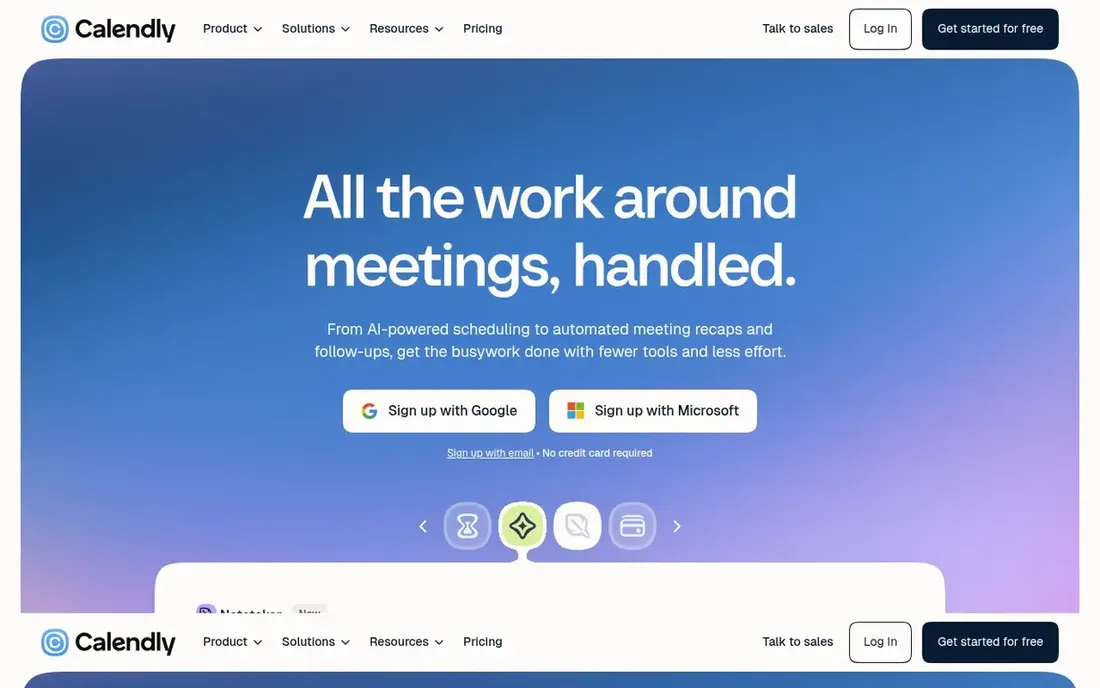
Calendly is designed for all-around campus scheduling. It suits universities that want a single, widely used tool to coordinate appointments between staff, students, and external parties without building custom software.
Worth adding: the product may be more than a small department needs if entry-level booking is the only requirement. What you pay to start with Calendly: $10 per seat per month. Calendly offers a free plan.
Limits to weigh: May need configuration for complicated university rules.
- Supports contact management and follow-up
- Merges scheduling, payments
- Advanced features may need training
Cal.com targets open and adaptable scheduling. Cal.com is a scheduling system for online bookings that helps you grow your business and better find time. Beyond that, choose Cal.com when adaptability and an open approach to scheduling are important to your institution.
If you prefer a completely managed, widely adopted system, Calendly could be more straightforward. In daily use, some advanced configurations may need technical support. What you pay to start with Cal.com: $12 per user per month. Cal.com offers a free plan.
Where it is weaker: May need technical setup for advanced use.
- Scheduling system for online bookings
- Meant to help grow your business
- Less tailored to university-specific workflows
How we chose
LinkVetted used vendor pricing pages and product documentation as the base, then compared plans, free access and documented limits for 5 tools. Where a price is missing, the vendor does not list one publicly or ties it to a quote. Always confirm before budgeting. The order reflects how well each tool fits the most common buying scenario for meeting scheduler software for universities, then price clarity, then free plan access. It is a starting point, not a verdict.
Things to verify first
- Confirm the entry price on the vendor page: SavvyCal starts at $10 per user per month, but seat counts and billing terms change the total.
- Check what the free option really includes: Calendly and Cal.com offer a free plan, and usage caps differ.
- Run a trial of SavvyCal and Acuity Scheduling with real work before paying for a year; your own workflow is the best test.
- Before choosing Chili Piper, weigh its main limit: concentrated on marketing and sales use cases.
- See whether SavvyCal offers onboarding or training, and whether it is included in the price.
- Confirm the exact Chili Piper plan that includes your must-have features.
FAQ
How do these schedulers plug into university calendars?
Most tools plug into major calendar systems like Microsoft 365 and Google Calendar, syncing availability and bookings. Integration depth varies, so check vendor documentation for specific compatibility.
Do these tools publish their prices?
Yes. Every tool from Chili Piper to Cal.com shows a starting price, though seats, add-ons and billing terms still change the final cost.
Which options for meeting scheduler software for universities have a free plan?
Calendly and Cal.com offer a free plan in this list. Free plans usually cap users, projects or features, so check the limits on the vendor page. Several others offer a trial instead.
How are the tools for meeting scheduler software for universities ordered?
The order follows typical fit for meeting scheduler software for universities, with Chili Piper first and Cal.com last, then price clarity and free access. It is editorial judgement, not a score, so another team could rank the tools differently.
What is the cheapest option for meeting scheduler software for universities in this list?
On published monthly entry prices, SavvyCal is the lowest here at $10 per user per month. Entry price is only part of the cost, because seats, add-ons and billing terms can change the total. Each of the 5 options in this meeting scheduler software for Universities guide has its own card above with the price, free plan and limits.
What should universities look for in meeting scheduler software?
Universities should prioritize integration with existing systems like Microsoft 365 or Google Workspace, customization for different departments, and simplicity for staff and students. Automation for reminders and follow-ups can also cut administrative burden.
Sources
- https://www.chilipiper.com
- https://savvycal.com
- https://acuityscheduling.com
- https://calendly.com
- https://cal.com