Best Meeting Scheduler for Educational Institutions for 2026: Our 5 Vetted Picks
Best meeting scheduler for educational institutions: 5 contenders ranked by fit, with entry costs and free tiers. With pricing notes and limits. See which fits.
- Editor's choice
 SavvyCal
Respectful invitee-side scheduling
Starts at$10 per user per monthVisit savvycal.comFull review - Great alternativeMicrosoft Bookings
Microsoft 365 campuses and departments
Starts atSee websiteVisit microsoft.comFull review - Also considerGoogle Calendar Appointment Scheduling
Google Workspace schools and colleges
Starts atSee websiteVisit workspace.google.comFull review
Direct answer
SavvyCal comes first here, mainly for respectful invitee-side scheduling. Listed starting prices: SavvyCal from $10 per user per month, Acuity Scheduling from $16 per month and Calendly from $10 per seat per month. If your case is different, Microsoft Bookings suits Microsoft 365 campuses and departments and Google Calendar Appointment Scheduling suits Google Workspace schools and colleges. All 5 tools are compared below on price, free plan and limits.
TL;DR:
- This list starts with SavvyCal, which is built for respectful invitee-side scheduling.
- For all-around scheduling and follow-up, Calendly is worth a look.
- Check the limits for Microsoft Bookings before you commit: most handy only for Microsoft 365 organizations.
- Only Calendly offers a free plan among these 5 tools.
Last checked November 2026. Prices and plan details were read from the vendors' own pages in November 2026; vendors change plans often, so confirm the current price on the vendor site before you buy.
Quick comparison
| Tool | Best for | Starts at | Free plan? | |
|---|---|---|---|---|
| SavvyCal | Respectful invitee-side scheduling | $10 per user per month | Free trial | Visit |
| Microsoft Bookings | Microsoft 365 campuses and departments | See website | Not stated | Visit |
| Google Calendar Appointment Scheduling | Google Workspace schools and colleges | See website | Not stated | Visit |
 Acuity Scheduling | Customized appointment booking automation | $16 per month | Free trial | Visit |
 Calendly | All-around scheduling and follow-up | $10 per seat per month | Yes | Visit |
Meeting Scheduler for Educational Institutions profiles
If you are comparing meeting scheduler for educational institutions, this page covers 5 tools in one place: what each is best for, what it costs to start, whether it has a free plan, and the main limit to know about.
Where SavvyCal fits: respectful invitee-side scheduling. SavvyCal is a scheduling tool for sharing booking links, and invitees can overlay their own calendar on your link to find a time.
What SavvyCal does well: limits and preferred times.
Limits to weigh: Fewer suite-level extras. In education, that overlay helps students and faculty avoid clashes without exposing full calendars, which is handy for advising, committee meetings and cross-department coordination. SavvyCal pricing: $10 per user per month. Trial and free access: Free trial.
- Straightforward shareable booking links
- Host controls buffers
- A good match for individual or team links
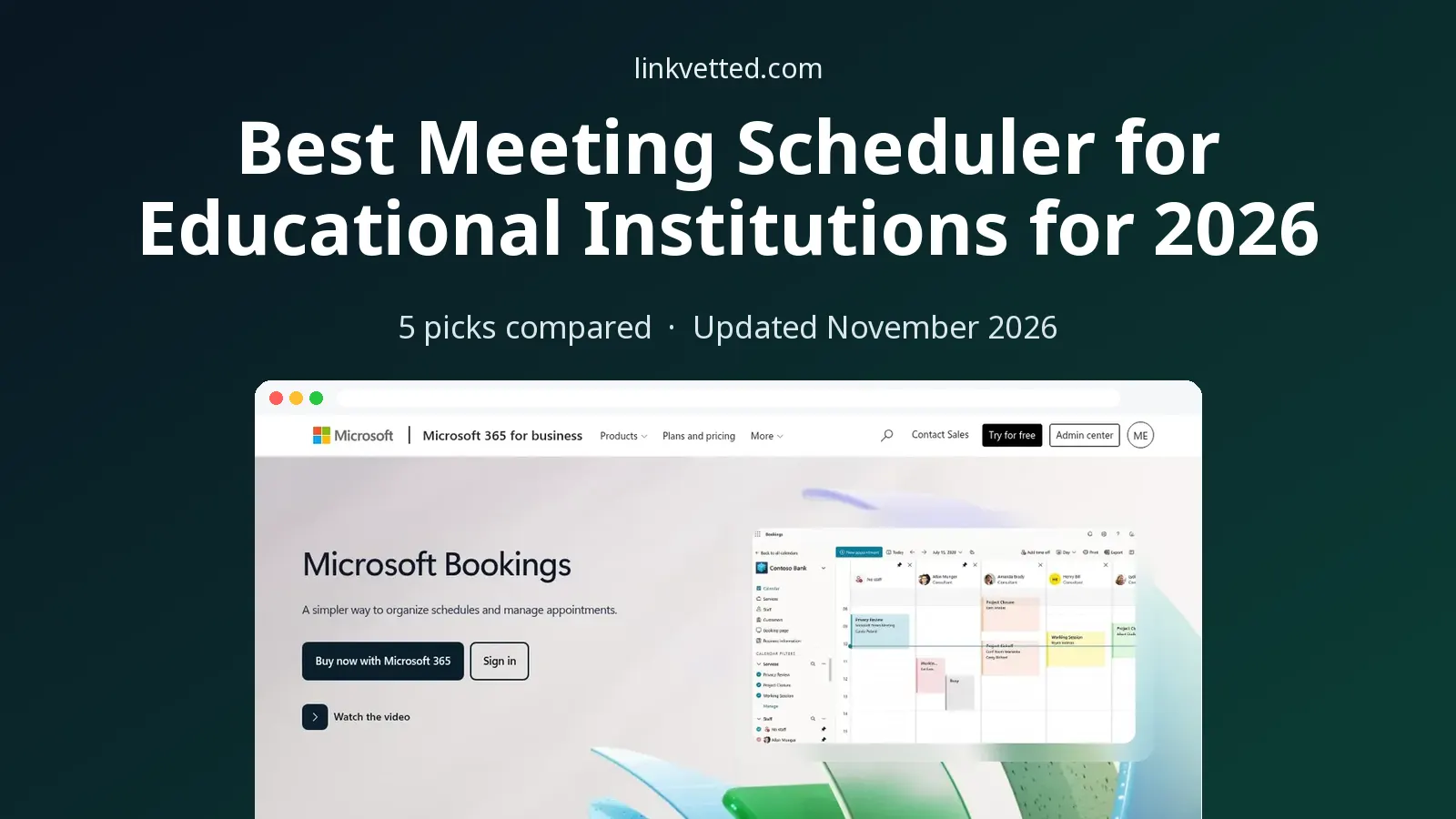
Microsoft Bookings
Best for: Microsoft 365 campuses and departments
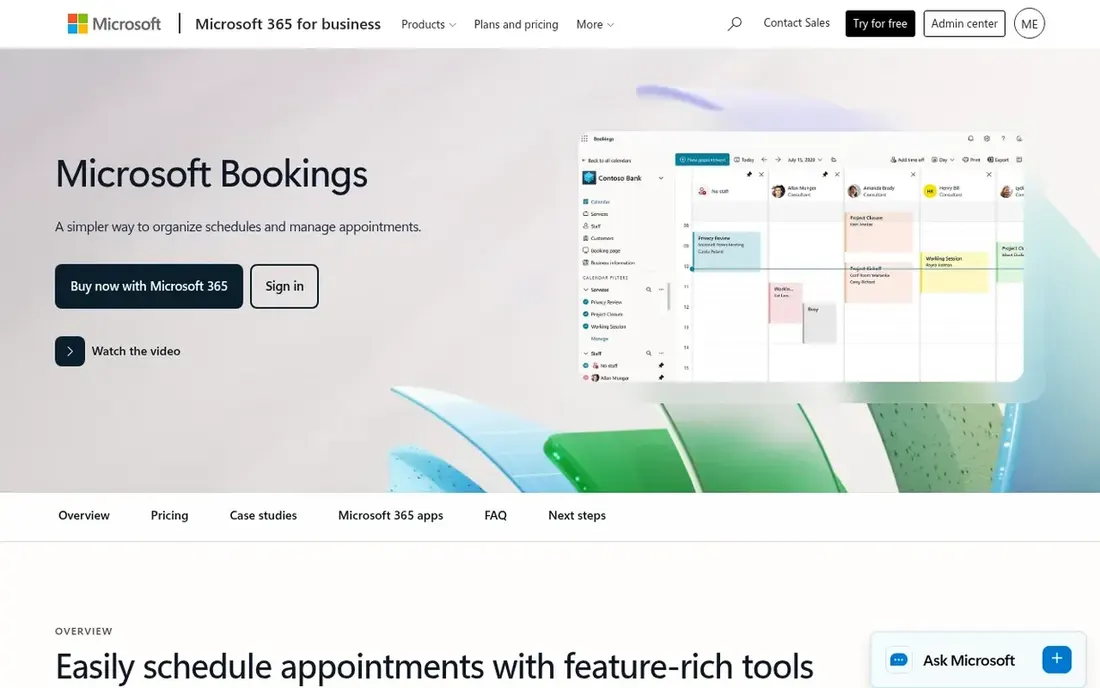
In short, Microsoft Bookings is for Microsoft 365 campuses and departments. Institutions with mixed environments may need a platform-neutral scheduler for some teams.
In daily use, pick Bookings when your staff already live in Microsoft tools. Check the vendor site for Microsoft Bookings pricing; none is listed in this comparison. Trial and free access: Not stated.
The main drawbacks: Customization choices can take time to learn.
- Customization across departments and appointment types
- Works within the Microsoft 365 environment
- Most handy only for Microsoft 365 organizations
Google Calendar Appointment Scheduling
Best for: Google Workspace schools and colleges
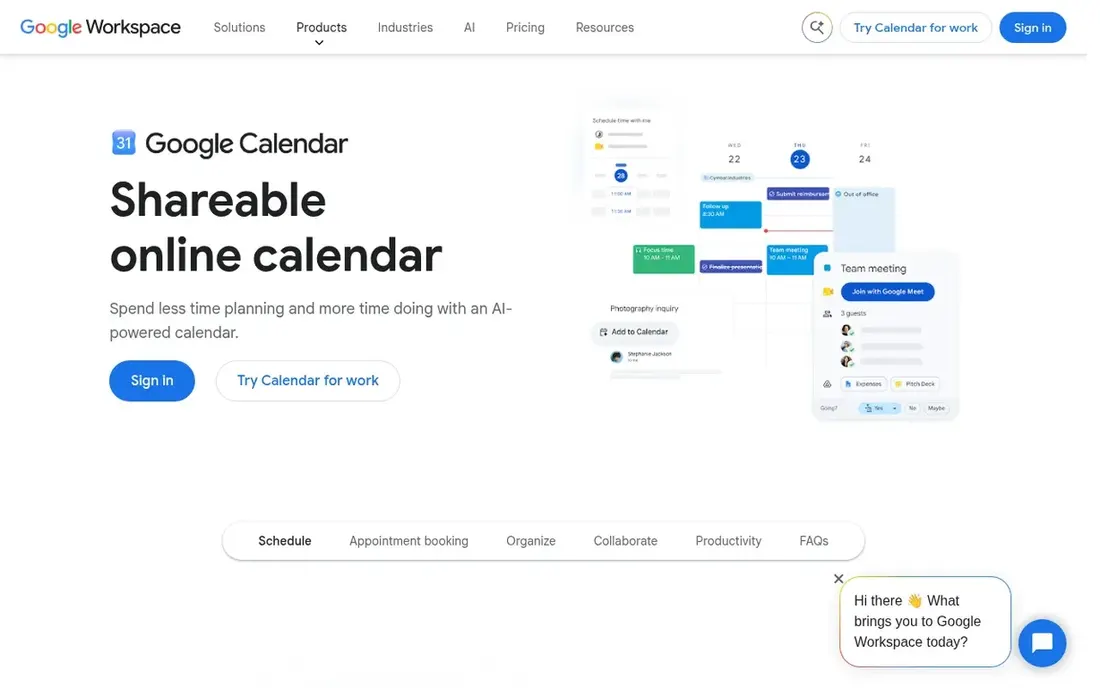
Google Calendar Appointment Scheduling is designed for Google Workspace schools and colleges. Google Calendar Appointment Scheduling is part of Google Calendar, a shareable online calendar used to share meetings and schedule appointments for business and personal life through Google Workspace.
Points against: Fewer standalone scheduling extras.
Beyond that, the scheduling features are intentionally tied to the Google ecosystem, so organizations outside Google Workspace get less value, and teams wanting deeper standalone scheduling automation may look elsewhere. Google Calendar Appointment Scheduling shows no starting price here, so confirm the cost on the vendor site. Free plan details: Not stated.
- Manages meetings and appointments together
- Booking built into a shareable online calendar
- Best experience needs Google Workspace
Acuity Scheduling is a good fit for customized appointment booking automation. Acuity Scheduling is an appointment booking software and scheduling app that supplies scheduling automation and full customization.
That depth of customization can need more initial configuration than lightweight calendar tools. The product is framed around appointment firms instead of campus-wide calendaring. Entry price for Acuity Scheduling: $16 per month. Free access: Free trial.
Trade-offs to know: Geared toward appointment firms.
- Scheduling automation for recurring appointments
- Fits appointment-based services
- Customization can mean more setup work
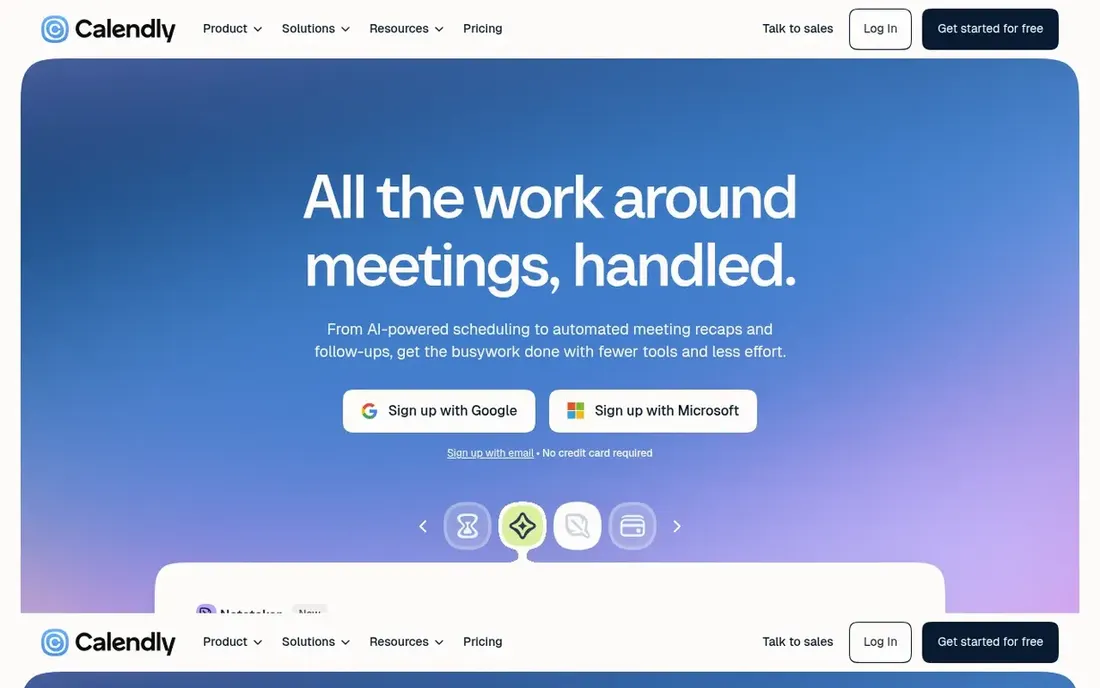
Pick Calendly if this describes you: all-around scheduling and follow-up. Calendly links and eases the work around meetings, from scheduling and payments to meeting prep, notetaking, contact management and follow-up.
Limits to weigh: Advanced controls may need configuration.
Choose Calendly when cross-department scheduling and follow-up matter more than tight suite integration. Price to start with Calendly: $10 per seat per month. Calendly offers a free plan.
- Straightforward booking links for staff and students
- Merges scheduling with meeting prep and notes
- Less tied to a specific campus suite
Our selection method
For each of the 5 tools we noted price, free plan or trial, fit for meeting scheduler for educational institutions and the main limit, using vendor pages and documentation. Figures are shown as the vendors publish them. Billing terms, seat minimums and add-ons can change the real cost. The sequence is a judgement call: typical use case first, then pricing transparency, then free access. Use the profiles to check fit.
What to check before you buy
- Get a written quote from Microsoft Bookings and Google Calendar Appointment Scheduling; the list shows no starting price for them.
- Test the free plan from Calendly against your real workload before relying on it.
- Use real work to test the free trial from SavvyCal and Acuity Scheduling, rather than a demo project.
- Before choosing SavvyCal, weigh its main limit: fewer suite-level extras.
- Add up seats, add-ons and usage charges for Google Calendar Appointment Scheduling before comparing it with cheaper entries.
- Get the contract term, renewal terms and any onboarding fees from SavvyCal in writing.
FAQ
Which options for meeting scheduler for educational institutions have a free plan?
Calendly is the only tool in this list with a free plan. Free plans usually cap users, projects or features, so check the limits on the vendor page. Several others offer a trial instead.
Do these tools publish their prices?
Not all of them. Microsoft Bookings and Google Calendar Appointment Scheduling publish no starting price, so expect a quote request for those. The rest, SavvyCal included, show a starting price, though seats and billing terms still change the final cost.
Should educational institutions a suite-native scheduler?
Microsoft Bookings suits Microsoft 365 campuses, whereas Google Calendar Appointment Scheduling suits Google Workspace schools. Institutions with mixed systems may prefer a neutral tool like Calendly or SavvyCal for consistency.
Is SavvyCal the right pick for everyone comparing meeting scheduler for educational institutions?
No single tool suits every team. SavvyCal comes first because it fits respectful invitee-side scheduling, while Microsoft Bookings suits Microsoft 365 campuses and departments and Google Calendar Appointment Scheduling suits Google Workspace schools and colleges. Match the tool to your own size, budget and workflow before deciding.
Can I try these tools before paying?
Often, yes. Calendly has a free plan and SavvyCal and Acuity Scheduling offer a free trial. Use your own data and a real task during the test, and check what the free tier or trial limits before you rely on it. For the full picture, the cards above cover all 5 entries of this meeting scheduler for Educational institutions list, including price, free plan and limits.
Sources
- https://savvycal.com
- https://www.microsoft.com/en-us/microsoft-365/business/scheduling-and-booking-app
- https://workspace.google.com/products/calendar
- https://acuityscheduling.com
- https://calendly.com