Board Meeting Software: 8 Tools Worth Comparing in 2026
8 products for the best board meeting software, ranked by fit, with starting costs and free tiers. Each entry gets a plain verdict. Read the profiles.
- Editor's choice
 Diligent Boards
Corporate boards that require governance depth and compliance tooling
Starts atPricing on requestVisit diligent.comFull review - Great alternative
 BoardEffect
Nonprofits and healthcare boards that want guided onboarding
Starts atPricing on request (Pro and Plus plans)Visit boardeffect.comFull review - Also consider
 Convene
Boards that meet across countries and languages
Starts atPricing on request (Lite, Standard and Enterprise plans)Visit azeusconvene.comFull review
Direct answer
For corporate boards that require governance depth and compliance tooling, Diligent Boards is where this list starts. If your case is different, BoardEffect suits nonprofits and healthcare boards that want guided onboarding and Convene suits Boards that meet across countries and languages. The other 5 tools in the list cover narrower or pricier cases.
TL;DR:
- This list starts with Diligent Boards, which is built for corporate boards that require governance depth and compliance tooling.
- For the cheapest start, look at Boardable: $20.99/user/month.
- What to know about BoardPro first: Voting, minutes signing and e-signatures need Premium ($2,750/year per board).
- Neither Diligent Boards nor Boardable, nor any of the other 6 tools, has a permanent free plan; trials and quotes are the norm.
Quick comparison
| Tool | Best for | Starts at | Free plan? | |
|---|---|---|---|---|
| Diligent Boards | Corporate boards that require governance depth and compliance tooling | Pricing on request | No | Visit |
| BoardEffect | Nonprofits and healthcare boards that want guided onboarding | Pricing on request (Pro and Plus plans) | No | Visit |
| Convene | Boards that meet across countries and languages | Pricing on request (Lite, Standard and Enterprise plans) | Free trial | Visit |
 BoardPro | Small boards and nonprofits that require real software on a small budget | $1,650/year per board (Essentials, billed yearly; $165/month billed per month) | Free trial (30 days) | Visit |
 Nasdaq Boardvantage | Public-company boards already working in the Nasdaq ecosystem | Pricing on request | No | Visit |
 OnBoard | Boards that want a modern portal directors will actually open | Pricing on request (Essentials, Premium and Ultimate plans) | Free trial | Visit |
 Govenda | Corporate boards that want a focused, director-friendly portal | Pricing on request (unlimited users) | No | Visit |
 Boardable | Nonprofit boards that want meetings plus board management extras | $20.99/user/month (Essentials, billed annually) | Free trial (14 days) | Visit |
8 options for board meeting software in detail
LinkVetted compared 8 tools for board meeting software. The goal is a practical shortlist: published prices, free plan facts, best-fit use cases and honest limits for every entry.
Diligent Boards
Best for: Corporate boards that require governance depth and compliance tooling
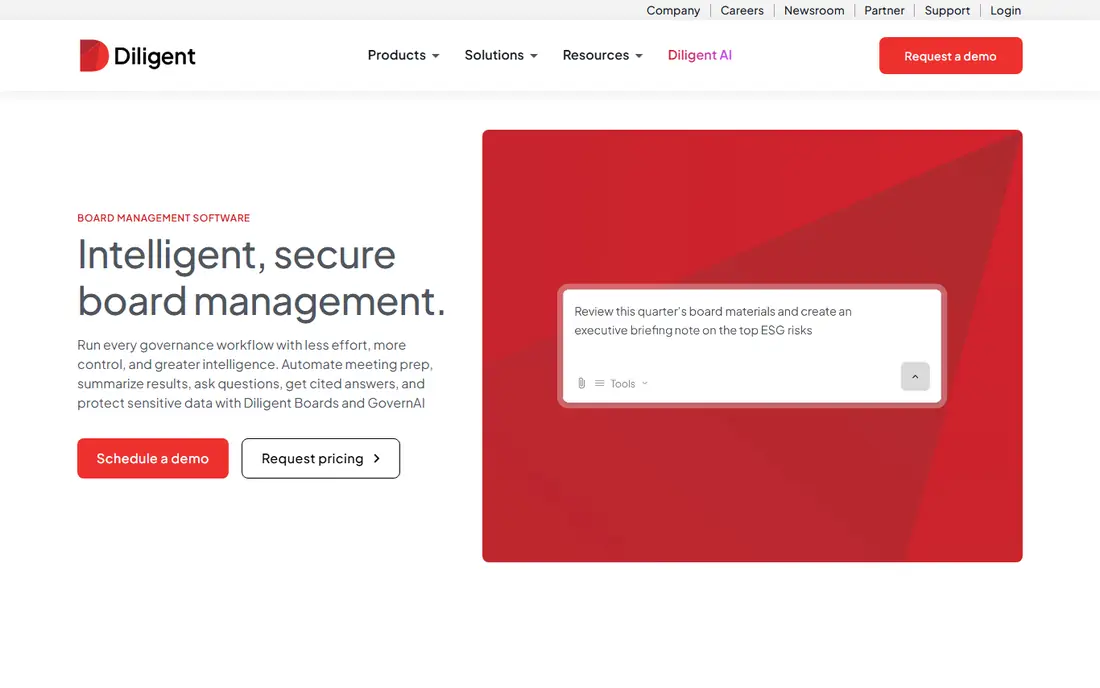
In short, Diligent Boards is for corporate boards that require governance depth and compliance tooling. For public firms and large private businesses with compliance obligations, that depth is the point.
Drawbacks to consider: More system than a small board needs, with the cost to match.
From a buyer's view, pricing comes from a request form and a sales call, implementation is heavier than the mid-market tools. A small nonprofit board would be paying for governance machinery it never uses. Price to start with Diligent Boards: Pricing on request. There is no free plan with Diligent Boards.
- The deepest governance feature set in the market
- Including entity management and D&O questionnaires
- No published pricing and enterprise sales process
BoardEffect
Best for: Nonprofits and healthcare boards that want guided onboarding
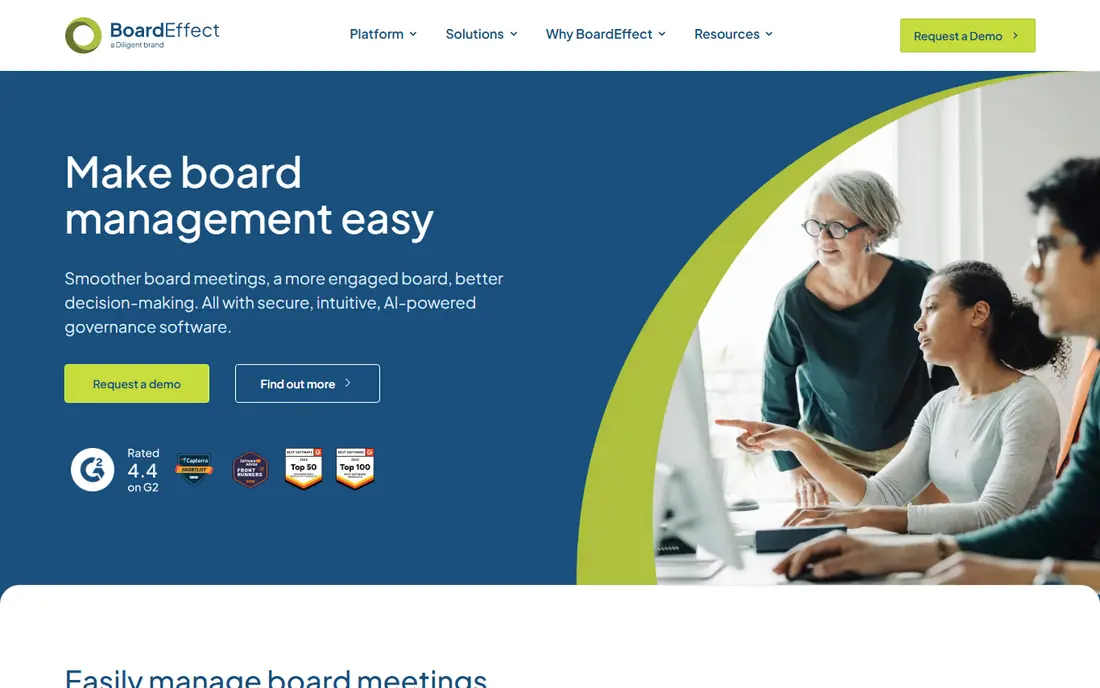
BoardEffect works best for nonprofits and healthcare boards that want guided onboarding. Pro is geared toward smaller mission-driven organizations, and Plus at large or complicated volunteer boards. Both are priced by custom quote.
Also, BoardEffect, part of the Diligent family, is the nonprofit and mission-driven counterpart to the enterprise portal. As for the details, for a nonprofit or healthcare board that wants a serious portal from an established vendor, it is a natural shortlist pick. In daily use, the system includes agendas, board books, minutes, voting, surveys and document management, with workflows tuned for nonprofit governance: committee structures, board assessments and policy libraries. What you pay to start with BoardEffect: Pricing on request. BoardEffect has no free plan.
Trade-offs to know: Interface is functional rather than modern.
- Pro and Plus plans sized for small and for large volunteer boards
- Purpose-built for nonprofit
- Corporate boards may find the governance depth thinner than Diligent
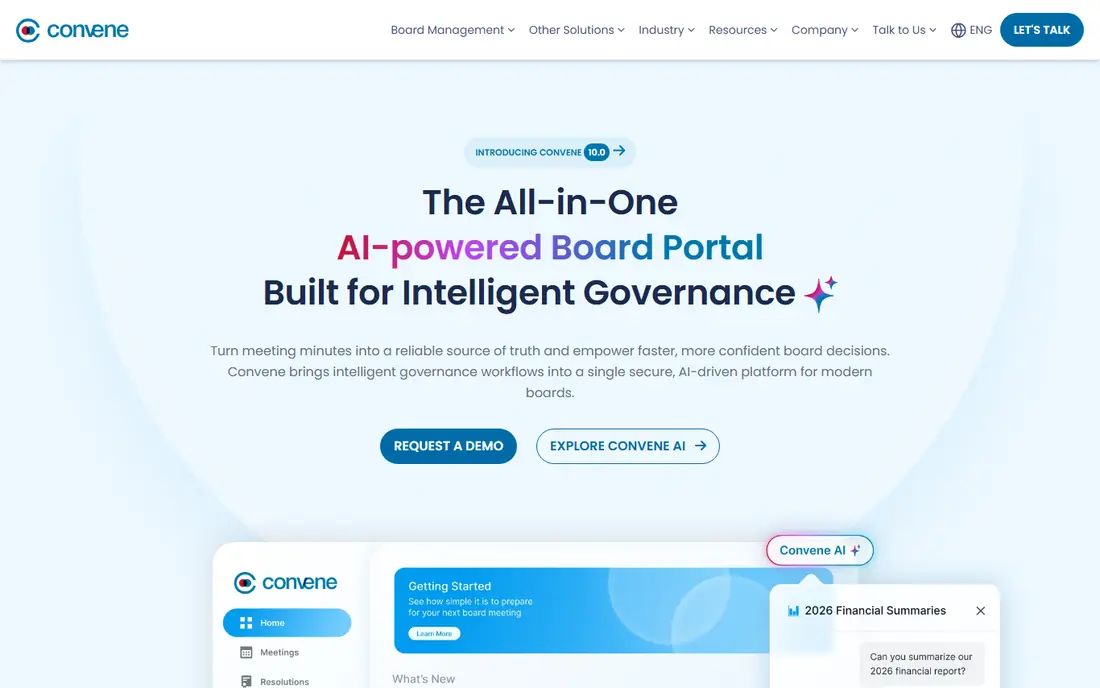
Convene is designed for Boards that meet across countries and languages. Convene, from Azeus Systems, is aimed at boards that operate across borders. On top of that, all are quote-based, and the sales team arranges free trials on request.
Points against: No published pricing.
From a buyer's view, the standard toolkit is all present: agenda builder, document library, annotations, resolutions and voting, minutes, task management and audit trails, with mobile apps for directors. Beyond that, Convene sells three plans. Lite handles meetings only, Standard brings resolutions, review rooms, the document library, reports and 24/7 support, and Enterprise layers on workspaces and enterprise search. What you pay to start with Convene: Pricing on request. Free plan details: Free trial.
- Solid multi-language support and global meeting workflows
- Serves corporate
- The Lite plan spans only the meetings module, so most boards need Standard
BoardPro
Best for: Small boards and nonprofits that require real software on a small budget
BoardPro targets small boards and nonprofits that require real software on a small budget. BoardPro is the small-board specialist, and it is one of the few portals that publishes its prices.
In daily use, for a board of five to fifteen people that just needs to run decent meetings, that is a fair trade. BoardPro cost at the entry level: $1,650/year per board. Free access: Free trial (30 days).
Drawbacks to consider: Subcommittees are billed separately (US$825/year on annual plans); Voting.
- Published prices with unlimited users on every plan
- 30-day free trial to test with real board packs
- Not the pick for public-company compliance needs
Nasdaq Boardvantage
Best for: Public-company boards already working in the Nasdaq ecosystem
Think of Nasdaq Boardvantage for public-company boards already working in the Nasdaq ecosystem. Nasdaq Boardvantage is the listed-company portal. It combines the standard board meeting workflow with the security, audit and compliance controls that public-company governance demands.
Limits to weigh: Quote-based enterprise pricing.
It links to Nasdaq's wider governance and investor relations offerings. Private firms and nonprofits should not bother; OnBoard, BoardPro or Boardable serve them better. From a buyer's view, for a public-company board, notably one already using Nasdaq services, it belongs on the shortlist. In daily use, Boards of listed businesses get a single vendor across multiple governance needs. Nasdaq Boardvantage starts at: Pricing on request. Nasdaq Boardvantage has no free plan.
- Connects with Nasdaq's broader governance and IR offerings
- Made for public-company governance with solid security and compliance
- Buying process runs through enterprise sales
OnBoard
Best for: Boards that want a modern portal directors will actually open
OnBoard was built for Boards that want a modern portal directors will actually open. OnBoard sells on adoption. Every plan contains the agenda and book builder, mobile apps, Zoom and Teams integration, annotations, permissions and unlimited groups and committees.
Strengths: mobile apps and unlimited committees on every plan.
Limits to weigh: Board assessments; No published pricing. On top of that, OnBoard sells three plans, Essentials, Premium and Ultimate, and prices them by level and number of users after a demo. Beyond that, the minutes builder, approvals, eSignatures and director engagement analytics start on Premium, which also includes a dedicated Customer Success Manager. Price to start with OnBoard: Pricing on request. Trial and free access: Free trial.
- AI Assist for board books included on every plan
- Modern interface with capable director adoption
- D&O questionnaires and SSO need Ultimate or a premium add-on
Govenda makes the most sense for corporate boards that want a focused, director-friendly portal. Govenda (formerly BoardBookit) positions between the enterprise suites and the small-board tools.
Where it shines: Focused agenda; assessments and a D&O suite for corporate boards.
Pricing is quote-based, but Govenda says every plan bundles unlimited users, no implementation fees and 24/7 support. Govenda starts at: Pricing on request. There is no free plan with Govenda. Points against: Owned by OnBoard's parent company since 2024, so ask about the long-term roadmap.
- Unlimited users and no implementation fees
- Voting and minutes workflow that directors learn rapidly
- No published pricing
Boardable
Best for: Nonprofit boards that want meetings plus board management extras
Boardable is aimed squarely at nonprofit boards that want meetings plus board management extras. Boardable aims at the nonprofit board that needs more than meeting software but less than an enterprise portal. Essentials opens at $20.99 per user a month billed yearly, Professional at $29.99 and Professional+ at $35.99, with lower per-user rates for bigger teams. eSignatures and governance forms start on Professional.
Alongside agendas, board packets, minutes and a document center, it layers on task tracking, discussions between meetings and dedicated workspaces for committees. In practice, the interface is approachable for volunteer board members who are not software people. Pricing is published, which is rare in this category. The compliance and security story is lighter than Diligent or Nasdaq Boardvantage, which is fine for a community nonprofit and wrong for a public company. Boardable pricing: $20.99/user/month. Free access: Free trial (14 days).
Where it falls short: Per-user pricing layers on up for large boards.
- Published per-user prices with volume discounts
- Approachable interface for volunteer board members
- ESignatures need Professional ($29.99/user/month) and AI minutes need Professional+ ($35.99)
How these tools were picked
Pricing pages, product documentation and feature lists were the main sources, and every entry carries at least one honest drawback. Treat prices as a snapshot: vendors change plans often, so check the vendor site for the figure that applies today. The sequence is a judgement call: typical use case first, then pricing transparency, then free access. Use the profiles to check fit.
What to confirm before you sign up
- Prices are a starting point; Boardable shows $20.99/user/month to start, so verify what your seat count would cost.
- Run a trial of Convene, BoardPro, OnBoard and Boardable with real work before paying for a year; your own workflow is the best test.
- Read the limits listed for Diligent Boards first: no published pricing and enterprise sales process.
- Confirm minimum seats and billing terms with BoardPro before you commit to an annual plan.
- Find out whether the entry plan of Govenda covers your must-haves or only a trimmed-down version.
FAQ
Do these tools publish their prices?
Yes. Every tool from Diligent Boards to Boardable shows a starting price, though seats, add-ons and billing terms still change the final cost.
Is Diligent Boards the right pick for everyone comparing board meeting software?
No single tool suits every team. Diligent Boards comes first because it fits corporate boards that need governance depth and compliance tooling, while BoardEffect suits nonprofits and healthcare boards that want guided onboarding and Convene suits Boards that meet across countries and languages. Match the tool to your own size, budget and workflow before deciding.
How are the tools for board meeting software ordered?
The order follows typical fit for board meeting software, with Diligent Boards first and Boardable last, then price clarity and free access. It is editorial judgement, not a score, so another team could rank the tools differently.
What is a board portal?
A board portal is secure software for running board meetings: distributing agendas and board packs, storing confidential documents, taking minutes, running votes and collecting signatures. It replaces email attachments and paper packs with a controlled environment that has audit trails and granular permissions.
What is the cheapest option for board meeting software in this list?
On published monthly entry prices, Boardable is the lowest here at $20.99/user/month. Entry price is only part of the cost, because seats, add-ons and billing terms can change the total.