Best Zapier Alternatives in 2026: 8 Tools Compared
We compared the best zapier alternatives for price, app coverage and ease of use, so you can switch from Zapier without rebuilding every workflow from scratch.

- Editor's choice
 Make
Visual multi-step workflows
Starts atSee websiteVisit make.comFull review - Great alternative
 n8n
Technical teams and self-hosting
Starts atFreeVisit n8n.ioFull review - Also consider
 Microsoft Power Automate
Microsoft 365 shops
Starts at$15 per user per monthVisit microsoft.comFull review
TL;DR:
- Make is our pick for most people, with a visual builder, a free plan and a lower entry cost than Zapier for multi-step work.
- n8n is the strongest choice for technical users, because the self-hosted version has no per-run meter and code nodes sit beside visual steps.
- IFTTT and Pabbly Connect suit simple, high-volume jobs, while Workato and Tray.ai fit larger teams with enterprise systems.
- The billing unit matters more than the headline price, since tasks, operations, credits and executions are counted in different ways.
- Start on a free plan with one real workflow, then compare the monthly cost at your actual volume before you migrate everything.
Quick comparison
| Tool | Best for | Starts at | Free plan? | |
|---|---|---|---|---|
| Make | Visual multi-step workflows | See website | Yes | Visit |
| n8n | Technical teams and self-hosting | Free | Yes | Visit |
| Microsoft Power Automate | Microsoft 365 shops | $15 per user per month | Yes | Visit |
 IFTTT | Simple personal automations | $2.99 per month | Yes | Visit |
 Pabbly Connect | High-volume simple workflows | $19 per month | Yes | Visit |
 Integrately | One-click ready automations | $19.99 per month | Yes | Visit |
 Workato | Enterprise integrations | See website | Yes | Visit |
 Tray.ai | Complex business workflows | See website | Free trial | Visit |
The best zapier alternatives
Zapier earned its place by making app-to-app automation simple, but its per-task pricing can grow fast once workflows add steps. The tools below cover the same job in different ways, from visual builders to code-friendly engines. We compared official feature pages, pricing pages and public documentation to rank them by fit, not by hype.

Make, formerly Integromat, is the closest visual rival to Zapier, and for many readers it is the easiest switch. You drag modules onto a canvas, connect them with lines, and add routers and filters to split a workflow into different paths. That layout makes a ten-step process much easier to read than a long linear list, and it helps when something breaks, because you can see exactly which branch failed.
The free plan covers light use, with a monthly credit allowance and a minimum scheduling interval that suits daily or hourly jobs more than instant alerts. Paid plans add unlimited active scenarios, faster scheduling and fuller log search. The catch is the meter: Make counts credits per module step, so a long workflow costs more per run than a short one. Count your steps per run, multiply by runs per month, and you will know quickly if Make saves money for you.
- Visual canvas shows branching clearly
- Generous app catalog
- Free plan for light use
- Credit counting takes time to learn
- Free plan has slower scheduling
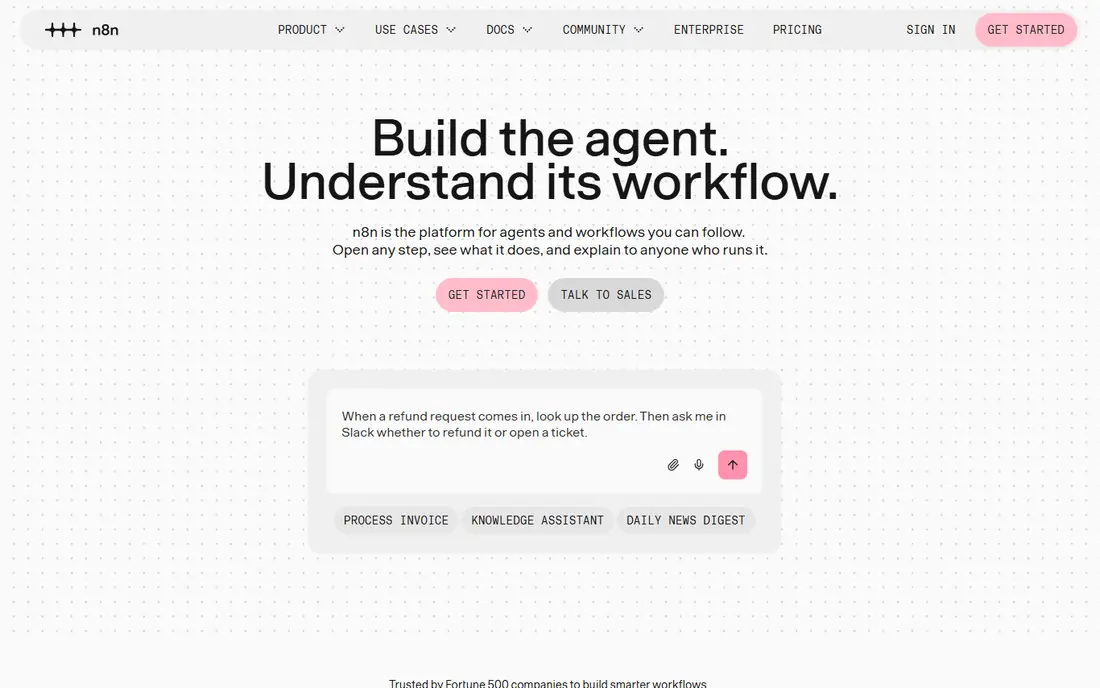
n8n is the pick for readers who are comfortable with a little technical setup and want control over cost and data. The self-hosted Community Edition is free software, and you pay only for the server you run it on, with no execution meter in the software itself. Cloud plans charge per execution, meaning one full workflow run counts once no matter how many steps it contains, which is a big difference from per-step billing.
The builder is node-based, and each node can be extended with JavaScript or Python when a ready-made integration does not do what you need. That flexibility also makes n8n a strong choice for AI agent workflows, where a model call, a database lookup and a message send need to sit in one chain. The honest trade-off is effort: the first workflows take longer to build, and self-hosting adds maintenance work. If you want the cheapest possible automation and you can run a server, that trade is worth it.
- Self-hosted Community Edition has unlimited executions
- Code nodes for JavaScript and Python
- Execution-based cloud billing
- Steeper learning curve
- Self-hosting means you handle updates and backups
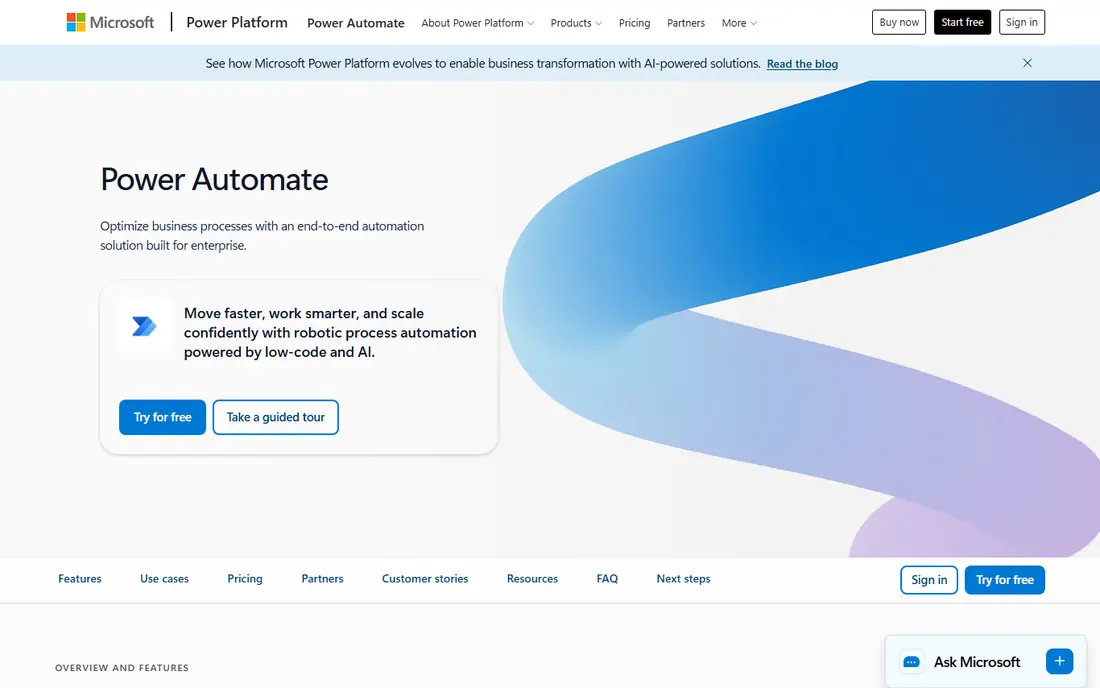
Power Automate is the natural Zapier alternative inside a Microsoft 365 business, because it lives in the same tenant as Outlook, SharePoint, Teams and OneDrive. Many standard flows are already included with a Microsoft 365 plan, using standard connectors only, so approval flows and SharePoint notifications may cost nothing extra. That alone can make it the cheapest option for a Microsoft-heavy team.
Paid Premium licensing adds premium connectors, desktop flows in attended mode and AI Builder credits, priced per user. Process licensing, priced per bot, suits unattended work that runs without a person starting it. The catch is scope: once a flow touches Salesforce, a database or another outside system, you need the paid tier, and every person who runs certain flow types may need a license. If most of your work stays inside Microsoft apps, Power Automate is hard to beat. If it crosses many outside tools, a task-based tool may be simpler to budget.
- Deep Microsoft 365 and Teams integration
- Desktop automation included on paid plans
- Strong admin controls
- Per-user licensing can add up
- Non-Microsoft apps often need a paid plan
IFTTT is the simplest tool on this list, and that is its whole point. You build Applets in an if-this-then-that pattern, pick a trigger and an action, and you are done in minutes. It works well for personal jobs like saving social posts to a sheet, getting a weather alert, or turning on a smart-home device when you arrive somewhere. The mobile apps are polished, and the ready-made Applet library means you often do not need to build from scratch.
The free plan allows two Applets with unlimited runs, which is enough to test the idea but not to run a household or a small business. Pro raises the Applet limit and adds multi-action Applets, webhooks and faster speeds, while Pro+ removes the cap and adds filter code and AI services. IFTTT is not the tool for branching business logic or detailed debugging, and its logs will not always explain a partial failure. For simple, reliable personal automation at a low price, it remains a good pick.
- Very easy to set up
- Strong smart-home and mobile support
- Low paid price
- Free plan allows only two Applets
- Limited branching and error detail
Pabbly Connect pitches itself on price, and for high-volume simple workflows the math often supports that pitch. Its free plan includes 100 tasks a month, and the Standard plan includes 10,000 tasks a month. The key detail is what does not count: internal steps such as filters, routers and formatters do not consume tasks, only calls out to connected apps do. That means a multi-step workflow that touches two outside apps costs far less here than on a platform that bills every step.
Pabbly also sells one-time lifetime plans, which suit a solo operator who expects to run the same workflows for years and dislikes another monthly bill. The trade-offs are real: the app catalog is smaller than Zapier, the builder is less polished, and support on a one-time plan is limited, according to vendor documentation and reviews. If your workflows are simple, repetitive and high volume, Pabbly is worth a serious look. If you need rare apps or deep debugging, test those exact connections before you commit.
- Internal steps do not count as tasks
- One-time lifetime plans are offered
- Low monthly price for volume
- Smaller app catalog than Zapier
- Interface feels less polished
Integrately is built for people who want automation without building from a blank canvas. Its library offers ready-made automations that you can switch on with a click, connecting common pairs of apps for jobs like adding form leads to a CRM or posting new orders to a channel. That approach cuts setup time a lot, and it is a good fit for small business owners who know what outcome they want but do not want to learn a builder first.
The free plan includes 100 tasks and five automations, which is enough to prove the concept. Starter adds more tasks, automations and premium apps, and Professional adds branching, iterators and more tasks. The limit to keep in mind is depth: Integrately handles common paths well, but complex conditional logic and custom data work are stronger in Make or n8n. If your main need is a set of standard connections running reliably, Integrately gives you that with very little setup.
- Huge library of one-click automations
- Low learning curve
- Live chat support on paid plans
- Free plan caps tasks and automations
- Advanced logic is more limited than Make or n8n
Workato sits at the enterprise end of this list, and it should be judged on that basis. It connects large business systems such as Salesforce, SAP and NetSuite, supports on-premises systems, and adds governance, audit trails and API management around the automations. Its AI agents, called Genies, can act through connected apps, and its recipe builder supports the kind of multi-system processes that small tools struggle with, like quote-to-cash work across several departments.
A free tier with a one-time credit allowance lets smaller teams try the platform, and published Pro pricing starts at a modest monthly level for limited credits, but full enterprise deployments are quote-based and can run far higher. That is the honest catch: Workato is not a cheap Zapier swap for a solo user. It is the right choice when reliability, security controls and deep enterprise connectors matter more than the monthly bill, and when an IT team will own the automations.
- Strong enterprise connectors and governance
- AI agents and API management in one platform
- Free credit allowance to try it
- Enterprise pricing is high and often quote-based
- Overkill for small teams
Tray.ai, formerly Tray.io, is a low-code automation platform aimed at business technologists and technical teams. Its visual builder supports loops, branches and advanced logic, and it connects hundreds of apps for data movement and process automation across a whole stack. The Merlin AI builder and pre-built agents add a newer layer, letting teams describe a process and generate parts of a workflow, then refine it by hand.
Tray.ai also offers enterprise security features, including single sign-on, audit logs and data residency options, which matter for regulated teams. The downside is transparency: pricing is largely quote-based, with a free trial rather than a permanent free plan, so small teams cannot always see the cost up front. If your workflows are complex, cross many systems and need to scale, Tray.ai deserves a demo. If you need a simple, self-serve price and a quick start, Make or Pabbly will get you moving faster.
- Visual builder handles complex logic
- AI agent builder and pre-built agents
- Strong enterprise security options
- Pricing is largely quote-based
- Steeper learning curve than Zapier
How we picked these
We compared official pricing pages, feature pages and public documentation for tools that connect apps and run multi-step workflows without code, or with optional code. We kept only tools that are live and supported in October 2026, and we favored a mix of visual builders, code-friendly engines, personal tools and enterprise platforms, so different budgets and skill levels are covered. Prices were checked against vendor pages and recent pricing coverage, and where sources disagreed we used See website rather than printing a disputed number. We did not claim hands-on testing, and we did not add LinkVetted itself to the list.
What to check before you switch
Start with an inventory, not a subscription. List every Zap or workflow you run, note the apps it touches, how often it runs, and how many steps it has. That list decides the billing unit that matters: a tool that bills per task will punish long workflows, a tool that bills per operation will punish busy ones, and a tool that bills per user will punish large teams. Run the same workflow on a free plan or trial in two finalists and compare the real monthly cost, not the headline plan price.
Check app coverage for your exact tools, not just the total catalog size. A catalog of thousands of apps means little if your CRM, form tool or accounting app has only a basic trigger. Test error handling too: turn off a connection, send bad data, and see how clearly the tool reports the failure and lets you retry. Finally, check export and portability. The easiest time to leave a platform is before you build fifty workflows on it, so favor tools that let you export definitions or at least document each workflow clearly as you build it.
A simple switching plan
Pick one low-risk workflow first, such as a lead notification or a sheet update, and rebuild it in the new tool. Run both versions in parallel for a week, compare the results, and only then move the next workflow. Keep Zapier active until the last critical workflow has a proven replacement, and note any polling delays on the new tool, since some plans check triggers every few minutes rather than instantly. That slow, parallel approach avoids the classic migration failure, where a whole business process breaks on the day of the switch.
FAQ
What are the best zapier alternatives for small businesses?
Make and Pabbly Connect are strong starting points for small businesses, because both offer free plans and lower costs for multi-step or high-volume work than Zapier at comparable volumes. Integrately suits owners who want ready-made automations with little setup. The right choice depends on your workflow length, your app list and how much building you want to do yourself.
Are there free alternatives to zapier?
Yes. Make, n8n, IFTTT, Pabbly Connect and Integrately all offer free plans or a free self-hosted edition, though each free plan has limits on tasks, credits, executions or active automations. n8n self-hosted is the most generous for volume, since the software itself has no execution meter, but you still pay for hosting. Read the free plan limits before you build a business process on one.
What are the top zapier alternatives for developers?
n8n is the top choice for developers, thanks to code nodes, HTTP request nodes and self-hosting, plus execution-based billing that keeps long workflows affordable. Tray.ai and Workato also suit technical teams, with stronger enterprise connectors and governance. Make sits between the two groups, with a visual builder that technical users can still extend with custom logic.
Are there zapier alternatives open source?
n8n is the best-known open source style option here, with a fair-code licensed Community Edition you can self-host. Tray.ai and Workato are not open source, and Make, IFTTT, Pabbly Connect and Integrately are closed cloud products. If full control over data and hosting matters, self-hosted n8n is the clearest fit, provided you accept the maintenance work.
What are the top alternatives to zapier for Microsoft 365 users?
Microsoft Power Automate is the top alternative for Microsoft 365 users, because standard flows are often included with a Microsoft 365 plan and the tool runs inside your tenant with admin controls. It also adds desktop automation that Zapier does not offer. The trade-off is that premium connectors and wider app coverage usually require a paid license.
Is switching from Zapier hard?
Switching is straightforward for simple workflows and harder for complex ones, because triggers, field mappings and error handling differ between platforms. Rebuild one workflow at a time, run old and new versions in parallel, and test failure cases before you cancel. Most tools offer templates or import help, but a careful parallel run is still the safest path.