Choosing Meeting Agenda Software for Project Managers in 2026: 6 Options Compared
Weighing the best meeting agenda software for project managers? We lined up 6 products by cost, free access and fit. Verdicts stay brief and factual. No filler.
- Editor's choice
 Asana
Integrating agendas with project workflows
Starts at$10.99 per user a monthVisit asana.comFull review - Great alternativeHypercontext
Automating post-meeting tasks and multilingual support
Starts at$2.90 per meeting hourVisit hypercontext.comFull review - Also consider
 Fellow
Secure AI meeting management for regulated teams
Starts at$7 per user a monthVisit fellow.appFull review
Direct answer
Our first pick is Asana, best for integrating agendas with project workflows. Listed starting prices: Asana from $10.99 per user a month, Hypercontext from $2.90 per meeting hour and Fellow from $7 per user a month. Hypercontext is the stronger choice for automating post-meeting tasks and multilingual support, while Fellow suits secure AI meeting management for regulated teams. Prices, free plans and limits for all 6 tools follow.
TL;DR:
- Number one here is Asana, a fit for integrating agendas with project workflows.
- Starting prices begin at $7 per user per month with Fellow.
- Check the limits for Fellow before you commit: may be overkill for small teams.
- 6 out of 6 tools include a free plan, among them Asana, Hypercontext, Fellow and ClickUp.
Last checked November 2026. Prices and plan details were read from the vendors' own pages in November 2026; vendors change plans often, so confirm the current price on the vendor site before you buy.
Quick comparison
| Tool | Best for | Starts at | Free plan? | |
|---|---|---|---|---|
| Asana | Integrating agendas with project workflows | $10.99 per user a month | Yes | Visit |
| Hypercontext | Automating post-meeting tasks and multilingual support | $2.90 per meeting hour | Yes | Visit |
| Fellow | Secure AI meeting management for regulated teams | $7 per user a month | Yes | Visit |
 ClickUp | All-in-one productivity with agenda templates | $9 per user a month | Yes | Visit |
 Notion | Configurable agenda templates and AI workspace | $10 per member a month | Yes | Visit |
 Fathom | Capturing and summarizing calls for follow-up | $15 per user a month | Yes | Visit |
The best meeting agenda software for project managers
This LinkVetted guide covers 6 meeting agenda software for project managers. Each profile lists a starting price, free plan details, strengths and drawbacks, so you can drop poor fits quickly.
Asana makes the most sense for integrating agendas with project workflows. Project managers can build meeting agendas within Asana, link them to tasks and projects, and track action items smoothly. Its AI agents help automate routine work, making it a good match for teams that want meeting agendas tightly integrated with project execution.
Points against: May need extras for advanced meeting notes.
More specifically, teams that require advanced meeting documentation or AI-powered summaries may have to integrate a separate meeting assistant. Asana is work and project management software for teams and AI agents, enabling users to plan, automate, and execute critical workflows together. Asana's meeting agenda capabilities are secondary to its project management strengths. It does not offer specialized meeting recording or transcription features. Asana starts at: $10.99 per user per month. Asana includes a free tier.
- Merges work management with AI agents
- Capable project tracking
- Meeting agenda features are not the primary focus
Hypercontext
Best for: Automating post-meeting tasks and multilingual support
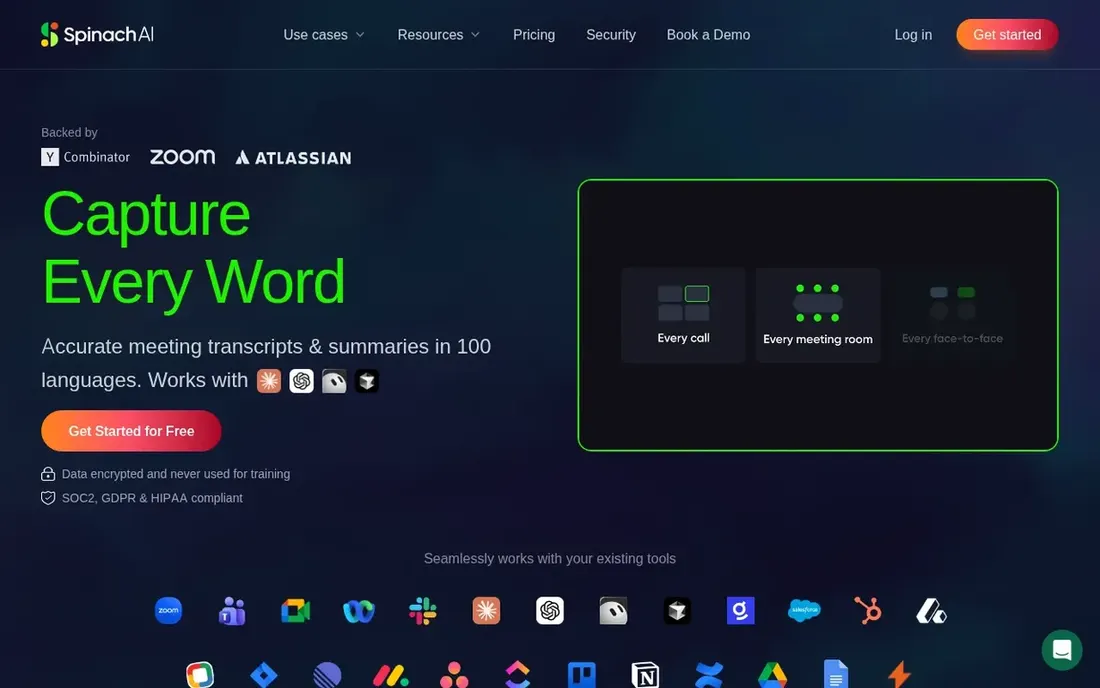
Hypercontext is designed for automating post-meeting tasks and multilingual support. Hypercontext, now branded as Spinach AI, is an AI meeting assistant that helps run meetings, summarizes conversations, and automates post-meeting tasks. It connects with existing tools and supports many different languages, making it right for global teams.
Whereas Hypercontext excels at meeting automation, it does not offer thorough project management features like task dependencies or resource planning. Also, its agenda-setting features are less solid than dedicated agenda software. Project managers who want to simplify meeting follow-ups and cut manual work will appreciate its automation capabilities. Starting cost for Hypercontext: $2.90 per meeting hour. Hypercontext has a free plan.
Honest limits: Restricted project management features.
- Runs meetings and summarizes conversations
- Automates post-meeting tasks
- May need integrations for full agenda planning
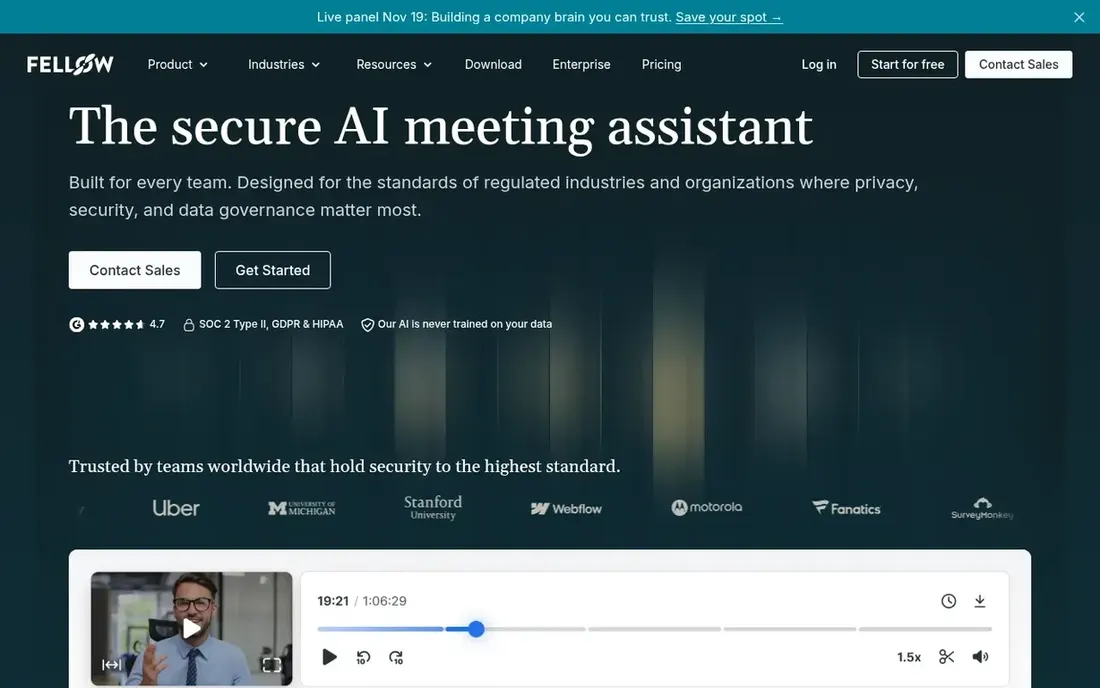
Fellow is designed for secure AI meeting management for regulated teams. Fellow is an AI meeting assistant that records, transcribes, and summarizes meetings for any team. It automatically extracts action items and offers AI summaries, making it simple to follow up.
In daily use, Fellow concentrates on meeting recording and summarization instead of deep project management. Also, its advanced security features may be unnecessary for small teams without compliance requirements. More specifically, with enterprise security and compliance controls, it suits organizations with strict data protection needs. In daily use, project managers who require reliable meeting documentation and are concerned about data privacy will find Fellow a capable choice. On cost, Fellow starts like this: $7 per user per month. A free plan is available with Fellow.
Where it is weaker: May be overkill for small teams.
- Enterprise security and compliance controls
- Automatic action items and AI summaries
- Restricted agenda customization compared with some tools
Where ClickUp fits: all-in-one productivity with agenda templates. The initial setup for agenda templates can also take time. Teams that require solid meeting documentation or AI summaries may have to integrate extra tools.
Trade-offs to know: Can be overwhelming because of numerous features.
ClickUp is an everything app for work that comes with tasks, docs, goals, and chat. Its AI capabilities help automate repetitive tasks, making it a versatile choice for teams that want to consolidate their tools and keep meeting agendas connected to project work. It lacks advanced meeting recording and transcription. ClickUp pricing: $9 per user per month. Free access exists with ClickUp. What ClickUp does well: Configurable agenda templates.
- AI-powered automation
- Chat in one app
- Meeting-specific features are entry-level
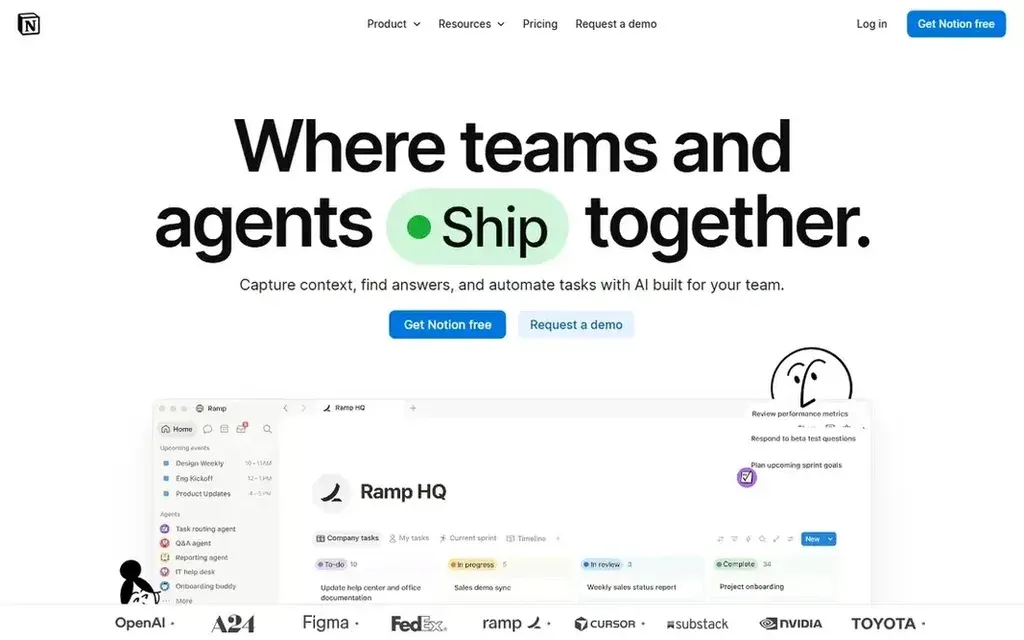
Choose Notion for configurable agenda templates and AI workspace. Notion is an AI workspace that lets teams build custom agents, search across apps, and automate busywork. It supplies an adaptable environment where project managers can build meeting agenda templates, link them to project pages, and automate repetitive tasks.
Its AI capabilities help teams get more done quicker, making it a solid fit for those who prefer a configurable, all-in-one workspace. Beyond that, Notion is not a dedicated meeting agenda tool, so it lacks built-in features like automatic meeting summaries or action item extraction. It needs initial setup to build agenda templates and workflows. Notion cost at the entry level: $10 per member per month. Free access exists with Notion.
Honest limits: Needs setup and customization.
- AI agents and automation
- Adaptable workspace for building custom agendas
- Not meeting-specific from day one
Pick Fathom if this describes you: capturing and summarizing calls for follow-up. Fathom is an AI notetaker that records, transcribes, and summarizes Zoom, Google Meet, and Microsoft Teams calls. It gives you AI-powered CRM updates for teams, making it simple to keep records in sync.
Beyond that, project managers who require dependable meeting notes and summaries without manual effort will find Fathom valuable, notably for client calls and team syncs where follow-up is critical. Also, its CRM updates are most useful for sales teams, which may not be relevant for all project managers. Price to start with Fathom: $15 per user per month. You can start on Fathom without paying.
Honest limits: Focus is on post-meeting documentation.
- Summarizes calls
- Works with major video conferencing tools
- Restricted agenda planning features
What went into this list
For each of the 6 tools we noted price, free plan or trial, fit for meeting agenda software for project managers and the main limit, using vendor pages and documentation. Where a price is missing, the vendor does not list one publicly or ties it to a quote. Always confirm before budgeting. The sequence is a judgement call: typical use case first, then pricing transparency, then free access. Use the profiles to check fit.
Pre-purchase checklist
- Prices are a starting point; Fellow shows $7 per user per month to start, so verify what your seat count would cost.
- Check what the free option really includes: Asana, Hypercontext, Fellow and others offer a free plan, and usage caps differ.
- Before choosing Asana, weigh its main limit: meeting agenda features are not the primary focus.
- Ask the daily users to test Fathom on a live task before you roll it out to everyone.
- Compare total cost, not headline price: for Notion, add extra seats, add-ons and any usage-based charges.
FAQ
What should project managers look for in meeting agenda software?
Look for tools that connect with your project management and communication systems, offer configurable agenda templates, and offer AI features like automatic summaries and action item tracking. Security and compliance are also important if you deal with sensitive information.
Do these tools publish their prices?
Yes. Every tool from Asana to Fathom shows a starting price, though seats, add-ons and billing terms still change the final cost.
What is the cheapest option for meeting agenda software for project managers in this list?
On published monthly entry prices, Fellow is the lowest here at $7 per user per month. Entry price is only part of the cost, because seats, add-ons and billing terms can change the total.
How are the tools for meeting agenda software for project managers ordered?
The order follows typical fit for meeting agenda software for project managers, with Asana first and Fathom last, then price clarity and free access. It is editorial judgement, not a score, so another team could rank the tools differently.
Are there tools that support multilingual teams?
Yes, Hypercontext (Spinach AI) supports many different languages, making it right for global teams. Other tools may have restricted language support, so check vendor documentation if multilingual support is essential.
Which options for meeting agenda software for project managers have a free plan?
6 of the 6 tools have a free plan, including Asana, Hypercontext, Fellow and ClickUp. Free plans usually cap users, projects or features, so check the limits on the vendor page.
Sources
- https://asana.com
- https://hypercontext.com
- https://fellow.app
- https://clickup.com
- https://www.notion.so
- https://fathom.video