Choosing Museum Collection Management Software in 2026: 5 Options Compared
Compare 5 picks for the best museum collection management software, with prices, free plans and who each fits. Honest caveats for every entry. No filler.
- Editor's choiceOmeka
Publishing collections and exhibitions online
Starts atSee websiteVisit omeka.orgFull review - Great alternativeRe:discovery Proficio
Art museums, archives, and historical collections
Starts at$975Visit rediscov.comFull review - Also considerMuseumPlus
Museums and corporate archives needing wide coverage
Starts atSee websiteVisit zetcom.comFull review
Direct answer
If you need publishing collections and exhibitions online, Omeka is the first tool to look at here. Listed starting prices: Re:discovery Proficio from $975. Look at Re:discovery Proficio for art museums, archives, and historical collections, and at MuseumPlus for museums and corporate archives needing wide coverage. The other 2 tools in the list cover narrower or pricier cases.
TL;DR:
- The list opens with Omeka, aimed at publishing collections and exhibitions online.
- Expect to ask for a quote from Omeka, MuseumPlus, CollectiveAccess and Gallery Systems TMS; the other tools show a starting price.
- Gallery Systems TMS suits connected collections, workflows, and digital assets.
- A fair warning about Omeka: publishing focus, not full back-office management.
Last checked November 2026. Prices and plan details were read from the vendors' own pages in November 2026; vendors change plans often, so confirm the current price on the vendor site before you buy.
Quick comparison
| Tool | Best for | Starts at | Free plan? | |
|---|---|---|---|---|
| Omeka | Publishing collections and exhibitions online | See website | Not stated | Visit |
| Re:discovery Proficio | Art museums, archives, and historical collections | $975 | Not stated | Visit |
| MuseumPlus | Museums and corporate archives needing wide coverage | See website | Not stated | Visit |
| CollectiveAccess | Open source cataloging and online publishing | See website | Not stated | Visit |
| Gallery Systems TMS | Connected collections, workflows, and digital assets | See website | Not stated | Visit |
The full museum collection management software list
Short on time? The summary and table above give the quick view of 5 tools for museum collection management software, and the profiles that follow give the detail behind each entry.
Omeka
Best for: Publishing collections and exhibitions online
Omeka is built with publishing collections and exhibitions online in mind. Its fast setup makes it widely used for launching online archives or exhibits without a long implementation.
Choose it when public display is the priority and technical resources are modest. Omeka does not show a starting price in this comparison, so check the vendor site for current pricing. Free plan details: Not stated.
Points against: Themes and plugins vary in quality.
- Free and open source
- Fast setup for online archives
- Not full back-office management
Re:discovery Proficio
Best for: Art museums, archives, and historical collections
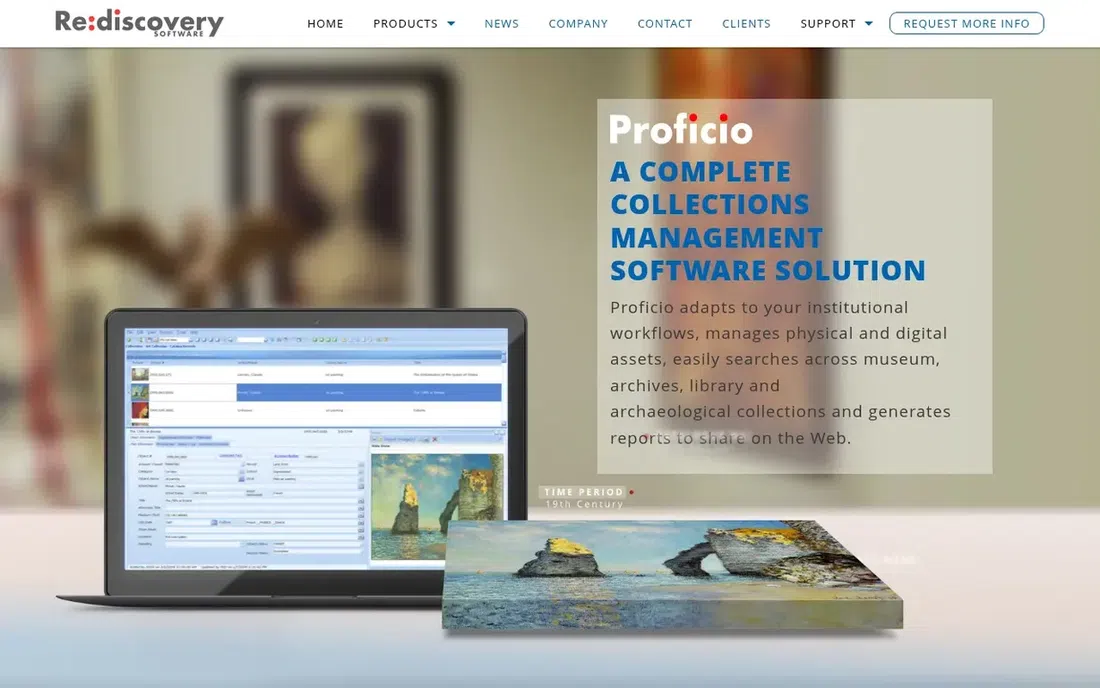
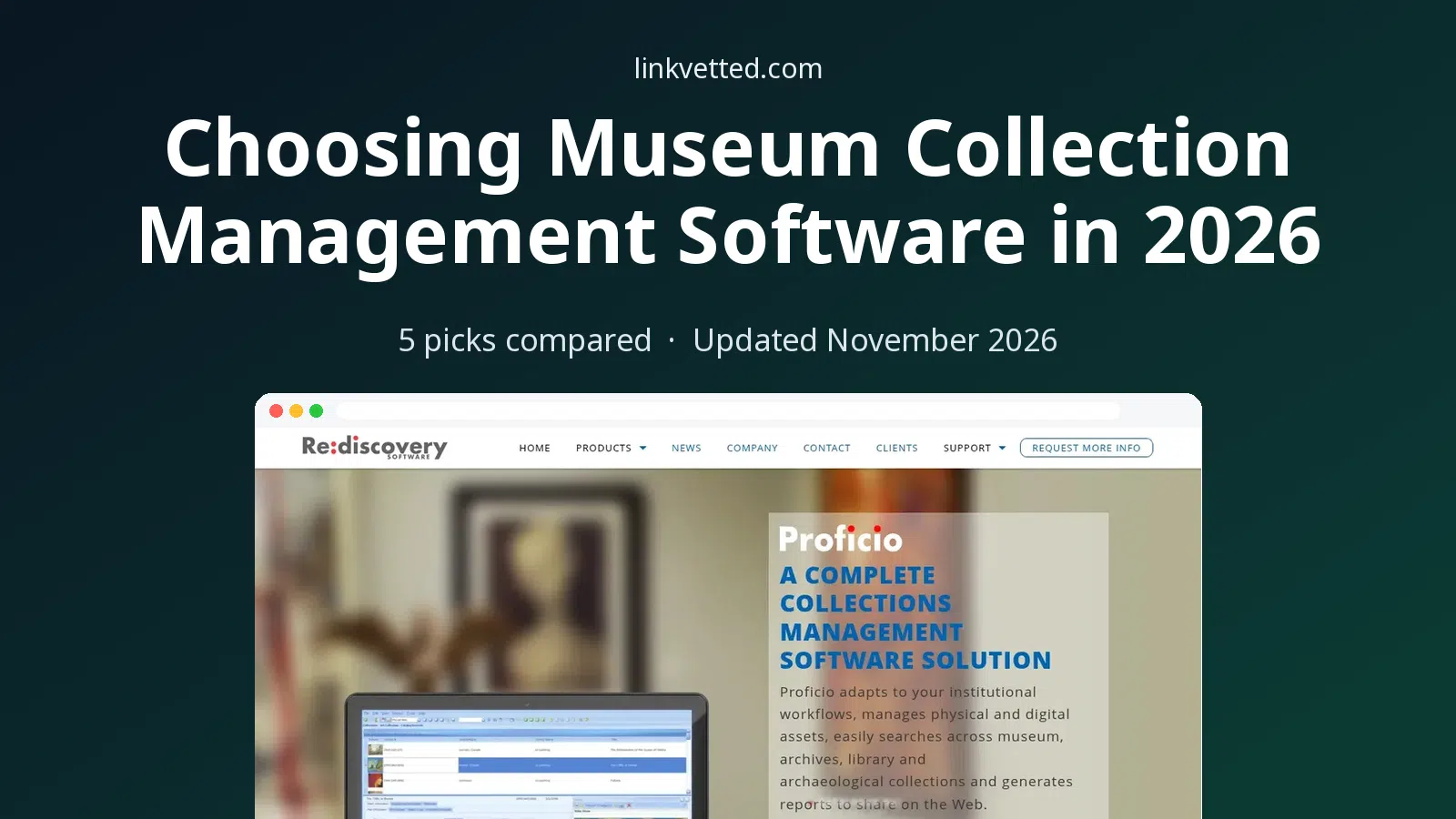
Re:discovery Proficio is aimed squarely at art museums, archives, and historical collections. The system leans toward internal cataloging more than public-facing digital experiences, so teams prioritizing online exhibitions may need additional tools.
Drawbacks to consider: Less emphasis on public web publishing.
From a buyer's view, evaluate the interface and reporting against your staff workflows during a demo. On cost, Re:discovery Proficio starts like this: $975. As for free access: Not stated. Main advantages: Aimed at art, archives.
- Serves libraries and archaeological collections
- Historical museums
- Interface may feel dated to some users
MuseumPlus
Best for: Museums and corporate archives needing wide coverage
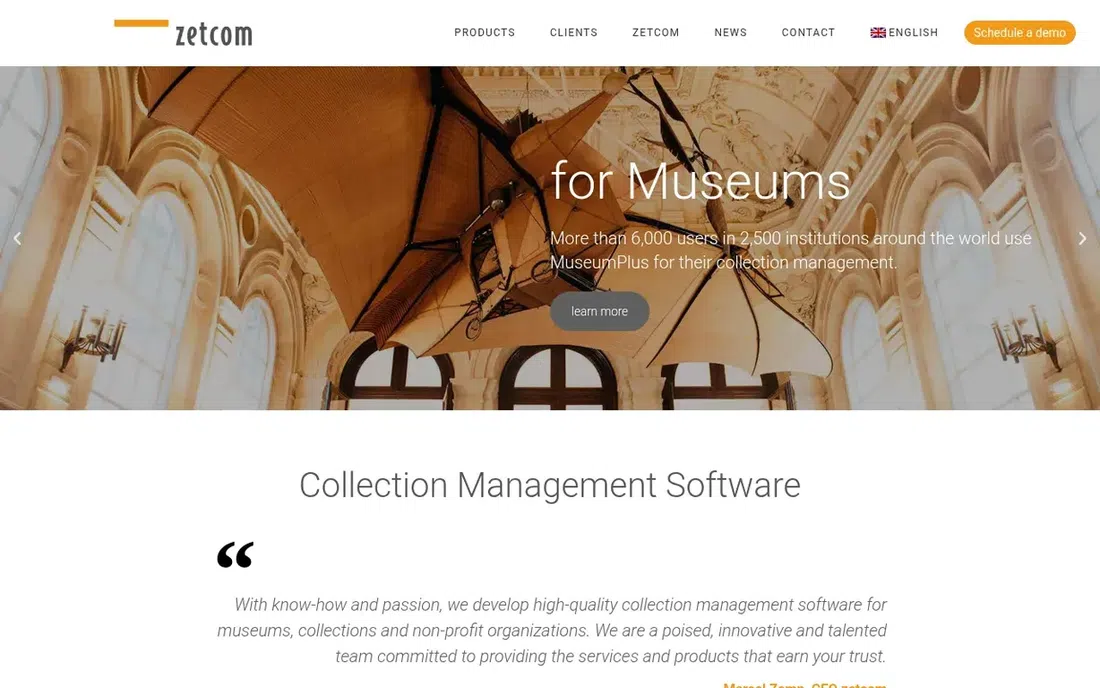
In short, MuseumPlus is for museums and corporate archives needing wide coverage. Since the system spans collections, archives, and organizational management, smaller institutions may find more capability than they need. Beyond that, groups focused purely on publishing a public exhibition online should weigh lighter options first.
Drawbacks to consider: German-centered vendor materials.
Best features of MuseumPlus: Merges software with services; Bundles organizational management features.
From a buyer's view, confirm module fit and language support straight with the vendor before committing. Beyond that, teams with varied collections and archive holdings are the natural audience, particularly where a vendor relationship for services matters as much as the software itself. MuseumPlus from zetcom is collection management software designed for museums, collections, and corporate archives, paired with services and organizational management tools. MuseumPlus shows no starting price here, so confirm the cost on the vendor site. On free options: Not stated.
- Corporate archives
- Includes museums, collections
- Wide scope may feel heavy for small teams
CollectiveAccess
Best for: Open source cataloging and online publishing
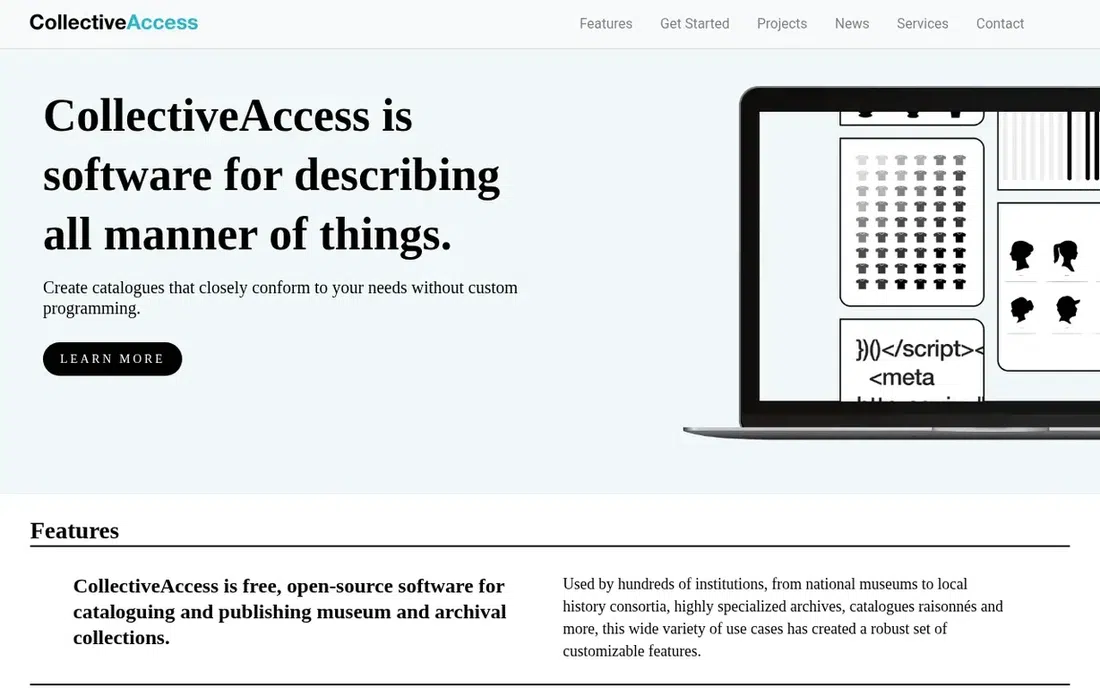
CollectiveAccess is designed for open source cataloging and online publishing. CollectiveAccess is an open source collections management product used by museums, archives, and similar organizations to catalog holdings and publish them online. It appeals to institutions with in-house technical capacity that want to shape the system around their own data standards instead of adopt a fixed vendor workflow.
Choose CollectiveAccess when control and customization outweigh convenience. Open source means your team or a partner manages installation, hosting, and upgrades, which can stretch small staffs. Adaptability across collection types is its central draw. Pricing for CollectiveAccess is not stated here, so ask the vendor for current figures. Trial and free access: Not stated.
Trade-offs to know: Needs technical setup and upkeep.
- Flexible for varied collection types
- Supports cataloging and publishing
- Support relies on community resources
Gallery Systems TMS
Best for: Connected collections, workflows, and digital assets
Gallery Systems TMS serves connected collections, workflows, and digital assets. Confirm how the workflow and asset modules map to your operations before committing.
Limits to weigh: Best value for bigger operations.
Upsides: Aimed at museums and galleries. Also, a connected product brings implementation planning and staff training, which can be substantial for lean teams. Gallery Systems TMS is museum and gallery management software for collections, workflows, data, and digital assets on a connected system. Check the vendor site for Gallery Systems TMS pricing; none is listed in this comparison. Free options: Not stated.
- Deals with digital assets on one system
- Runs collections, workflows
- Comprehensive setup needs planning
How the list was put together
We compared the tools on published pricing, free plan or trial availability, feature coverage for museum collection management software, and the limits each vendor documents. Treat prices as a snapshot: vendors change plans often, so check the vendor site for the figure that applies today. Order on the page follows fit for the typical buyer first, then price transparency and free access. Your own requirements should decide the final pick.
Before you commit
- Ask Omeka, MuseumPlus, CollectiveAccess and Gallery Systems TMS for a written quote, since no starting price is shown.
- Before choosing Omeka, weigh its main limit: publishing focus, not full back-office management.
- Price Gallery Systems TMS for your actual team size; headline prices rarely include add-ons or overage.
- Confirm the exact Re:discovery Proficio plan that includes your must-have features.
- Ask whether MuseumPlus integrates with your current software, and whether that comes standard or as an add-on.
FAQ
How are the tools for museum collection management software ordered?
Omeka sits first and Gallery Systems TMS last because the order follows typical fit for museum collection management software, then price clarity and free access. It is a judgement call, so read each profile for fit and limits.
Is Omeka the right pick for everyone comparing museum collection management software?
No single tool suits every team. Omeka comes first because it fits publishing collections and exhibitions online, while Re:discovery Proficio suits art museums, archives, and historical collections and MuseumPlus suits museums and corporate archives needing broad coverage. Match the tool to your own size, budget and workflow before deciding.
Is open source a solid fit for small museums?
Open source choices like CollectiveAccess and Omeka can suit small museums with technical support available, since they avoid vendor lock-in and offer adaptability.
Do these tools publish their prices?
Not all of them. Omeka, MuseumPlus, CollectiveAccess and Gallery Systems TMS publish no starting price, so expect a quote request for those. The rest, Re:discovery Proficio included, show a starting price, though seats and billing terms still change the final cost.
Does any tool for museum collection management software here have a free plan?
No tool in this list, Omeka and Gallery Systems TMS included, has a permanent free plan. Trials and quotes are the usual route, so plan a short evaluation period.
Sources
- https://omeka.org
- https://www.rediscov.com
- https://www.zetcom.com
- https://www.collectiveaccess.org
- https://www.gallerysystems.com