Choosing Note-Taking Software for ADHD Users in 2026: 6 Options Compared
Searching for the best Note-Taking software for ADHD users? Here are 6 options with prices and free plans. Each entry gets a plain verdict. Read the profiles.
- Editor's choice
 Bear
Straightforward Markdown writing on Apple devices
Starts atSee websiteVisit bear.appFull review - Great alternative
 Craft
Refined notes, tasks, and docs together
Starts at$4.8 a monthVisit craft.doFull review - Also consider
 Todoist
Task lists that anchor daily focus
Starts at$5 per monthVisit todoist.comFull review
Direct answer
This list puts Bear first for straightforward Markdown writing on Apple devices. Listed starting prices: Craft from $4.8 a month, Todoist from $5 per month and Notion from $10 per member a month. Alternatives: Craft for refined notes, tasks, and docs together, and Todoist for task lists that anchor daily focus. Details, prices and limits for the rest of the 6 tools are below.
TL;DR:
- The list opens with Bear, aimed at straightforward Markdown writing on Apple devices.
- Obsidian suits private linked notes for deep thinkers.
- Only 5 of the 6 tools have a free plan (Craft, Todoist, Evernote, Notion, Obsidian), so check the caps.
- Obsidian is the lowest-priced starter here at $4 per user per month.
- Evernote comes with a trade-off: interface can feel busy.
Last checked November 2026. Prices and plan details were read from the vendors' own pages in November 2026; vendors change plans often, so confirm the current price on the vendor site before you buy.
Quick comparison
| Tool | Best for | Starts at | Free plan? | |
|---|---|---|---|---|
| Bear | Straightforward Markdown writing on Apple devices | See website | Not stated | Visit |
| Craft | Refined notes, tasks, and docs together | $4.8 a month | Yes | Visit |
| Todoist | Task lists that anchor daily focus | $5 per month | Yes | Visit |
 Evernote | Fast capture of ideas and to-dos | See website | Yes | Visit |
 Notion | All-in-one notes and task workspace | $10 per member a month | Yes | Visit |
 Obsidian | Private linked notes for deep thinkers | $4 per user per month | Yes | Visit |
The best Note-Taking software for ADHD users
LinkVetted compared 6 Note-Taking software for ADHD users. The goal is a practical shortlist: published prices, free plan facts, best-fit use cases and honest limits for every entry.
Think of Bear for straightforward Markdown writing on Apple devices. For ADHD users, the appeal is a low-friction editor with few distractions, which makes it simpler to start writing at once instead of configuring a system first.
On top of that, Bear is a Markdown notes app for Mac, iPhone, and iPad, described as beautifully straightforward for capturing, writing, and organizing life. Users on Windows or Android should look elsewhere, and those who require planning tools alongside notes may prefer Craft. No starting price is listed for Bear here; confirm pricing on the vendor site. Free access: Not stated.
Drawbacks to consider: Apple devices only.
- Clean
- Distraction-light editor
- Fewer planning features
Craft makes the most sense for refined notes, tasks, and docs together. Its structured but refined editor suits ADHD users who want a calm writing space that still holds tasks and documents, reducing the need to juggle separate apps for writing and planning.
Upsides: Clean.
Trade-offs to know: Some features need the premium level.
On cost, Craft starts like this: $4.8 per month. A free plan is available with Craft.
- Structured writing surface
- Works across devices
- Less open-ended than database tools
Todoist is built with task lists that anchor daily focus in mind. Todoist is a to-do list app for organizing work and life. It pairs well with a separate notes app.
Downsides: Restricted freeform writing space.
Todoist is not aimed at long-form notes or rich documents, so users who want writing and tasks together may prefer Notion or Craft. It works best as the task layer beside a dedicated note-taking tool. The starting price for Todoist: $5 per month. Free access exists with Todoist.
- Clear task-list focus
- Works across work and life
- Not a long-form note tool
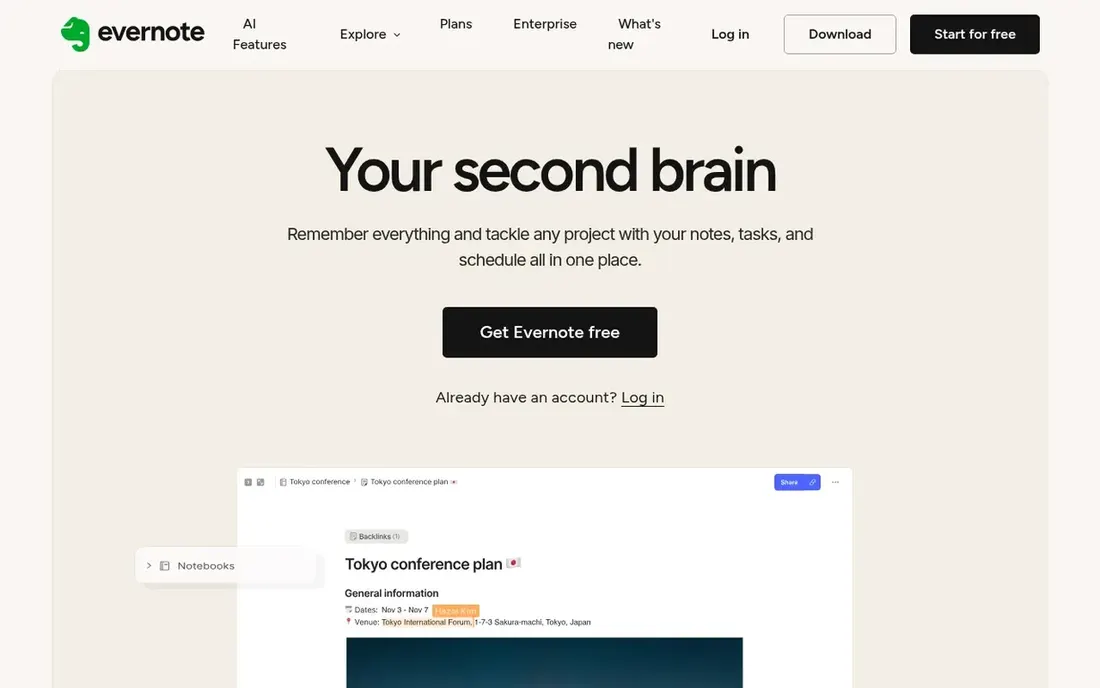
Evernote makes the most sense for fast capture of ideas and to-dos. Its structure is more fixed than a database tool, so highly custom workflows may feel constrained.
This comparison lists no price for Evernote; ask the vendor. Evernote offers a free plan.
Trade-offs to know: Less adaptable than database tools.
- Helps prioritize to-do lists
- Quick capture of ideas and projects
- Interface can feel busy
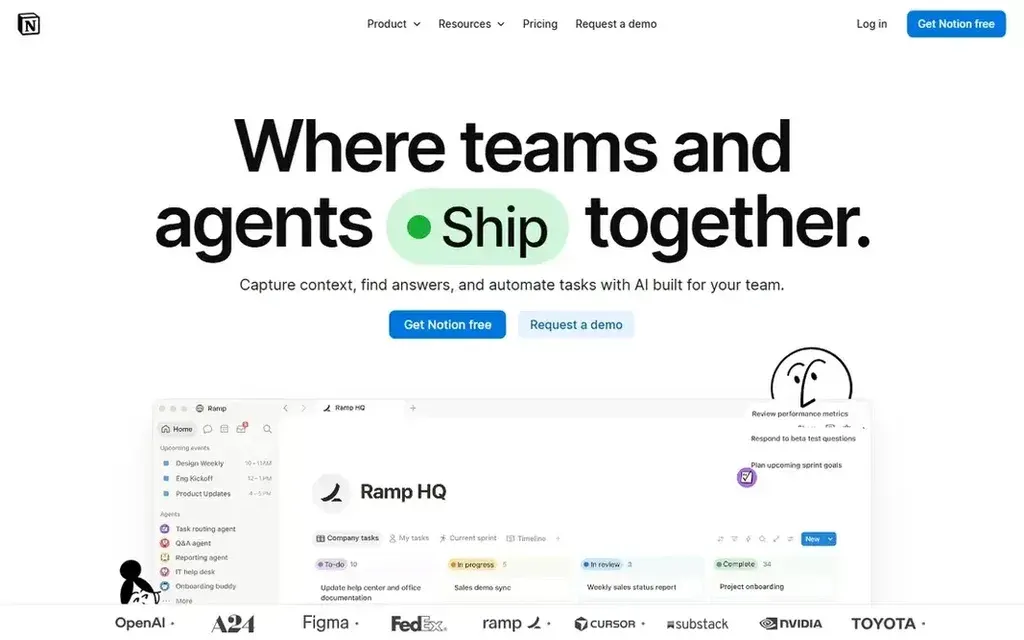
Choose Notion for all-in-one notes and task workspace. Users who require something that works at once may prefer Evernote or Bear, and those who chiefly need task lists should look at Todoist.
Drawbacks to consider: Setup takes time to configure.
Notion pricing: $10 per member per month. You can start on Notion without paying.
- Merges notes, databases, tasks
- Custom agents and cross-app search
- Feature depth can overwhelm new users
Obsidian is designed for private linked notes for deep thinkers. Obsidian is described as a free and adaptable app for private thoughts. Its linked-note model rewards users who think in connections, and for ADHD users who jump between ideas, inbound links can surface related notes without a rigid folder scheme.
Honest limits: Needs self-imposed structure.
In daily use, users who require built-in structure or task management may prefer OneNote or Todoist. As for the details, notes stay in local files, which numerous users value for privacy. Obsidian cost at the entry level: $4 per user per month. Obsidian has a free plan.
- Local files keep notes private
- Adaptable for personal knowledge work
- Plugin setup can distract
How we compared the tools
LinkVetted used vendor pricing pages and product documentation as the base, then compared plans, free access and documented limits for 6 tools. Prices and plan limits come from vendor pages and can change, so confirm them on the vendor site before you buy. The order reflects how well each tool fits the most common buying scenario for Note-Taking software for ADHD users, then price clarity, then free plan access. It is a starting point, not a verdict.
Before you commit
- Ask Bear and Evernote for a written quote, since no starting price is shown.
- Read the fine print on the free plans from Craft, Todoist, Evernote and others; seat, project and feature caps differ.
- Read the limits listed for Bear first: Apple devices only.
- Add up seats, add-ons and usage charges for Bear before comparing it with cheaper entries.
- Confirm that Evernote connects to the apps your team already uses, on the plan you would actually buy.
FAQ
Which options for Note-Taking software for ADHD users have a free plan?
Craft, Todoist, Evernote, Notion and Obsidian offer a free plan in this list. Free plans usually cap users, projects or features, so check the limits on the vendor page.
What makes note-taking software ADHD friendly?
Low-friction capture, visible structure, and straightforward task support tend to matter most. Tools that cut the number of decisions before writing something down help users avoid losing ideas.
How are the tools for Note-Taking software for ADHD users ordered?
Bear sits first and Obsidian last because the order follows typical fit for Note-Taking software for ADHD users, then price clarity and free access. It is a judgement call, so read each profile for fit and limits.
Is a straightforward app better than a feature-rich one?
Simplicity lowers the setup burden and distraction risk, which helps some users start quicker. On top of that, feature-rich tools offer more structure but can invite endless configuration.
Do these tools publish their prices?
Not all of them. Bear and Evernote publish no starting price, so expect a quote request for those. The rest, Craft included, show a starting price, though seats and billing terms still change the final cost.
Is Bear the right pick for everyone comparing Note-Taking software for ADHD users?
No single tool suits every team. Bear comes first because it fits simple Markdown writing on Apple devices, while Craft suits polished notes, tasks, and docs together and Todoist suits task lists that anchor daily focus. Match the tool to your own size, budget and workflow before deciding.
Sources
- https://bear.app
- https://www.craft.do
- https://todoist.com
- https://evernote.com
- https://www.notion.so
- https://obsidian.md