Best Note-Taking App for Students with ADHD in 2026: 5 Tools Compared
Best note-taking app for students with ADHD: 5 tools compared on price, free plans and fit. The weak spots sit next to the strengths. Read before you buy.
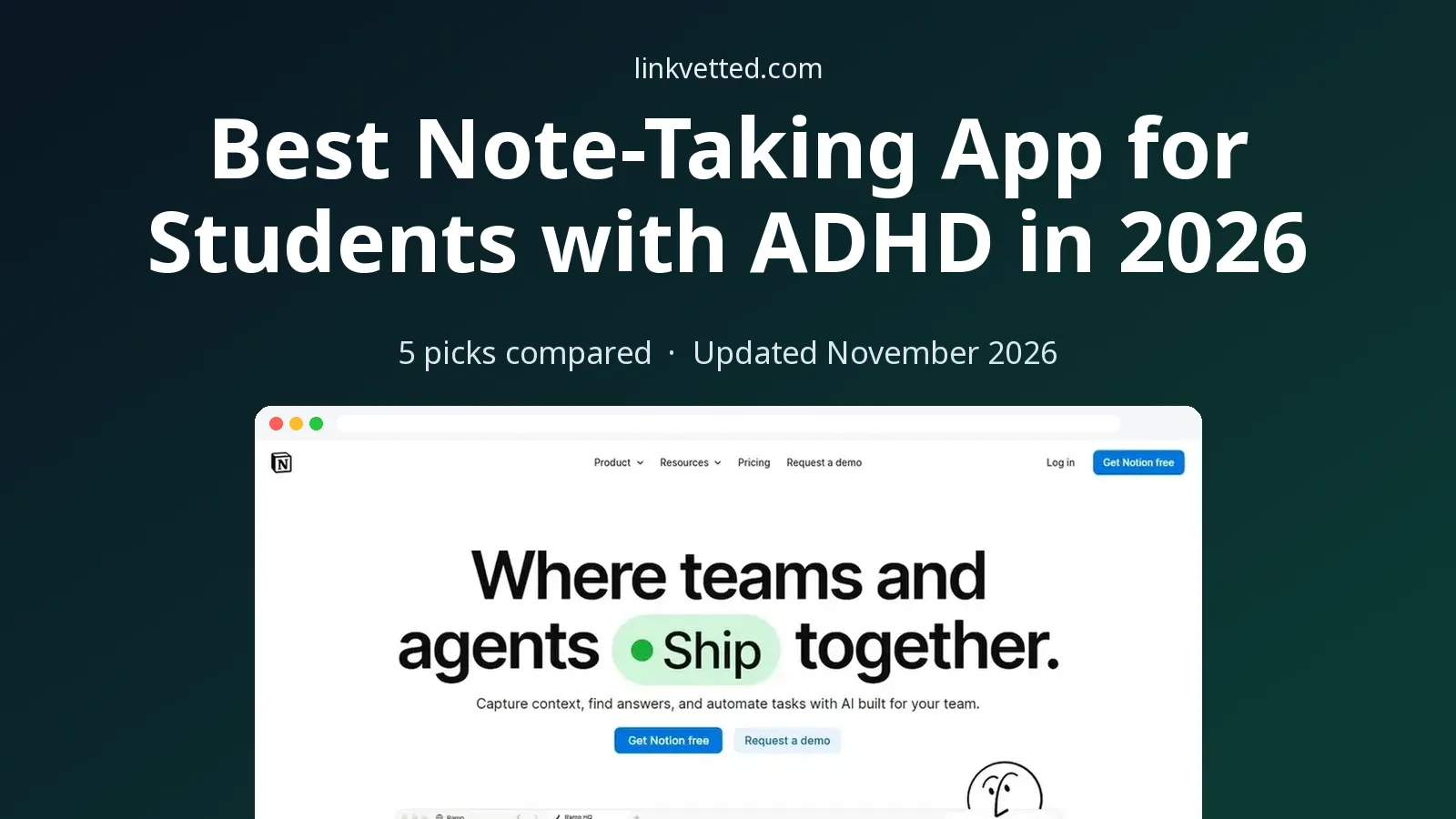
- Editor's choice
 Trello
Visual boards for assignments
Starts at$5 per user a monthVisit trello.comFull review - Great alternative
 Obsidian
Private, adaptable thinking space
Starts at$4 per user a monthVisit obsidian.mdFull review - Also consider
 Notion
All-in-one notes and task tracking
Starts at$10 per member a monthVisit notion.soFull review
Direct answer
Trello is the first pick on this list for visual boards for assignments. Listed starting prices: Trello from $5 per user a month, Obsidian from $4 per user a month and Notion from $10 per member a month. For a different need, Obsidian covers private, adaptable thinking space and Notion covers all-in-one notes and task tracking. The remaining 2 options are covered below with prices and limits.
TL;DR:
- Trello sits first on this list: visual boards for assignments.
- Trello, Obsidian, Notion, Todoist: these are the 4 tools out of 5 that offer a free plan.
- One limit worth knowing about Obsidian: setup and plugins need time and patience.
- The cheapest monthly starting price in the list is $4 per user per month, offered by Obsidian.
Last checked November 2026. Prices and plan details were read from the vendors' own pages in November 2026; vendors change plans often, so confirm the current price on the vendor site before you buy.
Quick comparison
| Tool | Best for | Starts at | Free plan? | |
|---|---|---|---|---|
| Trello | Visual boards for assignments | $5 per user a month | Yes | Visit |
| Obsidian | Private, adaptable thinking space | $4 per user a month | Yes | Visit |
| Notion | All-in-one notes and task tracking | $10 per member a month | Yes | Visit |
 Microsoft OneNote | Free-form class notes across devices | See website | Not stated | Visit |
 Todoist | Clear task lists and deadlines | $5 per month | Yes | Visit |
Note-Taking App for Students with ADHD profiles
Choosing note-taking app for students with ADHD usually comes down to price, fit and limits. This LinkVetted guide sets 5 tools side by side on those three points, with the facts kept short and checkable.
Where Trello fits: visual boards for assignments. Trello organizes to-dos on boards, lists and cards, so you can see work move from to-do to done. The drag-and-drop simplicity keeps the interaction light.
More specifically, Trello is not aimed at deep note-taking, and boards can pile up if cards are never archived. Use it for project and assignment tracking, and keep lecture notes in a dedicated notes app if depth matters to you. Starting cost for Trello: $5 per user per month. Trello includes a free tier.
Where it falls short: Restricted for long-form notes. Strengths: Straightforward drag-and-drop organization.
- Visual boards make progress simple to see
- Performs well on mobile
- Boards can grow cluttered without upkeep
Obsidian is a good fit for private, adaptable thinking space. Obsidian expects you to build your own structure, and plugins can become a rabbit hole.
Where it is weaker: Setup and plugins need time and patience.
From a buyer's view, if you need reminders, deadlines and shared task lists built in, pair it with a dedicated task app or choose a more guided workspace instead. Obsidian starts at: $4 per user per month. A free plan is available with Obsidian.
- Keeps your notes in your own files
- Links notes together for connected thinking
- Minimal guidance for new users
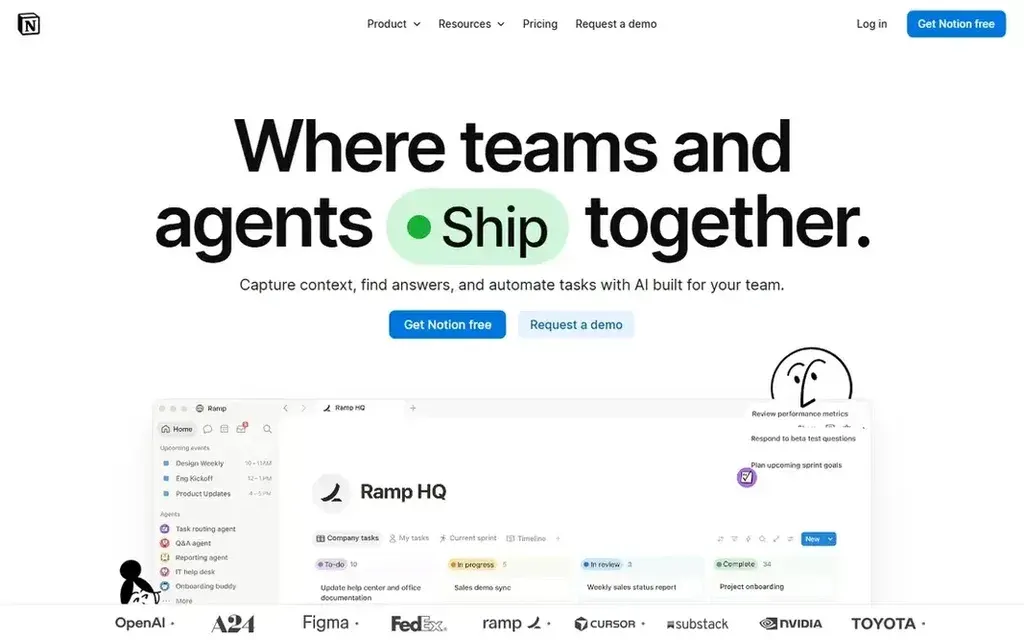
Pick Notion if this describes you: all-in-one notes and task tracking. For students with ADHD, the appeal is consolidation: class notes, assignments and reminders live together.
So there is less switching between tools and fewer places to lose information. More specifically, the adaptability is also the catch. Notion starts at: $10 per member per month. A free plan is available with Notion.
Where it falls short: Setup takes time before it feels straightforward.
- Tasks and search in one workspace
- Works across devices and teams
- Numerous features can feel overwhelming at first
Microsoft OneNote serves free-form class notes across devices. For ADHD students, the freedom to drop notes anywhere lowers the barrier to starting. That same freedom can produce sprawling notebooks where notes are hard to find later.
Beyond that, if structure is exactly what you struggle with, a tool with more solid built-in task tracking or a simpler single-list approach may work better alongside it. On top of that, Microsoft OneNote lets you capture ideas, organize notes and clip web content from any device, including in the browser. Pricing for Microsoft OneNote is not stated here, so ask the vendor for current figures. As for free access: Not stated.
Where it is weaker: Notebook structure can become messy over time.
- Capture notes anywhere
- Collaborate with classmates
- Search across sections is not always easy-to-learn
Choose Todoist for clear task lists and deadlines. Todoist is a to-do list app for organizing work and life. Its clarity is the point: tasks go in, get dated and get checked off.
On top of that, Todoist is not made for long lecture notes or research. Students with ADHD commonly benefit from a single visible list of assignments, and Todoist keeps that list front and center without the clutter of a full workspace. If you want notes and tasks in one place, an all-in-one workspace may cut app switching. The starting price for Todoist: $5 per month. Todoist offers a free plan.
Drawbacks to consider: Restricted space for long-form class notes.
- Organizes work and personal tasks
- Straightforward to-do list structure
- Not a full note-taking workspace
How we built this list
We compared the tools on published pricing, free plan or trial availability, feature coverage for note-taking app for students with ADHD, and the limits each vendor documents. Seat minimums, billing terms and add-ons can move the real cost, so the starting prices here are a guide and not a quote. Tools are placed by general fit for note-taking app for students with ADHD, with price clarity and free access as tie-breakers. A different team can reasonably rank them differently.
What to check before you buy
- Confirm the entry price on the vendor page. For Microsoft OneNote that means a quote rather than a fixed price.
- Check what the free option really includes: Trello, Obsidian, Notion and Todoist offer a free plan, and usage caps differ.
- Read the limits listed for Trello first: boards can grow cluttered without upkeep.
- Ask Notion whether prices are locked for the first term and what happens at renewal.
- Add up seats, add-ons and usage charges for Trello before comparing it with cheaper entries.
FAQ
Can I try these tools before paying?
Often, yes. Trello, Obsidian, Notion and Todoist have a free plan. Use your own data and a real task during the test, and check what the free tier or trial limits before you rely on it.
Do these tools publish their prices?
Not all of them. Microsoft OneNote publishes no starting price, so expect a quote request for it. The rest, Trello included, show a starting price, though seats and billing terms still change the final cost.
What is the cheapest option for note-taking app for students with ADHD in this list?
On published monthly entry prices, Obsidian is the lowest here at $4 per user per month. Entry price is only part of the cost, because seats, add-ons and billing terms can change the total. Prices, free plan details and limits for all 5 tools in this Note-Taking app for students with ADHD roundup sit on the individual cards above.
Is Trello the right pick for everyone comparing note-taking app for students with ADHD?
No single tool suits every team. Trello comes first because it fits visual boards for assignments, while Obsidian suits private, flexible thinking space and Notion suits all-in-one notes and task tracking. Match the tool to your own size, budget and workflow before deciding.
Is a visual board better than a list for ADHD?
Boards like Trello present movement from to-do to done, which some students find motivating. Others focus better with a plain list like Todoist, where the next task is obvious.
Sources
- https://trello.com
- https://obsidian.md
- https://www.notion.so
- https://www.onenote.com
- https://todoist.com