The 6 Best Cross-Platform Note-Taking App for Travelers in 2026, Ranked
Best cross-platform note-taking app for travelers in 2026: 6 contenders with entry costs and free tiers. Every pick includes one clear drawback. Decide faster.
- Editor's choice
 Notion
Adaptable travel workspace and automation
Starts at$10 per member a monthVisit notion.soFull review - Great alternative
 Microsoft OneNote
Digital notebooks with collaboration
Starts atSee websiteVisit microsoft.comFull review - Also consider
 Obsidian
Private, local-first travel notes
Starts at$4 per user a monthVisit obsidian.mdFull review
Direct answer
Start with Notion if you need adaptable travel workspace and automation. Listed starting prices: Notion from $10 per member a month, Obsidian from $4 per user a month and Craft from $4.8 per month. Microsoft OneNote fits digital notebooks with collaboration; Obsidian fits private, local-first travel notes. Prices, free plans and limits for all 6 tools follow.
TL;DR:
- Number one here is Notion, a fit for adaptable travel workspace and automation.
- Craft fits refined notes and docs across devices.
- Before buying Google Keep, weigh this: restricted formatting and structure.
- Obsidian is the lowest-priced starter here at $4 per user per month.
- Free plans exist at 4 of 6 tools (Notion, Obsidian, Evernote, Craft).
Last checked November 2026. Prices and plan details were read from the vendors' own pages in November 2026; vendors change plans often, so confirm the current price on the vendor site before you buy.
Quick comparison
| Tool | Best for | Starts at | Free plan? | |
|---|---|---|---|---|
| Notion | Adaptable travel workspace and automation | $10 per member a month | Yes | Visit |
| Microsoft OneNote | Digital notebooks with collaboration | See website | Not stated | Visit |
| Obsidian | Private, local-first travel notes | $4 per user a month | Yes | Visit |
 Google Keep | Fast, light travel notes | See website | Not stated | Visit |
 Evernote | All-around travel note organization | See website | Yes | Visit |
 Craft | Refined notes and docs across devices | $4.8 per month | Yes | Visit |
Cross-Platform Note-Taking App for Travelers compared in detail
This LinkVetted guide covers 6 cross-platform note-taking app for travelers. Each profile lists a starting price, free plan details, strengths and drawbacks, so you can drop poor fits quickly.

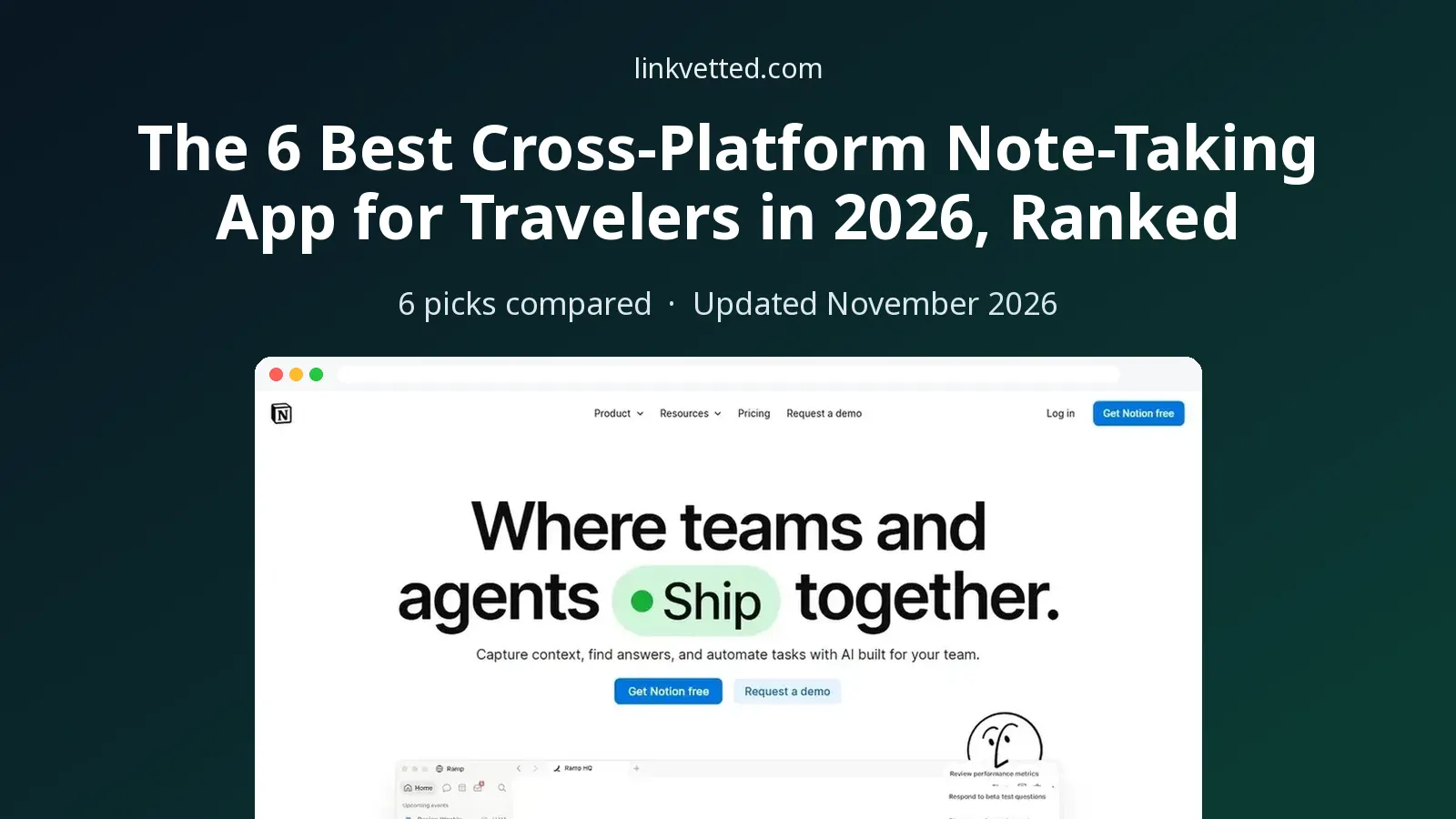
In short, Notion is for adaptable travel workspace and automation. Notion is an AI workspace where teams get more done, quicker, with tools to build custom agents, search across apps, and automate busywork.
Worth adding: the adaptability of Notion includes a ramp-up time, and fast note capture may feel slower than in more straightforward apps. As for the details, travelers who like to design their own systems can use it to plan trips, collect research, and run tasks in one adaptable space. Notion starts at: $10 per member per month. Notion has a free plan.
Downsides: Needs setup to match travel workflows.
- Build custom agents and automate busywork
- Search across connected apps
- Can be complicated for straightforward note-taking
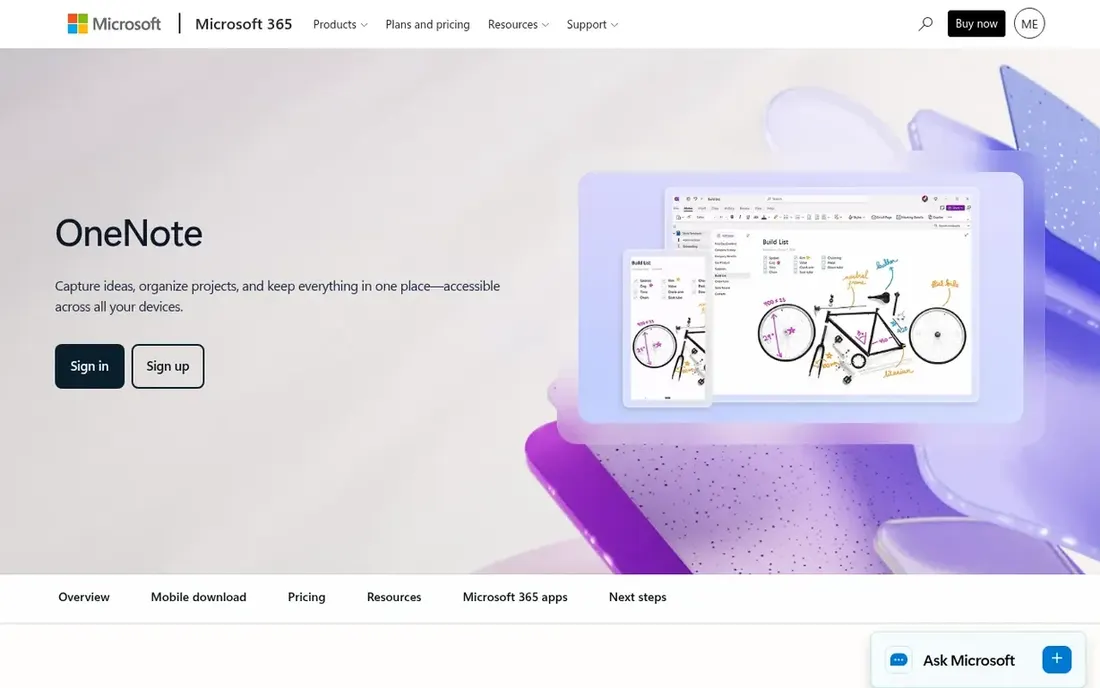
Microsoft OneNote is aimed squarely at digital notebooks with collaboration. Microsoft OneNote is a digital note-taking app that covers notebook needs with tools to strengthen organization and ease collaboration.
More specifically, travelers can keep separate notebooks for different trips and share them with companions. Choose OneNote when notebook organization and shared planning are priorities. Pricing for Microsoft OneNote is not stated here, so ask the vendor for current figures. On free options: Not stated.
Honest limits: Sync relies on account setup.
- Familiar Microsoft ecosystem
- Notebook organization for trips
- Interface can feel busy on mobile
Obsidian is aimed squarely at private, local-first travel notes. Obsidian is described as the free and adaptable app for your private thoughts.
It appeals to travelers who want their notes stored as local files and who value privacy and customization. As for the details, pick Obsidian when local ownership and customization matter more than out-of-the-box simplicity. On cost, Obsidian starts like this: $4 per user per month. Free access exists with Obsidian.
Drawbacks to consider: Needs comfort with markdown.
- Free and adaptable app
- Focus on private thoughts
- Sync setup is not automatic for all users
Google Keep targets fast, light travel notes. Google Keep is a light note-taking service from Google, widely known for fast capture of lists, reminders, and short notes. Beyond that, Google Keep is not aimed at long-form writing or elaborate organization.
So it may fall short for in-depth trip journals or research. Choose Google Keep when speed and simplicity matter most and your notes are short and list-based. Check the vendor site for Google Keep pricing; none is listed in this comparison. On free options: Not stated.
Drawbacks to consider: Not made for long-form documents.
- Works across devices with a Google account
- Well suited to lists and reminders
- Restricted formatting and structure
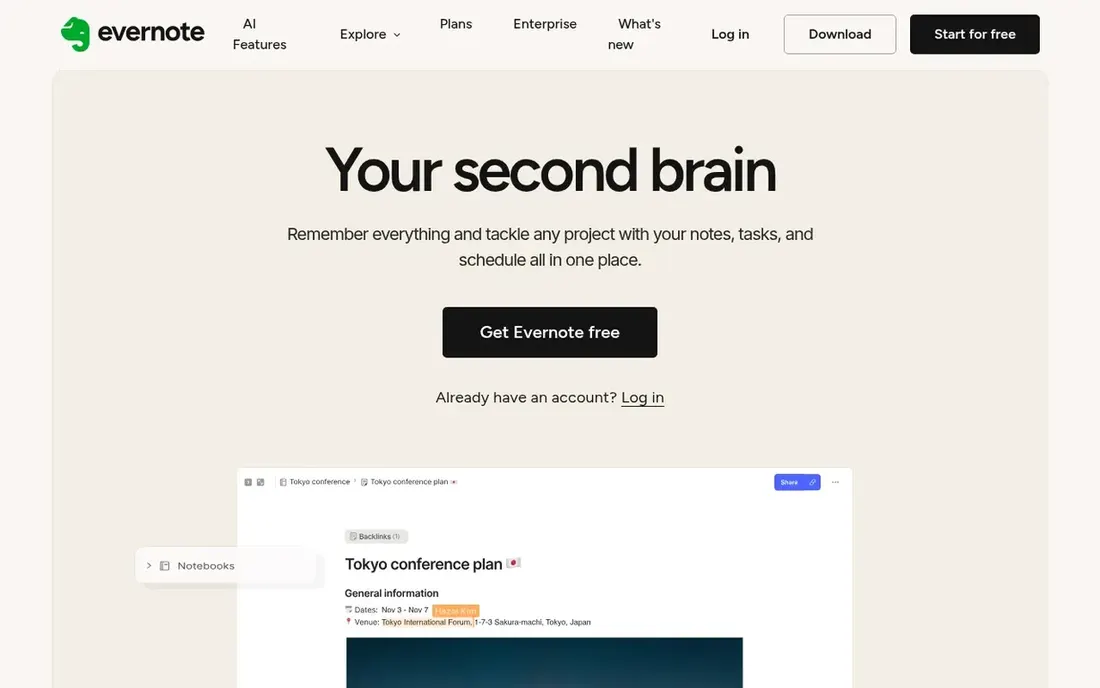
Evernote works best for all-around travel note organization. Evernote is a note-taking app meant to help you capture and prioritize ideas, projects, and to-do lists so nothing falls through the cracks. Since Evernote emphasizes organization, the interface can feel heavy if you only need fast, light notes.
Worth adding: travelers who prefer plain files or a more straightforward capture tool may want to compare alternatives. Choose Evernote when structured notebooks and cross-device organization matter more than minimalism. On top of that, for travelers, that means a single place for itineraries, packing lists, and trip notes that can be organized and revisited across devices. Evernote does not show a starting price in this comparison, so check the vendor site for current pricing. You can start on Evernote without paying.
Points against: Feature depth may overwhelm casual users.
- Organize notes across devices
- Capture ideas, projects
- Depends on account-based sync
Craft is aimed squarely at refined notes and docs across devices. Craft is a productivity app for notes, tasks, and docs that follows you across all your devices, with premium features available. Craft's premium features may be unnecessary for travelers who only need entry-level notes, and the app can feel heavier than a quick-capture tool.
Those who prefer plain text or local files might look at more straightforward choices. On top of that, travelers can draft itineraries, keep task lists, and write trip documents in a single refined environment. Craft starts at: $4.8 per month. Craft has a free plan.
The main drawbacks: May be more than casual travelers need.
- Clean productivity interface
- Follows you across all your devices
- Some features need premium access
What went into this list
LinkVetted looked at what each vendor publishes: pricing, plan limits, feature coverage for cross-platform note-taking app for travelers and stated drawbacks. No hands-on testing is claimed. Prices and plan limits come from vendor pages and can change, so confirm them on the vendor site before you buy. Position on the page reflects fit for a typical buyer first, with price clarity and free access breaking ties. Treat it as a guide, not a ruling.
Before you commit
- Get a written quote from Microsoft OneNote, Google Keep and Evernote; the list shows no starting price for them.
- Look at free plan limits closely: Notion, Obsidian, Evernote and Craft have one, and the caps decide whether it is usable for real work.
- Before choosing Notion, weigh its main limit: can be complicated for straightforward note-taking.
- Look at the renewal terms for Google Keep: auto-renewal, notice periods and price changes can matter more than the first-year price.
- Confirm that Evernote connects to the apps your team already uses, on the plan you would actually buy.
FAQ
Which cross-platform note-taking app for travelers have a free plan?
On this list, Notion, Obsidian, Evernote and Craft include a free plan. Caps on seats, usage or features are common, so test the free plan against your real workload.
Is Notion the right pick for everyone comparing cross-platform note-taking app for travelers?
No single tool suits every team. Notion comes first because it fits flexible travel workspace and automation, while Microsoft OneNote suits digital notebooks with collaboration and Obsidian suits private, local-first travel notes. Match the tool to your own size, budget and workflow before deciding.
Do these tools publish their prices?
Not all of them. Microsoft OneNote, Google Keep and Evernote publish no starting price, so expect a quote request for those. The rest, Notion included, show a starting price, though seats and billing terms still change the final cost.
What is the cheapest option for cross-platform note-taking app for travelers in this list?
On published monthly entry prices, Obsidian is the lowest here at $4 per user per month. Entry price is only part of the cost, because seats, add-ons and billing terms can change the total. Prices, free plan details and limits for all 6 tools in this Cross-Platform Note-Taking app for Travelers roundup sit on the individual cards above.
Are these apps a decent match for sharing trip plans with companions?
Microsoft OneNote and Notion bundle collaboration features that can help with shared planning. Review each vendor's collaboration tools to see what suits your group.
Sources
- https://www.notion.so
- https://www.microsoft.com/en-us/microsoft-365/onenote/digital-note-taking-app
- https://obsidian.md
- https://keep.google.com
- https://evernote.com
- https://www.craft.do