6 Note-Taking App for iPad Users Worth Shortlisting in 2026
Best note-taking app for iPad users, compared. 6 tools with published prices, free plans and limits. Concise write-ups of every option. Checked this month.
- Editor's choice
 Microsoft OneNote
Organization and collaboration in a notebook structure
Starts atSee websiteVisit microsoft.comFull review - Great alternative
 Evernote
Capturing ideas, projects and to-do lists
Starts atSee websiteVisit evernote.comFull review - Also consider
 Notion
Notes inside an adaptable team workspace
Starts at$10 per member a monthVisit notion.soFull review
Direct answer
Microsoft OneNote comes first here, mainly for organization and collaboration in a notebook structure. Listed starting prices: Notion from $10 per member a month, Obsidian from $4 per user per month and Notability from $11.99 per year. Look at Evernote for capturing ideas, projects and to-do lists, and at Notion for notes inside an adaptable team workspace. Prices, free plans and limits for all 6 tools follow.
TL;DR:
- Number one here is Microsoft OneNote, a fit for organization and collaboration in a notebook structure.
- GoodNotes fits Handwriting, whiteboards and shared notes.
- 5 of 6 tools offer a free plan: Evernote, Notion, Obsidian, Notability, GoodNotes.
- The main caution on Microsoft OneNote: can feel complicated for fast jotting.
Last checked November 2026. Prices and plan details were read from the vendors' own pages in November 2026; vendors change plans often, so confirm the current price on the vendor site before you buy.
Quick comparison
| Tool | Best for | Starts at | Free plan? | |
|---|---|---|---|---|
| Microsoft OneNote | Organization and collaboration in a notebook structure | See website | Not stated | Visit |
| Evernote | Capturing ideas, projects and to-do lists | See website | Yes | Visit |
| Notion | Notes inside an adaptable team workspace | $10 per member a month | Yes | Visit |
 Obsidian | Private, adaptable linked notes | $4 per user per month | Yes | Visit |
 Notability | Audio plus handwritten notes and study aids | $11.99 per year | Yes | Visit |
 GoodNotes | Handwriting, whiteboards and shared notes | $11.99 a year | Yes | Visit |
Tool-by-tool breakdown
Short on time? The summary and table above give the quick view of 6 note-taking app for iPad users, and the profiles that follow give the detail behind each entry.
Microsoft OneNote
Best for: Organization and collaboration in a notebook structure
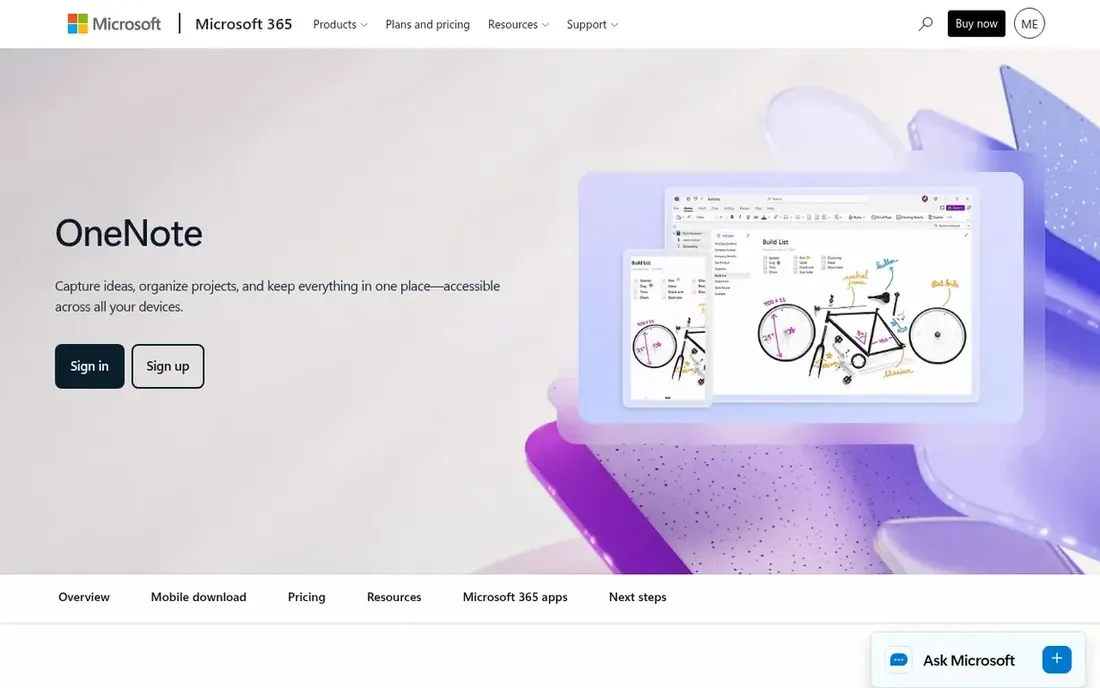
In short, Microsoft OneNote is for organization and collaboration in a notebook structure. Check how syncing and sharing work for your account type, since the experience relies on your Microsoft setup.
Honest limits: Sync behavior varies by setup.
The app supports collaboration, making it reasonable for group projects where notes have to be shared and organized over time. Microsoft OneNote shows no starting price here, so confirm the cost on the vendor site. Free access: Not stated.
- Fits users already in the Microsoft ecosystem
- Collaboration tools built in
- Can feel complicated for fast jotting
Evernote is built with capturing ideas, projects and to-do lists in mind. Evernote is not built primarily around stylus handwriting or whiteboards, so heavy annotators may prefer GoodNotes or Notability.
Review the current feature set on the vendor site to confirm it spans your specific workflow before switching. No starting price is listed for Evernote here; confirm pricing on the vendor site. A free plan is available with Evernote.
Best features of Evernote: projects and to-do lists together.
Honest limits: Handwriting is not the primary focus.
- Prioritization of captured ideas
- Long-standing cross-device note capture
- Feature set can feel wide for simple notes
Pick Notion if this describes you: notes inside an adaptable team workspace. Notion bills itself as an AI workspace for teams, with custom agents, search across apps and automation of busywork. For iPad users, that means notes can live alongside project pages, task trackers and shared documents instead of in isolation.
Watch-outs: Not centered on handwriting.
Worth adding: confirm whether the workspace features you need are available on iPad before building your setup around it. From a buyer's view, Notion rewards planning, so fast handwritten capture is not its strength and it can feel like overhead for straightforward note-taking. What you pay to start with Notion: $10 per member per month. Notion offers a free plan.
- Search across connected apps
- Merges notes with docs and databases
- Setup takes effort to be handy
Pick Obsidian if this describes you: private, adaptable linked notes. Obsidian is not primarily a handwriting or whiteboard app, so stylus-first users may find it less natural on iPad. Its adaptability also means you have to decide on a structure yourself.
In practice, if you want shared notes, audio summaries or a ready-made notebook layout, look at GoodNotes, Notability or OneNote instead. From a buyer's view, Obsidian presents itself as a free and adaptable app for private thoughts, which appeals to iPad users who want a personal knowledge base instead of a shared workspace. Obsidian pricing: $4 per user per month. Obsidian has a free plan.
Where it is weaker: Less refined for handwriting workflows.
- Fits long-term personal knowledge bases
- Adaptable structure for connected thinking
- Needs self-discipline to organize
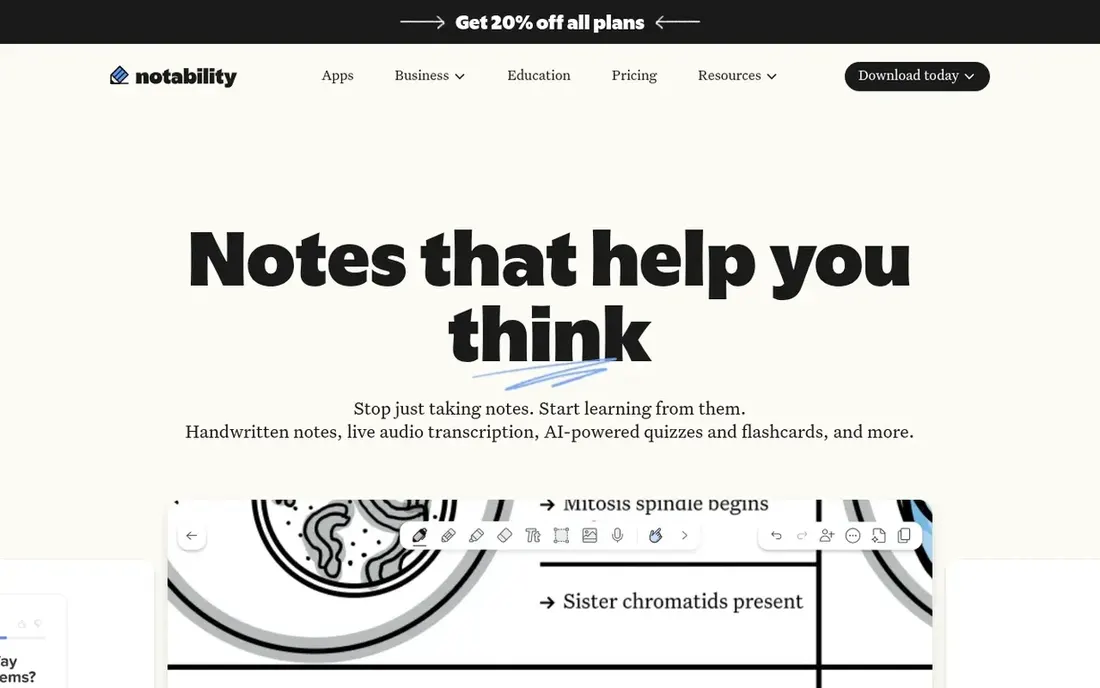
Think of Notability for audio plus handwritten notes and study aids. Confirm current feature availability on the vendor site before relying on it for exam preparation.
Drawbacks to consider: AI study features rely on supported content.
That combination suits lecture-heavy users like students who record whereas writing and later want condensed study material. Notability pricing: $11.99 per year. Notability includes a free tier.
- Turns handwritten notes and audio into summaries
- Generates flashcards and quizzes
- Less focused on shared whiteboards
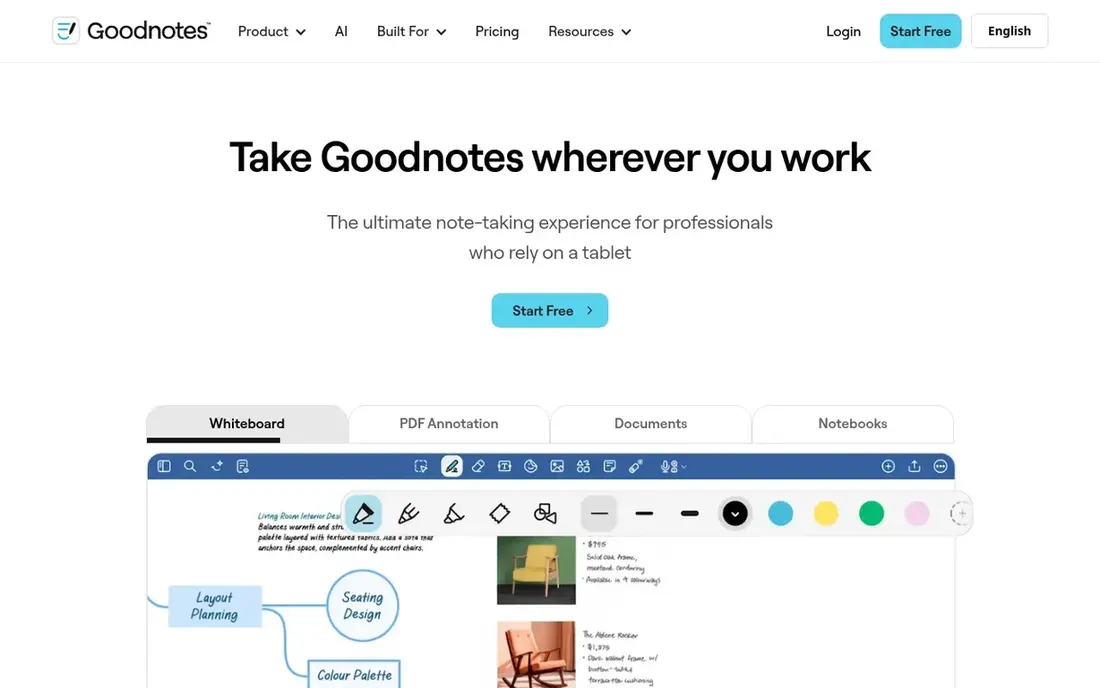
Choose GoodNotes for Handwriting, whiteboards and shared notes. GoodNotes presents itself as a note-taking app built around bringing thinking to life, with shared notes, whiteboards and text documents in one place.
Limits to weigh: Interface can feel busy for straightforward note-taking.
Also, some capabilities sit behind premium access, so check what your workflow needs before committing. GoodNotes cost at the entry level: $11.99 per year. GoodNotes has a free plan.
- Live collaboration support
- Shared notes and whiteboards for collaboration
- Advanced features may need a premium level
How the list was put together
We compared the tools on published pricing, free plan or trial availability, feature coverage for note-taking app for iPad users, and the limits each vendor documents. Where a price is missing, the vendor does not list one publicly or ties it to a quote. Always confirm before budgeting. Order on the page follows fit for the typical buyer first, then price transparency and free access. Your own requirements should decide the final pick.
Before you commit
- Get a written quote from Microsoft OneNote and Evernote; the list shows no starting price for them.
- Look at free plan limits closely: Evernote, Notion, Obsidian and others have one, and the caps decide whether it is usable for real work.
- Read the limits listed for Microsoft OneNote first: can feel complicated for fast jotting.
- Ask Evernote about contract length, onboarding fees and user minimums before you sign.
- See whether Notion offers onboarding or training, and whether it is included in the price.
FAQ
Which note-taking app for iPad users have a free plan?
On this list, Evernote, Notion, Obsidian, Notability and GoodNotes include a free plan. Caps on seats, usage or features are common, so test the free plan against your real workload.
What is the cheapest option for note-taking app for iPad users in this list?
On published monthly entry prices, Obsidian is the lowest here at $4 per user per month. Entry price is only part of the cost, because seats, add-ons and billing terms can change the total.
Can these apps turn my notes into study material?
Notability states that it turns handwritten notes, audio and documents into summaries, flashcards and quizzes. More specifically, check each vendor page for the study features you need.
How are the note-taking app for iPad users ordered?
Microsoft OneNote sits first and GoodNotes last because the order follows typical fit for note-taking app for iPad users, then price clarity and free access. It is a judgement call, so read each profile for fit and limits.
Do these tools publish their prices?
Not all of them. Microsoft OneNote and Evernote publish no starting price, so expect a quote request for those. The rest, Notion included, show a starting price, though seats and billing terms still change the final cost.
Sources
- https://www.microsoft.com/en-us/microsoft-365/onenote/digital-note-taking-app
- https://evernote.com
- https://www.notion.so
- https://obsidian.md
- https://www.gingerlabs.com
- https://www.goodnotes.com