Note-Taking App for iPad with Stylus in 2026: The 5 Best Options Side by Side
5 products for the best note-taking app for iPad with stylus, ranked by fit, with starting costs and free tiers. Each profile ends with a plain caveat.
- Editor's choice
 Concepts
Infinite canvas sketching and mind maps
Starts at$10 per monthVisit concepts.appFull review - Great alternative
 Notability
Handwriting with audio and study aids
Starts at$11.99 a yearVisit gingerlabs.comFull review - Also consider
 GoodNotes
Handwritten notes and shared whiteboards
Starts at$11.99 a yearVisit goodnotes.comFull review
Direct answer
This list puts Concepts first for infinite canvas sketching and mind maps. Listed starting prices: Concepts from $10 per month, Notability from $11.99 a year and GoodNotes from $11.99 a year. If your case is different, Notability suits handwriting with audio and study aids and GoodNotes suits handwritten notes and shared whiteboards. Details, prices and limits for the rest of the 5 tools are below.
TL;DR:
- Concepts takes the first slot, best suited to infinite canvas sketching and mind maps.
- Before buying GoodNotes, weigh this: less focused on typed long-form documents.
- For the cheapest start, look at Concepts: $10 per month.
- A free plan is available from 3 of the 5 tools: Notability, GoodNotes, Notion.
- Microsoft OneNote fits organized notebooks and team collaboration.
Last checked November 2026. Prices and plan details were read from the vendors' own pages in November 2026; vendors change plans often, so confirm the current price on the vendor site before you buy.
Quick comparison
| Tool | Best for | Starts at | Free plan? | |
|---|---|---|---|---|
| Concepts | Infinite canvas sketching and mind maps | $10 per month | Free trial | Visit |
| Notability | Handwriting with audio and study aids | $11.99 a year | Yes | Visit |
| GoodNotes | Handwritten notes and shared whiteboards | $11.99 a year | Yes | Visit |
 Notion | Custom workspaces and AI-assisted organization | $10 per member a month | Yes | Visit |
 Microsoft OneNote | Organized notebooks and team collaboration | See website | Not stated | Visit |
Every option for note-taking app for iPad with stylus explained
Short on time? The summary and table above give the quick view of 5 tools for note-taking app for iPad with stylus, and the profiles that follow give the detail behind each entry.
Concepts was built for infinite canvas sketching and mind maps. Concepts is an infinite, adaptable sketching app where every idea begins as a concept. On top of that, choose Concepts when your stylus notes are really diagrams, maps and design thinking.
For everyday use, the open canvas means you create your own structure, so people who want tidy notebooks and searchable pages may prefer GoodNotes or OneNote. It is also more of a sketching environment than a study tool. The starting price for Concepts: $10 per month. Free options: Free trial.
Drawbacks to consider: Not a traditional paged notebook.
- Infinite canvas for notes and sketches
- Shares with other apps and clients
- Structure is up to you to produce
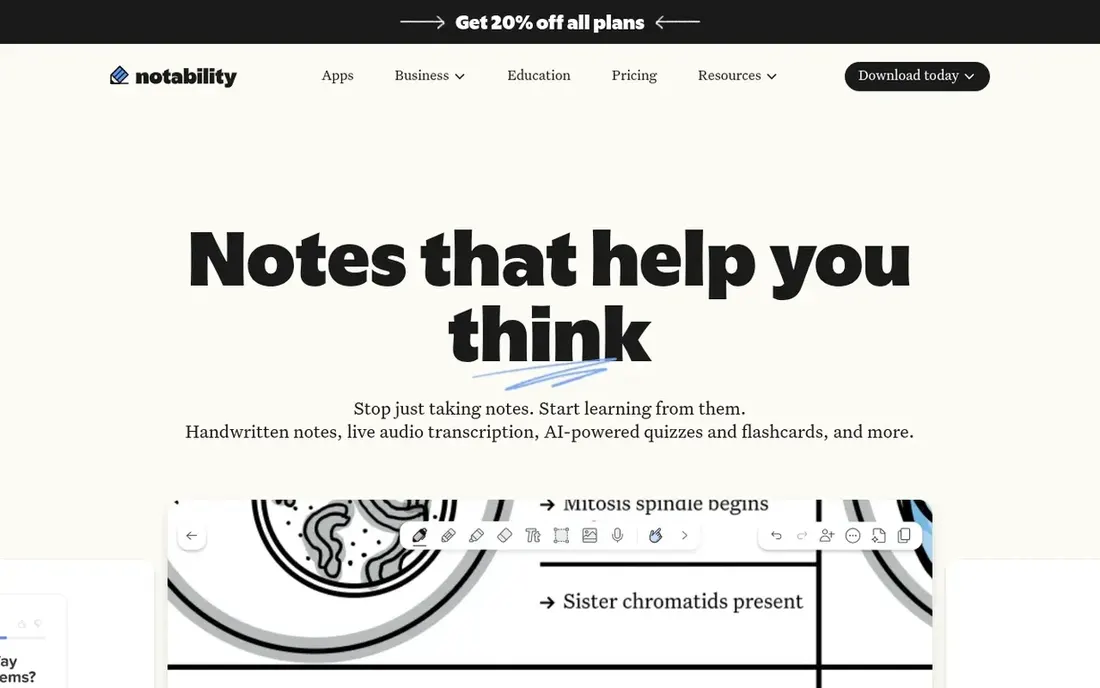
Where Notability fits: handwriting with audio and study aids. Notability turns handwritten notes, audio and documents into AI-powered summaries, flashcards and quizzes.
Strengths: audio and documents.
On top of that, if you seldom record audio and just want clean handwritten pages, the additional study features may be more than you need. What you pay to start with Notability: $11.99 per year. Notability has a free plan.
Watch-outs: AI features may not suit every workflow.
- Merges handwritten notes
- Decent fit for lecture and meeting capture
- Sketching depth is restricted compared with drawing apps
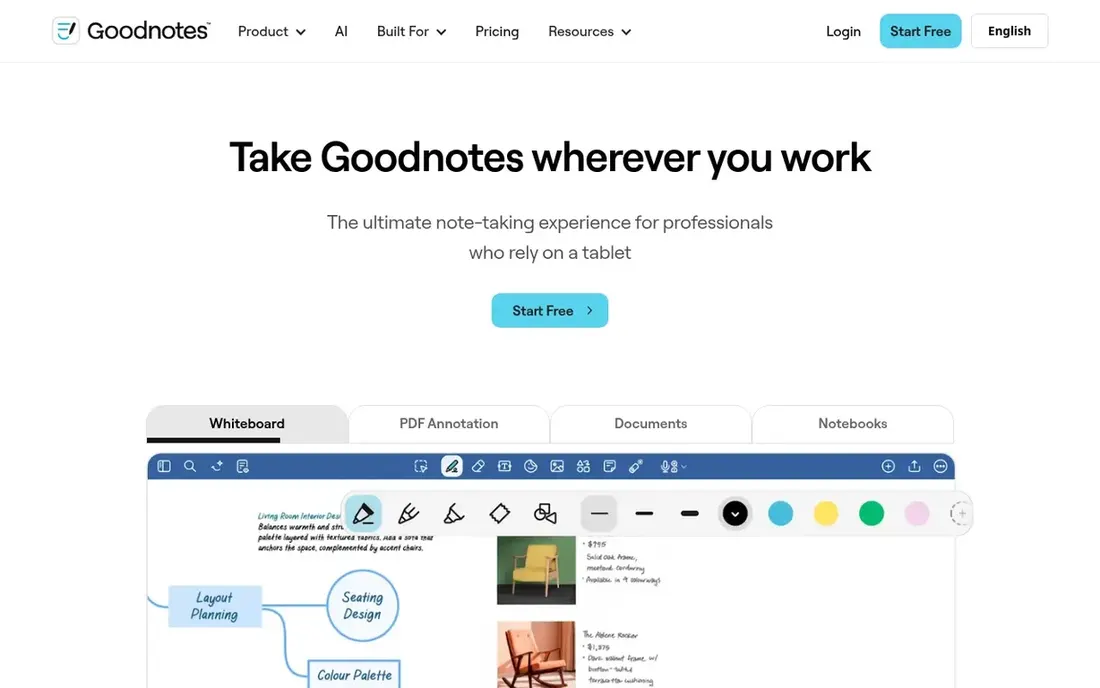
GoodNotes was built for handwritten notes and shared whiteboards. If your notes are largely ink, diagrams and brainstorming boards, it is a natural starting point.
Honest limits: Advanced organization takes setup.
Teams that require deep database-style organization should look at Notion instead. GoodNotes starts at: $11.99 per year. GoodNotes includes a free tier.
- Real-time collaboration on shared notes
- Supports whiteboards and text documents
- Less centred on typed long-form documents
Notion serves custom workspaces and AI-assisted organization. Notion describes itself as an AI workspace that works for you, with custom agents, search across your apps and automation of busywork.
Where it is weaker: Handwriting is not the core strength.
Because it is a workspace first, users who chiefly want to write by hand with a stylus may find it indirect compared to GoodNotes or Notability. Setting up a system takes time and intent. Price to start with Notion: $10 per member per month. Notion has a free plan.
- Automation for repetitive busywork
- Adaptable workspace you can shape
- Steeper ramp-up time
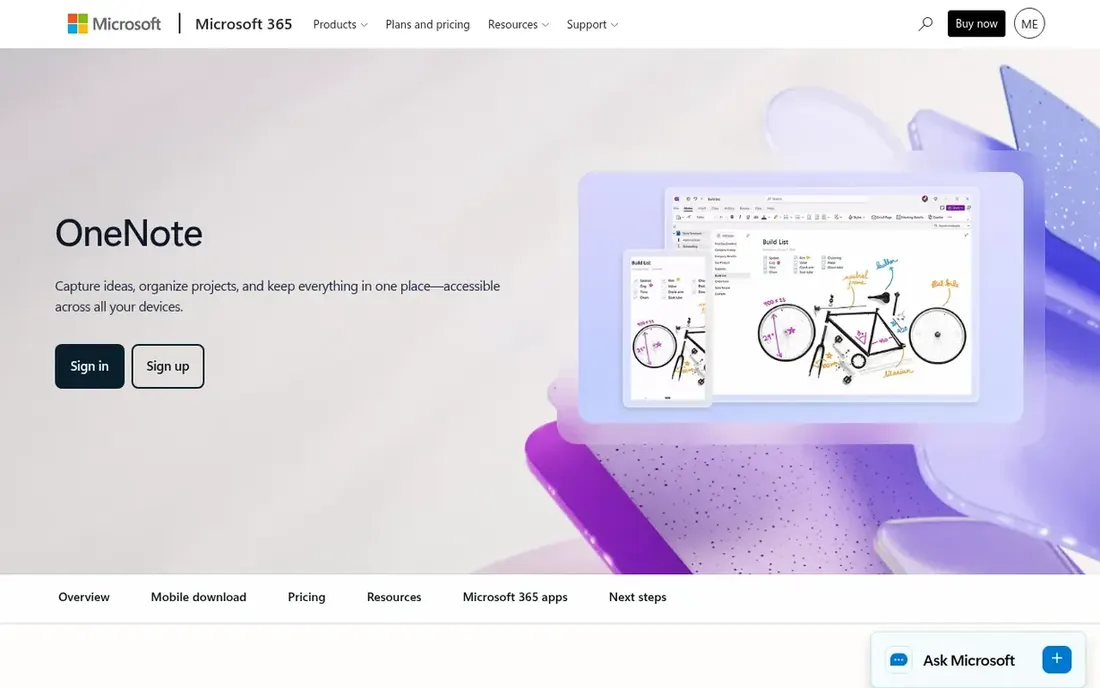
Microsoft OneNote targets organized notebooks and team collaboration. Microsoft OneNote is a digital note-taking app whose tools focus on organization and simplified collaboration. Pick OneNote when organization across a team or a Microsoft ecosystem is the priority.
For everyday use, Stylus input works alongside typed text, images and embedded content. Its strength in structure can make it feel heavy for fast ink scribbles, and dedicated handwriting apps commonly feel smoother with a stylus. Microsoft OneNote does not show a starting price in this comparison, so check the vendor site for current pricing. Free plan details: Not stated.
Where it falls short: Interface can feel busy for straightforward notes.
- Notebook structure for organization
- Collaboration tools built in
- Handwriting experience is less refined than dedicated apps
Our selection method
For each of the 5 tools we noted price, free plan or trial, fit for note-taking app for iPad with stylus and the main limit, using vendor pages and documentation. Figures are shown as the vendors publish them. Billing terms, seat minimums and add-ons can change the real cost. Position on the page reflects fit for a typical buyer first, with price clarity and free access breaking ties. Treat it as a guide, not a ruling.
Before you commit
- Confirm the entry price on the vendor page. For Microsoft OneNote that means a quote rather than a fixed price.
- Read the fine print on the free plans from Notability, GoodNotes and Notion; seat, project and feature caps differ.
- Take the trial from Concepts and push a live task through it before you pay.
- Read the limits listed for Concepts first: not a traditional paged notebook.
- Total up the real monthly cost of Concepts, including add-ons, extra users and usage-based fees.
- Before rolling out Microsoft OneNote, verify the integrations your workflow depends on.
FAQ
Which options for note-taking app for iPad with stylus have a free plan?
Notability, GoodNotes and Notion offer a free plan in this list. Free plans usually cap users, projects or features, so check the limits on the vendor page. One other tool offers a trial instead.
Is Concepts the right pick for everyone comparing note-taking app for iPad with stylus?
No single tool suits every team. Concepts comes first because it fits infinite canvas sketching and mind maps, while Notability suits handwriting with audio and study aids and GoodNotes suits handwritten notes and shared whiteboards. Match the tool to your own size, budget and workflow before deciding.
Do these tools publish their prices?
Not all of them. Microsoft OneNote publishes no starting price, so expect a quote request for it. The rest, Concepts included, show a starting price, though seats and billing terms still change the final cost.
Can I try these tools before paying?
Often, yes. Notability, GoodNotes and Notion have a free plan and Concepts offers a free trial. Use your own data and a real task during the test, and check what the free tier or trial limits before you rely on it.
Sources
- https://concepts.app
- https://www.gingerlabs.com
- https://www.goodnotes.com
- https://www.notion.com
- https://www.microsoft.com/en-us/microsoft-365/onenote/digital-note-taking-app