Best Open Source Note Taking Apps in 2026: 9 Apps Compared
Looking for the best open source note taking apps in 2026? We compare 9 free, private, and self-hostable note apps, with sync and pricing in full detail.
- Editor's choice
 Joplin
Overall open source notes
Starts atFreeVisit joplinapp.orgFull review - Great alternative
 Logseq
Outliner and knowledge graph
Starts atFreeVisit logseq.comFull review - Also consider
 Standard Notes
Encrypted private notes
Starts atFreeVisit standardnotes.comFull review
TL;DR:
- Joplin is the best overall open source note app for most people, with Markdown notes, a web clipper, and flexible sync.
- Logseq suits outliner and knowledge-graph note takers, while Standard Notes and Notesnook suit encrypted, private notes.
- Trilium Notes and SiYuan suit hierarchical and block-based notes, while AppFlowy and AFFiNE suit Notion-style workspaces.
- Open source code matters because you can export plain files, audit the code, and keep notes if a vendor changes direction.
- Sync is the hidden cost: free apps often need your own cloud, WebDAV, or a paid sync plan for phone and desktop together.
Quick comparison
| Tool | Best for | Starts at | Free plan? | |
|---|---|---|---|---|
| Joplin | Overall open source notes | Free | Yes | Visit |
| Logseq | Outliner and knowledge graph | Free | Yes | Visit |
| Standard Notes | Encrypted private notes | Free | Yes | Visit |
 Notesnook | Polished encrypted notes | Free | Yes | Visit |
 Trilium Notes | Hierarchical notes | Free | Yes | Visit |
 AppFlowy | Notion-style workspace | Free | Yes | Visit |
 AFFiNE | Docs plus whiteboard | Free | Yes | Visit |
 Zettlr | Markdown writing and research | Free | Yes | Visit |
 SiYuan | Block-based local notes | Free | Yes | Visit |
The best open source note taking apps
Open source note apps share a promise that closed apps cannot match as easily: your notes live in files you can read, export, and move. The apps below differ in editing style, encryption, and sync, so pick by how you think, not just by price.
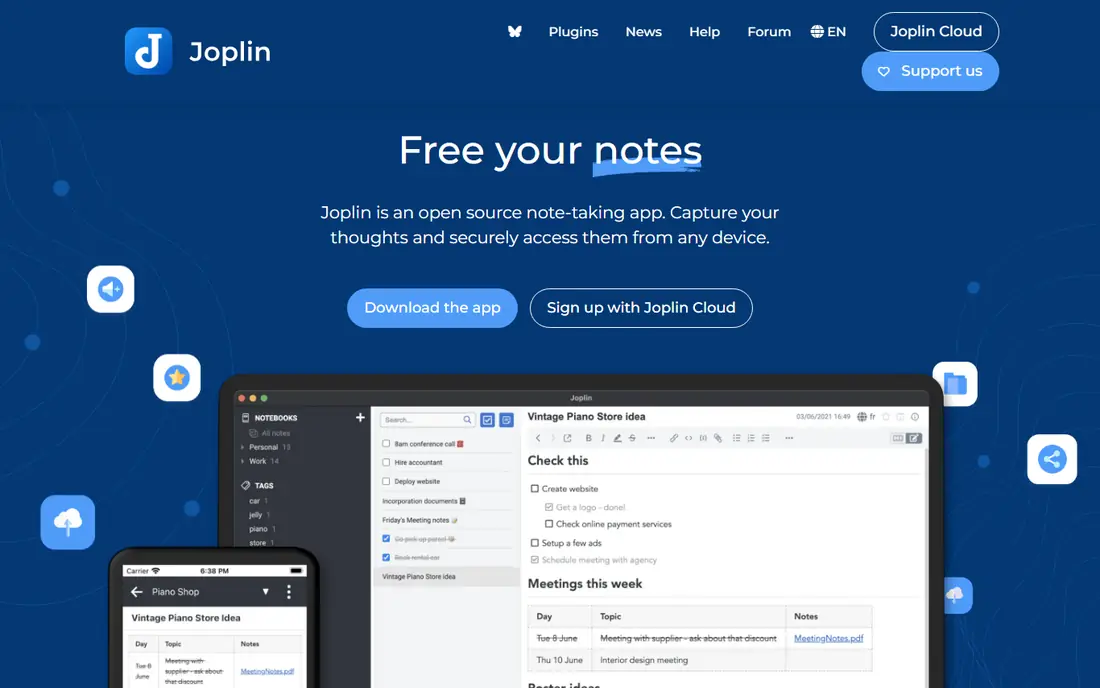
Joplin is our pick for the best open source note taking app for most people, because it covers the basics without forcing a single cloud. You can organize notes into notebooks, tag them, search full text, and clip web pages from a browser extension. Notes are stored as Markdown, so they remain readable in other editors even if you stop using Joplin.
Sync is flexible but needs a decision. You can sync through Joplin Cloud, Nextcloud, WebDAV, Dropbox, or OneDrive, and end-to-end encryption is available. That freedom is a strength for technical users and a small hurdle for beginners, so start with one sync method, test it on phone and desktop, and only then import a large archive.
- Markdown notes with notebooks, tags, and search
- Web clipper for saving articles
- Sync with many cloud and self-hosted options
- Desktop interface feels utilitarian
- Official Joplin Cloud sync is a paid add-on
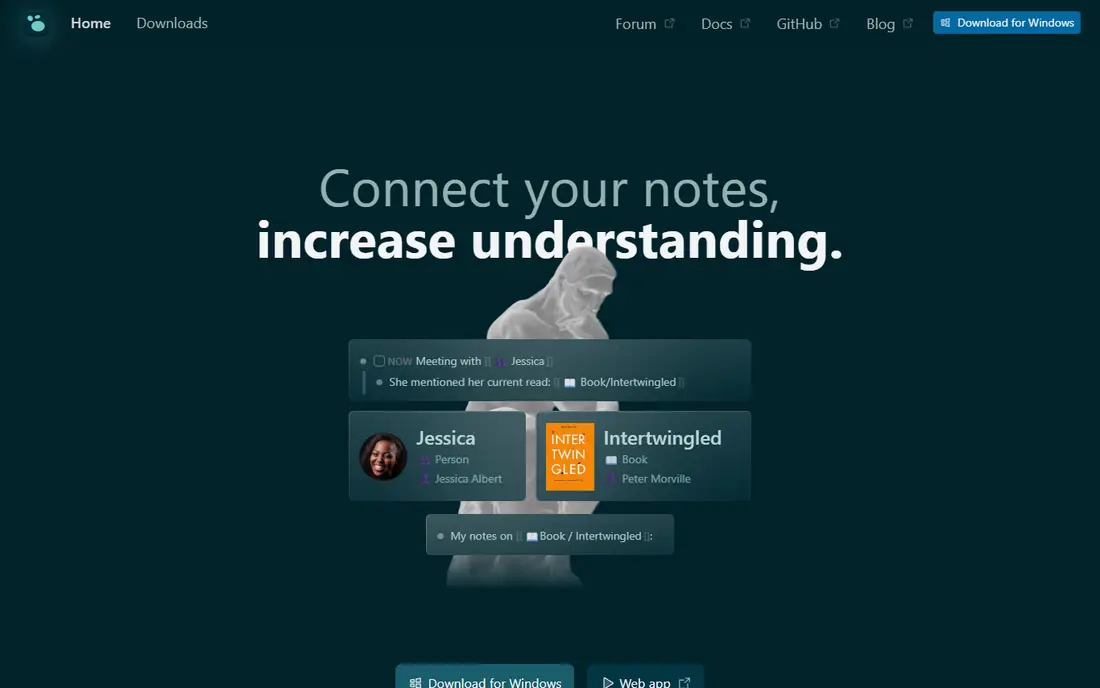
Logseq suits thinkers who build notes as linked blocks rather than separate documents. Each bullet can link to a page, a tag, or another block, and the graph view shows how ideas connect over time. That structure helps researchers, students, and project planners who revisit notes often and want to see relationships, not just a folder list.
The adjustment is real. If you write long essays in a single document, Logseq outline-first editing can feel fragmented at first. It is also local-first, so sync across devices needs your own folder sync or its sync service. Try it with one project for two weeks before moving a whole knowledge base into it.
- Local-first outliner with linked pages and graph view
- Markdown and Org files
- Plugin and theme support
- Outliner style takes adjustment if you prefer long documents
- Official sync is still evolving
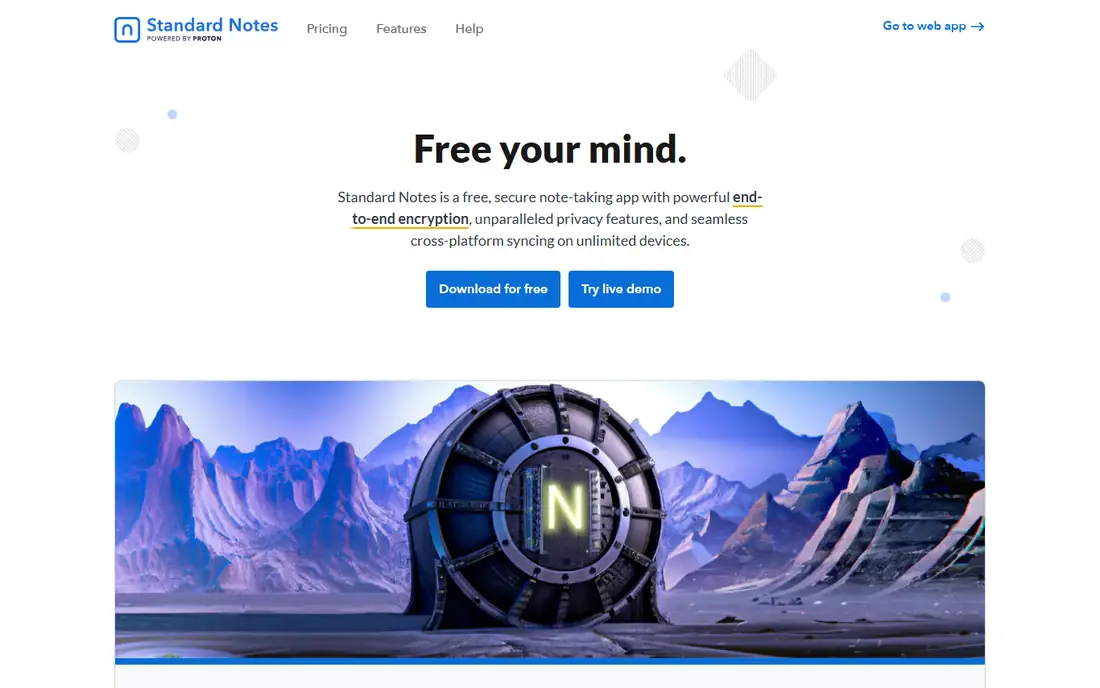
Standard Notes is built around privacy first. Notes are encrypted on your device before sync, so the server cannot read them, and the apps work across desktop, web, and mobile with automatic sync. For journals, personal notes, and sensitive work notes, that default encryption is a genuine advantage over plain-text sync.
The free tier is deliberately simple. Rich editors, themes, and advanced features require a paid plan, and the basic editor can feel sparse next to Joplin or Notesnook. If privacy is your top priority and you write mostly plain notes, Standard Notes is a good fit. If you need tables, kanban, or code blocks daily, check what the paid plan adds before committing.
- End-to-end encrypted notes by default
- Simple, clean editor
- Cross-platform apps with automatic sync
- Many editors and features sit on paid plans
- Free tier feels plain compared with Joplin
Notesnook is the most polished encrypted option in this list, and it is a good starting point if Standard Notes feels too plain. The apps look modern, sync is encrypted, and notebooks, tags, reminders, and a web clipper cover everyday note taking without plugins. The free tier allows unlimited notes, with limits on attachments and storage that paid plans raise.
Self-hosting arrived in later versions, but it is more involved than pointing Joplin at a WebDAV folder. Most users will use Notesnook cloud sync, which is simpler and still encrypted. Check the current paid pricing on the site, since plans and storage limits have changed over time.
- End-to-end encrypted sync
- Polished mobile and desktop apps
- Notebooks, tags, and reminders in one place
- Some storage and attachment limits on free tier
- Self-hosting needs more setup than Joplin
Trilium Notes, now maintained as TriliumNext Notes, suits people with a large, structured knowledge base. Notes live in a tree, a single note can appear in multiple places through cloning, and attributes and relations let you build a personal wiki. You can run it as a desktop app or host the server and reach notes from a browser.
That power comes with density. The interface has many panels and options, and casual note takers may prefer Joplin simplicity. Trilium also needs a backup plan, since self-hosted notes are only as safe as your backup routine. It rewards careful organizers, not quick capture users.
- Deep tree hierarchy with clones and attributes
- Self-hosted server and desktop app
- Strong for large personal wikis
- Interface is dense for casual users
- Setup and backup are your responsibility
AppFlowy is the best open source answer if you like Notion pages, databases, and kanban boards but want local-first control. You can build docs, task boards, and wikis, work offline, and host the service yourself or use its cloud sync. For small teams and solo users who want a workspace rather than a notebook, that mix is attractive.
It is still younger than Notion, so templates, automations, and third-party integrations are thinner. If you need a mature template gallery or deep app connections today, AppFlowy may frustrate you. If you want an open, local-first workspace and can live with a smaller feature set, it is a strong pick.
- Open source Notion-style pages, databases, and boards
- Local-first storage
- Self-hosting option
- Fewer templates and integrations than Notion
- Some advanced features are still maturing
AFFiNE combines writing, whiteboarding, and databases in a single open source workspace. That combination suits visual planners who sketch ideas, outline documents, and track tasks without switching apps. The local-first design means your workspace can live on your device, with cloud sync available when you need sharing.
Like AppFlowy, AFFiNE is still maturing. Some database views and collaboration features are less polished than Notion, and large team use will push you toward a paid cloud plan. For solo visual work and small team docs, though, its all-in-one design is genuinely useful.
- Documents, whiteboards, and databases in one workspace
- Local-first with optional cloud sync
- Open source code
- Whiteboard and database features are still developing
- Team collaboration needs a cloud plan for smooth use
Zettlr is for writers and researchers who want plain Markdown files and citation support, not a closed database. It connects to reference managers, supports academic citation styles, and exports to common document formats. Because notes are ordinary files, you can sync them with any folder tool and open them in any text editor.
There is no official mobile app and no built-in cloud sync, so phone capture needs a separate Markdown editor and a folder sync service. That is a fair trade for writers who mainly work on desktop and value file control. If you need quick mobile capture and automatic sync, Joplin or Notesnook will serve you better.
- Markdown editor built for academic writing and citations
- File-based notes you control
- Strong export options
- No built-in sync or mobile app
- Interface is writer-focused, not a general notebook
SiYuan is a local-first, block-based note app with backlinks, a graph view, and database-style blocks. It suits users who like Logseq structure but want richer formatting and a more traditional document feel. Notes are stored locally, and you can sync through its cloud service or your own setup.
The learning curve is steeper than Joplin, and English documentation is less complete than for the larger apps in this list. Spend time with a test workspace first, check backup and sync options, and only then move important notes in. For block-based thinkers who want local control, SiYuan is worth that effort.
- Local-first block editor with backlinks and graph view
- Self-hosted sync option
- Rich formatting and database blocks
- Interface can feel busy
- Documentation is thinner in English than for Joplin or Logseq
How we picked these
We compared official project pages, source repositories, pricing and sync documentation, and app store listings for open source note apps active in October 2026. We required open source code, a working desktop or web app, and a realistic way to export notes as plain files or standard formats. We left out apps that are only partly open source or that lock notes into a closed database with no export, and we noted where sync is paid or self-managed.
We did not claim hands-on testing. Our comparison rests on vendor and project documentation, pricing pages, and public reviews, and we recommend testing sync and export on a small set of notes before migrating a full archive.
What to check before you switch
First, test export before you import. Create ten notes in your current app, export them, and import them into your shortlisted open source app. Check formatting, images, tags, and links, because a clean import on ten notes predicts a clean migration far better than a feature list.
Second, decide on sync on day one. Local-first apps need a sync method for phone and desktop, whether that is Joplin Cloud, Nextcloud, WebDAV, a folder sync tool, or a paid app sync plan. Pick one method, test it with edits on two devices, and confirm conflicts are handled in a way you understand.
Third, set a backup routine. Open source and self-hosted tools give you control, but they also give you responsibility. Keep a regular backup of your note folder or database in a second location, and test restoring one note from that backup at least once.
FAQ
What is the best open source note taking app overall?
Joplin is the best overall pick for most people, because it is mature, free, Markdown-based, and flexible on sync. Logseq is better for outliner thinkers, while Notesnook and Standard Notes are better for encrypted private notes.
What is the best open source note taking app for privacy?
Standard Notes and Notesnook both offer end-to-end encrypted sync by default, so the server cannot read your notes. Joplin also supports end-to-end encryption when you enable it for your chosen sync target.
Is Obsidian open source?
No. Obsidian is local-first and Markdown-based, but its core app is not open source, so we did not include it in this open source list. Joplin, Logseq, and Zettlr are closer open source options for Markdown note takers.
Can I self-host an open source note app?
Yes. Joplin, Trilium Notes, AppFlowy, AFFiNE, and SiYuan all offer self-hosting or local-first storage, with varying setup effort. Joplin with Nextcloud or WebDAV is the simplest path for most users.
Do open source note apps work on phone and desktop?
Most do, but sync differs. Joplin, Logseq, Standard Notes, and Notesnook have mobile apps, while Zettlr is desktop-focused and needs a separate mobile Markdown editor. Check mobile support before you commit to a desktop-only tool.
How do I move notes from Evernote or Notion?
Joplin can import Evernote export files, and most apps here can import Markdown or plain text. Export a small test set first, check formatting and attachments, and only then move your full library.