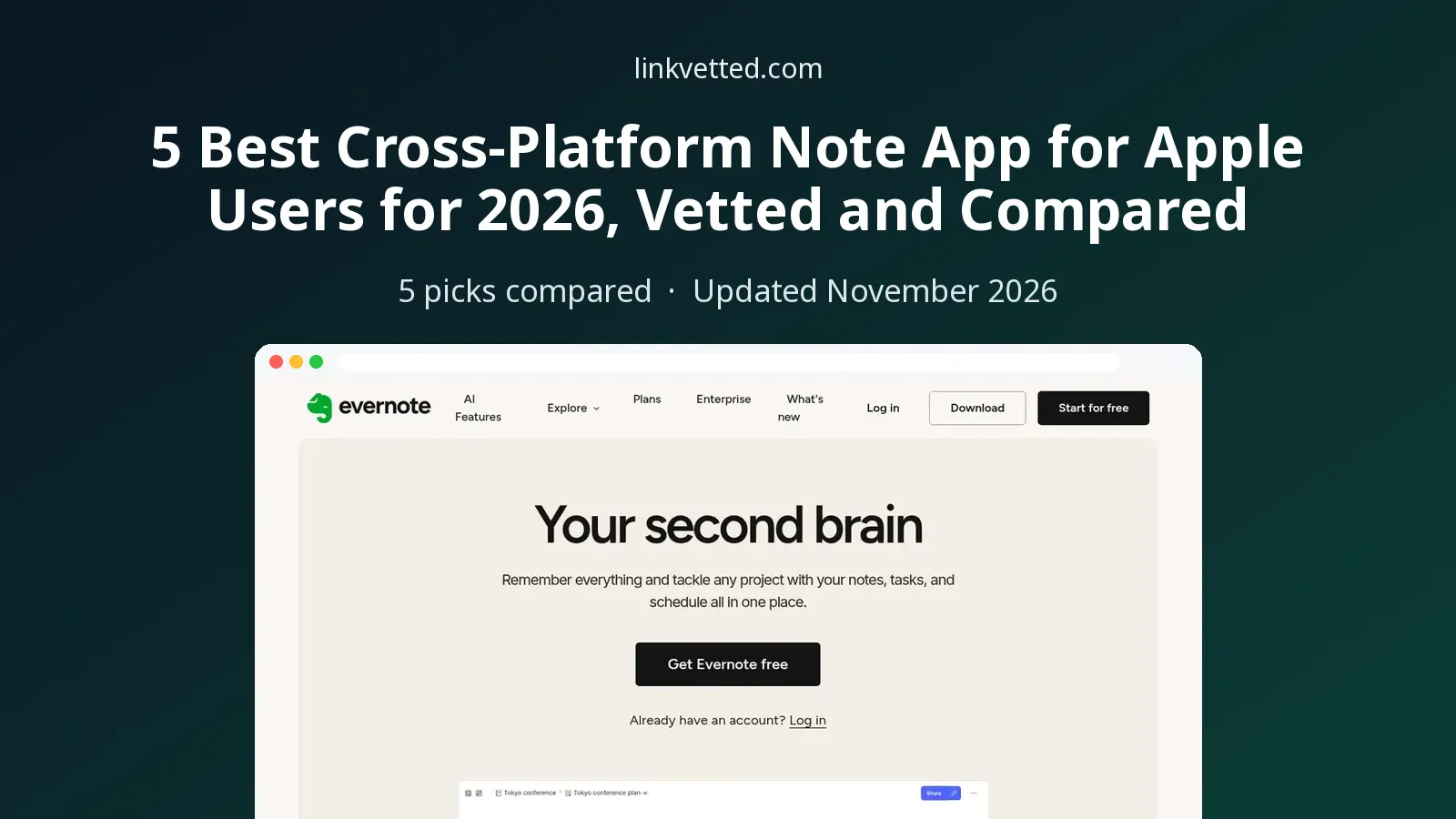
5 Best Cross-Platform Note App for Apple Users for 2026, Vetted and Compared
Weighing the best cross-platform note app for apple users? We lined up 5 products by cost, free access and fit. Prices and drawbacks included. Choose faster.
- Editor's choice
 Obsidian
Private, adaptable linked notes
Starts at$4 per user a monthVisit obsidian.mdFull review - Great alternative
 Craft
Refined notes, tasks and docs
Starts at$4.8 a monthVisit craft.doFull review - Also consider
 Ulysses
Focused long-form writing and export
Starts at$39.99 a yearVisit ulysses.appFull review
Direct answer
Obsidian comes first here, mainly for private, flexible linked notes. Listed starting prices: Obsidian from $4 per user a month, Craft from $4.8 a month and Ulysses from $39.99 a year. If your case is different, Craft suits refined notes, tasks and docs and Ulysses suits focused long-form writing and export. The other 2 tools in the list cover narrower or pricier cases.
TL;DR:
- Obsidian takes the first slot, best suited to private, adaptable linked notes.
- Notion fits notes plus databases and automation.
- The cheapest monthly starting price in the list is $4 per user per month, offered by Obsidian.
- Obsidian comes with a trade-off: needs setup and habits.
Last checked November 2026. Prices and plan details were read from the vendors' own pages in November 2026; vendors change plans often, so confirm the current price on the vendor site before you buy.
Quick comparison
| Tool | Best for | Starts at | Free plan? | |
|---|---|---|---|---|
| Obsidian | Private, adaptable linked notes | $4 per user a month | Yes | Visit |
| Craft | Refined notes, tasks and docs | $4.8 a month | Yes | Visit |
| Ulysses | Focused long-form writing and export | $39.99 a year | Free trial | Visit |
 Evernote | Capture and organize notes and to-dos | See website | Yes | Visit |
 Notion | Notes plus databases and automation | $10 per member per month | Yes | Visit |
Every option for cross-platform note app for apple users explained
If you are comparing cross-platform note app for apple users, this page covers 5 tools in one place: what each is best for, what it costs to start, whether it has a free plan, and the main limit to know about.
Obsidian makes the most sense for private, adaptable linked notes. Obsidian presents itself as the free and adaptable app for your private thoughts, built around notes stored as local files. Obsidian rewards deliberate setup, and newcomers may find the flexibility overwhelming compared to a ready-made notebook app.
It is less about fast capture and more about a system you maintain. More specifically, choose Evernote or OneNote if you want structure provided for you instead of assembled yourself. Obsidian pricing: $4 per user per month. A free plan is available with Obsidian.
Where it is weaker: Less refined for casual capture.
- Local plain-text files you control
- Free and adaptable core app
- Needs setup and habits
Craft makes the most sense for refined notes, tasks and docs. Craft is a productivity app for notes, tasks and docs that follows you across all your devices, with premium features available. Apple users who want a visually refined workspace for writing, planning and sharing documents will find it a decent match.
It sits between a simple note app and a full workspace, which fits people who want structure without heavy setup. It can also feel like more app than you need if you only jot fast notes. Starting cost for Craft: $4.8 per month. A free plan is available with Craft.
Where it falls short: Some features sit behind premium levels.
- Follows you across devices
- Refined Apple-friendly design
- Can be more than straightforward note takers need
Think of Ulysses for focused long-form writing and export. It is a writing tool first, which makes it solid for prose-heavy work. Also, Ulysses is not designed as a general capture or task manager.
So it may feel narrow if you need checklists, databases or shared notebooks. From a buyer's view, choose Ulysses when long-form writing and export are central to your workflow. Starting cost for Ulysses: $39.99 per year. As for free access: Free trial.
Points against: Geared toward writers instead of general note taking.
- Effective document management
- Focused writing experience
- Less suited to task and database workflows
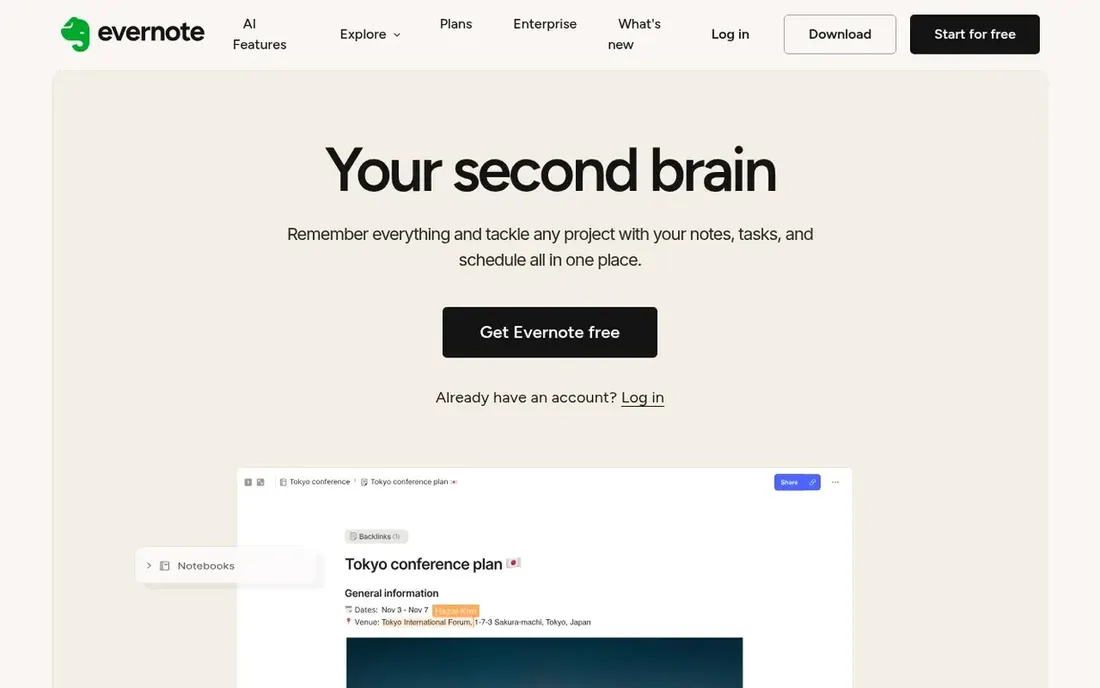
Pick Evernote if this describes you: capture and organize notes and to-dos. It fits Apple users who want a dependable place to collect notes from daily life and work, then organize them into notebooks and tasks.
More specifically, the app leans toward feature richness, which can feel like more than you need if you only write short notes. Evernote shows no starting price here, so confirm the cost on the vendor site. You can start on Evernote without paying.
Best features of Evernote: Capable capture and organization focus. The main drawbacks: Less suited to plain-text purists.
- Projects and to-do lists
- Works across devices
- Feature set may feel heavy for straightforward notes
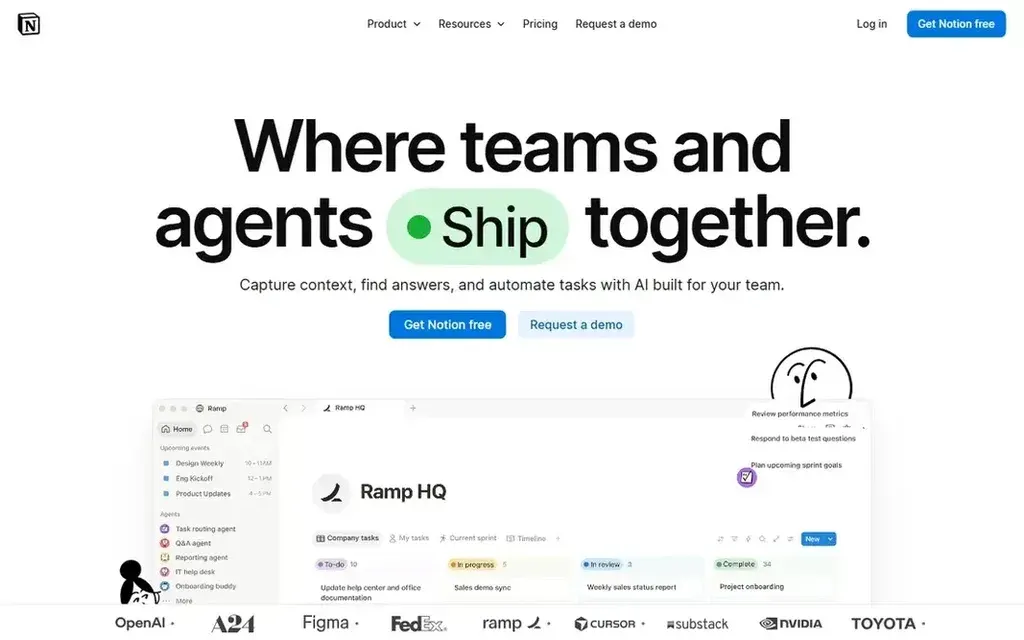
Notion is designed for notes plus databases and automation. The adaptability includes a ramp-up time, and straightforward note taking can feel overbuilt inside a workspace. Worth adding: for Apple users, it suits people who want notes to live alongside project trackers, wikis and databases instead of in a single linear notebook.
What Notion does well: docs and databases.
Also, pick Notion when organization, automation and connected workspaces matter more than minimalism. Notion describes itself as an AI workspace that works for you, with custom agents, search across your apps and automation of busywork. Notion starts at: $10 per member per month. Notion offers a free plan.
Points against: Setup can take effort to learn.
- Merges notes
- Supports agents and automation
- Can feel complicated for fast notes
Our selection method
Pre-purchase checklist
- Ask Evernote for a written quote, since no starting price is shown.
- Look at free plan limits closely: Obsidian, Craft, Evernote and Notion have one, and the caps decide whether it is usable for real work.
- Run a trial of Ulysses with real work before paying for a year; your own workflow is the best test.
- Read the limits listed for Obsidian first: needs setup and habits.
- Look at the help docs and support options for Ulysses before you commit.
- Look at the renewal terms for Notion: auto-renewal, notice periods and price changes can matter more than the first-year price.
FAQ
How are the cross-platform note app for apple users ordered?
Obsidian sits first and Notion last because the order follows typical fit for cross-platform note app for apple users, then price clarity and free access. It is a judgement call, so read each profile for fit and limits.
Do these tools publish their prices?
Not all of them. Evernote publishes no starting price, so expect a quote request for it. The rest, Obsidian included, show a starting price, though seats and billing terms still change the final cost.
Can I keep my notes private and portable?
Other apps vary in storage and export choices, so review each vendor's documentation and confirm export formats before relying on any tool.
Which cross-platform note app for apple users have a free plan?
On this list, Obsidian, Craft, Evernote and Notion include a free plan. Caps on seats, usage or features are common, so test the free plan against your real workload. One other tool offers a trial instead.
Which note app is a good match for Apple users who also use Windows?
For most readers this guide would start with Obsidian, built for private, adaptable linked notes. Craft is the alternative for refined notes, tasks and docs, and Ulysses for focused long-form writing and export. The right answer depends on budget and workflow.
Is Obsidian the right pick for everyone comparing cross-platform note app for apple users?
No single tool suits every team. Obsidian comes first because it fits private, flexible linked notes, while Craft suits polished notes, tasks and docs and Ulysses suits focused long-form writing and export. Match the tool to your own size, budget and workflow before deciding.
Sources
- https://obsidian.md
- https://www.craft.do
- https://ulysses.app
- https://evernote.com
- https://www.notion.com