5 Best Creative Portfolio Management Software for Enterprise for 2026, Vetted and Compared
Best creative portfolio management software for enterprise: 5 tools compared on price, free plans and fit. Prices and drawbacks included. Checked this month.
- Editor's choice
 Bynder
Managing and distributing digital assets at scale
Starts atPricing on requestVisit bynder.comFull review - Great alternative
 Canto
Organizing, finding and sharing assets
Starts atPricing on requestVisit canto.comFull review - Also consider
 Adobe Workfront
Centralized work and resource management
Starts atPricing on requestVisit business.adobe.comFull review
Direct answer
Our first pick is Bynder, best for managing and distributing digital assets at scale. Look at Canto for organizing, finding and sharing assets, and at Adobe Workfront for centralized work and resource management. The other 2 tools in the list cover narrower or pricier cases. None of these vendors publish plan prices, so pricing is on request for every option.
TL;DR:
- Bynder is the opening pick, best for managing and distributing digital assets at scale.
- Bynder, Frontify and the 3 others all sell by quote; expect sales conversations before you see a price.
- Frontify fits unifying brand guidelines and assets.
- One limit worth knowing about Bynder: asset focus may not include full project planning.
- Bynder, Frontify and the 3 others all need a premium plan or a trial, since no free plan is listed.
Last checked November 2026. Pricing on request: vendors did not publish plan prices when this guide was last checked (November 2026), so ask each vendor for a written quote.
Quick comparison
| Tool | Best for | Starts at | Free plan? | |
|---|---|---|---|---|
| Bynder | Managing and distributing digital assets at scale | Pricing on request | Not stated | Visit |
| Canto | Organizing, finding and sharing assets | Pricing on request | Free trial | Visit |
| Adobe Workfront | Centralized work and resource management | Pricing on request | Not stated | Visit |
| Widen Collective | Enterprise asset management with workflow automation | Pricing on request | Free trial | Visit |
 Frontify | Unifying brand guidelines and assets | Pricing on request | Not stated | Visit |
Creative Portfolio Management Software for Enterprise compared in detail
LinkVetted put together this guide to creative portfolio management software for enterprise for readers who want a clear shortlist without reading every vendor page. It compares 5 tools on starting price, free plans, who each one suits and where each one falls short.
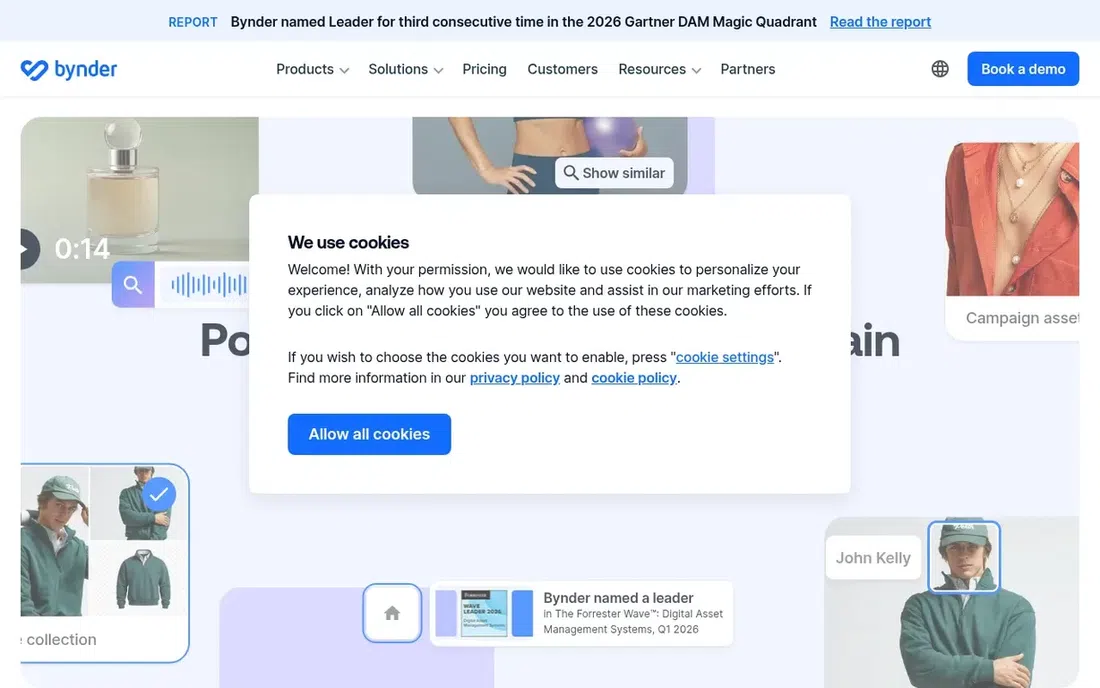
Choose Bynder for managing and distributing digital assets at scale. Bynder centers on digital asset management, so teams that require deep project planning or resource allocation may have to pair it with another system. It also rewards teams with clear naming and governance practices.
Points against: Asset focus may not include full project planning.
Where Bynder stands out: Suited to high-volume content operations.
Bynder describes itself as an enterprise digital asset management system for creating, managing and distributing content at scale. For everyday use, consider it when asset distribution is the primary bottleneck instead of campaign scheduling. No starting price is listed for Bynder here; confirm pricing on the vendor site. Free options: Not stated.
- Handle and distribute content at scale
- Interconnected digital asset management platform
- Needs content governance discipline
Canto targets organizing, finding and sharing assets. Canto centres on asset organization and sharing, so creative portfolio planning and resourcing may need separate tools. In daily use, Findability hinges on consistent metadata practices.
Pick Canto when the central pain is scattered files and slow asset retrieval instead of campaign scheduling. Also, organizations prioritizing findability and simple sharing over deep project planning will see the clearest benefit. Canto does not show a starting price in this comparison, so check the vendor site for current pricing. Free options: Free trial.
Limits to weigh: Portfolio planning features are restricted.
- Helps organize digital assets
- Makes assets simpler to find
- Search quality relies on metadata
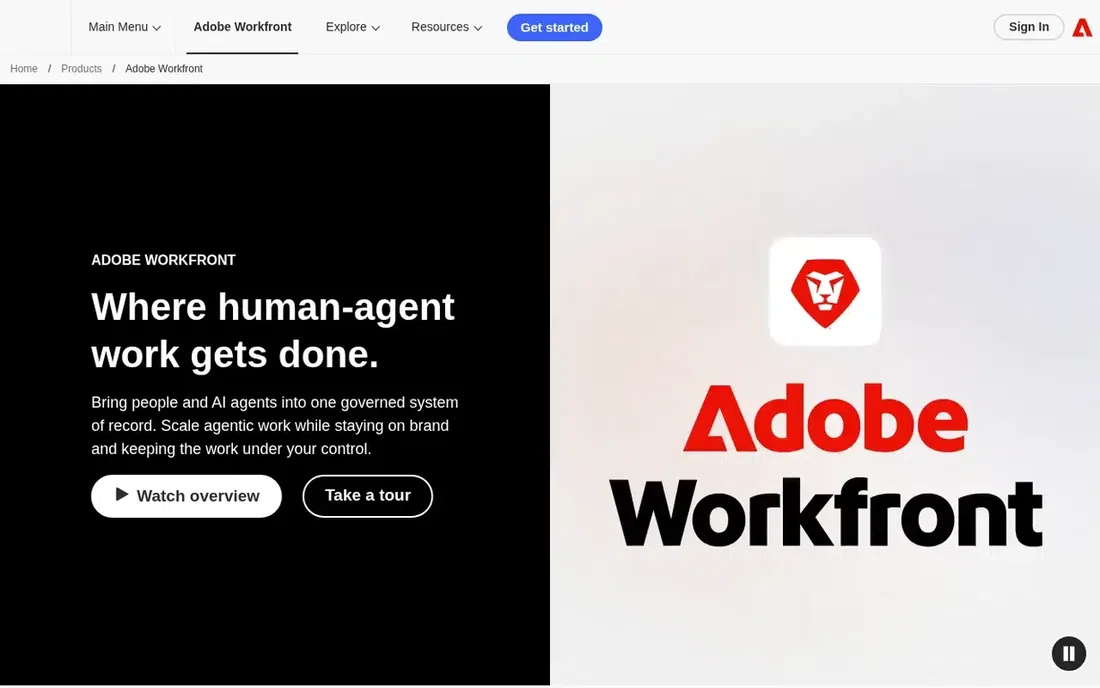
Adobe Workfront is a good fit for centralized work and resource management. Adobe Workfront is enterprise project management software that brings work management, resources and human-agent collaboration together in a single system.
Choose Workfront when planning, resourcing and collaboration are the core problems to solve. No starting price is listed for Adobe Workfront here; confirm pricing on the vendor site. Free access: Not stated.
Where it falls short: Setup needs careful planning.
- Centralizes work management in one system
- Aimed at enterprise project management
- Wide scope may feel heavy for small teams
Widen Collective
Best for: Enterprise asset management with workflow automation
Widen Collective is aimed squarely at enterprise asset management with workflow automation. The enterprise orientation means setup and workflow design take deliberate planning.
What to check first: Workflow setup takes planning.
For everyday use, consider Widen Collective when automatic, on-brand delivery at scale is the priority, and look elsewhere if your needs are largely light asset sharing. On top of that, teams without dedicated administrators may find it demanding. No starting price is listed for Widen Collective here; confirm pricing on the vendor site. Free plan details: Free trial.
- Automates workflows
- Aims at on-brand delivery everywhere
- Enterprise orientation may be more than smaller teams need

Where Frontify fits: unifying brand guidelines and assets. Frontify presents itself as an intelligent brand system where guidelines, assets and brand knowledge live together, structured for humans and readable by AI. Pick Frontify when brand consistency and accessible brand knowledge matter more than resource planning.
Drawbacks to consider: Brand system focus may overlap with other tools.
On top of that, Frontify is oriented around brand systems, so teams seeking heavy project portfolio tracking may need extra software. In daily use, keeping guidelines current takes continuing effort. From a buyer's view, brand and creative operations teams managing consistency across plenty of contributors are the clearest audience. No starting price is listed for Frontify here; confirm pricing on the vendor site. As for free access: Not stated.
- Assets and brand knowledge in one place
- Structured for both people and AI
- Needs continuing content upkeep
How we compared the tools
Each tool was reviewed on what its vendor publishes: price, plan limits, core features and stated drawbacks. We did not run hands-on tests. Figures are shown as the vendors publish them. Billing terms, seat minimums and add-ons can change the real cost. The order reflects how well each tool fits the most common buying scenario for creative portfolio management software for enterprise, then price clarity, then free plan access. It is a starting point, not a verdict.
What to check before you buy
- Ask each vendor, from Bynder to Frontify, for a written quote; none of them publishes a starting price.
- Take the trial from Canto and Widen Collective and push a live task through it before you pay.
- Before choosing Bynder, weigh its main limit: asset focus may not include full project planning.
- Compare total cost, not headline price: for Canto, add extra seats, add-ons and any usage-based charges.
- Look at the help docs and support options for Adobe Workfront before you commit.
FAQ
Do these tools publish their prices?
No. None of the tools, from Bynder to Frontify, shows a fixed starting price here, so budget time for quotes.
How are the tools for creative portfolio management software for enterprise ordered?
The order follows typical fit for creative portfolio management software for enterprise, with Bynder first and Frontify last, then price clarity and free access. It is editorial judgement, not a score, so another team could rank the tools differently.
Is Bynder the right pick for everyone comparing creative portfolio management software for enterprise?
No single tool suits every team. Bynder comes first because it fits managing and distributing digital assets at scale, while Canto suits organizing, finding and sharing assets and Adobe Workfront suits centralized work and resource management. Match the tool to your own size, budget and workflow before deciding.
Can I try these tools before paying?
Often, yes. Canto and Widen Collective offer a free trial. Use your own data and a real task during the test, and check what the free tier or trial limits before you rely on it. For the full picture, the cards above cover all 5 entries of this creative portfolio management software for enterprise list, including price, free plan and limits.
Which tool is best for brand consistency across an enterprise?
Bynder is the pick this page puts first, mainly for managing and distributing digital assets at scale. If your situation differs, Canto suits organizing, finding and sharing assets, and Adobe Workfront suits centralized work and resource management. Compare price and limits before you decide.
Sources
- https://www.bynder.com
- https://www.canto.com
- https://business.adobe.com/products/workfront/main.html
- https://www.widen.com
- https://www.frontify.com