Best Project Management Software for Creative Agencies in 2026: 9 Tools Compared
Compare the best project management software for creative agencies in 2026, from Asana, monday, and Wrike to Teamwork, ClickUp, and Basecamp for 2026.
- Editor's choice
 Asana
Campaign planning and approvals
Starts at$10.99 per user per monthVisit asana.comFull review - Great alternative
 monday.com
Visual boards and client dashboards
Starts at$9 per seat per monthVisit monday.comFull review - Also consider
 Wrike
Creative intake and proofing
Starts at$10 per user per monthVisit wrike.comFull review
TL;DR:
- Wrike and Teamwork suit agencies that need proofing, client work, and billing in the same system.
- Asana and monday.com suit creative teams that need clear timelines, boards, and approvals without heavy setup.
- ClickUp offers the most features per dollar, but it needs more setup time to suit a creative workflow.
- Basecamp suits larger teams that want flat pricing instead of per seat costs that grow with freelancers.
- Workamajig is the most agency specific pick, for teams that need budgets and billing beside projects.
Quick comparison
| Tool | Best for | Starts at | Free plan? | |
|---|---|---|---|---|
| Asana | Campaign planning and approvals | $10.99 per user per month | Yes | Visit |
| monday.com | Visual boards and client dashboards | $9 per seat per month | Yes | Visit |
| Wrike | Creative intake and proofing | $10 per user per month | Yes | Visit |
 ClickUp | All-in-one workspace on a budget | $7 per user per month | Yes | Visit |
 Teamwork.com | Client projects, time, and budgets | $9.99 per user per month | Yes | Visit |
 Notion | Briefs, docs, and light project tracking | $10 per user per month | Yes | Visit |
 Trello | Simple kanban for small creative teams | $5 per user per month | Yes | Visit |
 Airtable | Content databases and custom workflows | $20 per user per month | Yes | Visit |
 Basecamp | Flat pricing for large and client facing teams | See website | Yes | Visit |
The best project management software for creative agencies
Creative agencies need more than task lists. They need brief intake, approvals, proofing, client visibility, time tracking, and a way to see if a project is profitable. The tools below cover those needs in different ways, from visual boards to agency specific billing systems. Prices reflect recent vendor pricing coverage, billed annually unless noted.
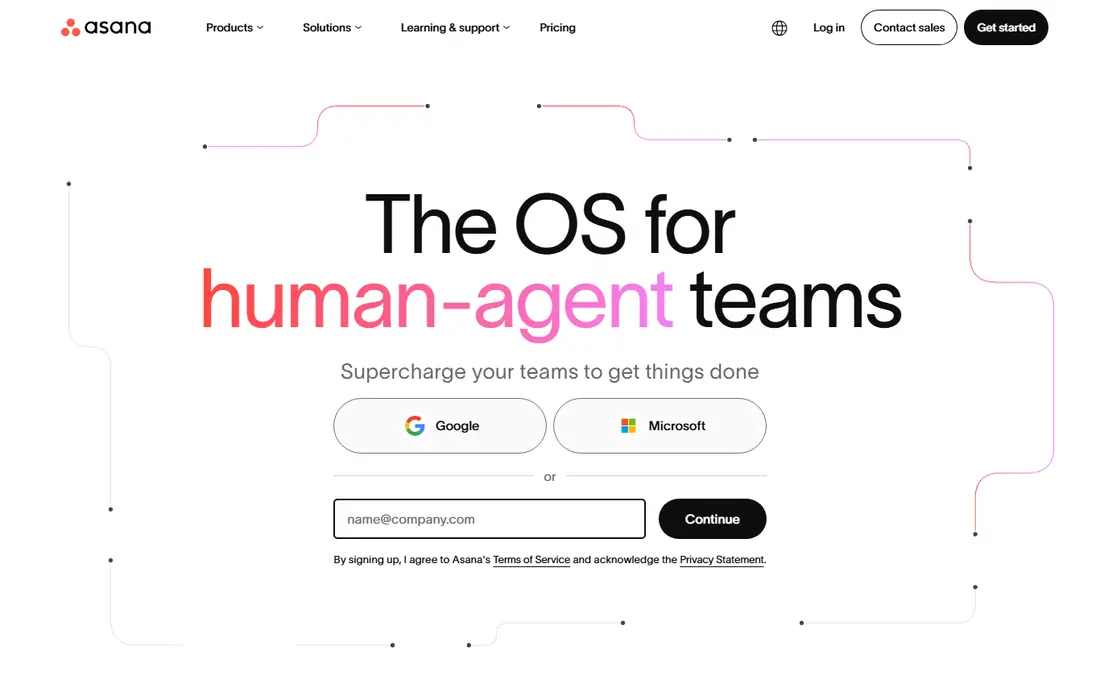
Asana suits a creative agency that runs campaigns across several clients and needs a clear view of who owns what. Timelines, portfolios, and goals help managers spot overload before a deadline slips, while approval tasks keep feedback in one place. Integrations with design and file tools reduce the need to chase assets by email.
The free plan is limited to a small team in recent coverage, so a growing agency will need a paid plan. Proofing features are useful but less specialised than Wrike, and per user pricing means freelancers and clients need careful seat planning. Starter is listed at $10.99 per user per month billed annually.
- Clear timelines and portfolios
- Approval workflows
- Strong integrations
- Free plan covers only one or two users in coverage
- Proofing is less deep than Wrike
- Costs rise with team size
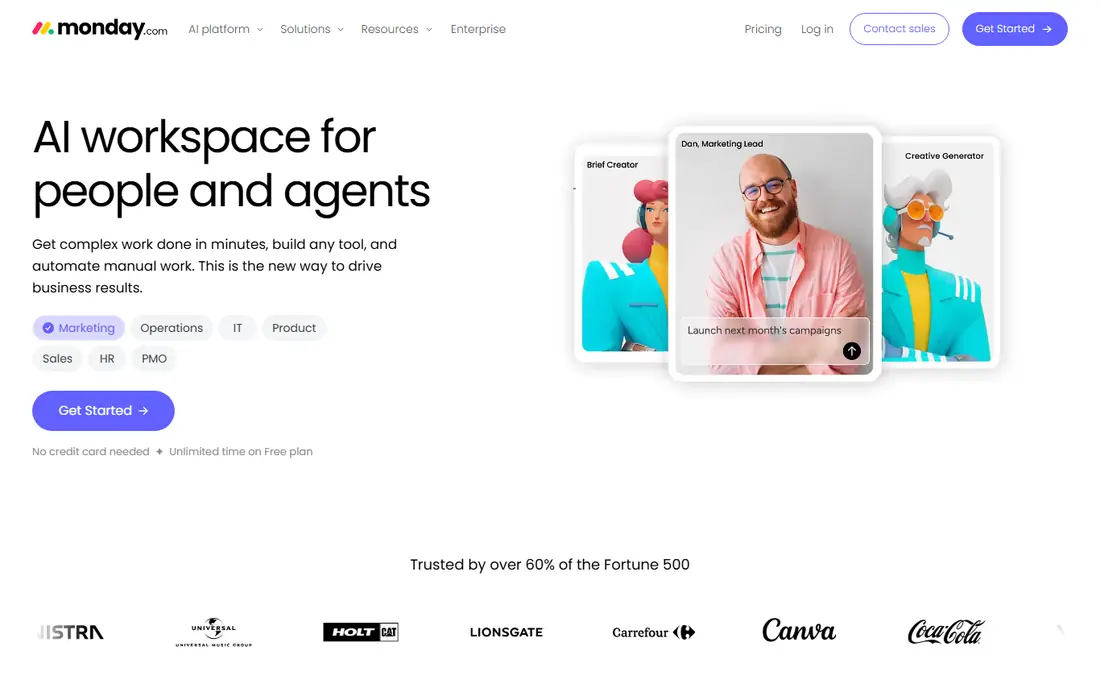
monday.com is the visual pick for creative teams. Boards, timelines, and dashboards make project status easy to see at a glance, which helps account managers share progress with clients without a separate report. Custom columns and automations let a team build intake, production, and approval stages that match its real process.
The free plan is capped at two seats in recent coverage, and paid plans carry seat minimums, so small teams should check the minimum before budgeting. Entry pricing is listed at $9 per seat per month billed annually in recent coverage, with higher tiers for automations and reporting. For teams that value visual clarity over deep proofing, monday.com is a strong fit.
- Colourful boards that teams adopt quickly
- Custom workflows
- Dashboards for clients
- Free plan capped at two seats in coverage
- Paid plans have seat minimums
- Costs rise with automations

Wrike is built for marketing and creative work, with request intake, proofing, and approval workflows at its core. A client or internal stakeholder can submit a brief through a form, the team can route it to the right designer, and reviewers can comment directly on creative assets. That closed loop reduces email threads and version confusion.
The trade-off is complexity. Wrike rewards setup time, and a team that skips templates may find the workspace busy. Entry pricing is listed at $10 per user per month billed annually for the Team plan in recent coverage, with a free plan for small teams. Agencies that live on approvals and revisions will get the most value here.
- Request forms and proofing tools
- Workload views
- Strong reporting
- Setup takes time
- Interface can feel busy
- Higher tiers needed for advanced features
ClickUp offers the most features per dollar in this list. Tasks, documents, whiteboards, goals, and chat sit in one workspace, which helps a small agency replace several tools. The free plan covers unlimited members in recent coverage, and Unlimited is listed at $7 per user per month billed annually.
That breadth needs discipline. Without clear templates and naming rules, a ClickUp workspace can grow messy fast. Agency billing and profitability reporting are also less native than in Teamwork or Workamajig. For a budget conscious agency willing to invest in setup, ClickUp is hard to beat on price.
- Tasks, docs, goals, and chat in one place
- Generous free plan
- Low entry price
- Setup and customisation take time
- Interface can feel crowded
- Agency billing needs workarounds
Teamwork.com is designed for client service firms, and that focus shows in its templates, time tracking, and budget tools. An agency can track hours against a project, see if work is on budget, and share a client view without exposing internal notes. That combination is valuable when profitability matters as much as delivery.
The interface is more functional than visual, so teams that love colourful boards may prefer monday.com. Pricing in recent coverage ranges from $9.99 to $10.99 per user per month depending on plan, with a free plan for up to five users, so confirm the current plan names at signup. For agencies that bill by the hour, Teamwork is a practical core system.
- Agency focused project templates
- Time tracking and billing features
- Client facing project views
- Interface is less visual than monday.com
- Pricing varies by plan name
- Learning curve for new users
Notion suits creative teams that live in documents. Briefs, brand guides, content calendars, and task boards can sit in one workspace, with links between them that keep context close. For a content team or a small studio, that flexibility is a strength, since the tool adapts to the workflow rather than forcing a fixed process.
For larger agencies, Notion is lighter on proofing, workload management, and profitability reporting than Wrike or Teamwork. Plus is listed at $10 per user per month billed annually in recent coverage, with a free plan for individuals and small teams. Use Notion as a docs and planning hub, and pair it with a dedicated PM tool if client billing grows complex.
- Docs, wikis, and tasks in one place
- Flexible brief templates
- Good for content planning
- Project features are lighter than dedicated PM tools
- Proofing is limited
- Reporting needs setup
Trello remains the simplest way to run a creative board. Cards move across columns for brief, design, review, and delivery, and attachments, checklists, and due dates cover most small project needs. For a team of a few people or a freelancer managing client work, that simplicity is a feature, not a gap.
Scale is the limit. Trello struggles with cross-project reporting, workload views, and formal proofing at agency scale. Standard is listed at $5 per user per month billed annually in recent coverage, with a free plan for up to ten boards. Start with Trello if your process is simple, and move up when reporting becomes a weekly pain.
- Easiest kanban setup
- Low price
- Good for small teams and freelancers
- Limited reporting and proofing
- Large portfolios get messy
- Advanced features need paid tiers
Airtable suits agencies that manage content as data: campaigns, assets, channels, dates, and owners in linked tables. Grid, kanban, calendar, and gallery views let the same data serve planners, designers, and clients in different ways. For content operations, that flexibility beats a simple task list.
Airtable is not a ready-made agency PM tool. Workflows, approvals, and billing need building with views, automations, and integrations. Team is listed at $20 per user per month billed annually in recent coverage, which is higher than most picks here. Choose Airtable when content data is the core problem, not just task tracking.
- Database views for content and assets
- Strong filtering and linked records
- Good for content calendars
- Higher entry price
- Project features need building
- Per user cost adds up
Basecamp takes a different pricing approach: a flat monthly fee for unlimited users on its Pro Unlimited plan, listed at $299 per month billed annually in recent coverage, plus a per user Plus option. For a large agency with many freelancers and clients, flat pricing can beat per seat costs that grow with every collaborator.
The tool itself is deliberately simple, with projects, messages, to-dos, schedules, and files. That simplicity helps client communication, but agencies that need proofing, workload views, or profitability reporting will find Basecamp thin. Choose it when predictable pricing and simple client work matter more than advanced PM depth.
- Flat pricing avoids per seat growth
- Simple projects, messages, and files
- Client friendly
- Fewer advanced PM features
- Reporting is basic
- Flat price is high for tiny teams
How we picked these
We compared official pricing pages and recent product coverage for project tools that exist in October 2026 and serve creative and marketing agencies. We kept tools with clear project, approval, or client features, not generic to-do apps. We removed tools that had closed, that were hard to verify, or that served only software development without creative workflow features.
We also kept a mix of prices and agency types. A small studio, a mid-size agency, and a large client service firm have different needs, so the list includes simple kanban, visual boards, proofing tools, and agency billing systems. Each pick states its limits, so readers can shortlist based on their biggest pain: approvals, client visibility, or profitability.
How to choose for a creative agency
Start with your biggest bottleneck. If approvals and revisions cause delays, prioritise proofing tools such as Wrike. If client visibility and billing cause friction, prioritise Teamwork or Workamajig style systems. If your team is small and needs speed, prioritise a simple board such as Trello or monday.com.
Check who needs a paid seat
Freelancers, designers, and clients often need access, but not every tool charges for every viewer. Check guest, collaborator, and client roles before counting seats, since a tool that looks cheap per seat can cost more once clients are added. Basecamp flat pricing changes this maths for large teams.
Trial with a real project, not a demo
Run one live client project through your shortlisted tool, from brief intake to final delivery. Test proofing, approvals, time tracking, and client sharing in that project. A tool that feels good in a demo can fail on revision rounds, file versions, or reporting, which only a real project reveals.
Keep templates and naming rules from day one
Creative work grows messy without templates for briefs, projects, and file names. Build templates for your most common project types before you invite the whole team. Agree on status labels, owner rules, and approval steps, and review them after the first month.
FAQ
What is the best project management software for marketing agencies?
Wrike and Teamwork are strong agency picks, because Wrike covers intake and proofing while Teamwork covers client projects, time, and budgets. Asana and monday.com suit agencies that need clear planning and dashboards without agency billing depth. The best choice depends on whether approvals or profitability is your bigger problem.
What is the best project management software for creative teams?
For visual creative teams, monday.com and Asana are easy to adopt and show work clearly. For teams that live on revisions, Wrike proofing is the deciding feature. Small teams can start with Trello or Notion and move up when reporting or client work grows complex.
Is ClickUp good for creative agencies?
Yes, for agencies that want one workspace for tasks, docs, and goals at a low price. ClickUp needs setup time and clear templates to avoid clutter, and agency billing needs workarounds. Agencies that bill by the hour may prefer Teamwork, while agencies that want an all-in-one workspace on a budget will like ClickUp.
How much does agency project management software cost?
Entry paid plans in this list range from $5 to $20 per user per month billed annually in recent coverage, with Basecamp offering flat pricing instead. Free plans cover small teams, but proofing, reporting, and client features usually need paid tiers. Count paid seats, seat minimums, and add-ons before comparing headline prices.
Do clients need a paid seat?
It depends on the tool. Some tools offer free guest or client views, while others charge for collaborators with edit access. Check the vendor's guest and client role rules before budgeting, since client access can change the total cost more than the headline per seat price.
What is Workamajig, and should agencies consider it?
Workamajig is an agency specific system that combines projects, budgets, time tracking, and billing in one place. It suits agencies and in-house creative studios that need profitability reporting beside project delivery. Pricing is quote based in recent coverage, so it fits larger agencies better than small studios that need a quick self-serve start.