Best Project Management Software for Designers in 2026: 8 Tools Compared
We compared the best project management software for designers on visual boards, file feedback, timelines, and price, so creative teams can pick the right fit.

- Editor's choice
 Asana
Structured design teams
Starts at$10.99 per user per monthVisit asana.comFull review - Great alternative
 monday.com
Visual creative workflows
Starts at$9 per seat per monthVisit monday.comFull review - Also consider
 ClickUp
Feature-rich teams on a budget
Starts at$7 per user per monthVisit clickup.comFull review
TL;DR:
- Asana is the safest structured pick for design teams that need timelines, owners, and portfolios.
- monday.com suits teams that want to shape boards around their own creative process.
- ClickUp gives the most features per dollar, but it needs more setup time.
- Milanote is the best visual board for early ideas, moodboards, and client presentations.
Quick comparison
| Tool | Best for | Starts at | Free plan? | |
|---|---|---|---|---|
| Asana | Structured design teams | $10.99 per user per month | Yes | Visit |
| monday.com | Visual creative workflows | $9 per seat per month | Yes | Visit |
| ClickUp | Feature-rich teams on a budget | $7 per user per month | Yes | Visit |
 Trello | Simple kanban for small design teams | $5 per user per month | Yes | Visit |
 Notion | Docs, briefs, and tasks in one place | $10 per user per month | Yes | Visit |
 Wrike | Larger creative operations | $10 per user per month | Yes | Visit |
 Basecamp | Teams that want flat, simple pricing | See website | Free trial | Visit |
 Milanote | Visual planning and moodboards | See website | Yes | Visit |
The best project management software for designers
Design work needs more than a task list. Files, feedback rounds, approvals, and deadlines all sit on top of each other, so a good tool must show the work visually and keep comments close to the files they refer to.

['Asana gives a design team a clear chain from brief to delivery, with an owner and a due date on every task.'] Its strengths include clear tasks, timelines, and portfolios, proofing and approvals on higher plans, and a large integration library. The trade-offs are portfolios and advanced reporting need higher tiers and per-seat cost grows with team size. Pricing starts at $10.99 per user per month, with a free plan status of Yes. For buyers where structured design teams matters most, it is worth a short trial on real work before you commit, so you can see how setup, speed, and support feel in daily use. In short, Asana fits structured design teams better than it fits a buyer who only wants the lowest entry price and is willing to accept a weaker fit elsewhere.
- Clear tasks, timelines, and portfolios
- Proofing and approvals on higher plans
- A large integration library
- Portfolios and advanced reporting need higher tiers
- Per-seat cost grows with team size
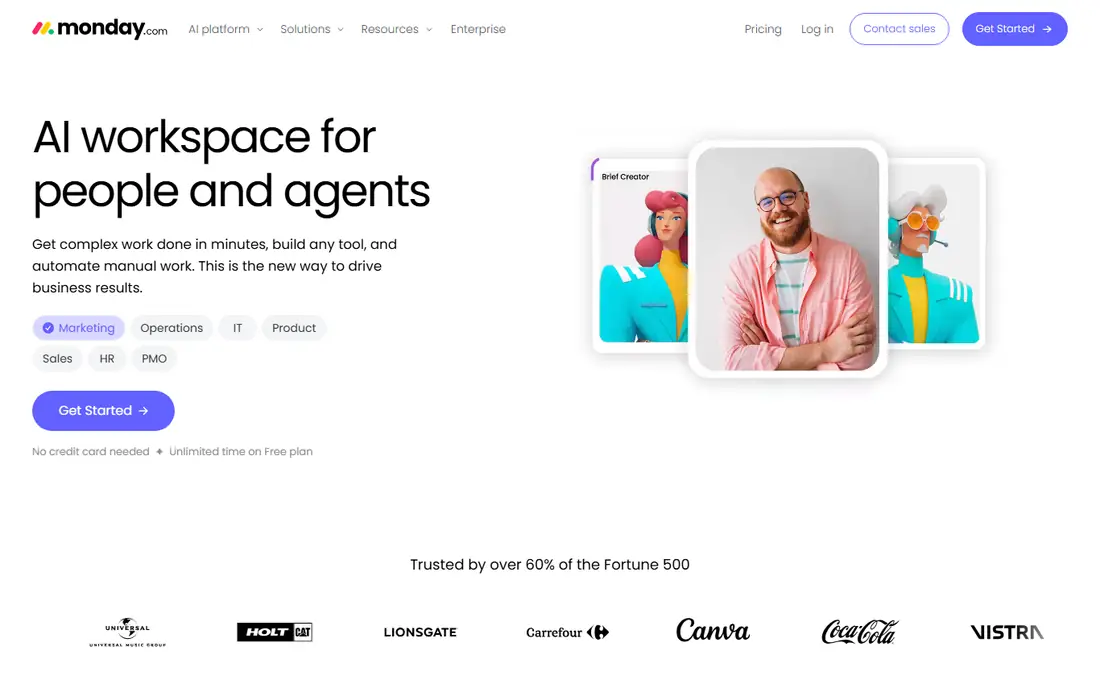
['monday.com lets a design team build boards that match how it actually works, from intake to final files.'] Its strengths include highly visual boards and dashboards, flexible columns for creative stages, and automations from the Standard plan up. The trade-offs are the free plan covers only two seats and flexibility can turn into messy boards without rules. Pricing starts at $9 per seat per month, with a free plan status of Yes. For buyers where visual creative workflows matters most, it is worth a short trial on real work before you commit, so you can see how setup, speed, and support feel in daily use. In short, monday.com fits visual creative workflows better than it fits a buyer who only wants the lowest entry price and is willing to accept a weaker fit elsewhere.
- Highly visual boards and dashboards
- Flexible columns for creative stages
- Automations from the Standard plan up
- The free plan covers only two seats
- Flexibility can turn into messy boards without rules
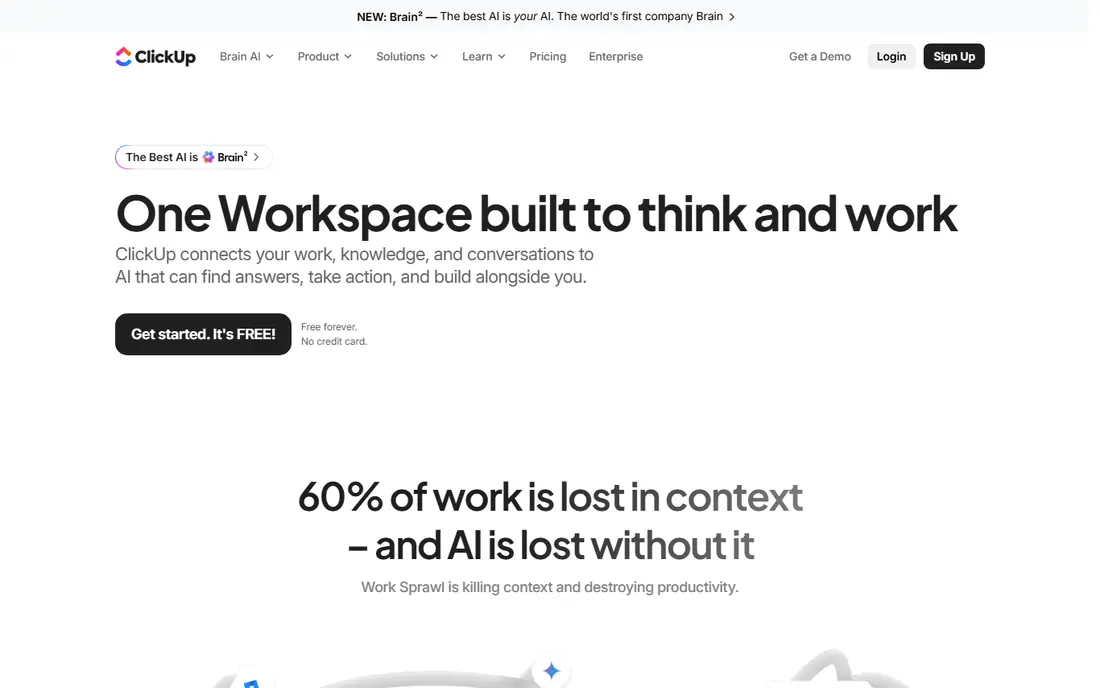
['ClickUp packs a large share of project, docs, and goal tools into one subscription, which suits teams that want one home for the work.'] Its strengths include many views, docs, goals, and automations in one place, a generous free plan for small teams, and whiteboards and docs beside tasks. The trade-offs are the range of options can feel busy at first and setup needs clear rules to stay tidy. Pricing starts at $7 per user per month, with a free plan status of Yes. For buyers where feature-rich teams on a budget matters most, it is worth a short trial on real work before you commit, so you can see how setup, speed, and support feel in daily use. In short, ClickUp fits feature-rich teams on a budget better than it fits a buyer who only wants the lowest entry price and is willing to accept a weaker fit elsewhere.
- Many views, docs, goals, and automations in one place
- A generous free plan for small teams
- Whiteboards and docs beside tasks
- The range of options can feel busy at first
- Setup needs clear rules to stay tidy
['Trello keeps design stages visible at a glance, which is often enough for a small studio or a freelance workflow.'] Its strengths include simple drag-and-drop boards anyone can learn, Power-Ups for calendars, files, and automation, and a free plan that covers basic boards. The trade-offs are reporting and workload tools are limited and large portfolios need careful board design. Pricing starts at $5 per user per month, with a free plan status of Yes. For buyers where simple kanban for small design teams matters most, it is worth a short trial on real work before you commit, so you can see how setup, speed, and support feel in daily use. In short, Trello fits simple kanban for small design teams better than it fits a buyer who only wants the lowest entry price and is willing to accept a weaker fit elsewhere.
- Simple drag-and-drop boards anyone can learn
- Power-Ups for calendars, files, and automation
- A free plan that covers basic boards
- Reporting and workload tools are limited
- Large portfolios need careful board design
['Notion suits design teams that live in briefs, brand notes, and reference files as much as in task lists.'] Its strengths include docs, wikis, and tasks in one workspace, flexible pages for briefs and brand files, and templates for creative workflows. The trade-offs are project timelines are lighter than Asana or monday.com and large workspaces need structure to stay findable. Pricing starts at $10 per user per month, with a free plan status of Yes. For buyers where docs, briefs, and tasks in one place matters most, it is worth a short trial on real work before you commit, so you can see how setup, speed, and support feel in daily use. In short, Notion fits docs, briefs, and tasks in one place better than it fits a buyer who only wants the lowest entry price and is willing to accept a weaker fit elsewhere.
- Docs, wikis, and tasks in one workspace
- Flexible pages for briefs and brand files
- Templates for creative workflows
- Project timelines are lighter than Asana or monday.com
- Large workspaces need structure to stay findable
['Wrike is aimed at marketing and creative operations, so its proofing and approval tools fit review-heavy design work.'] Its strengths include proofing and approvals built for creative work, workload views and custom workflows, and strong reporting on paid plans. The trade-offs are the interface takes time to learn and some proofing depth needs higher tiers. Pricing starts at $10 per user per month, with a free plan status of Yes. For buyers where larger creative operations matters most, it is worth a short trial on real work before you commit, so you can see how setup, speed, and support feel in daily use. In short, Wrike fits larger creative operations better than it fits a buyer who only wants the lowest entry price and is willing to accept a weaker fit elsewhere.
- Proofing and approvals built for creative work
- Workload views and custom workflows
- Strong reporting on paid plans
- The interface takes time to learn
- Some proofing depth needs higher tiers
['Basecamp trades depth for calm, which suits design teams that want one shared place without a maze of settings.'] Its strengths include flat-rate pricing instead of per-seat billing, message boards, to-dos, and files in one place, and a calm interface with little setup. The trade-offs are it lacks the deep timelines of Asana and automation is lighter than ClickUp or monday.com. Pricing starts at See website, with a free plan status of Free trial. For buyers where teams that want flat, simple pricing matters most, it is worth a short trial on real work before you commit, so you can see how setup, speed, and support feel in daily use. In short, Basecamp fits teams that want flat, simple pricing better than it fits a buyer who only wants the lowest entry price and is willing to accept a weaker fit elsewhere.
- Flat-rate pricing instead of per-seat billing
- Message boards, to-dos, and files in one place
- A calm interface with little setup
- It lacks the deep timelines of Asana
- Automation is lighter than ClickUp or monday.com
['Milanote works best at the front of a design project, where ideas, images, and references need room to breathe.'] Its strengths include visual boards for images, notes, and links, an easy way to share boards with clients, and templates for creative briefs and moodboards. The trade-offs are task management is lighter than full project tools and reporting is limited. Pricing starts at See website, with a free plan status of Yes. For buyers where visual planning and moodboards matters most, it is worth a short trial on real work before you commit, so you can see how setup, speed, and support feel in daily use. In short, Milanote fits visual planning and moodboards better than it fits a buyer who only wants the lowest entry price and is willing to accept a weaker fit elsewhere.
- Visual boards for images, notes, and links
- An easy way to share boards with clients
- Templates for creative briefs and moodboards
- Task management is lighter than full project tools
- Reporting is limited
How we picked these
We compared official feature pages, pricing pages, and app store listings for tools that are live and supported in October 2026. We kept only products that truly fit best project management software for designers, and we dropped tools that were discontinued, vague about pricing, or built for a different job. We weighed visual boards, file proofing, timelines, client sharing, and integrations with design tools, plus ease of setup and support for small teams. Where a price was not published, we wrote See website rather than guessing, and we noted free plans and trials exactly as vendors state them.
How to choose project software for a design team
Start with the job, not the brand. For best project management software for designers, the factors that matter most are visual views, proofing and comments, file handling, timelines, and guest access for clients. Write those down before you look at pricing, because vendors describe the same feature in very different ways. Per-seat pricing adds up fast on a creative team, especially when freelancers join for one project. Check guest access, minimum seats, and what happens to files and comments when a seat is removed. Run a trial with real work, real staff, and a clear deadline. Check how long setup takes, how quickly support replies, and whether the reports you need are easy to find without help. If the trial feels like work to maintain, that is a useful warning, because daily use will not get easier after you pay.
FAQ
What is best project management software for designers?
The best starting point is to list what you must do every week with best project management software for designers, then test two or three tools on that exact work. A free plan or trial will show fit faster than a feature list alone, and it keeps you from paying for depth you never use.
How much does best project management software for designers cost?
Cost depends on seats, volume, and add-ons, so compare the total monthly bill, not only the headline plan price. Check what is included at the entry tier, what triggers an upgrade, and whether annual billing changes the rate.
Can I switch later if I pick the wrong tool?
Most tools on this list let you export core data or connect to other apps, but the ease varies a lot. Ask about export formats, migration help, and contract length before you move a whole team onto one platform.
Which option is best for a small team?
For a small team, the simplest tool that covers the core job usually wins, because setup and training stay light. Larger teams should weigh admin controls, permissions, and reporting more heavily than a low entry price.
Should I use a free plan or a trial first?
Trials are worth using with real data and a real deadline, not a demo account. Give one owner the test, set the tasks you will judge, and decide on that evidence rather than on a sales call alone.