Best Project Management Software for Consulting Firms in 2026: 8 Tools Compared
best project management software for consulting firms compared: 8 tools for client work, billable time and portfolios, with pricing and pros and cons.

- Editor's choice
 Asana
Structured client work and portfolios
Starts at$10.99 per user per monthVisit asana.comFull review - Great alternative
 monday.com
Visual client workflows
Starts at$9 per user per monthVisit monday.comFull review - Also consider
 ClickUp
Feature-rich value for growing firms
Starts at$7 per user per monthVisit clickup.comFull review
TL;DR:
- Consulting firms need client separation, billable time, and portfolio views, not just task lists for one internal team.
- Per-seat pricing adds up fast for firms with many consultants and clients, so check guest, client, and collaborator access rules.
- Time tracking, budgets, and reporting matter more for consulting than for many other project uses, since they feed invoices.
- The best tool is one consultants actually update, so test adoption with a real client engagement before rolling out firm-wide.
Quick comparison
| Tool | Best for | Starts at | Free plan? | |
|---|---|---|---|---|
| Asana | Structured client work and portfolios | $10.99 per user per month | Yes | Visit |
| monday.com | Visual client workflows | $9 per user per month | Yes | Visit |
| ClickUp | Feature-rich value for growing firms | $7 per user per month | Yes | Visit |
 Wrike | Workload and resource planning | $10 per user per month | Yes | Visit |
 Smartsheet | Spreadsheet-style consulting plans | $9 per user per month | Free trial | Visit |
 Zoho Projects | Budget-friendly consulting tracking | $4 per user per month | Yes | Visit |
 Basecamp | Flat-rate simplicity for small firms | See website | Free trial | Visit |
 Teamwork | Client-facing agency and consulting work | See website | Free trial | Visit |
The best project management software for consulting firms
We compared official pricing pages, feature lists, and public reviews for project tools that consulting firms use for client engagements. Each tool below handles tasks and timelines, but we note how well it handles client work, time, budgets, and portfolios.
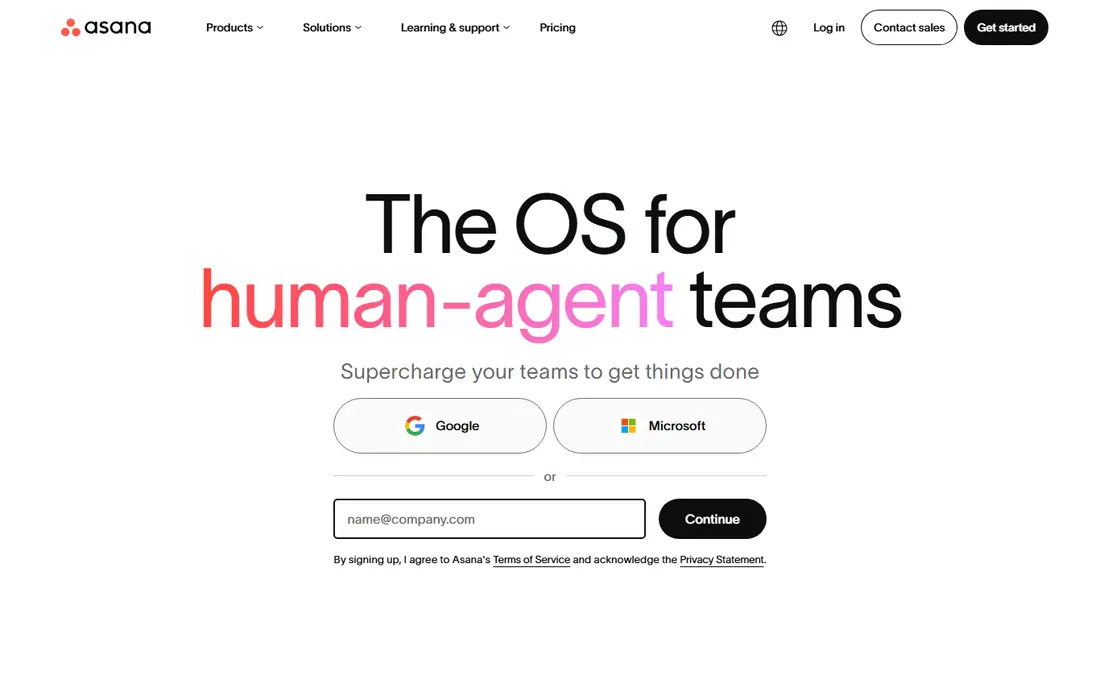
Asana is our pick for most consulting firms that want structured, repeatable client work. Tasks have owners and due dates, timelines show dependencies, and portfolios give partners a view across many engagements at once. That structure helps a firm run similar engagements in a consistent way, even as consultants join and leave projects.
The free plan covers small teams, but timelines, dashboards, and portfolios sit on paid tiers, so a growing firm should budget per seat. Advanced reporting also needs higher plans. For a firm that values clean structure and fast adoption, Asana remains a strong default.
- Clear task ownership and timelines
- Portfolios for many clients
- Strong automations from Starter
- Per-seat cost grows with team size
- Advanced reporting needs higher tiers
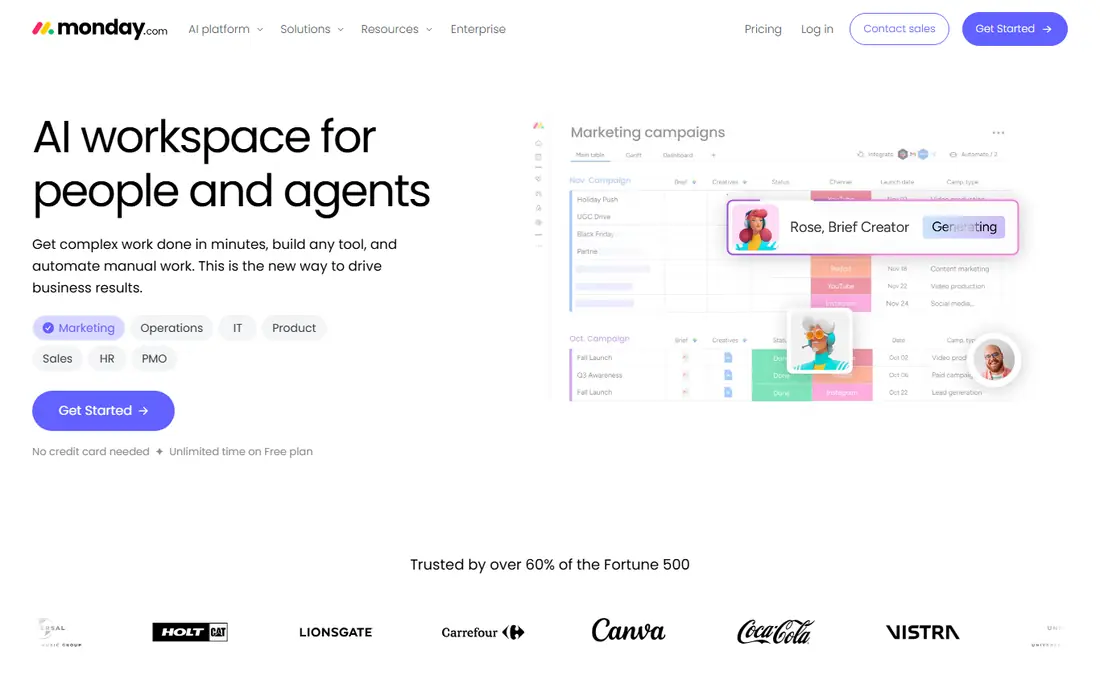
monday.com suits consulting firms that want a visual view of each engagement, from pipeline to delivery. Boards can be shaped to match a firm's own stages, dashboards show progress across clients, and automations move work forward without manual updates. Clients can get a clear status view without seeing internal detail, when permissions are set carefully.
Lower tiers limit automations, and a highly customized setup takes time to build and maintain. The three-seat minimum on paid plans also matters for very small firms. For a visual, flexible firm that wants boards shaped to its own method, monday.com is a good fit.
- Flexible boards for each client
- Dashboards and automations
- Easy client status views
- Automations are limited on lower tiers
- Setup time grows with customization
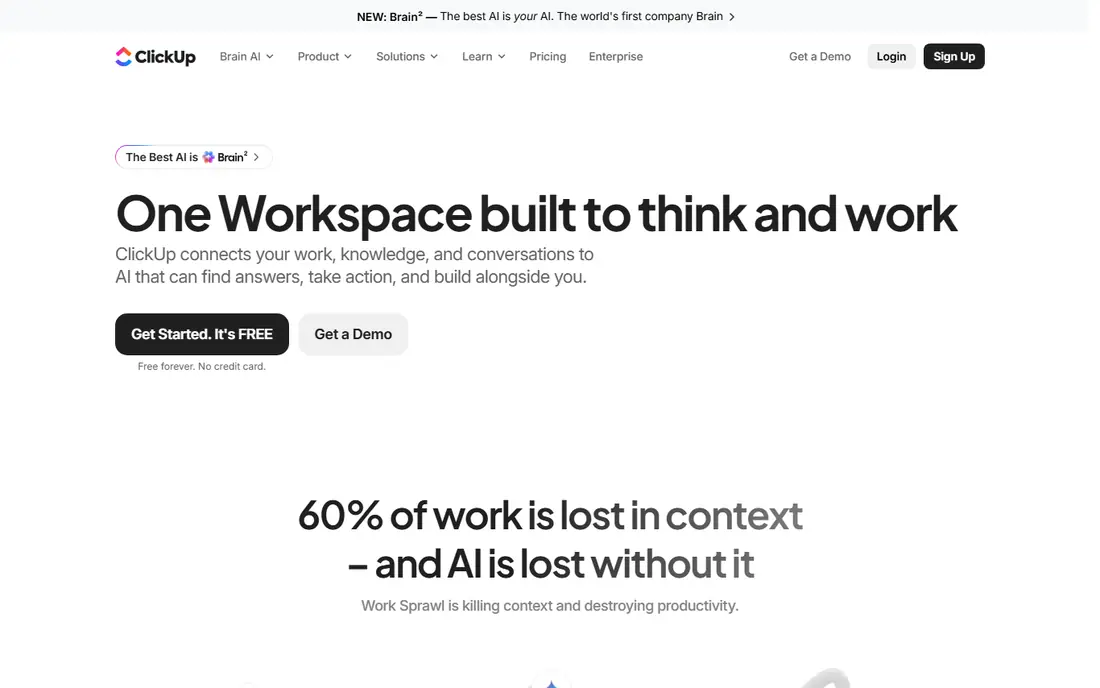
ClickUp offers the most features per dollar on this list, with tasks, docs, time tracking, goals, and dashboards in one system. That breadth suits a growing consulting firm that wants to avoid paying for several separate tools. The free plan is generous, and paid tiers stay competitive as the firm grows.
The risk is clutter. With so many views and options, a firm can build a system that consultants find busy and avoid updating. Discipline in setup, with a small set of standard views per engagement, keeps ClickUp usable. For a value-focused firm willing to set standards, ClickUp is excellent.
- Many features per dollar
- Time tracking, docs, and goals in one place
- Generous free plan
- Feature depth can feel busy
- Setup needs discipline to stay simple
Wrike suits larger consulting firms that need to plan who is working on what across many engagements. Workload views show capacity, timelines show dependencies, and reporting helps partners spot overloaded consultants before deadlines slip. That resource view is valuable when staff split time across several clients.
New users face a learning curve, and some advanced features sit on higher tiers, so the entry price is not the full story. Smaller firms may find Wrike more system than they need. For a firm where staffing and capacity are the main challenge, Wrike offers the planning depth to match.
- Strong workload and resource views
- Good for larger consulting teams
- Detailed reporting
- Learning curve for new users
- Some features need higher tiers
Smartsheet suits consultants who think in spreadsheets and plans, with rows, formulas, and Gantt views that feel familiar. It works well for engagement plans, budgets, and client reporting, and it can be shared with clients in a controlled way. Firms that already run engagements in spreadsheets can move to Smartsheet without a sharp change in habits.
Smartsheet is less task-focused than dedicated task tools, so daily task updates may feel less natural. Permission settings also need care when sharing with clients. For a firm that plans in tables and reports in sheets, Smartsheet is a natural, low-friction choice.
- Familiar spreadsheet layout
- Strong for plans, budgets, and timelines
- Good for client reporting
- Less task-focused than Asana or ClickUp
- Collaboration features need care with permissions
Zoho Projects is the budget pick for consulting firms that need solid project tracking without a high per-seat cost. Tasks, milestones, time tracking, and budgets cover the core consulting needs, and the low starting price keeps a growing team affordable. Firms already using Zoho CRM or Zoho Books get a smoother fit.
The interface is less polished than Asana or monday.com, and integrations outside the Zoho suite are thinner. That matters less for a firm that lives inside Zoho. For a cost-conscious consulting firm, Zoho Projects delivers the essentials at a price few rivals match.
- Low entry price
- Time tracking and budgets included
- Good for Zoho users
- Interface is less polished than leaders
- Integrations outside Zoho are thinner
Basecamp suits small consulting firms that hate per-seat pricing and want a calm, simple workspace. A flat rate covers the team and clients, with message boards, to-dos, schedules, and file sharing in one place. Clients can be invited without a maze of permissions, which helps small firms that work closely with a few clients.
Basecamp lacks the advanced reporting, automations, and portfolio depth of larger tools, so a firm with many engagements or complex staffing needs may outgrow it. For a small firm that values simplicity and predictable cost over depth, Basecamp is a refreshing choice.
- Flat pricing avoids per-seat growth
- Simple, calm interface
- Client access included
- Fewer advanced reporting and automation features
- Less suited to complex portfolios
Teamwork is built for agencies and consulting firms that run client work as their core business. Portfolios, time tracking, budgets, and client-facing views help a firm manage many engagements and bill accurately. That client focus shows in features such as client users, project templates, and workload planning.
Pricing is not fully published for all tiers, so a quote is needed for an exact budget. Some teams also need time to learn the full feature set. For a consulting firm that wants a tool designed around client delivery rather than adapted to it, Teamwork is a strong option.
- Built for client work with portfolios and time
- Client portal features
- Good for billable teams
- Pricing is not fully published
- Interface takes time to learn for some teams
How we picked these
We compared official pricing pages, feature lists, and public reviews for project tools that consulting firms use in 2026. We favored tools with client separation, time tracking, budgets, and portfolio views, plus a clear price or free tier. Where pricing was not published, we marked it as See website rather than guessing.
How to choose project software for a consulting firm
Start with how you bill, since time and budgets shape the tool choice. If you bill by the hour, time tracking must be easy and tied to tasks and invoices. If you bill fixed fees, budget tracking and milestone views matter more. Test the full path from task to timesheet to invoice during a trial, using a real past engagement as the test case.
Next, check client access. Clients should see status, documents, and messages for their own engagement, without seeing other clients or internal notes. Ask how guest access, permissions, and client portals work, and whether clients count toward paid seats. A tool that charges for every client viewer can become costly for a firm with many clients.
Finally, test adoption with a real team. Give consultants one engagement in the new tool and watch whether they update tasks and time without reminders. A tool that looks good in a demo but adds friction to a busy consultant's day will fail, no matter how strong its reporting. The right tool is the one your team will actually use on a Friday afternoon.
FAQ
What should consulting firms look for in project management software?
Look for client separation, portfolios across engagements, time tracking, budgets, and reporting that feeds invoices. Task and timeline views matter, but consulting work also needs client access controls and a way to see workload across many clients. Test those features with a real engagement, not just a demo project.
How much does project management software for consulting firms cost?
Entry prices on this list range from $4 to about $11 per user per month on annual billing, with flat-rate options such as Basecamp as an alternative. Costs grow with seats, clients counted as users, and higher tiers for reporting and portfolios. Always check guest and client access rules before estimating the total.
Can clients see project progress?
Most tools allow client or guest access to selected projects, boards, or portals, with permissions to hide internal tasks and notes. Check exactly what a client can see and whether client viewers count toward paid seats. A clear client view reduces status meetings and builds trust.
Do consulting firms need time tracking built in?
For hourly billing, built-in time tracking saves manual work and reduces errors, since time is tied directly to tasks and clients. For fixed-fee work, time tracking still helps with profitability, even if it does not feed an invoice directly. If your tool lacks time tracking, you will need a separate tool and a manual link.
How do we move from spreadsheets to project software?
Start with one engagement type and build a template for it, rather than moving every project at once. Import tasks, clients, and timelines for a current engagement, train the team on that template, and refine it before rolling out firm-wide. A phased move with a clear template works better than a sudden switch.